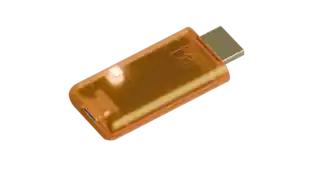
Elgato - Cam Link 4K – Windows & macOS - Black
Customers are saying
Customers are pleased with the product's ease of use, fantastic video quality, and reliable overall performance. While users appreciate the broad compatibility and HDMI functionality, some have noted concerns regarding the higher price point and occasional heat generation. Additionally, a few customers mentioned experiencing minor latency issues and limitations with resolution settings. Some users also suggested that the software configuration could be more intuitive.
Features
Pro webcam
Connect a DSLR or mirrorless camera to any computer.
Stunning quality
Shoot video in 1080p60 or even 4K up to 60 fps*.
Share anywhere
Works in any app, from OBS to Zoom meetings.
Plug and play
Ready out of the box, no software or drivers needed.
Compatibility
Even connect a camcorder, action cam, or iPhone.
Ultra-low latency
Ensures your video and audio are always in sync.
iPad support**
Create the ultimate field monitor to preview shots.
Specifications
- Video Input(s)HDMIVideo Output(s)HDMIMaximum Supported Resolution (Video Capture)2160p (4K) @ 60 FPSCompatible Platform(s)Mac/Windows
Reviews
Rating 4.7 out of 5 stars with 1239 reviews
Top Mentions
- Ease of use (351)
- Video Quality (250)
- Overall Performance (160)
- Compatibility (107)
- HDMI (59)
- Price (30)
- Heat (19)
- Latency (19)
- Resolution (9)
- Software (7)
Customer Images
The vast majority of our reviews come from verified purchases. Reviews from customers may include My Best Buy members, employees, and Tech Insider Network members (as tagged). Select reviewers may receive discounted products, promotional considerations or entries into drawings for honest, helpful reviews.




Compare similar products

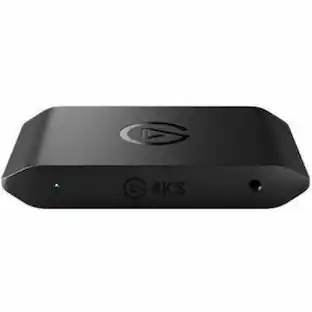
Cam Link 4K transforms your DSLR or mirrorless camera into the ultimate webcam. One end connects to your cam’s HDMI port; the other to your computer via USB. Meet, stream, and record in stunning Full HD or even 4K up to 60 fps*. Ready to use right out of the box, Cam Link 4K works in your favorite apps—from OBS Studio to Zoom and Discord. It supports almost any camera, including camcorders, action cams, and iPhones**. With ultra-low latency, your video and audio are always in perfect sync. Connected to an iPad***, Cam Link 4K even helps you preview shots like a field monitor.

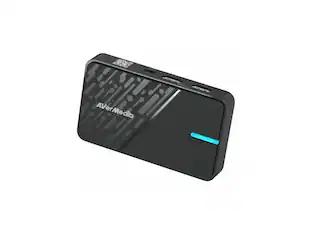
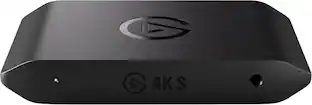
Showcase your gameplay at its best with Elgato Game Capture 4K S. Play and capture in crisp 4K60, ultra-smooth 1440p120, or even 1080p240—all with near-zero latency. With VRR passthrough, HDR10 capture on Windows, and analog audio input, this external USB-C card delivers pro-level features in a plug-and-play form factor. Whether you’re streaming or recording, it works seamlessly on Windows, macOS, and iPadOS—no drivers needed. 4K S is compatible with OBS Studio, Streamlabs, Discord, Zoom, and more. Connect your PS5, Xbox, or docked Switch 2, and share your gameplay in cinematic detail.
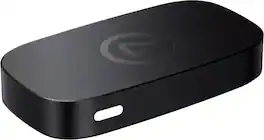
Great content made easy. Play stunning 4K60 HDR games without image quality loss or lag, and record or stream your adventures in beautiful Full HD 1080p60 resolution. Game Capture Neo sends two video signals from your console – one to your gaming screen and the other to your laptop, PC, Mac, or iPad. Capture everything you see and hear – gameplay, cutscenes, soundtrack – without watermarks or time limits, directly to your hard drive, YouTube, or Twitch. Stick to simple QuickTime recordings or develop your streaming expertise in OBS. As your skillset expands, Game Capture Neo evolves with your growing needs. So you can keep growing your community.

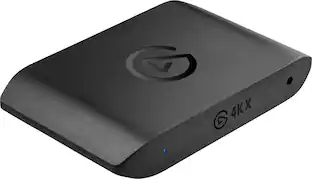
4K X is game capture at its best. Equipped with HDMI 2.1, our most powerful USB card lets you capture the latest titles up to 4K with HDR at 144 frames per second, or even 1080p240. Say goodbye to screen tearing with VRR passthrough. Enjoy ultra-low latency technology that keeps your broadcast and gameplay synced. 4K X works with almost any HDMI-compatible device, including PS5, Xbox Series X, Switch, Steam Deck, PC, Mac, even your iPhone 15. And it works seamlessly with leading broadcast apps like OBS, so you can stream like a pro on Twitch, YouTube, or Discord.
| Pros for Elgato - Cam Link 4K – Windows & macOS - Black | |||
|---|---|---|---|
| Ease of use, Video Quality, Overall Performance, Compatibility, HDMI | Overall Performance, Ease of Use, Video Quality, Setup, Latency | Overall Performance, Ease of Use, Video Quality, Compatibility, Design | Overall Performance, Ease of use, HDMI, Video Quality, Setup |
| Cons for Elgato - Cam Link 4K – Windows & macOS - Black | |||
| Software, Price, Heat, Latency, Resolution | There were no cons for this product— | Connectivity | Connectivity, Software, Lag, Frame Rate |
Specs
More to consider
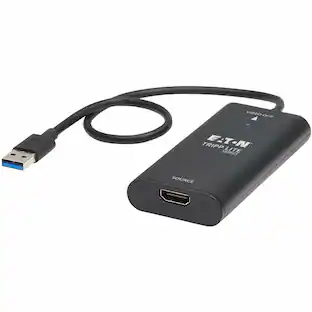
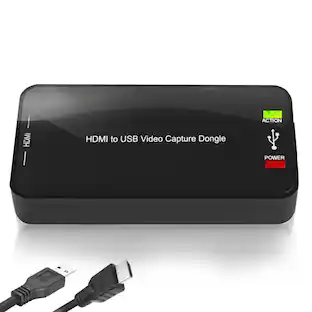
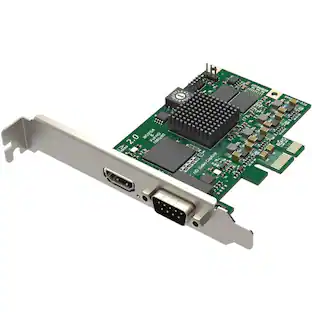
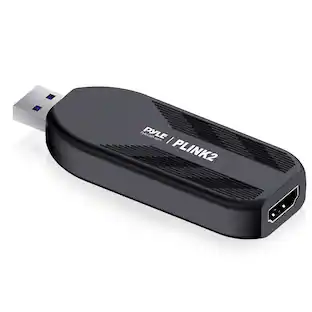
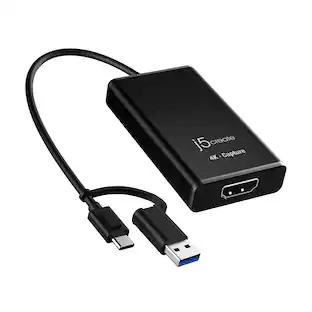
Tripp Lite HDMI to USB Video Capture Adapter, 4K 60 Hz, USB 3.2 Gen 1, TAA
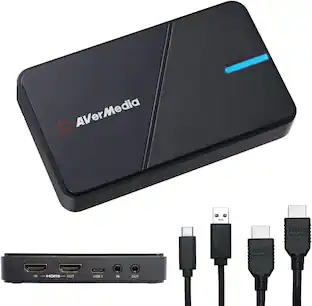
$155.93The price was $375.86AVerMedia GC551G2 Live Gamer Extreme 3,Plug and Play 4K Capture Card for Gaming
$129.99The price was $169.99
Explore tech essentials Sponsored
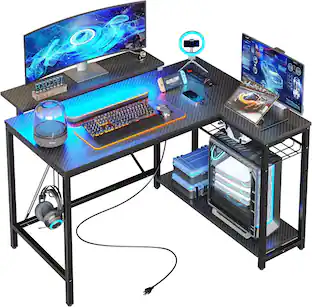
Bestier L-Shaped Gaming Desk with Power Outlets LED Lights and Reversible Storage Shelves & Hooks - 42" Wide
Black Friday Deal$85.99The price was $149.99Glorious GMMK 3 PRO HE 75% Wireless Hall-Effect Linear Switch Gaming Keyboard with Rapid Trigger and Adjustable Actuation
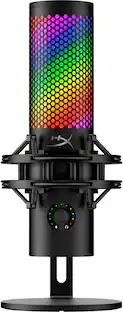
Black Friday Deal$189.99The price was $399.99HyperX QuadCast 2 S Wired Multi-Pattern USB Electret Condenser Microphone
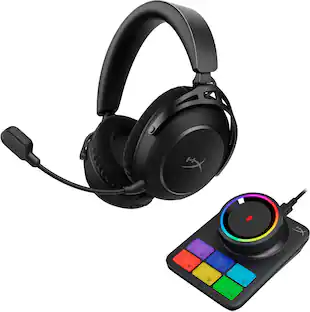
Black Friday Deal$149.99The price was $199.99HyperX Cloud Alpha 2 Wireless Gaming Headset for PC, PS5, PS4, Nintendo Switch, Mac, Mobile, and Bluetooth
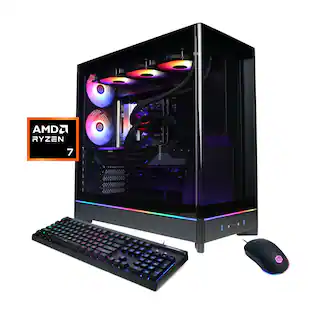
Black Friday Deal$199.99The price was $299.99CyberPowerPC Gaming Desktop - AMD Ryzen 7 9800X3D 2024 - AMD Radeon RX 9070 16GB - 32GB DDR5 Memory - 1TB SSD Storage
$1,849.99The price was $2,499.99

Discover related products
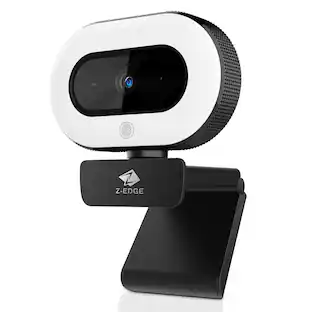
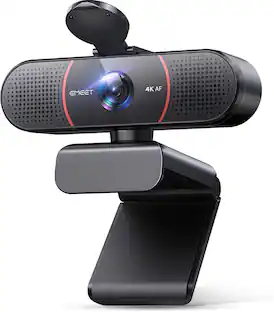
Z Z-Edge 2K 2592x1944 Stream Webcam Auto Focus Web Camera for PC/Desktop/Laptop
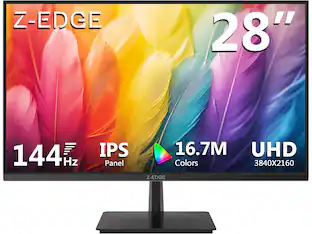
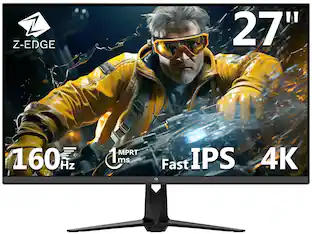
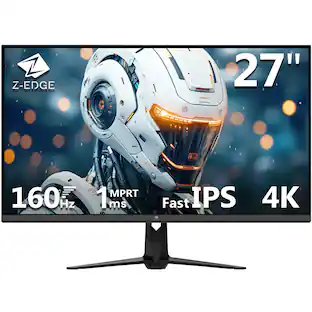
$24.99The price was $39.99Z Z-Edge G274K 27" Ultra HD 3840 x 2160 4K UHD 160Hz 1ms IPS Gaming Monitor, Flat Panel, HDMI x 2 + DP x 2
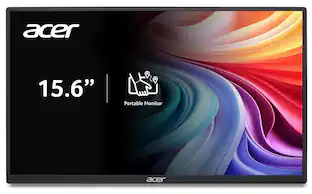
$212.49The price was $249.99Acer PM161Q 15.6" Portable Monitor Full HD 1920x1080 IPS USB-C HDMI Refurbished
$44.99The price was $48.99

Keep exploring
AVerMedia GC551G2 Live Gamer Extreme 3,Plug and Play 4K Capture Card for Gaming
$129.99The price was $169.99Aver Information AVerMedia BU113G2 CamStream 4K - 4K/2K/1080p Streaming - 240 fps - USB - PC/Android
$79.99The price was $99.99