Epson - EcoTank ET-M1170 Wireless Monochrome SuperTank Printer - White
About this product
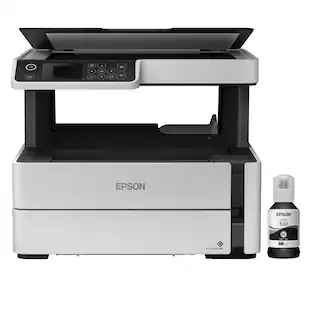
Give your high-volume printing a boost with this Epson EcoTank monochrome printer. The PrecisionCore technology offers cartridge-free printing and quick output speeds and ensures your prints come out sharp and detailed. This Epson EcoTank monochrome printer is equipped with a 250-sheet paper tray, auto two-sided printing and wired and wireless networking features to optimize your printing assignments. Prints up to 20 ISO ppm** in black
Features
Prints up to 20 ISO ppm** in black
Generates documents quickly.
Be sure you have the right cartridge
Enter your printer's model number into Ink and Toner Finder to find compatible cartridges.
Works with Amazon Alexa for voice control
Ask your compatible voice assistant (device required) to help you print shopping lists, to-do lists, various crossword puzzles and games, coloring activities, comics and more.
Works with Google Assistant for voice control
You can ask the Google Assistant to print your Google Calendar, various crossword puzzles and games, coloring activities, comics and more (device required).
Ideal for home or small business use
This ink jet printer offers excellent print quality for documents and accepts a variety of paper types and sizes.
Wireless and mobile printing capability
Connect this printer to your home or office network with built-in Ethernet or wireless LAN. You can also print from your mobile device with the free Epson iPrint app*.
Tablet and smartphone printing
Epson Connect enables simple wireless printing from most smartphones, tablets and more.*
Epson 532 ink bottle included
Yields up to 6,000 pages in black.
Up to 1200 x 2400 dpi (dots per inch) print resolution
High resolution allows producing good quality documents.
Large paper cassette for high-volume printing
Reload less often with the 250-sheet input cassette and 100-sheet output tray.
USB port for simple connectivity
The high-speed USB port offers a standard connection to your PC or a simple way to plug in and print from a USB drive, camera, or other devices.
PrecisionCore printing technology
Delivers ultrasharp text and remarkable image detail.
Built-in duplex printing
Print on both sides of the page without turning it over manually to minimize your printing costs and help the environment.
Apple, the Apple logo, iPod, iPad, and Apple AirPrint are trademarks of Apple Computer, Inc., registered in the U.S. and other countries.
* Requires high-speed Internet connection.
** Print speeds vary with use. See manufacturer for the information on print speeds.
Specifications
- NetworkingWired, WirelessENERGY STAR CertifiedYesPrinter TypePrinterISO Color Print Speed0 pages per minuteISO Mono Print Speed20 pages per minuteOutput Tray Capacity100
Reviews
Rating 4.6 out of 5 stars with 31 reviews
The vast majority of our reviews come from verified purchases. Reviews from customers may include My Best Buy members, employees, and Tech Insider Network members (as tagged). Select reviewers may receive discounted products, promotional considerations or entries into drawings for honest, helpful reviews.
Compare similar products
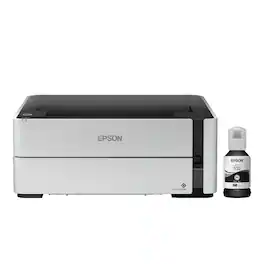
Give your high-volume printing a boost with this Epson EcoTank monochrome printer. The PrecisionCore technology offers cartridge-free printing and quick output speeds and ensures your prints come out sharp and detailed. This Epson EcoTank monochrome printer is equipped with a 250-sheet paper tray, auto two-sided printing and wired and wireless networking features to optimize your printing assignments. Prints up to 20 ISO ppm** in black
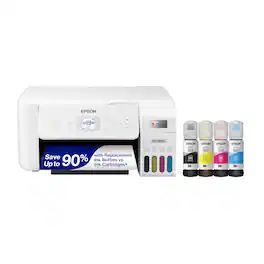
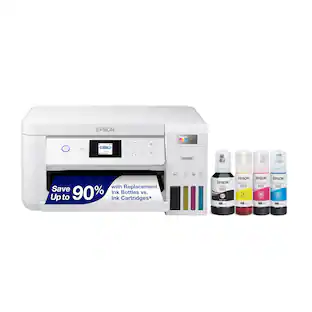
Your family needs a printer that’s fast, affordable, and easy to use. That’s why we developed the EcoTank ET-2800 – an innovative cartridge-free solution that uses high-capacity, easily refillable ink tanks. So you’ll worry less about running out of ink, and save a lot on replacement ink (1). The ET-2800 features genuine Epson print quality, a high-resolution flatbed scanner, and convenient color display – making it the ideal basic home printer.
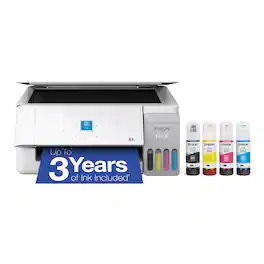
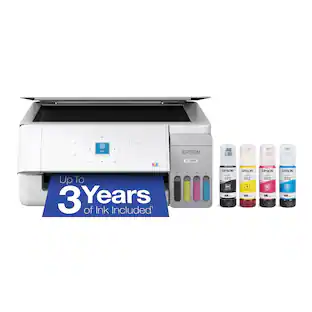
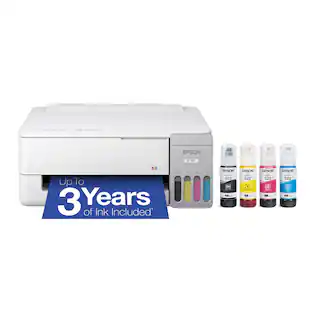
Introducing the EcoTank ET-2900—Perfect for Easy, Everyday Home Printing. Say goodbye to expensive cartridges with the Epson EcoTank ET-2900, the newest innovation from a recognized leader in photographic printing. Combining simplicity with a modern design, the ET-2900 features advanced technology that enhances both performance and print quality, making it an ideal choice for everyday printing—including content created by AI. Powered by Heat-Free technology, the ET-2900 delivers 11 black/6 color ISO ppm print speeds, which is faster than its predecessor³. And unlike conventional thermal inkjet printers, its unique permanent printhead is engineered to last the life of the printer. Designed to be simple and error-free, refilling ink is a breeze with large ink tanks and uniquely keyed EcoFit bottles—no mess, no stress and no ink bottle mix-ups. And with enough ink in the box to last up to three years⁴, you'll enjoy affordable, worry-free color printing without the hassle of frequently replacing cartridges. Featuring built-in USB and Wi-Fi for seamless connectivity, along with the user-friendly Epson Smart Panel app⁵, you can easily print, scan, and more directly from your computer or wireless mobile device⁶. Choose Epson EcoTank, the World’s #1 Selling Supertank Printer². With more than 100 million units sold globally⁷ across seven generations of innovation, EcoTank consistently delivers affordable, photo-quality prints, making it a reliable choice for all your printing needs.
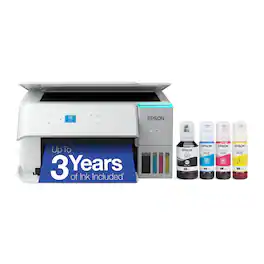
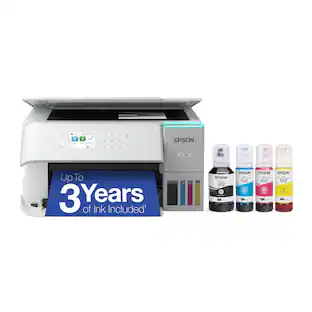
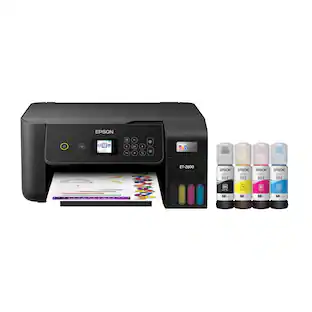
Introducing the EcoTank ET-2980—The Perfect Family Printer. Say goodbye to expensive cartridges with the Epson EcoTank ET-2980. Combining simplicity with a modern design, the ET-2980 features advanced technology that enhances both performance and print quality, making it an ideal choice for everyday family printing – including content created by AI. Powered by PrecisionCore Heat-Free technology, the ET-2980 delivers print speeds 50% faster than its predecessor (1). And unlike conventional thermal inkjet printers, its unique permanent printhead is engineered to last the life of the printer. Designed to be simple and error-free, refilling ink is a breeze with large ink tanks and uniquely keyed EcoFit bottles that help prevent ink from drying out. And with enough ink included to last up to three years (2), you'll enjoy affordable color printing without the hassle of frequently replacing cartridges. Featuring built-in USB and Wi-Fi for seamless connectivity, along with the user-friendly Epson Smart Panel app (3), you can easily print, scan, and more directly from your computer or mobile device (4).
| Pros for Epson - EcoTank ET-M1170 Wireless Monochrome SuperTank Printer - White | |||
|---|---|---|---|
| There were no pros for this product— | Print Quality, Overall Performance, Size, Ease of use, Setup | Print Quality, Overall Performance, Connectivity, Ease of Use | Print Quality, Connectivity, Size, Setup Ease, Noise Level |
| Cons for Epson - EcoTank ET-M1170 Wireless Monochrome SuperTank Printer - White | |||
| There were no cons for this product— | Paper Tray, Noise Level | There were no cons for this product— | There were no cons for this product— |
Specs
Questions & Answers
If I set up the printer and charge the ink, then unplug the printer and move it to a different office, do I have to charge the ink again in it's new home?
Answered by EpsonHello Tyrone. You only have to initialize and charge the ink on ET-M1170 one time. If you use a different computer at home, you would only need to re-download and set up the software on your device. You can find the latest printer driver available on our official Epson Support page. Regards, Kevin - The Epson Team.

Can this print on 4-6 index cards?
Answered by EpsonHello Anonymous. We have not tested index cards on the ET-M1170. However, if your index card is plain and similar to card stock material, it might work, but please note that this is not guaranteed, and your results may vary. Regards, Kevin - The Epson Team.
Can I print envelopes with this printer?
Answered by EpsonHello LE. Yes, you can load up to ten No.10-sized envelopes in the cassette tray. Regards, Kevin - The Epson Team.
What's the difference between this printer and the ST-M1000? Is there one just like the ST-M1000 with a print from USB flash drive option? Thanks.
Answered by EpsonHello MRNJ. Both printers are identical in features and design. The only difference is the ET-M1170 does not include PCL support. Regards, Kevin - The Epson Team.
Does it print on 11 x 17 paper?
Answered by EpsonHello SID. The ET-M1170 can print on paper sizes ranging from 2.2" x 3.4" to 8.5" x 47.2". Unfortunately, 11" x 17" would not work in the machine. Regards, Kevin - The Epson Team.
Customers often buy these together
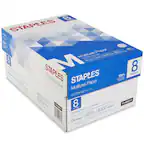

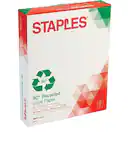
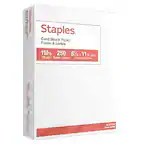

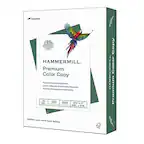

More to consider
 Top Deal$229.99The price was $329.99
 $79.99The price was $159.99



Explore tech essentials Sponsored

Discover related products
 $249.00The price was $275.00
 $12.99The price was $13.99