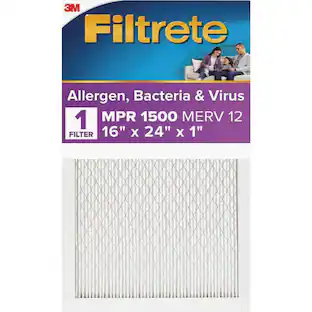
Filtrete - 16" x 25" x 1" Allergen, Bacteria and Virus Smart Air Filter - White
About this product
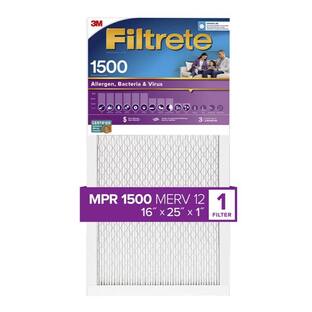
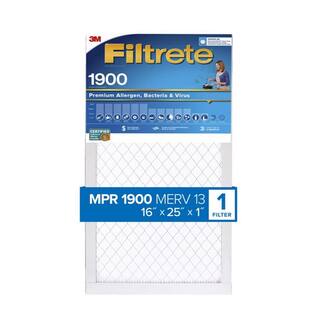
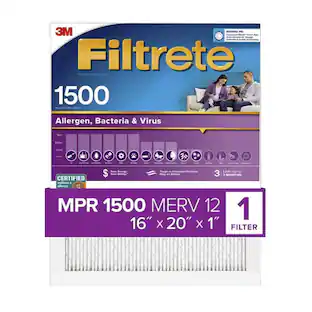
Enhance air quality in your home with this 3M Filtrete Smart air filter. Compatibility with most residential HVAC systems ensures seamless integration, while the MERV 12 rating offers efficient filtration of harmful particles, allergens and bacteria. This 3M Filtrete Smart air filter features a built-in sensor that connects via Bluetooth to the Smart app for easy status monitoring and management.
Smart air filter
Helps capture microscopic particles, such as smoke, bacteria, viruses, as well as large particles, such as dust, mold spores, and pollen using the exclusive 3M technology.
Filtrete Smart app
Available for download on iOS and Android devices, this app helps track filter life and determine the optimal time for replacement based on your home's HVAC system use.
Optimize filter changes
Receive alerts directly to your smartphone when it's time to replace your air filter.
Replacements made easy
Purchase replacement filters through the app, and have them sent directly to your home.
Outdoor air quality
See outdoor air quality information in the app for your neighborhood and other locations.
1500 MPR rating
The higher the MPR, the more microparticles your filter will capture as you run your heating or cooling system.
MERV 12 rating
Captures particles greater than one micrometer. This includes most dust and common pollutants.
- Product Height16 inchesProduct Width25 inchesProduct Depth1 inchesCompatibilityNot Available
Reviews
Rating 4.4 out of 5 stars with 88 reviews
Customer Images
The vast majority of our reviews come from verified purchases. Reviews from customers may include My Best Buy members, employees, and Tech Insider Network members (as tagged). Select reviewers may receive discounted products, promotional considerations or entries into drawings for honest, helpful reviews.
Compare similar products

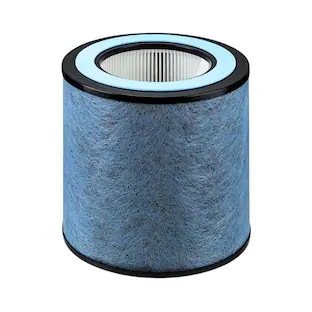
Enhance air quality in your home with this 3M Filtrete Smart air filter. Compatibility with most residential HVAC systems ensures seamless integration, while the MERV 12 rating offers efficient filtration of harmful particles, allergens and bacteria. This 3M Filtrete Smart air filter features a built-in sensor that connects via Bluetooth to the Smart app for easy status monitoring and management.

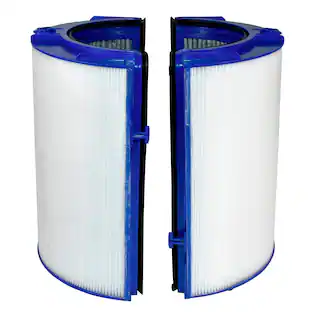
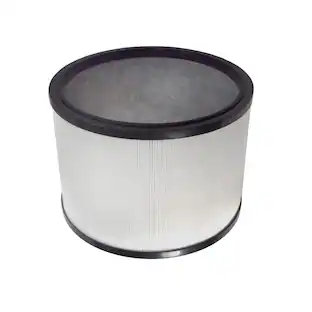
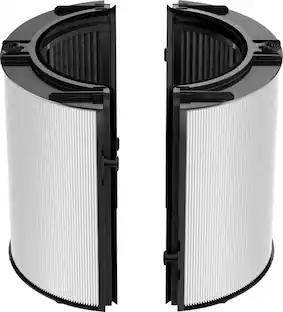
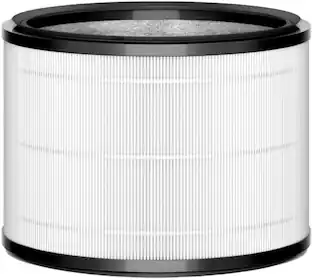
Replacement HEPA filter engineered for the following Dyson purifiers: HP09, TP09, HP07, TP07, PH01, PH02, HP06, TP06, HP04, TP04, DP04. We recommend replacing your filter every 12 months. Over time, filters can get clogged with pollutants, reducing air flow. Using Dyson Genuine replacement filters ensures a sealed filtration system, HEPA standard and proper functioning of the machine.

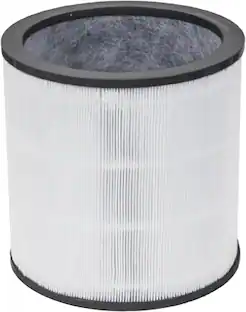
Replacement HEPA filter engineered for the following Dyson purifiers: TP01, TP02, and BP01. We recommend replacing your filter every 12 months. Over time, filters can get clogged with pollutants, reducing air flow. Using Dyson Genuine replacement filters ensures a sealed filtration system, HEPA standard and proper functioning of the machine.

Replacement HEPA filter engineered for the following Dyson purifiers: HP01, HP02, and DP01. We recommend replacing your filter every 12 months. Over time, filters can get clogged with pollutants, reducing air flow. Using Dyson Genuine replacement filters ensures a sealed filtration system, HEPA standard and proper functioning of the machine.
| Pros for Filtrete - 16" x 25" x 1" Allergen, Bacteria and Virus Smart Air Filter - White | |||
|---|---|---|---|
| There were no pros for this product— | Overall Performance, Air Quality, Filter Life, Ease of use, Fit | Overall Performance, Filter Quality, Installation Ease | Overall Performance, Filter Performance, Ease of Installation |
| Cons for Filtrete - 16" x 25" x 1" Allergen, Bacteria and Virus Smart Air Filter - White | |||
| There were no cons for this product— | Price, Smell | There were no cons for this product— | There were no cons for this product— |
Specs
More to consider
 $113.69The price was $122.19
Innovate your everyday Sponsored


Discover related products
 $29.99The price was $34.99
 $54.99The price was $109.99
Keep exploring
 $193.72The price was $200.96