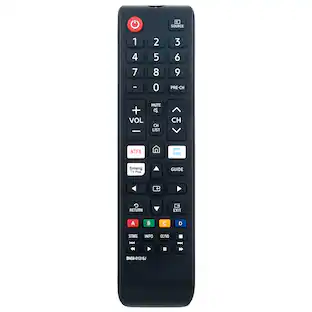
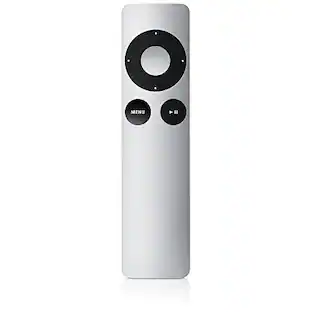
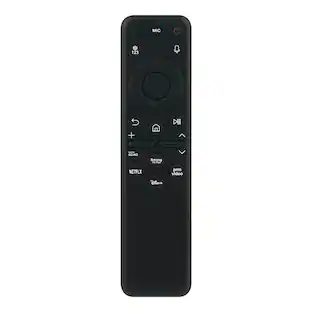
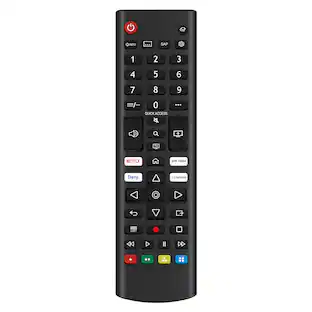
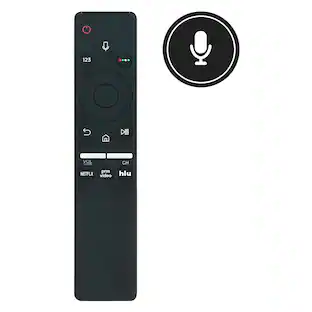
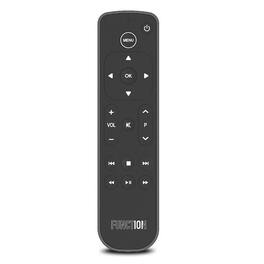
Function 101 - Function101 Button Remote for Apple TV / Apple TV4K - Black
About this product
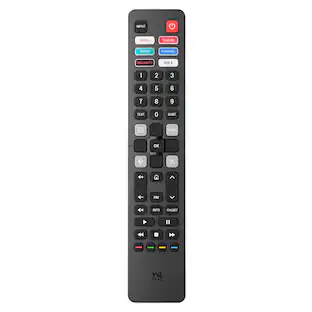
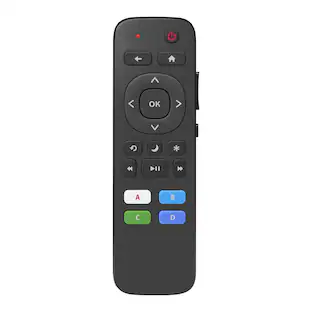
Upgrade your Apple TV experience with the Function101 Button Remote, Infrared Edition, designed for effortless control. This sleek remote offers smooth navigation and quick access to your favorite Apple TV shows and apps. Its user-friendly interface includes essential functions like play, pause, and volume control, ideal for any Apple TV user. The infrared technology ensures stable connectivity, removing the hassle of complex pairing. This remote features native Apple TV commands for easy App Switching and managing unresponsive apps, plus access to the tvOS Control Center for streamlined media management. For those needing non-line-of-sight control, check out our Bluetooth Edition.Elevate your Apple TV experience with the Function101 Button Remote, a must-have for enhanced, intuitive control. Simplify your entertainment setup and enjoy your media like never before.
Works Out Of The Box With Apple Tv And Apple Tv 4k-
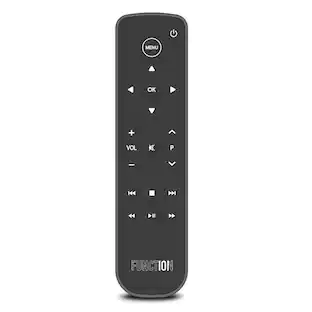
Designed with traditional remote control buttons customers are used to, navigating Apple TV is easy with the Function101 Button Remote.
Compatible With Most Tv Sets
The infrared technology (IR) will allow you to synchronize the remote control with your TV in just seconds to control power, volume, and mute functions.
Audio Support
Control Volume, Mute, and Power of your TV, Soundbar or Receiver. The Button Remote for Apple TV works with your favorite SONOS Speaker! Just connect using the SONOS S2 App.
Intuitive Design Makes Navigation Simple
The thoughtful approach to the button layout makes it easier than ever to use your Apple TV, offering a user-friendly alternative to the Siri Remote.
Infrared (Ir) Technology
The Function101 Button Remote requires line of sight to the Apple TV as it uses IR technology, with a range of up to 12 meters.
- Remote Control TypeDedicated, UniversalRemote Control FeaturesErgonomic design, IR device control, Multi-FunctionNumber Of Devices Controlled2
Reviews
Rating 4 out of 5 stars with 27 reviews
Customer Images
The vast majority of our reviews come from verified purchases. Reviews from customers may include My Best Buy members, employees, and Tech Insider Network members (as tagged). Select reviewers may receive discounted products, promotional considerations or entries into drawings for honest, helpful reviews.
Compare similar products

Upgrade your Apple TV experience with the Function101 Button Remote, Infrared Edition, designed for effortless control. This sleek remote offers smooth navigation and quick access to your favorite Apple TV shows and apps. Its user-friendly interface includes essential functions like play, pause, and volume control, ideal for any Apple TV user. The infrared technology ensures stable connectivity, removing the hassle of complex pairing. This remote features native Apple TV commands for easy App Switching and managing unresponsive apps, plus access to the tvOS Control Center for streamlined media management. For those needing non-line-of-sight control, check out our Bluetooth Edition.Elevate your Apple TV experience with the Function101 Button Remote, a must-have for enhanced, intuitive control. Simplify your entertainment setup and enjoy your media like never before.
Upgrade your Apple TV experience with the Function101 Button Remote, Bluetooth Edition, designed for effortless control. This sleek remote offers smooth navigation and quick access to your favorite Apple TV shows and apps. Its user-friendly interface includes essential functions like play, pause, and volume control, ideal for any Apple TV user. The hybrid Bluetooth and Infrared technology ensures stable connectivity. Easily pair with Apple TV via Bluetooth- perfect for those without line of sight to the Apple TV. The Button Remote will also control the volume, mute and power of your TV, receiver, or soundbar by infrared. This remote features native Apple TV commands for easy App Switching and managing unresponsive apps, plus access to the tvOS Control Center for streamlined media management. Elevate your Apple TV experience with the Function101 Button Remote, a must-have for enhanced, intuitive control. Simplify your entertainment setup and enjoy your media like never before.

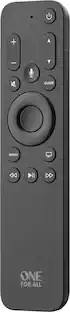
This One For All Apple TV Remote will elevate your viewing experience with intuitive control and effortless navigation. Control your Apple TV as well as Television and Audio devices, without the constraints of mode-switching. Enjoy the comfort of Siri Voice search, find and access all content across live TV and streaming apps easily with minimum effort. The remote also comes with backlit keys allowing you to easily find it in a low light environment, thanks to the built-in accelerometer which activates when motion is detected.

The Siri Remote (3rd generation) brings precise control to your Apple TV 4K.1 Its touch-enabled clickpad lets you select titles, swipe through playlists, and use a circular gesture on the outer ring to find just the scene you’re looking for. With Siri, you can find what you want to watch using your voice. And the latest design includes a USB-C port to quickly recharge.
| Pros for Function 101 - Function101 Button Remote for Apple TV / Apple TV4K - Black | |||
|---|---|---|---|
| There were no pros for this product— | There were no pros for this product— | Overall Performance, Ease of Use, Button Layout, Size, Backlight | Overall Performance, Ease of use, Design, Connectivity, Battery Life |
| Cons for Function 101 - Function101 Button Remote for Apple TV / Apple TV4K - Black | |||
| There were no cons for this product— | There were no cons for this product— | Price, Battery Life, Compatibility | Price, Sensitivity, Touchpad |
Specs
Find more like this


Customers ultimately bought
Elevate your entertainment Sponsored
Discover related products
 $15.99The price was $19.99