Garmin - Powerswitch Digital Switch Box - Black
About this product
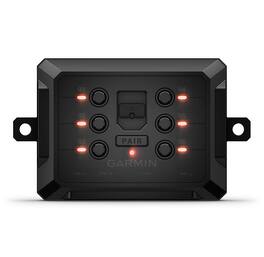
Use the Garmin PowerSwitch digital switch box to control your vehicle’s 12-volt accessories, including light bars, horns, air compressors, differential locks and more. The compact, weather-resistant (IPX7) box is easy to install with no cutting into your dash to mount switches and no interference with vehicle electronics. Wirelessly connect with your compatible Garmin navigator or smartphone downloaded with the Garmin PowerSwitch app and paired with your Garmin PowerSwitch digital switch box for simple control of accessory outputs right from your touchscreen device. Create custom virtual switch panels to activate groups of channels and control dimming and flashing. When the device is paired with a Tread powersport navigator (Sold separately), you can create and use smart switches that automatically activate, based on vehicle speed and time of day.
Features
Centralized Control Of Your Vehicles 12-Volt Accessories
*Control light bars, horns, air compressors, locks and more, right from your compatible navigator or smartphone.
Compact For Easy Mounting
The compact 5” x 3” x 1” form factor gives you plenty of flexible mounting options on all types of vehicles, ranging from side-by-sides, UTVs and ATVs to off-roading 4x4s and snowmobiles.
Customize Switches
Create custom virtual switch panels with labels, icons and channel groups on the display as well as controls for dimming and flashing of lighting systems.
Ample Outlets
With a total of six circuits rated at up to 30 amps each, you can power and control all types of 12-volt accessories from one Garmin PowerSwitch digital switch box.
Disclaimer
*Requires use of the Garmin PowerSwitch app downloaded on your compatible device and paired to the Garmin PowerSwitch digital switch box.
Disclaimer
Traffic content not available for all areas. See www.navteq.com/rdstraffic for traffic coverage areas.
Disclaimer
Live traffic extends for the useful life of your Garmin traffic receiver (as long as you own a compatible Garmin GPS) or as long as Garmin receives traffic data from its traffic supplier, whichever is shorter.
Specifications
- Touch ScreenNo3D-Map ViewNoTopographic MapsNoProgrammable RoutesNoIntegrated CameraNoApp CompatibleYes
Reviews
Rating 4.5 out of 5 stars with 2 reviews
The vast majority of our reviews come from verified purchases. Reviews from customers may include My Best Buy members, employees, and Tech Insider Network members (as tagged). Select reviewers may receive discounted products, promotional considerations or entries into drawings for honest, helpful reviews.

Compare similar products
Use the Garmin PowerSwitch digital switch box to control your vehicle’s 12-volt accessories, including light bars, horns, air compressors, differential locks and more. The compact, weather-resistant (IPX7) box is easy to install with no cutting into your dash to mount switches and no interference with vehicle electronics. Wirelessly connect with your compatible Garmin navigator or smartphone downloaded with the Garmin PowerSwitch app and paired with your Garmin PowerSwitch digital switch box for simple control of accessory outputs right from your touchscreen device. Create custom virtual switch panels to activate groups of channels and control dimming and flashing. When the device is paired with a Tread powersport navigator (Sold separately), you can create and use smart switches that automatically activate, based on vehicle speed and time of day.

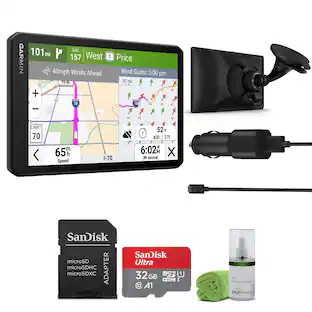
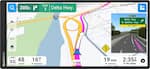
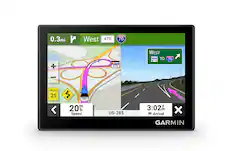
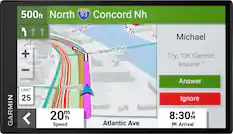
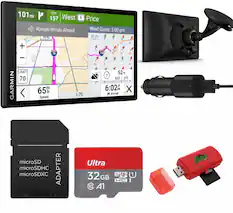
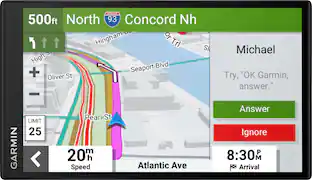
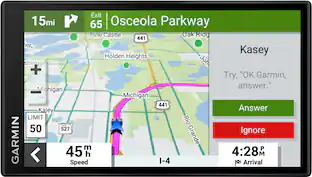
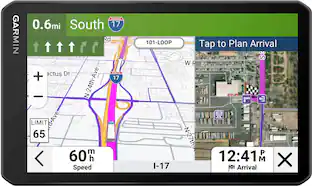
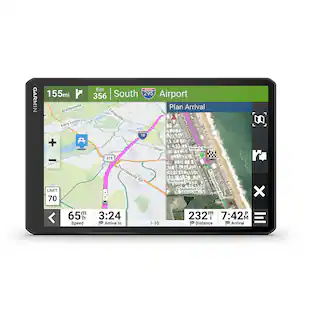
Simplify your drive with the Garmin DriveSmart 66 GPS navigator. Use Garmin voice assist to easily find and navigate where you want to go. The crisp 6” display and map updates of North America show you the way, providing alerts for speed changes and potential hazards ahead. Make the most of road trips with Tripadvisor traveler ratings, a directory of U.S. national parks and the HISTORY database of notable sites. Pair with the Garmin Drive app running on your compatible smartphone for on-screen access to live traffic, fuel prices, parking, weather and traffic cams to help avoid delays and keep you on your way. With Alexa Built-in (Drivers should focus on driving and only use this function when safe to do so. Must pair with the Garmin Drive app running on your compatible phone), you can ask to play music, listen to audiobooks, hear the news and more — all while you keep your hands on the wheel and eyes on the road. Not compatible with truck routes.

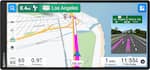
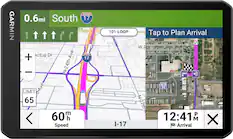
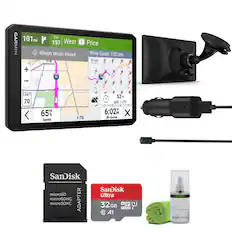
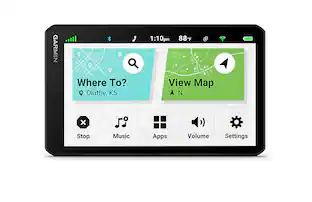
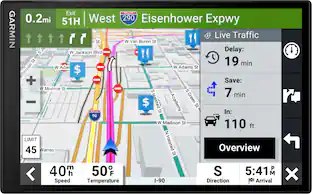
Simplify your drive with the Garmin DriveSmart 76 GPS navigator. Use Garmin voice assist to easily find and navigate where you want to go. The crisp 7” display and map updates of North America show you the way, providing alerts for speed changes and potential hazards ahead. Make the most of road trips with Tripadvisor traveler ratings, a directory of U.S. national parks and the HISTORY database of notable sites. Pair with the Garmin Drive app running on your compatible smartphone for on-screen access to live traffic, fuel prices, parking, weather and traffic cams to help avoid delays and keep you on your way. With Alexa Built-in (Drivers should focus on driving and only use this function when safe to do so. Must pair with the Garmin Drive app running on your compatible phone), you can ask to play music, listen to audiobooks, hear the news and more — all while you keep your hands on the wheel and eyes on the road. Not compatible with truck routes.
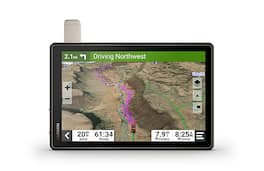
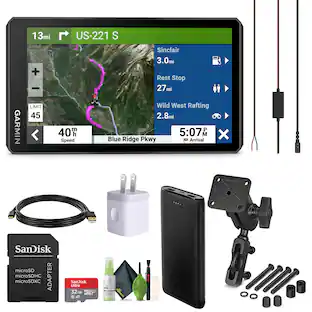
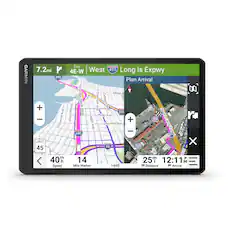
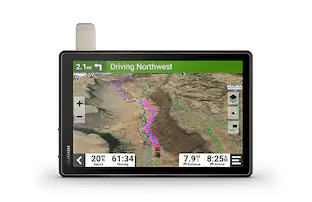
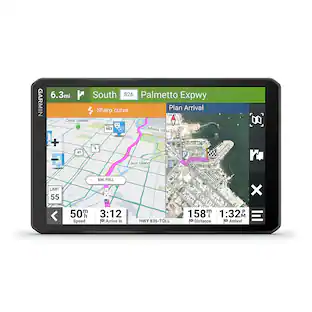
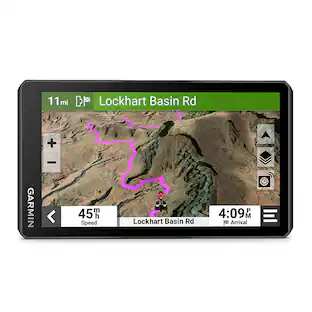
Roam the unknown with Tread XL – Overland Edition. It’s the extra big, extra rugged all-terrain navigator with a 10” ultrabright display made for every overlanding expedition. Enjoy turn-by-turn trail navigation for traversing unpaved roads and trails. (Limitations may exist in map data for some road and trail route suggestions. Always defer to all posted road signs and conditions during vehicle operation. The Garmin OpenStreetMap products are intended to be used only as a supplementary travel aid and must not be used for any purpose requiring precise measurement of direction, distance, location or topography.) Custom street routing takes into account the size and weight of your vehicle. (Not available in all areas. Entering your vehicle’s profile characteristics does not guarantee your vehicle’s characteristics will be accounted for in all route suggestions. Always defer to all posted road signs and road conditions.) The navigator includes preloaded topography, subscription-free BirdsEye Satellite Imagery, iOverlander points of interest and Ultimate Public Campgrounds, so you won’t need a signal to route to the best-established, wild and dispersed campsites. With an active satellite subscription, built-in inReach technology offers global satellite communication, two-way text messaging, location sharing and interactive SOS (Some jurisdictions regulate or prohibit the use of satellite communications devices). Pair your device to the Tread app on your compatible smartphone to track up to 20 friends using the Group Ride Mobile feature and plan routes with the same maps and route preferences that you have on the Tread device. (Tracking via Group Ride Mobile requires the Tread app running on your and each friend’s compatible smartphone with BLUETOOTH technology and an active cellular connection.)
| Pros for Garmin - Powerswitch Digital Switch Box - Black | |||
|---|---|---|---|
| There were no pros for this product— | Ease of use, Overall Performance, GPS, Screen Size, Navigation Accuracy | Overall Performance, Screen Size, Ease of use, GPS, Map Updates | There were no pros for this product— |
| Cons for Garmin - Powerswitch Digital Switch Box - Black | |||
| There were no cons for this product— | Battery Life, Mounting, Connectivity, Volume | Navigation Accuracy | There were no cons for this product— |
Specs
Customers often buy these together

More to consider
 $285.99The price was $299.99
 $407.99The price was $449.99


Enjoy your ride Sponsored
Discover related products
 Techtober Deal$99.99The price was $209.99


Keep exploring
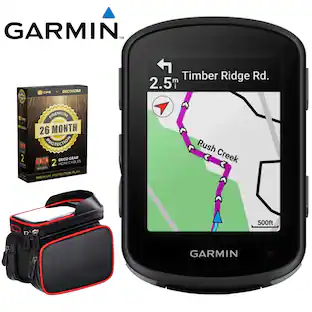 $359.99The price was $419.93
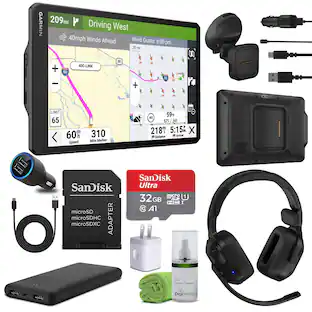 $1,325.98The price was $1,349.95
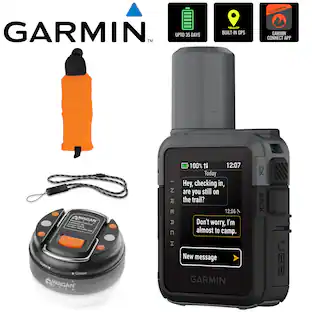 $459.99The price was $484.92