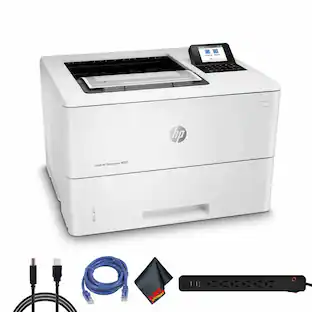
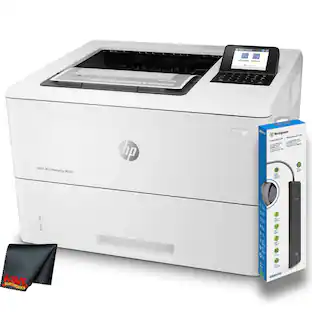
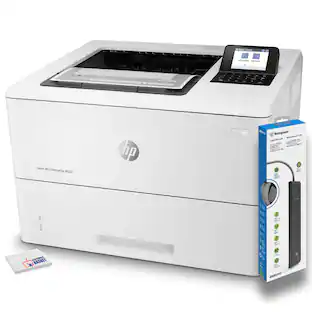
HP - LaserJet Pro m402dn Black-and-White Printer - Gray
About this product
HP LaserJet Pro m402dn Printer: Quickly complete large print jobs with 100-sheet and 250-sheet input trays. Plus, you can print directly from your smartphone or tablet using a variety of mobile apps, such as Apple® AirPrint and HP ePrint.
Features
Easy Replenish
With a printer set up for Easy Replenish, you'll automatically receive shipments of the ink you need. The printer monitors its own ink levels, so you'll only receive ink when you need it.
>Laser printers are best for high-volume printing
They handle large volumes quickly and at a low cost per page. Toner (powder) is used instead of ink, so you get smudge-free images and text.
Be sure you have the right cartridge
Enter your printer's model number into our Ink and Toner Finder to find compatible cartridges.
Mobile printing capability
Print directly from your mobile device using HP ePrint, Apple AirPrint, Mopria, Google Cloud Print or other mobile apps.
600 dpi (dots per inch) for good print quality
Sufficient resolution for producing good quality documents and photos. Up to 4800 x 600 enhanced dpi.
Single black toner cartridge
Offers a high yield and features JetIntelligence technology.
Large paper trays for high-volume printing and copying
Reload less often with the 100-sheet and 250-sheet input trays and 150-sheet output bin.
2-line backlit LCD
With OK, menu, cancel and back buttons and attention and ready LED indicator lights offers a clear view of options.
1 USB port for simple connectivity
1 high-speed USB 2.0 port offers a standard connection to your PC or a simple way to plug in and print with a USB drive, camera or other device.
Built-in duplex printing
Print on both sides of the page without turning it over manually, to minimize your printing costs and help the environment.
PC system requirements
Windows 7 (32- or 64-bit), 8 (32- or 64-bit), 8.1 (32- or 64-bit) or 10 (32- or 64-bit): 1.0GHz processor, 1GB RAM (32-bit) or 2GB RAM (64-bit), 400MB hard disk space, CD/DVD-ROM or Internet, USB or network port.
Additional PC system requirements: Vista (32-bit): 1.0GHz 32-bit (x86) processor, 1GB RAM (32-bit), 400MB available hard disk space, CD/DVD-ROM or Internet, USB or network port.
Additional PC system requirements: XP (32-bit) SP2: Intel® Pentium® 233MHz processor, 512MB RAM, 400MB available hard disk space, CD/DVD-ROM or Internet, USB or network port.
Additional PC system requirements: Server 2003 (32-bit) (SP1 or later), Server 2003 R2 (32-bit) or Server 2008 (32-bit) (SP1 or later): 1.0GHz 32-bit (x86) processor, 1GB RAM (32-bit), 400MB hard disk space, CD/DVD-ROM or Internet, USB or network port.
Additional PC system requirements: Server 2008 (64-bit) (SP1 or later), Server 2008 R2 (64-bit), Server 2008 R2 (64-bit) (SP1): 1.0GHz 64-bit (x64) processor, 2GB RAM (64-bit), 400MB available hard disk space, CD/DVD-ROM or Internet, USB or network port.
Mac system requirements
OS X 10.8 Mountain Lion, 10.9 Mavericks or 10.10 Yosemite, Internet, USB, 1GB available hard disk space and OS compatible hardware.
Apple, the Apple logo, iPod, iPad and Apple AirPrint are trademarks of Apple Computer, Inc., registered in the U.S. and other countries.
Print speeds vary with use. See manufacturer for info on print speeds.
Intel, Pentium, Celeron, Core, Atom, Ultrabook, Intel Inside and the Intel Inside logo are trademarks or registered trademarks of Intel Corporation or its subsidiaries in the United States and other countries.
Specifications
- NetworkingWiredENERGY STAR CertifiedNoPrinter TypePrinterDuty CycleUp to 80,000ISO Mono Print Speed40 pages per minuteMonochromatic/ColorMonochromatic
Reviews
Rating 4.7 out of 5 stars with 79 reviews
The vast majority of our reviews come from verified purchases. Reviews from customers may include My Best Buy members, employees, and Tech Insider Network members (as tagged). Select reviewers may receive discounted products, promotional considerations or entries into drawings for honest, helpful reviews.

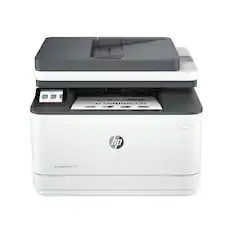
- HP - LaserJet Pro MFP 3301sdw Wireless AI-Enabled Color All-in-One Laser Printer - White$439.00The price was $539.00
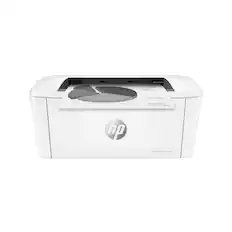
- HP - LaserJet M140w Wireless AI-Enabled Black and White Laser Printer - White$169.00The price was $209.00
- HP - LaserJet Pro MFP 3101sdw Wireless AI-Enabled Black-and-White All-in-One Laser Printer - White$319.99The price was $349.99


Compare similar products
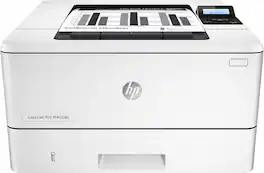
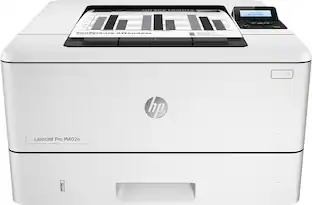
HP LaserJet Pro m402dn Printer: Quickly complete large print jobs with 100-sheet and 250-sheet input trays. Plus, you can print directly from your smartphone or tablet using a variety of mobile apps, such as Apple® AirPrint and HP ePrint.

HP LaserJet Pro m402n Printer: With 100-sheet and 250-sheet input trays, this efficient printer makes it easy to complete large print jobs. Plus, you can print directly from your smartphone or tablet with Apple® AirPrint, HP ePrint and other mobile apps.

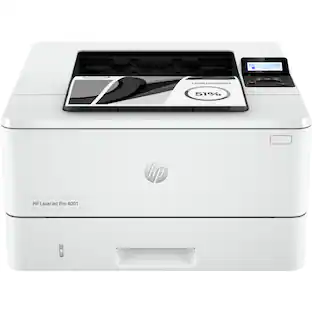
Get ultra-fast speeds and powerful productivity with the LaserJet Pro 4001dn. Get laser quality black & white printing for all your business documents with automatic two-sided printing — plus printer security out of the box. Preconfigured settings mean it's ready when you are. Super fast and super easy with advanced features for small teams.

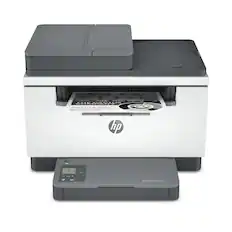
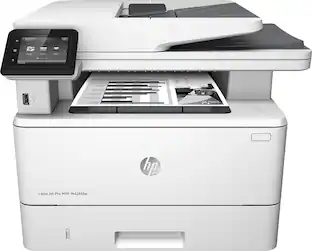
From America's most trusted printer brand¹, the compact, multifunction LaserJet MFP M234dw boosts productivity with smart mobility solutions and wireless two-sided printing.
| Pros for HP - LaserJet Pro m402dn Black-and-White Printer - Gray | |||
|---|---|---|---|
| There were no pros for this product— | Print Quality, Ease of use, Size, Reliability, Price | Overall Performance | Print Quality, Ease of use, Overall Performance, Size, Setup |
| Cons for HP - LaserJet Pro m402dn Black-and-White Printer - Gray | |||
| There were no cons for this product— | Wireless | There were no cons for this product— | Paper Tray |
Specs
Questions & Answers
Does this printer have the "print as booklet" feature? For example, if I print a multi-page booklet with pages 1 and 32 side by side (reversed) and I flip the page over, will it print pages 2 and 31? My old Dell 1110 does that.
Answered by HP TeamThis model has automatic duplexing so it can print both sides at once time. As for other print options, it varies based on the program you are using.

Does it come with the usb cable and printer cartridge? While description says yes to both, there are plenty of reviews that say otherwise
Answered by HennajHP failed to put cartridges in the 1st batch of m402's. They've solver that problem since. I'm not sure they ever came with USB cables. Good news is they do include a power cable ;)
What color is this printer?
Answered by BulldawgbillWhite or eggshell white
Hello, can you tell me if this printer has Ethernet Connectivity?
Answered by razorwanYES!
Does this printer have 2 paper trays--one for letter size and one for legal size?
Answered by SwitchUserNo. One tray does both then there is a top feed than can do legal, letter, labels, etc but there is o ly one paper drawer
Customers often buy these together
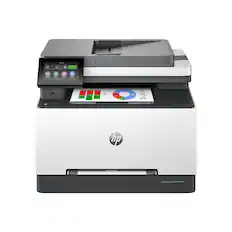
HP - LaserJet Pro MFP 3301sdw Wireless AI-Enabled Color All-in-One Laser Printer - White
$439.00The price was $539.00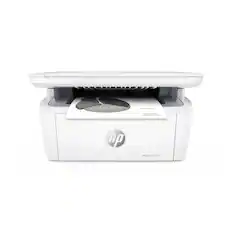
HP - LaserJet M140w Wireless AI-Enabled Black and White Laser Printer - White
$169.00The price was $209.00

More to consider
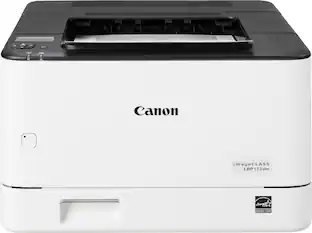 $215.00The price was $257.84
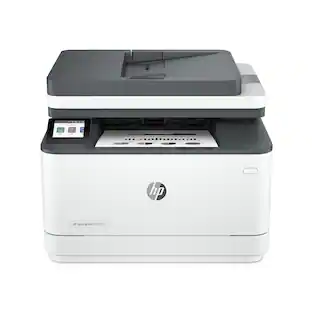 $319.99The price was $349.99

Explore tech essentials Sponsored


Discover related products
 $249.00The price was $275.00
 $12.99The price was $13.99
 $149.99The price was $169.99










Keep exploring
 $224.99The price was $277.92
 $179.00The price was $239.00
 $1,587.99The price was $1,834.95
 $739.99The price was $759.08
 $329.99The price was $369.97