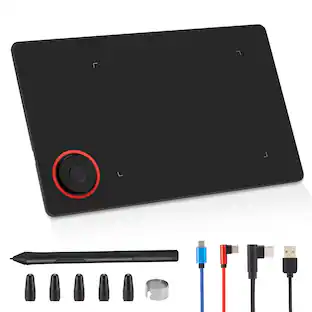
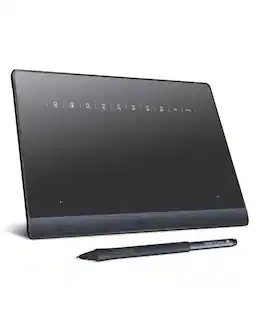
Huion - Kamvas 13 (Gen 3) Pen Display with Stand - Cosmo Black
About this product
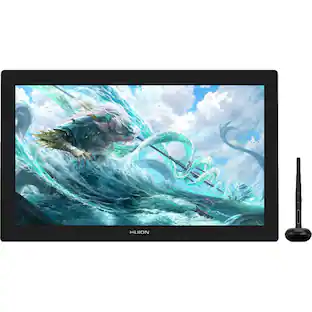
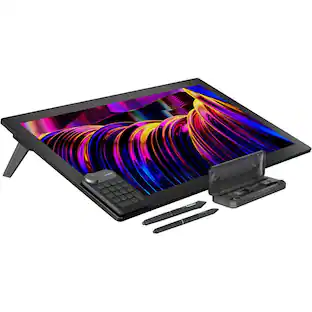
The HUION Kamvas 13 (Gen 3) is a professional-grade 13.3-inch pen display designed to bridge the gap between digital and traditional art. Featuring the all-new PenTech 4.0 technology, it offers an industry-leading 16,384 levels of pressure sensitivity and a low 2g initial activation force for unmatched precision.1The screen is built with Nano-Etched Canvas Glass 2.0, which provides a paper-like texture and eliminates distracting glare and "sparkle" noise.2 Every unit is factory color-calibrated to a 3$\Delta E < 1.5$, ensuring professional color accuracy across 99% sRGB and 90% Adobe RGB gamuts.4 With its dual dial controllers and five silent shortcut keys, this compact and portable tablet is a powerhouse for creative productivity.
Features
Next-Gen PenTech 4.0 and 16K Pressure Sensitivity
The included PW600L battery-free pen features the advanced HV200 digital chip, providing a low 2g initial activation force and 16,384 levels of pressure. This allows for incredibly delicate strokes and a more natural, pen-on-paper feel with improved cursor tracking and tilt auto-alignment.
Premium Nano-Etched Anti-Sparkle Canvas Glass
The fully laminated 13.3-inch screen utilizes 2nd Gen anti-glare etched glass. This technology significantly reduces "sparkle" and reflections while providing a textured surface that mimics the friction of real paper. The lamination eliminates the air gap between the pen tip and cursor for pinpoint accuracy.
Pro-Level Color Accuracy with Factory Calibration
Every unit undergoes rigorous factory calibration to achieve a $\Delta E < 1.5$, covering 99% sRGB, 99% Rec.709, and 90% Adobe RGB color gamuts. This ensures your colors remain vibrant and consistent across different devices, making it an ideal tool for professional illustration and video production.
Dual Mechanical Dials and Silent Shortcut Keys
Maximize your productivity with two physical dial controllers and five silent programmable press keys. These allow you to precisely adjust brush size, zoom into your canvas, or change opacity on the fly. The symmetrical design makes these shortcuts easily accessible for both right-handed and left-handed artists.
Portable Design with Included Adjustable Stand
Weighing only 865g and measuring 11.7mm thin, this tablet is built for portability. This SKU includes the ST300 foldable stand, which provides stable support at multiple ergonomic angles (20° to 50°). It connects easily via a 3-in-1 cable or a single full-featured USB-C cable to your PC, Mac, or Android device.
Specifications
- Screen Size13.3 inchesScreen Resolution1920 x 1080Multi-Touch ScreenNoActive Area11.6 x 6.5Color Gamut (Adobe RGB)90 percentTotal Storage Capacity0 gigabytes
Reviews
Rating 3 out of 5 stars with 2 reviews
The vast majority of our reviews come from verified purchases. Reviews from customers may include My Best Buy members, employees, and Tech Insider Network members (as tagged). Select reviewers may receive discounted products, promotional considerations or entries into drawings for honest, helpful reviews.
Compare similar products
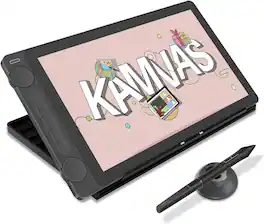
The HUION Kamvas 13 (Gen 3) is a professional-grade 13.3-inch pen display designed to bridge the gap between digital and traditional art. Featuring the all-new PenTech 4.0 technology, it offers an industry-leading 16,384 levels of pressure sensitivity and a low 2g initial activation force for unmatched precision.1The screen is built with Nano-Etched Canvas Glass 2.0, which provides a paper-like texture and eliminates distracting glare and "sparkle" noise.2 Every unit is factory color-calibrated to a 3$\Delta E < 1.5$, ensuring professional color accuracy across 99% sRGB and 90% Adobe RGB gamuts.4 With its dual dial controllers and five silent shortcut keys, this compact and portable tablet is a powerhouse for creative productivity.

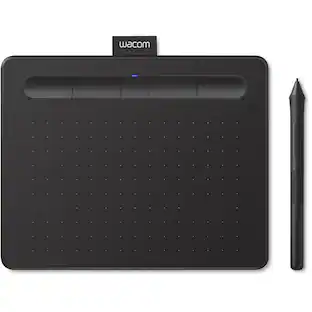
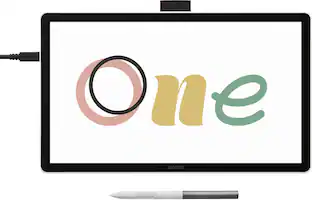
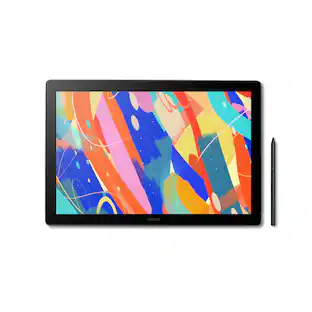
Ready to dive into digital art? The Wacom One drawing tablet is where your creative dreams begin. This graphics tablet with screen is the ideal pen display for creative beginners, casual artists, and visual thinkers looking to go digital or make the transition from traditional drawing. With a generous 14" anti-glare, anti-fingerprint screen and 98% sRGB color space coverage, you'll experience vibrant, true-to-life artwork with professional accuracy. The larger screen provides plenty of space to draw, sketch, annotate, or edit photos, while a smaller bezel means less real estate on your desk.
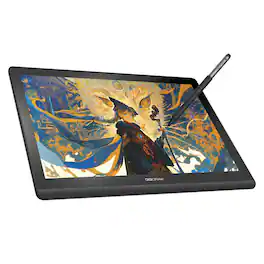
Bring your creative vision to life with the DIGIDRAW Turing 14 drawing tablet with screen.13.3" 2.5K Laminated Display: Its 13.3-inch 2.5K (2560x1600) fully laminated AG+AF nano-etched glass display offers factory-calibrated ΔE<1.5 color accuracy, delivering true-to-life colors and a natural paper-like drawing feel. Precise Magic 5.0 Stylus: The battery-free stylus provides 16,384 levels of pressure sensitivity and 60° tilt recognition for precise, responsive strokes. Ultra-Slim & Portable: Designed for artists on the go, the ultra-slim 11.8mm profile and lightweight construction make it easy to take your mobile studio anywhere. Ergonomic Comfort: The built-in 19° zinc alloy stand and ergonomic slanted wrist rest ensure comfortable use during long creative sessions. Broad Compatibility: Plug-and-play compatible with Windows, macOS, ChromeOS, and Android 14+, the Turing 14 works seamlessly with all major creative software. Reliable Support: Backed by a 2-year limited warranty and one free stylus replacement within the first year, it is the professional, reliable pen display that empowers you to create without limits.
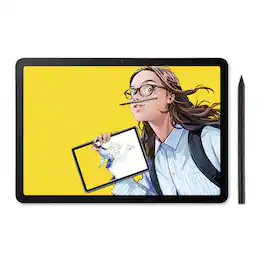
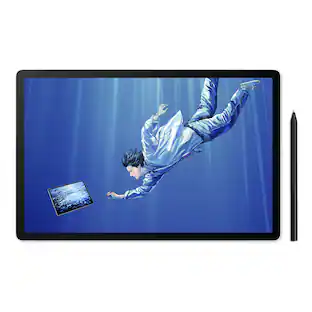
Wacom MovinkPad 11 is made for drawing - no cords, no setup, no limits. It's not just another mobile tablet. This all-in- one tablet is built by the digital pen experts for creatives who want the freedom to sketch anytime, anywhere - without needing a computer or power outlet. Just pick it up and start drawing. Its lightweight, has an 11.45" anti-glare etched glass screen, and runs on Android 14; MovinkPad 11 is always ready when inspiration hits. Just tap and hold your pen to the screen to launch Wacom Canvas and start sketching - no waiting, no fuss. Whether you're new to drawing, like to doodle on the couch, or are ready to capture ideas on the go, MovinkPad 11 delivers the pen experience Wacom is known for to help you create more, wherever you are. No limits - just draw.
| Pros for Huion - Kamvas 13 (Gen 3) Pen Display with Stand - Cosmo Black | |||
|---|---|---|---|
| There were no pros for this product— | There were no pros for this product— | There were no pros for this product— | Overall Performance, Portability, Pen Performance, Screen Quality, Weight |
| Cons for Huion - Kamvas 13 (Gen 3) Pen Display with Stand - Cosmo Black | |||
| There were no cons for this product— | Connectivity | There were no cons for this product— | There were no cons for this product— |
Specs
Be the first to ask a question.
We’ll try to get your question answered within 24 hours by a Best Buy customer or brand representative.
Customers often buy these together
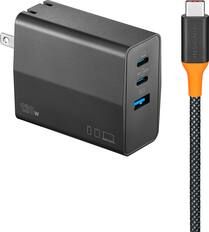
Insignia™ - 120W Wall Charger with 6’ USB-C Cable for Smartphones, Tablets, Laptops, and More - Black
Top Deal$32.99The price was $39.99
Microsoft - Surface Dock 2 - Black
$169.99The price was $487.10


More to consider
Explore tech essentials Sponsored
 $189.99The price was $229.99
 $319.99The price was $465.99