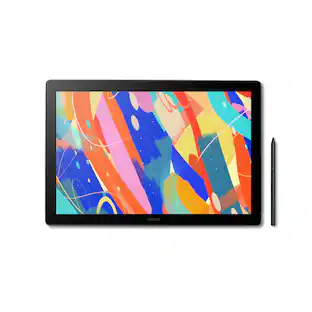
Wacom - One 14 (2025) Pen Display Drawing Tablet - White
Customers are saying
Customers are negative about the connectivity of this product. Users have expressed frustration that the device requires a constant connection to a computer to function properly.
BIGGER CANVAS, BETTER DETAIL:
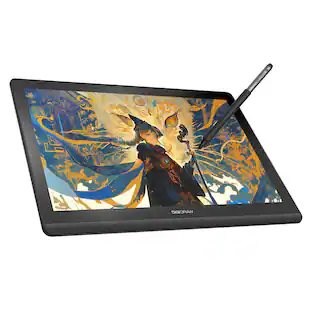
Redesigned with more drawing area, the laminated 14" crisp IPS Full HD display offers generous space with 98% sRGB color accuracy and a paper-like texture that won’t glare or smudge – keeping you in your creative zone longer.
PRECISE, NATURAL FEEL:
Draw with the control that made Wacom a favorite; the battery-free pen never needs charging and captures everything from light lines to bold strokes with Wacom’s responsive pressure sensitivity.
COMPLETE CREATIVE STARTER KIT:
Includes trials of Clip Studio Paint Pro, Magma, Concepts & Foxit software, and Skillshare training courses - your jumpstart to creating beautiful art right away.
RELIABLE PERFORMANCE:
Wacom's proven reliability works seamlessly with your computer – no driver headaches, mysterious disconnects, or frustrating "why isn't this working?" moments common with cheaper alternatives.
COMPATIBILITY:
PC (Windows 10 or later), Mac (OS 13 or later), Chromebook; Easy plug-in via single USB-C: devices requiring HDMI require additional converter, cable and power adapter kit (sold separately).
- Screen Size14 inchesScreen Resolution1920 x 1080Active Area12.2 x 6.9 inTotal Storage Capacity0 gigabytesBattery ChemistryNot battery powered
Reviews
Rating 4 out of 5 stars with 8 reviews
- Connectivity (3)
The vast majority of our reviews come from verified purchases. Reviews from customers may include My Best Buy members, employees, and Tech Insider Network members (as tagged). Select reviewers may receive discounted products, promotional considerations or entries into drawings for honest, helpful reviews.
Compare similar products

Ready to dive into digital art? The Wacom One drawing tablet is where your creative dreams begin. This graphics tablet with screen is the ideal pen display for creative beginners, casual artists, and visual thinkers looking to go digital or make the transition from traditional drawing. With a generous 14" anti-glare, anti-fingerprint screen and 98% sRGB color space coverage, you'll experience vibrant, true-to-life artwork with professional accuracy. The larger screen provides plenty of space to draw, sketch, annotate, or edit photos, while a smaller bezel means less real estate on your desk.

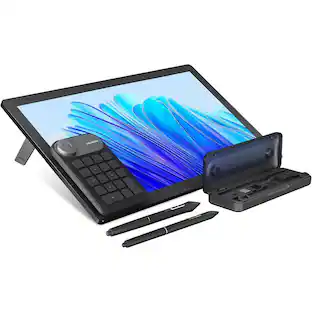
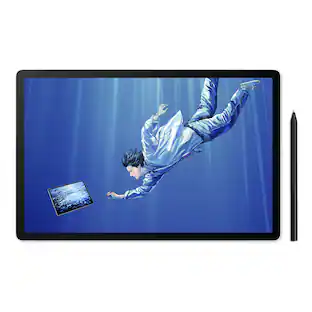
Wacom MovinkPad 11 is made for drawing - no cords, no setup, no limits. It's not just another mobile tablet. This all-in- one tablet is built by the digital pen experts for creatives who want the freedom to sketch anytime, anywhere - without needing a computer or power outlet. Just pick it up and start drawing. Its lightweight, has an 11.45" anti-glare etched glass screen, and runs on Android 14; MovinkPad 11 is always ready when inspiration hits. Just tap and hold your pen to the screen to launch Wacom Canvas and start sketching - no waiting, no fuss. Whether you're new to drawing, like to doodle on the couch, or are ready to capture ideas on the go, MovinkPad 11 delivers the pen experience Wacom is known for to help you create more, wherever you are. No limits - just draw.
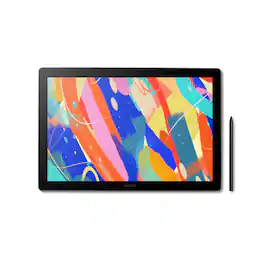
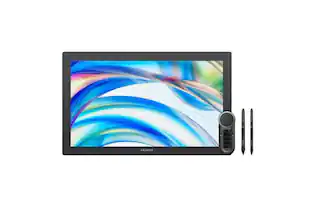
Dive into creativity with the new Wacom Cintiq 16 — a display that feels as natural as pen on paper and performs like a pro studio tool. Draw with natural feel and precision on a 2.5K WQXGA (2560 x 1600) display that brings out even the subtlest line work and textures, empowering illustrators and designers to work at a high level of precision. The anti-glare etched bonded glass surface feels like paper beneath your hand, while 99% DCI-P3 and 100% sRGB coverage ensure that colors are vibrant and adaptable to modern standards and workflows. The Pro Pen 3 captures every nuance with 8,192 pressure levels, 60° tilt support and 3 programmable side-switches. The 12ms LCD response time keeps pen movement fluid and natural — setting the standard others can only attempt to follow. With 8-bit color depth, increased brightness and exceptional contrast that makes shadows and highlights pop, you'll create your best work yet. Designed for comfort and flexibility, the Cintiq 16 comes equipped with built-in fold-out legs that raise the display to a 20-degree working angle right out of the box. For even more ergonomic versatility, an optional adjustable stand (ACK651KZ) is available separately, offering a range of angles to suit your preferred creative posture. Wacom Cintiq 16 (2025) delivers professional-grade precision at a price that puts premium creative tools within reach—because your talent deserves nothing less. Professional-grade performance. Streamlined design. Accessible price. Dive in with confidence—Cintiq 16 is ready.
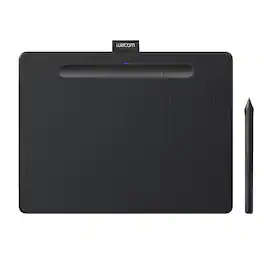
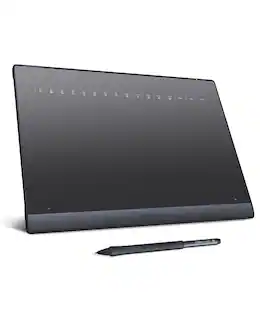
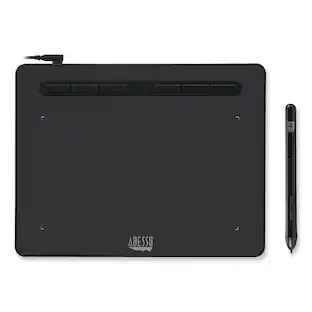
Transform your creative ideas into digital reality with Wacom Intuos drawing tablets. Perfect for casual or aspiring artists this compact graphics tablet delivers reliable Wacom-quality precision at an accessible price. The battery-free, pressure-sensitive pen provides natural, responsive drawing with no charging needed - just pick up and draw, with smooth, jitter-free lines and consistent pressure response. Get started immediately with over $240 in included downloadable creative software and trials, including 2 years of Clip Studio Paint Pro, 12 months of Boris FX Optics, and much more. The paper-like surface texture and four customizable ExpressKeys make digital art, photo editing, illustration, and design feel natural and efficient. Select models (CTL4100WL, CTL6100WL) offer Bluetooth wireless connectivity, letting you create freely at your desk, sofa, or anywhere in the room - with the option to switch to wired mode for ultimate flexibility. The wireless freedom is especially popular with educators and presenters who use the drawing tablet to control their computer while moving around a classroom or conference room. Certified to work with Chromebook and compatible with Windows and Mac, Wacom Intuos seamlessly integrates with Adobe, Corel, and all major creative applications. Backed by Wacom's 40+ years of industry leadership, you're choosing the same pen technology trusted by professional studios worldwide - at a creator-friendly price.
| Pros for Wacom - One 14 (2025) Pen Display Drawing Tablet - White | |||
|---|---|---|---|
| There were no pros for this product— | Overall Performance, Portability, Pen Performance, Screen Quality, Weight | There were no pros for this product— | Overall Performance, Ease of use, Size, Wireless, Pressure Sensitivity |
| Cons for Wacom - One 14 (2025) Pen Display Drawing Tablet - White | |||
| Connectivity | There were no cons for this product— | There were no cons for this product— | Software, Compatibility, Lag, Learning Curve, Setup |
Specs
This is tablet do good on both drawing and animation
Answered by WacomThank you for your question. If the drawing and animation apps you are using support pen input and you are using a compatible Windows or Mac computer, then our Wacom One 14 should work great for you. Hope that helps!
What does your computer need to be compatible with the device, and what accessories are needed to make the Wacom One compatible for computers without the proper USB-C specs?
Answered by WacomThank you for the question. As the Wacom ONE DTC141W0 requires a USB-C connection and supports Display Alt Mode on the computer, an adapter may be the best option. However, please ensure that Display Alt Mode is supported on the computer.
What software comes with the drawing tablet?
This drawing tablet includes trials of Clip Studio Paint Pro, Magma, Concepts & Foxit software.
This question and answer was generated by AI based on customer and product data.Does this drawing tablet have shortcut buttons?
Yes, the pen has shortcut buttons that can be customized.
This question and answer was generated by AI based on customer and product data.Does this drawing tablet need batteries?
No, the pen for this drawing tablet does not need charging because it uses battery-free pen technology.
This question and answer was generated by AI based on customer and product data.

Customers often buy these together


![CAPS LOCK F1 F2 F3 F4 F5 F6 F7 F8 F9 F10 F11 F12 DEL PRNT
1 ! 2 @ 3 # 4 $ 5 % 6 ^ 7 & 8 * 9 ( 0 ) - = + NUM / *
TAB Q W E R T Y U I O P [ { ] } \
CAPS A S D F G H J K L ; : "
SHIFT Z X C V B N M , < > / ?
CTRL ALT FN CTRL
NUM 7 8 9 +
4 5 6
1 2 3 0 .](https://pisces.bbystatic.com/image2/BestBuy_US/images/products/dadc75c2-9d3d-4543-be7f-33e6e44fd596.jpg;maxHeight=232;maxWidth=233?format=webp)

![esc F1 F2 F3 F4 F5 F6 F7 F8 F9 F10 F11 F12 prtsc scr lk pause 1 2 3 4 5 6 7 8 9 0 - = ins home pg up tab Q W E R T Y U I O P [ { ] } / | del end pg dn 2 3 4 caps A S D F G H J K L : " enter shift Z X C V B N M < > / ? shift ctrl alt fn ctrl V](https://pisces.bbystatic.com/image2/BestBuy_US/images/products/b12f3ee8-fc41-4a13-9af2-054d30336b2a.jpg;maxHeight=232;maxWidth=233?format=webp)
Customers ultimately bought

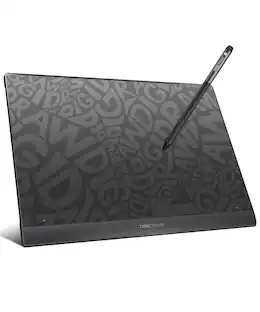
Explore tech essentials Sponsored
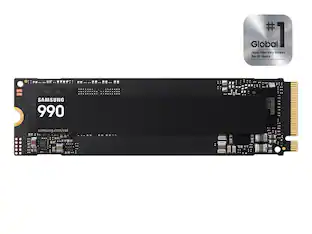 $199.99The price was $229.99
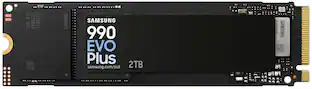 $379.99The price was $579.99
Discover related products
 $12.99The price was $13.99








Keep exploring
 $295.00The price was $365.00