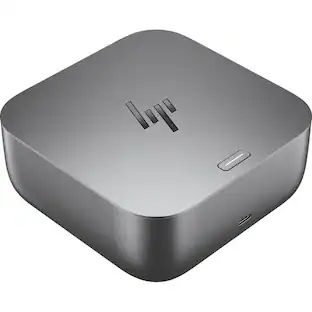
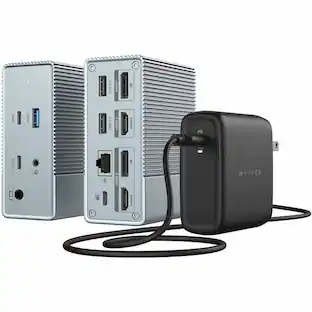
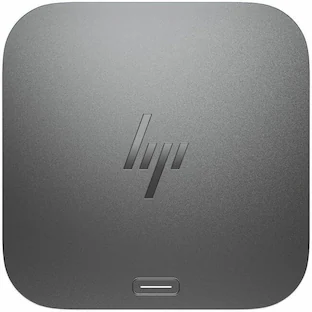
Hyper - 14-Port USB-C Docking Station - for Notebook - 135 W - USB Type C - 4K - 3840 x 2160 - 5 x USB Type-A Ports - USB
About this product
The world's first and most powerful USB-C docking station with Works With Chromebook Certification and 14 ports for the ultimate in enterprise connectivity.
Features
Works with Chromebook Certified
Certified by Google engineers to meet Chromebook compatibility standards and guaranteed to work with any Chromebook.
Enjoy Automatic OTA Firmware Updates
Get the most optimized and secure connectivity with automatic over-the-air firmware updates via Chrome OS.
Get 14 Powerful Port Selections
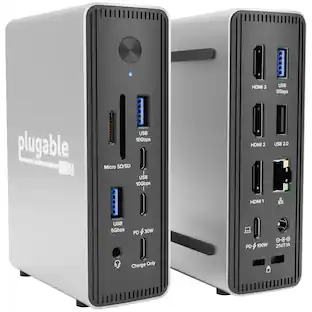
Enjoy the ultimate enterprise connectivity solution with 14 powerful port selections including two HDMI 4K 60Hz ports, two USB-C ports, five USB-A ports, a Gigabit Ethernet, a 3.5mm Audio Jack, and many more. More from the Manufacturer
Specifications
- Maximum Number of Displays Supported4Number of DisplayPort Outputs (Total)2
Reviews
This product doesn't have any reviews yet.




Compare similar products
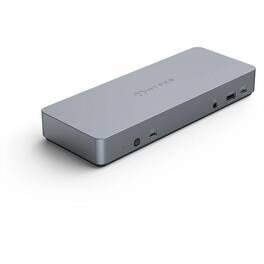
The world's first and most powerful USB-C docking station with Works With Chromebook Certification and 14 ports for the ultimate in enterprise connectivity.

Take control of your workspace with the HyperDrive Flex 9 Port Dual 4K HDMI Dock. Built to simplify complex setups, this dock offers dual extended 4K monitor support for vivid, immersive display quality-perfect for video editing, design work, or streaming your favorite series. The 100W Power Delivery port charges your laptop, tablet, and more while supporting other connected devices. SD and microSD readers ensure quick and hassle-free file transfers, and the 3.5mm audio jack delivers rich, uncompressed sound for meetings or creative sessions. A versatile docking solution-all wrapped in a sleek design that has been crafted from 75% post-consumer recycled plastics.
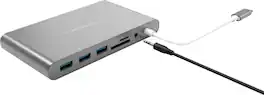
Connect most legacy devices with laptops and desktops using this HyperDrive Ultimate USB-C hub. The HDMI, MiniDP and VGA ports support one 4K monitor or two 1080p displays, while the Ethernet port supports speedy Internet access. This durable aluminum HyperDrive Ultimate USB-C hub has three USB 3.0 ports and SD and microSD card slots for device charging and quick data access.
| Pros for Hyper - 14-Port USB-C Docking Station - for Notebook - 135 W - USB Type C - 4K - 3840 x 2160 - 5 x USB Type-A Ports - USB | |||
|---|---|---|---|
| There were no pros for this product— | Transfer Speed | There were no pros for this product— | There were no pros for this product— |
Specs
Be the first to ask a question.
We’ll try to get your question answered within 24 hours by a Best Buy customer or brand representative.
Customers often buy these together
MSI PRO MP341CQW E12 34" Curved UWQHD 120Hz 1ms VA Business Monitor with Built-in Speakers( (DisplayPort, HDMI )
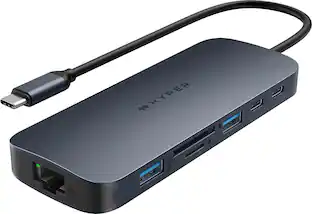
$243.99The price was $307.27Hyper HyperDrive Next 11 Port USB-C Hub, dual 4K HDMI, Ethernet, 2 USB-C, 2 USB-A, microSD/SD, travel dock for PC/Chromebook
Clearance$77.99The price was $119.99Acer Nitro KGB271U 27" WQHD IPS Up to 200Hz 0.5ms FreeSync Premium Gaming Monitor with HDR10 (DisplayPort, HDMI)
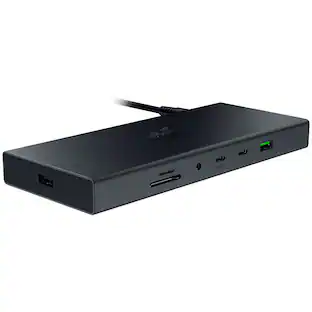
Top Deal$149.99The price was $199.99Razer USB 4 Dock Station with 14 Ports for Windows 10 or later (PC with USB‑C); macOS 10.13 or later (Mac)
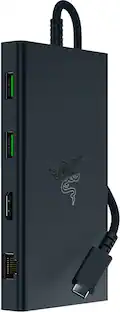
$194.99The price was $259.99Razer USB C Dock Station with 11 Ports for Windows 10 or later (PC with USB‑C); macOS 10.13 or later (Mac)
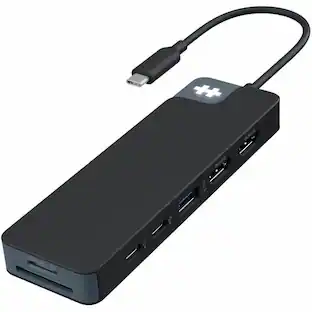
$79.99The price was $129.99j5create Flexible Ports USB-C® 4K144 HDMI™ Hub - Slim 8 in 1 for Windows, macOS, Chrome OS
$49.99The price was $59.99


More to consider
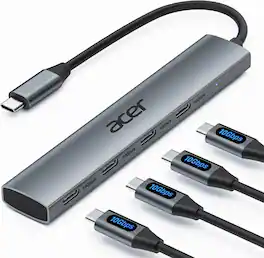
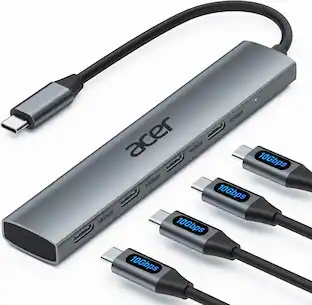
Acer USB C Hub, 10Gbps Type C Splitter with 4 USBC 3.2 Port, High Speed Type C Multiport Adapter
$19.99The price was $22.99Razer USB C Dock Station with 11 Ports for Windows 10 or later (PC with USB‑C); macOS 10.13 or later (Mac)
$79.99The price was $129.99Razer USB 4 Dock Station with 14 Ports for Windows 10 or later (PC with USB‑C); macOS 10.13 or later (Mac)
$194.99The price was $259.99Hyper HyperDrive Next 11 Port USB-C Hub, dual 4K HDMI, Ethernet, 2 USB-C, 2 USB-A, microSD/SD, travel dock for PC/Chromebook
Clearance$77.99The price was $119.99j5create Flexible Ports USB-C® 4K144 HDMI™ Hub - Slim 8 in 1 for Windows, macOS, Chrome OS
$49.99The price was $59.99
Explore tech essentials Sponsored




Keep exploring
Plugable USB 3.0 and USB-C Universal Laptop Docking Station for Windows, Mac, ChromeOS | Dual HDMI
$99.84The price was $119.99Minisforum DEG1 eGPU Dock, OCuLink 4i PCIe 4.0x4, ATX/SFX PSU, PCIe x16 GPU, Signal Amplifier, Follow Startup
$111.00The price was $119.99