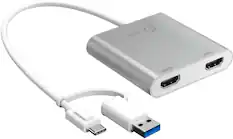
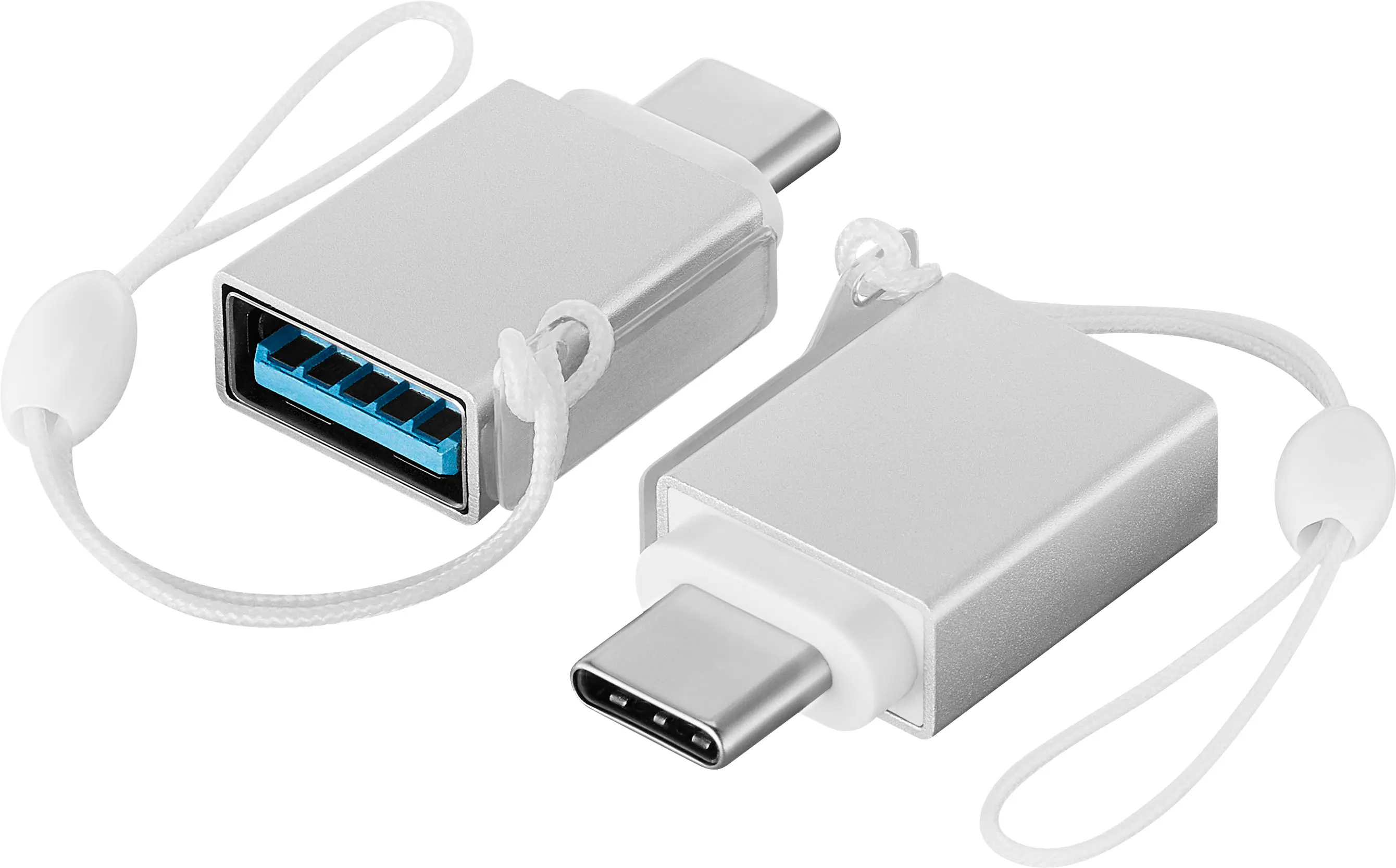
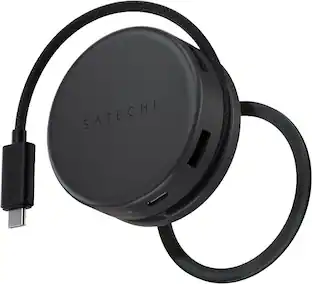
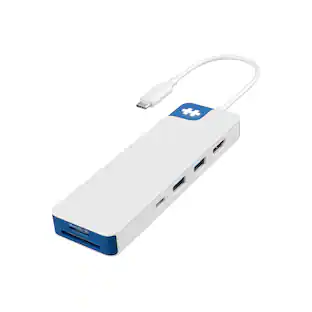
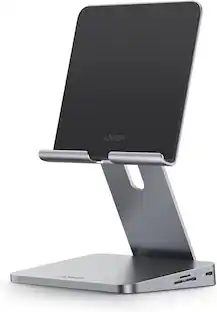
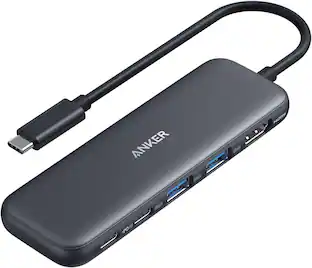
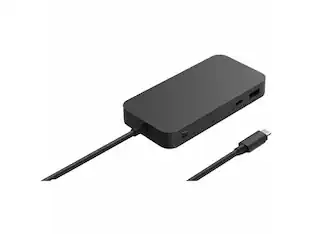
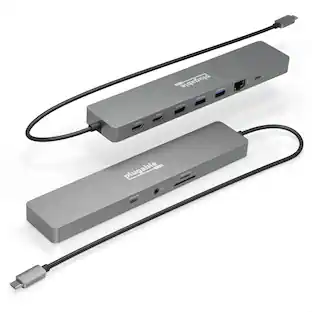
All the functionality you need for a vibrant and connected workspace. Featuring Qi wireless charging, crisp 4K displays, and fast 100W power delivery, the HyperDrive Flex MagCharge USB-C Hub is designed to keep your devices powered, your workflow seamless, and your setup looking bold. Instantly access SD files, transfer data in seconds and experience seamless sound. Whether you're juggling multiple monitors or transferring files in seconds, the MagCharge USB-C Hub brings style and functionality together, with a design that’s been made using 75% post-consumer recycled plastics. Take your daily routines and creative workflows to the next level, while adding a sleek touch to your workspace.
Q: Is this compatible with a Google Pixel 10 Pro XL
A: undefined
Q: Does it charge iPhone 17 pro?
A: Yes it does.
Q: Can I connect two USB-C monitors as displays, or can I only use the HDMI port for a single monitor?
A: Both type C ports do not support displays. You can only use the HDMI port for a single display.

All the functionality you need for a vibrant and connected workspace. Featuring Qi wireless charging, crisp 4K displays, and fast 100W power delivery, the HyperDrive Flex MagCharge USB-C Hub is designed to keep your devices powered, your workflow seamless, and your setup looking bold. Instantly access SD files, transfer data in seconds and experience seamless sound. Whether you're juggling multiple monitors or transferring files in seconds, the MagCharge USB-C Hub brings style and functionality together, with a design that’s been made using 75% post-consumer recycled plastics. Take your daily routines and creative workflows to the next level, while adding a sleek touch to your workspace.

Take your desk setup to the next level. Whether you're gaming, designing, or juggling deadlines, the HyperDrive Flex 5 Port USB-C Hub keeps you seamlessly connected. Enjoy crisp 4K monitor support for sharp visuals while editing, streaming, or multitasking. Power your laptop and other devices simultaneously with the 100W Power Delivery USB-C port, and transfer files in seconds via its high-speed USB ports. With a sleek design crafted from 75% post-consumer recycled plastics, it’s bold, functional tech that complements your style.

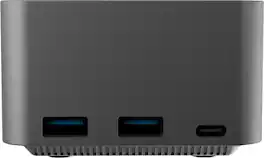
The Flexible Ports USB-C® 4K144 HDMI™ Hub - Cube Plus 6 in 1 provides extra connectivity for your computer. Features 4K144 HDMI™, four USB™ data ports, and charging - all in one compact device. The multi-adapter’s small size makes it easy to carry and helps save desk space. The HDMI™ port allows you to connect to a 4K monitor or TV. Supports USB™ 5Gbps for quickly transferring files and connecting high-speed devices. This is a plug-and-play device that does not require driver installation so you can use it right away!

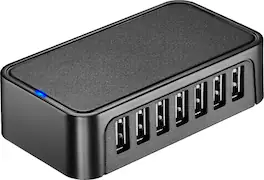
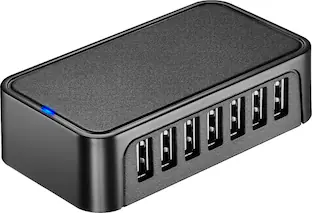
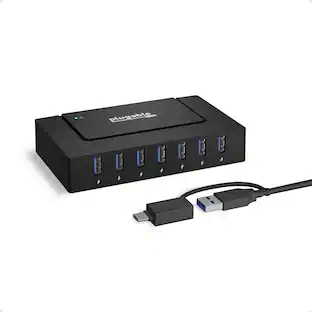
The USB 3.0 7-Port HUB allows up to seven USB 3.0 devices to be connected simultaneously at a transmission speed of 5 Gbps, while still providing connectivity and support for the older USB 2.0 (480 Mbps) and 1.1 (12 Mbps) devices. It works with high-bandwidth SuperSpeed USB 3.0 devices, such as an external disk drive, high-resolution webcam, multi-channel audio and more. In addition, it supports fast charging for smartphones, tablets and iPad.
| Pros for Hyper - HyperDrive Flex MagCharge 5 Port USB-C Hub with Phone Charger - Blue | |||
|---|---|---|---|
| Portability, Connectivity, Port Selection, Charging Performance, Build Quality | Overall Performance, Connectivity, Portability, Port Selection, Power Delivery | Overall Performance | Overall Performance, Connectivity, USB Ports, Ease of use, Size |
| Cons for Hyper - HyperDrive Flex MagCharge 5 Port USB-C Hub with Phone Charger - Blue | |||
| Cable Length | Indicator Light | There were no cons for this product— | Price, Charging |
Customers recognize the HyperDrive Flex MagCharge 5 Port USB-C Hub with Phone Charger for its excellent connectivity and portability. Users appreciate the charging performance and variety of port selections. The build quality and HDMI output at 4K resolution are also well-received features.
The vast majority of our reviews come from verified purchases. Reviews from customers may include My Best Buy members, employees, and Tech Insider Network members (as tagged). Select reviewers may receive discounted products, promotional considerations or entries into drawings for honest, helpful reviews.
I wasn't sure what to expect with the HyperDrive Flex MagCharge USB-C hub, given how much it advertised and its very affordable price, but I have to say I'm extremely impressed with the results. This hub is absolutely perfect for people who are on the go, whether that's business travel or commuters who constantly shuffle between home, hotels, and offices. You might have a dock at your office, or one of your satellite offices, but if you're not sure, you can just grab this and you're on your way. What makes this Hub so awesome is that it works perfectly with your USB-C powered laptop and the cables that come with it. Here's the components you need: 1. A USB-C/Thunderbolt laptop, like MacBook Pro, Surface, or Dell Premium that only have USB-C/TB ports and nothing else. 2. The charging cable and power adapter that comes with it, ideally one that has USB-C male on both ends of the cable that can unplug from the AC adapter. 100W is ideal, but you can use both more or less. 3. HDMI cable, extra USB cables to plug in your peripherals. 4. The HyperDrive Flex Hub. 5. Maybe a mouse and usb-a dongle for it, or a BT mouse works too. That's all you need. You can easily fit all of these items and the HyperDrive hub in a laptop bag and it adds very little bulk or weight. This provides a TON of connectivity, you can either plug the AC adapter to the wall, then to the input on the HyperDrive flex directly if you just want to charge your iPhone with the Magsafe charger. Or you can plug the AC adapter into the laptop, then plug the USB-C cable from the HyperDrive to a USB-C on your laptop and this provides storage connectivity, power to any device connected to it, and video. I did run into some limitations that you should be aware of, the HyperDrive Hub should be considered a convenience hub and not a PERFORMANCE hub. What I mean by that is that you are not going to max out the specs of anything you are connected to, you're basically going to get the minimum specs but a lot of connectivity options. Here's what I mean: 1. When I used the 100W PD input on the HyperDrive Flex with a 140W Insignia Wall charger and then plug the HyperDrive Hub cable to charge the laptop, I got a slow charger pop-up on my Precision laptop. Using the 140W Insignia wall charger or the OEM 60W Dell charger directly to the Precision, I didn't get a pop-up. The Hub has a tiny sticker on the white USB-C cable that says the output max is 20V-4.25A so 85W max output, but it must be doing something less than that because the laptop complains about slow charging. 2. The HDMI output is max 4K/60 which is actually pretty impressive. I was able to achieve this on my external 4K monitor and no issues here. This is probably the most surprising feature of a dock this small and inexpensive and really unlocks it for something you can use to bring your office functionality with you on the road. 3. The USB-C transfer speeds through the hub are significantly slower than what your laptop may be capable of. My Dell Premium is capable of TB4 speeds or 4GB/s, with an external Sandisk G40 disk I was getting 3000/2500GB/s read/write, but with the Hyper I was only getting 466/466MB/s read/write. Without looking I'm pretty sure that is USB 3.0 original speeds. So don't expect to replace your photo editing scratch disk workflow or high speed data transfers from this hub, use direct to laptop if possible. And, on top of all that, it has a nice quality MagSafe charging pad that folds away nicely, has a soft pad so it won't scratch your phone, and doesn't get hot like some of my other chargers. The total size of the dock is about 4" square. I have docks provided by my work and they are huge and heavy. This is neither. In addition to the points to be aware of above, the HyperDrive Flex does not include a detachable USB-C cable or a charging adapter/wall wart. It would be nice if they included one as an option but I could see this adding another $40-50 for a 100W charger, and if you already have a USB-C AC Adapter you can make do without it. Great Road Warrior and travel companion, I'm really happy with how this HyperDrive Hub completes my Dell Precision setup for travel and as a docked workstation.
TechBuyer Posted
The HyperDrive Flex is a USB hub, card reader, and Magsafe compatible charger. I am using it with my Apple Macbook Pro M3 Max. It is a great addition to this laptop because it only comes with 3 USB/Thunderbolt ports. This device adds more ports to my laptop and can charge my phone. This also has an HDMI port that lets me extend my display to an external monitor. I am using an Alienware monitor, and I set the resolution to 3840x2160 (4K). In the rear of the HyperDrive is the HDMI port next to a 100W PD port. I can charge my laptop. Now when using an external monitor, you do not have to keep the laptop plugged in. However, if you use the external monitor as the main display – closing the laptop, you will need to plug it in or the display and laptop will go to sleep. I have a media file just over 4GB in size. I transferred it to the SanDisk Extreme Plus 190MB/s card. I was getting about 94 MB/s transfer rate. This also has a USB-A and 2x USB-C ports. I used the Qi charger with my Pixel 10 Pro. From 49-84% was just under 2 hours. I did not expect it to be fast. But what I like about it is I can prop up my phone, charge it and watch content while working on my laptop. This allows me to not take up space with a window open to watch media with my laptop. If you want to charge quicker, you can use the remaining USB-C port to charge it. The Magsafe charger can fold in as well, giving it a small footprint when storing it in my backpack. I like this device, and it is a great complement to my MacBook Pro. One thing I wish it had was a longer USB-C cable. I wanted to use it as a bedside charger for my phone and other devices.
sherwinmdev Posted
The HyperDrive USB-C hub is one of those devices that proves you don't need bulk to get serious utility. Its ultra-compact folding design makes it incredibly portable, but what really stands out is the versatility packed into such a small footprint. Key Features: - Port Configuration: Multiple USC-C inputs, HDMI output, and a full-size SD card slot great for both content creators and professionals on the go. I think the big miss here is the lack of microSD support. Most content creators use action cameras and drones - so you're still going to need an adapter. - Wireless Charging: The built-in MagSafe charger is definitely nice to have because it doubles as a stand for your phone. It supports 7.5W Qi charging for your phone and compatible earbuds which eliminates the need to carry another charger if you do travel with it. - Connectivity: You have to use your own power supply, but the HyperDrive Flex does have 100W passthrough that works flawlessly. I am currently using my MacBook Pro charger to power the HyperDrive and I have the fixed USB-C connector to power my laptop. Use Cases: - Travel: Connect a phone via HDMI to a TV or monitor for streaming with 4K support. - Workflow: Expand an iPad or laptop into a dual monitor workstation. - Desk Hero: Charge your phone, keyboard, mouse and computer with one cable. Limitations: - Limited port count compared to larger docs. - NO INCLUDED POWER SUPPLY (you will need a power prick capable of 100W PD if you want to take full advantage of performance). - No microSD support Verdict: The HyperDrive USB-C hub is an impressive, portable solution for anyone needing to extend the capabilities of their phone, tablet, or laptop at home or on the go. While the port selection isn’t vast and the lack of included power brick is a miss, the combination of wireless charging, HDMI output, and multi-device compatibility makes it an excellent value for mobile professionals and tech enthusiasts.
KenE Posted