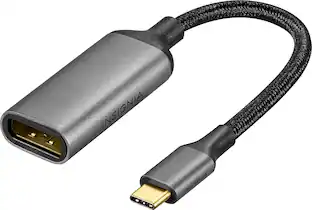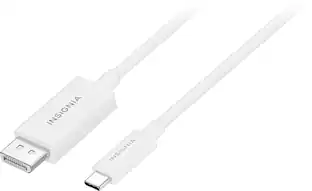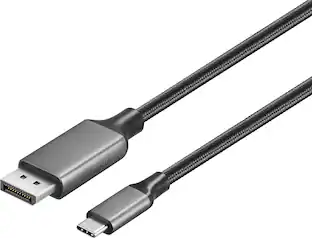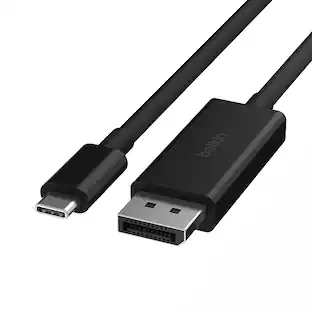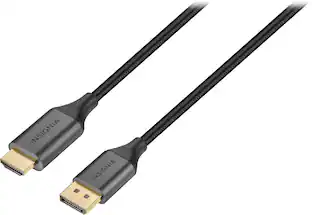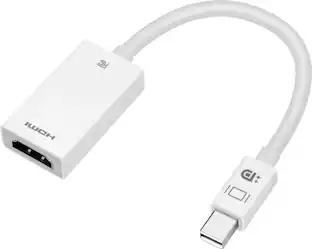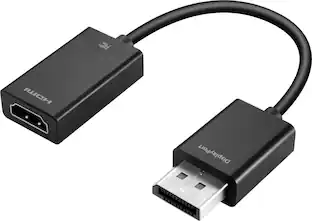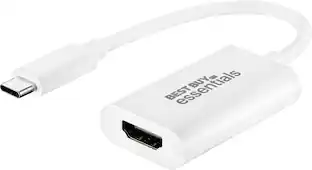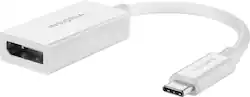
Insignia™ - USB-C to DisplayPort Adapter - White
- Key Specs
- Connector Type (End 1): USB-C
- Gender (End 1): Male
- Connector Type (End 2): DisplayPort
- Gender (End 2): Female
- General
- Brand: Insignia™
- Model Number: NS-PCACD
- Product Name: USB-C to DisplayPort Adapter
- Color: White
- Quantity: 1
- Compatibility: USB-C and DisplayPort-Compatible Devices
- Connectivity
- Cable Type: USB
- Product Type: Adapter
- Connector Type (End 1): USB-C
- Gender (End 1): Male
- Connector Type (End 2): DisplayPort
- Gender (End 2): Female
- Certifications Listings & Approvals
- Certifications and Standards: Certified USB
- Warranty
- Warranty - Parts: 1 year limited
- Warranty - Labor: 1 year limited
- Other
- UPC: 600603264177
The Insignia USB-C to DisplayPort Adapter mirrors the display from one computer to any DisplayPort-enabled monitor. Or extend your existing display to a second monitor, making it easier to organize programs and windows for day-to-day use at work or while browsing. USB-C gives you dazzling 4K (3840 × 2160) resolution at 60 Hz for high-quality video and audio. Its hassle-free setup requires no additional software.
- USB-C to DisplayPort: Mirror or extend your computer’s display by connecting from your computer’s USB-C port to a DisplayPort-enabled monitor.
- System requirements: Designed for Windows 10, macOS 10.12 and Android 9.0.
- 4K resolution: Provides high-quality, 4K resolution at 60 Hz.
- Audio included: Sends sound to audio-enabled DisplayPort monitors.
- No-hassle setup: Plug and play design requires no additional software.
- Brought to you by Best Buy: Insignia brings you affordable, dependable products with all the features you need.
Whats Included
- Insignia USB-C to DisplayPort Adapter
Product Manuals
Q: What is the maximum resolution supported by this Insignia adapter?
A: This adapter supports a maximum resolution of 4K at 60Hz.
Q: What type of connector does this adapter use to connect to a monitor?
A: This adapter uses a DisplayPort connector to connect to a monitor.
Q: How do I set up this Insignia adapter?
A: This adapter has a plug-and-play design, so no additional software is required for setup.
Q: Does this adapter support audio output?
A: Yes, the adapter sends sound to audio-enabled DisplayPort monitors.
Q: What operating systems is this adapter compatible with?
A: This adapter is designed for Windows 10, macOS 10.12 and Android 9.0.
Q: Can this adapter be used to extend a display to a second monitor?
A: Yes, you can extend your existing display to a second monitor with this adapter.
A: How to recognize the USB-C device whether has DP alt mode? If it has, it will have the logo (Refer to the red circle marked in the photo).
Q: Does this adapter support the “Valve Index VR System” on a laptop?
A: Hi Cade, Given the USB-C port is also listed as DisplayPort (and on the laptop it looks like it has the DisplayPort logo on the port), basic USB-C to DisplayPort adapter should work for the Index on your laptop. Insignia Products Lisa https://insigniaproducts.com
People also viewed
 $12.99The price was $14.99