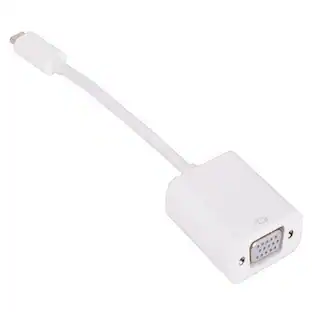
j5create - DisplayPort to VGA Adapter - White
About this product
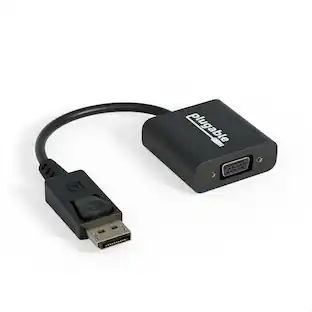
The DisplayPort to VGA Adapter allows you to quickly and easily connect your Mac or PC to an external monitor, HDTV, projector or other display device using a VGA input. It supports HD video with resolutions up to 1080p @ 60 Hz. With its plug-and-play technology, there is no need to download any drivers.
Features
Active DisplayPort conversion
Active high data rate adapter with clock & data recovery chip built-in. Provides resolutions up to 4K, transmitting HD video and high quality sound.
Latched connectors
Latched connectors prevent accidental disconnections and won't loosen or fall out of your devices. Gently press down on the latch to unplug it from your device.
Clear picture quality
Through VGA connection, support the highest resolution of 1920 x 1200/1080p @60Hz, connect to a large screen to make the field of view wider and improve efficiency.
Increase efficiency
Let your Mac or Windows computer easily expand the second display device to extend the desktop work space.
Plug and play
No Need for Software Installation or Configuration.
Specifications
- Connector Type (End 1)DisplayPortGender (End 1)MaleConnector Type (End 2)VGAGender (End 2)Female
Reviews
Rating 4.8 out of 5 stars with 12 reviews
The vast majority of our reviews come from verified purchases. Reviews from customers may include My Best Buy members, employees, and Tech Insider Network members (as tagged). Select reviewers may receive discounted products, promotional considerations or entries into drawings for honest, helpful reviews.
Compare similar products
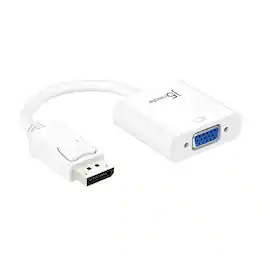
The DisplayPort to VGA Adapter allows you to quickly and easily connect your Mac or PC to an external monitor, HDTV, projector or other display device using a VGA input. It supports HD video with resolutions up to 1080p @ 60 Hz. With its plug-and-play technology, there is no need to download any drivers.

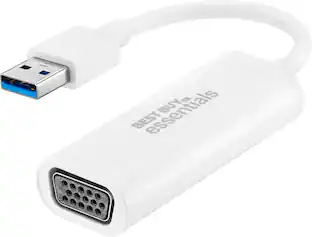
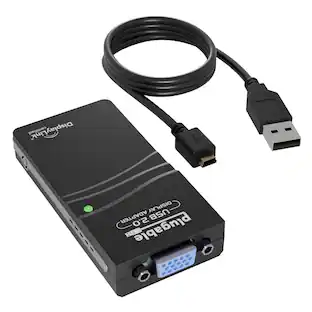
This Best Buy essentials USB to VGA Adapter can help you mirror or extend your display, granting you a setup that shows videos, presentations, games and more on a better screen. It supports Full HD resolution to mirror the display from a computer without losing image quality. Plug-and-play technology on Windows computers makes the connection simple. Just connect to a VGA-enabled monitor and you’ll be ready to work or play. This adapter is also USB 2.0 backwards compatible, giving you the option to use it with an older computer. And it’s backed by Best Buy, so you can trust it to upgrade your computer setup.

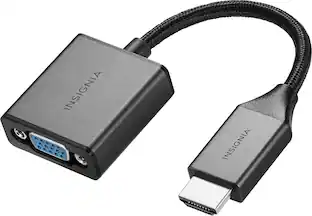
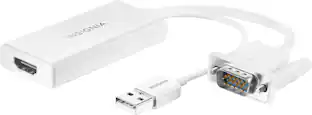
The Insignia VGA to HDMI Adapter mirrors the display from a VGA computer or laptop to any HDMI-enabled monitor, TV, Projector. Or extend your existing display to a second monitor, making it easier to organize programs and windows for day-to-day use at work or while browsing. This adapter supports resolutions up to 1920 × 1080 at 60 Hz for high-quality video, and an attached USB cable lets you hook up your audio and enables video output. Its hassle-free setup requires no additional software. This product can’t support HDMI to VGA output. To enable the adaptor correct setting up, the VGA port need to be connected your PC or laptop, a HDMI cable (not included) is required to connect the monitor, TV, projector, and the USB cable need to be connected with USB port of computer.
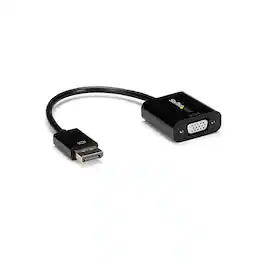
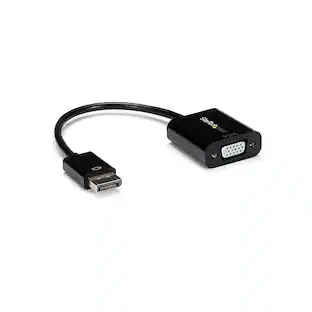
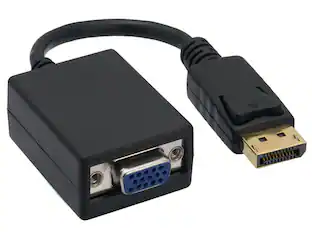
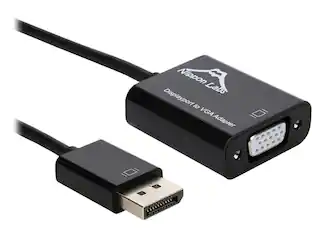
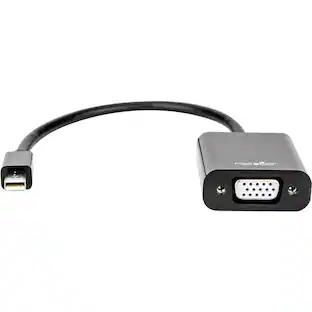
This black DisplayPort to VGA display adapter lets you connect DisplayPort equipped devices (laptop / desktop) to a VGA projector, monitor or other screen which will help eliminate the expense of upgrading to a DP display. As well, this IT-grade VGA video adapter supports resolutions up to 1920x1200 including 1080p ensuring you can convert your DisplayPort video source to work with your VGA projector or display without sacrificing video quality. This DP to VGA converter is extremely lightweight and offers a compact connection with an integrated 3.9in / 100mm cable. It's the perfect accessory to carry with your devices, fitting easily into your laptop bag. Its ultra portable design makes the DP to VGA dongle ideal for BYOD (Bring Your Own Device) applications at the office, video presentations on the go or even staying connected while at home. Simple to use, this active DP 1.2 to VGA display adapter makes DisplayPort backwards compatible with your existing VGA projector, monitor or display. It requires no installation software / drivers, or external power adapter, providing an easy plug and play setup. This DisplayPort to VGA monitor adapter is backed by a StarTech.com 3-year warranty and free lifetime technical support.
| Pros for j5create - DisplayPort to VGA Adapter - White | |||
|---|---|---|---|
| There were no pros for this product— | Ease of use, Compatibility, Price, Performance, Picture Quality | Ease of use, Compatibility, Price, Overall Performance, HDMI | There were no pros for this product— |
| Cons for j5create - DisplayPort to VGA Adapter - White | |||
| There were no cons for this product— | There were no cons for this product— | Resolution | There were no cons for this product— |
Specs
Customers often buy these together
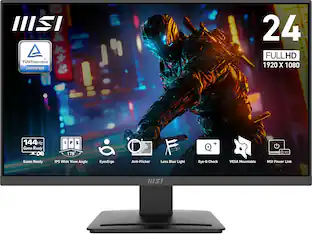 $79.99The price was $109.99

More to consider
 $19.99The price was $24.99

Explore tech essentials Sponsored


Discover related products
 $31.99The price was $32.99
 $29.99The price was $32.82











Keep exploring
 $12.99The price was $13.99
 $4.99The price was $7.99