Kaleidescape - Strato Remote Control - Black/Silver
About this product
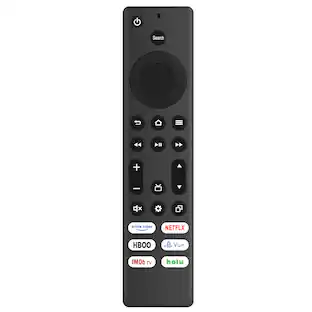
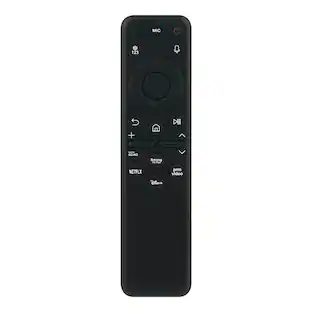
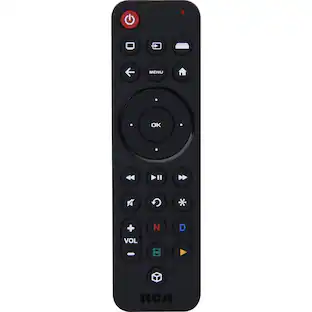
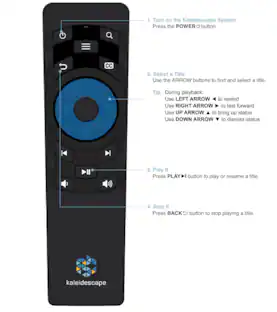
An updated remote control has been chosen to replace the previous white remote control for Strato players. The updated remote control is intuitive and features a streamlined set of buttons. In this kOS release, we have added support for commands including: Search, Back, Play/Pause Toggle, and Closed Captions. There is no number pad on the remote, so some interfaces on the OSD that require number entry have been modified to use an onscreen number entry.
Streamlined Buttons
Features a streamlined set of buttons including Search, Back, Play/Pause Toggle and Closed Captions
Onscreen Number Entry
There is no number pad on the remote so interfaces have been modified for on screen entry.
Color Coordinated
New remote colors match Strato/Terra system
Infared
Infared works with Strato players
Batteries Included
Includes two AAA batteries
- Remote Control TypeDedicated, DedicatedNumber Of Devices Controlled1
Reviews
Rating 5 out of 5 stars with 1 review
The vast majority of our reviews come from verified purchases. Reviews from customers may include My Best Buy members, employees, and Tech Insider Network members (as tagged). Select reviewers may receive discounted products, promotional considerations or entries into drawings for honest, helpful reviews.
Compare similar products

An updated remote control has been chosen to replace the previous white remote control for Strato players. The updated remote control is intuitive and features a streamlined set of buttons. In this kOS release, we have added support for commands including: Search, Back, Play/Pause Toggle, and Closed Captions. There is no number pad on the remote, so some interfaces on the OSD that require number entry have been modified to use an onscreen number entry.
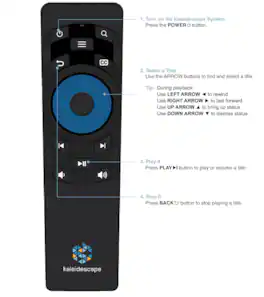
The Kaleidescape remote for Strato K,V,E,M is a black IR remote control with user friendly features that help you navigate your movie-watching experience.

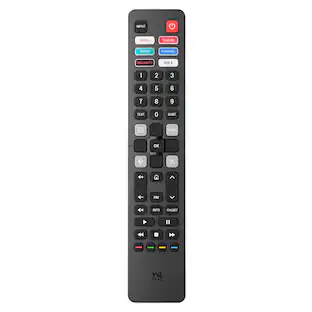
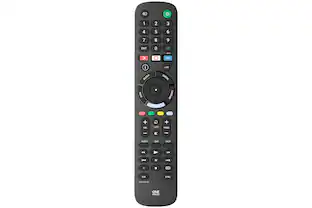
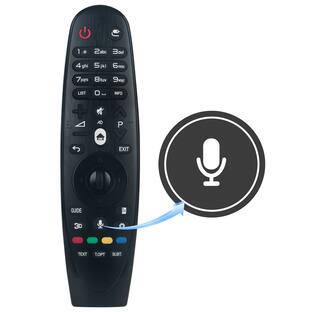
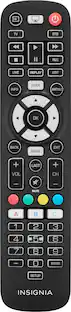
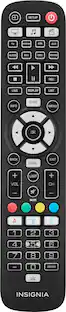
Losing or damaging the remote control is a headache, but you can regain control of your TV with the Insignia NS-RMTLG21 Replacement Remote for LG TVs. Our remote is compatible with nearly all LG TVs and pre-programmed for easy pairing. And you can even set up your remote to adjust your soundbar or audio receiver volume, giving you full control of your audio. Program your three favorite apps to the remote to open your most-used streaming services and more. If you still have your old remote, you can even teach your new remote functions from it, guaranteeing that you’ll have access to everything right at your fingertips. This Insignia remote has just what you need.

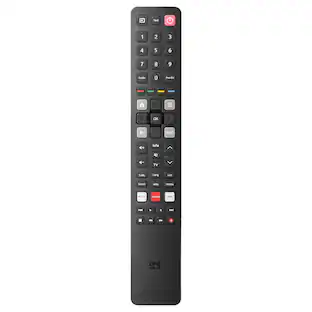
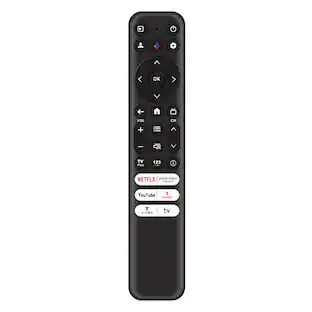
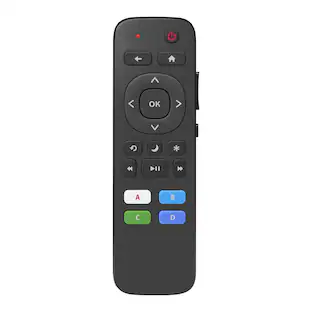
Replace a missing or damaged Roku TV remote with the Insignia Roku Replacement Remote for Insignia, TCL, and Hisense TVs. The remote features both IR learning and macro-learning to easily customize its four programmable buttons to your liking. There are user-friendly buttons to intuitively handle almost any function you are looking for. The remote easily fits in your hand with its slim, lightweight design.
| Pros for Kaleidescape - Strato Remote Control - Black/Silver | |||
|---|---|---|---|
| There were no pros for this product— | There were no pros for this product— | Overall Performance, Setup, Ease of use, Remote Functionality, Compatibility | Overall Performance, Setup, Ease of Use, Connectivity, Button Functionality |
| Cons for Kaleidescape - Strato Remote Control - Black/Silver | |||
| There were no cons for this product— | There were no cons for this product— | Button Layout, Response Time, Features | Compatibility, Voice Control |
Specs
Customers often buy these together
More to consider
Elevate your entertainment Sponsored
 Top Deal$189.99The price was $219.99
Discover related products
 $15.99The price was $19.99