LG - 43" Class 74B Series QNED AI Mini LED 4K Smart webOS TV (2026)
Customers are saying
Customers consistently note that the product delivers exceptional picture quality, which is frequently highlighted as a smooth viewing experience. Users also appreciate the sufficient brightness levels and the intuitive user interface that makes navigating apps straightforward. While the overall performance is well-regarded, some users have found the remote control setup to be a bit confusing.
Screen Size Class
43"Series
QNED Mini LED - 74B seriesHighlights
Features
Dynamic QNED Color
LG's Dynamic QNED Color and next-gen AI provide vivid color on your screen for a immersive visual experience.
Mini LED Technology
See your screen come alive with Mini LED technology—where tiny lights work together to deliver breathtaking brightness, deeper contrast, and razor-sharp detail. Whether you're watching in a bright room or a dark one, Mini LED ensures every scene looks exactly as it should: vivid, balanced, and incredibly lifelike.
α7 AI Processor 4K Gen9
Enhanced brightness, improved sound, refined picture detail. It all comes together for a thrilling watching experience powered by the α7 AI Processor 4K Gen9.
HDR10 Pro
HDR10 Pro dynamically adjusts brightness, revealing crisp details and vivid color in both bright and dark scenes for a stunning, lifelike picture.³
FILMMAKER MODE
Watch films just how the directors envisioned them with automatic preservation of the director’s original colors, settings and frame rates for a true at-home cinematic experience FILMMAKER MODE with Ambient Light Technology.
webOS 26
No matter which TV you choose, your LG TV makes it easier than ever to find what you need and more. Browse all your favorite streaming apps and let LG Channels connect you to over 400 free channels and 10,000+ movies & shows (on-demand).⁴
LG Channels
Get instant access to over 400 free channels and 10,000+ movies & shows (on-demand).⁵ Discover and enjoy premium new entertainment with nothing more than an internet connection.
LG Game Dashboard and Game Optimizer
LG TVs have ALLM to further improve gaming quality. Whether you game on consoles or on the cloud,⁶ the LG Game Dashboard and Game Optimizer put all the control at your fingertips.
Gallery+
Create, display and express your taste with LG Gallery +. Choose from a collection of high-resolution artwork, scenic photography and other personalization features.⁷ Plus turn your ideas into art with Generative AI.
Dynamic Sports
Dynamic Sports is an exclusive sports experience built into LG’s webOS Smart TVs. It’s designed for fans who don’t want to miss a single play, score, or highlight. By combining live streaming, team tracking, and instant notifications, it makes your TV feel like a personal sports assistant.
LG Shield
The LG Shield helps provide privacy protection against malware, viruses, and other cyber threats with real-time scanning and automatic updates.
Specifications
- Display TypeLEDResolution4K (2160p)Screen Size Class43 inchesHigh Dynamic Range (HDR)YesHigh Dynamic Range FormatHDR 10, Hybrid Log-Gamma (HLG)
Reviews
Rating 4.6 out of 5 stars with 67 reviews
- Picture Quality (40)
- Brightness (4)
- User Interface (4)
- Ease of Setup (8)
Customer Images
The vast majority of our reviews come from verified purchases. Reviews from customers may include My Best Buy members, employees, and Tech Insider Network members (as tagged). Select reviewers may receive discounted products, promotional considerations or entries into drawings for honest, helpful reviews.
- LG - 75" Class 7S Series QNED AI Mini LED 4K Smart webOS TV (2026)Holiday Deal$499.99
- LG - 43” Class NU700B Series LED Nano AI 4K UHD Smart webOS TV (2026)Holiday Deal$199.99


Compare similar products

MiniLED technology makes color brighter, contrast deeper, and details sharper for a more immersive picture. HDR10 Pro boosts every color for standout clarity, while the Alpha 7 AI Processor Gen9 automatically optimizes picture and sound based on what you’re watching. You'll also experience less searching and more streaming, thanks to LG’s award-winning Smart TV platform: webOS.¹ For gamers, you can quickly customize your gaming experience in one location with the LG Game Optimizer. And, with GeForce NOW & Xbox Cloud Gaming included, you can quickly stream and get int your favorite apps.²

LG QNED AI 4K TV's deliver vibrant colorful images for an immersive viewing experience. HDR10 Pro delivers a dramatic visual experience and elevated picture quality by enhancing each color on your screen for a "wow" effect. You'll enjoy outstanding picture powered by the Alpha 7 AI Processor Gen3, which uses AI to detect what you're watching and automatically improves the picture and sound quality. You'll also experience less searching and more streaming, thanks to LG’s award-winning Smart TV platform: webOS.¹ For gamers, you can quickly customize your gaming experience in one location with the LG Game Optimizer. And, with GeForce NOW & Xbox Cloud Gaming included, you can quickly stream and get int your favorite apps.²

Bring home stunning 4K picture quality in an impressive range of screen sizes with LG UHD TVs. LG’s Detail Enhancer sharpens textures and fine details, helping everything you watch look clearer and more lifelike. Plus, enjoy fast, easy navigation and personalized recommendations—including access to over 400 free LG channels.¹ Spend less time searching and more time streaming with LG webOS 26. Focus on the screen with a slim and simple-to-mount design for a stylish view no matter where you hang it. For gamers, you can quickly customize your gaming experience in one location with the LG Game Optimizer. And, with GeForce NOW & Xbox Cloud Gaming included, you can automatically stream and get in the game.²

Bright, detailed colors pair together with deep, cinematic contrast in your favorite smart apps and video games thanks to precise control with Mini LEDs, delivering a realistic picture no matter what you watch. Get thousands of subscription free channels, including 700+ premium channels with Samsung TV Plus. Rest assured your personal data is secured with Knox Security.
| Pros for LG - 43" Class 74B Series QNED AI Mini LED 4K Smart webOS TV (2026) | |||
|---|---|---|---|
| Picture Quality, Brightness, User Interface | Picture Quality, Ease of Setup, Brightness | Picture Quality, Ease of Setup, Weight, Design | Picture Quality, Ease of Setup, Brightness, Weight, Connectivity |
| Cons for LG - 43" Class 74B Series QNED AI Mini LED 4K Smart webOS TV (2026) | |||
| Ease of Setup | There were no cons for this product— | There were no cons for this product— | There were no cons for this product— |
Specs
Questions & Answers
Why won’t this tv hook up with my Comcast cable box?
Answered by LG Digital Customer CareRegrettably, without details about how you are attempting to hook up the LG 43" Class 74B Series QNED AI Mini LED 4K Smart webOS TV (2026), Model # 43QNED74BUA, with your Comcast Cable Set-Top box, we cannot determine why you are unable to hook it up.. It is a standard 4K smart TV equipped with HDMI inputs, so it is fully compatible with any modern cable box, satellite box, or streaming device on the market. Depending on what connectivity your Comcast cable set-top box has, the TV can be easily connected to your set-top box. You can connect one end of a standard HDMI cable to the HDMI Out port on the back of your Comcast box, and plug the other end into either HDMI 1 or HDMI 2 on the back of your LG TV. Then turn on both devices, press the Input/Source button on your LG remote control, and select the corresponding HDMI port you plugged the box into. If you prefer not to use a physical cable box in that room, you can download the Xfinity Stream app directly onto the TV from the built-in LG Content Store. This allows you to stream your live Comcast programming and On-Demand content entirely over your home Wi-Fi network. If your TV keeps forcing you back to the LG smart home menu when you power it on instead of launching your cable box input, you should disable the Home Auto Launch option. You can turn this off by navigating to Settings ➔ All Settings ➔ General ➔ System ➔ Additional Settings ➔ Home Settings on your TV...^Ivan.
Is there a film on the screen that needs to be taken off. There was a yellow energy sticker on the left corner but i can't tell if there is a film across the whole screen.
Answered by LG Digital Customer CareHello, Rysty! Thank you for sharing your question with us about the LG TV (43QNED74BUA). Yes, new units typically come with a full clear protective film covering the screen to prevent scratches during transport. • To remove it safely: • Simply locate the tabs on the front bottom of the panel. • Hold the sticker on the left or right corner. • Gently pull to remove the protective film. For more information, you can refer to this link "LG TV – How to Remove the Screen Protection Film": https://www.lg.com/us/support/help-library/lg-tv-how-to-remove-the-screen-protection-film--20154106203657?srsltid=AU7gw4X3NzSXPaSdcB9qeWjbsoRKDK_UzzmOh8pea7pVG6MuPI1vXxQ_. You can explore the full feature list and support details here: https://www.bestbuy.com/product/lg-43-class-74b-series-qned-ai-mini-led-4k-smart-webos-tv-2026/JJ8VPZZCZK. If you need any further assistance with your screen or setting up your TV, please feel free to email us at lgdigitalcare@lg.sprinklrsupport.com. — Avril
Can this e set up with dish tv?
Answered by LG Digital Customer CareHello, there! Thank you for sharing your question with us about the LG TV (43QNED74BUA). Yes, you can easily set up this TV with Dish TV. You can connect your Dish TV satellite receiver box to any of the available HDMI ports on the back or side of the TV using an HDMI cable. Once connected, switch the TV input to the corresponding HDMI port (e.g., HDMI 1) using your remote to start viewing. You can explore the full feature list and support details here: https://www.bestbuy.com/product/lg-43-class-74b-series-qned-ai-mini-led-4k-smart-webos-tv-2026/JJ8VPZZCZK. If you need further support or have any additional questions, please feel free to email us at lgdigitalcare@lg.sprinklrsupport.com. — Avril
Totally clueless re how to use remote, e.g. how to record programs, watch regular programming, etc. Is there a comprehensive manual that explains these issues?
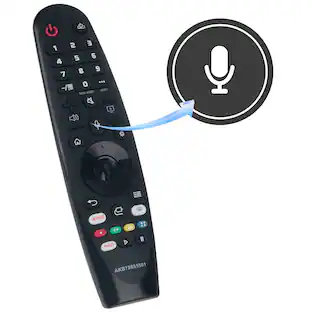
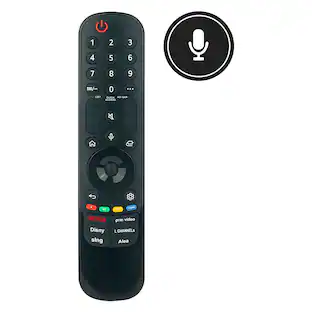
Answered by LG Digital Customer CareThe LG 43" Class 74B Series QNED AI Mini LED 4K Smart webOS TV (2026), Model # 43QNED74BUA, features an on-screen built-in User Guide (called the User Guide or E-Manual) that provides an interactive diagram explaining how to use the remote control and what all of its buttons do. ou can find the breakdown of your remote's buttons on the TV using the Quick Help method by pressing and holding the 9 button on your remote control for about two seconds. This acts as a shortcut that launches the TV's Quick Help / Support menu. From there, you can select the User Guide and navigate to the "How to Use the Magic Remote" section. For that, Press the Settings button (the gear icon) on your remote. Scroll down and select All Settings (or Advanced Settings) -> Support -> User Guide. Once you open the remote guide on the screen, it will give you a visual walkthrough of features unique to the Magic Remote, including: • The Scroll Wheel & Pointer: How to shake the remote to bring up the on-screen mouse cursor and click items. • Voice Commands: How to hold down the Microphone / AI button to speak into the remote to search for shows or change inputs. • Quick Access Shortcuts: How to program the number keys (1 through 8) so that holding a number instantly opens your favorite streaming app or HDMI input...^Ivan.
How do I attach the legs to the tv
Answered by LG Digital Customer CareA guide for attaching the stand legs to the LG 43" Class 74B Series QNED AI Mini LED 4K Smart webOS TV (2026), Model # 43QNED74BUA, is included in the box. You will find a printed Quick Setup Guide / Quick Start Guide. This document consists primarily of visual diagrams detailing exactly how to unpack the television, align the stand legs, and secure them using the provided screws...^Ivan.


Customers often buy these together
Monitor and Television Mounts
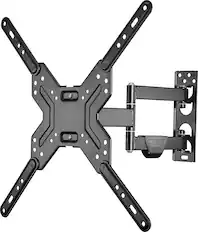
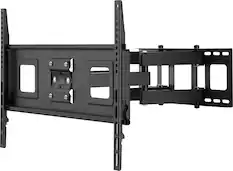
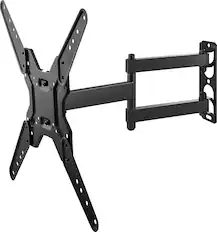
Best Buy essentials™ - Full Motion TV Wall Mount for Most 19–50" TVs - Black
Black Friday Deal$33.99The price was $39.99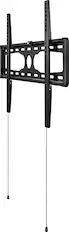
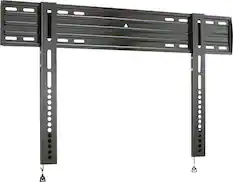
Best Buy essentials™ - Fixed TV Wall Mount for Most 37–90" TVs - Black
Black Friday Deal$25.99The price was $29.99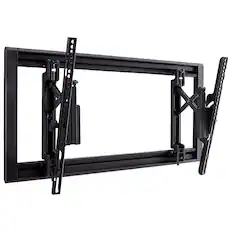
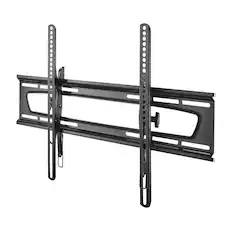
SANUS Elite - Tilting TV Wall Mount for 42”-90” TVs up to 150lbs, 12 deg Tilt w/ 6.8” Extension, DIY TV Mount w/ Included Hardware - Black
Black Friday Deal$126.99The price was $169.99
Soundbars
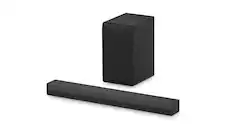
LG - 2.1-Channel S40T Soundbar with Wireless Subwoofer, Bluetooth Connectivity, Dolby Audio and WOW Orchestra - Black
Holiday Deal$169.99The price was $229.99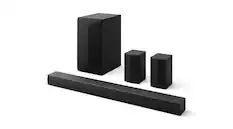
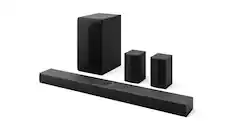
LG - 5.1-Channel S60TR Home Theater Soundbar with Wireless Subwoofer and Rear Speakers, Dolby Audio - Black
Holiday Deal$249.99The price was $399.99


More recommended items
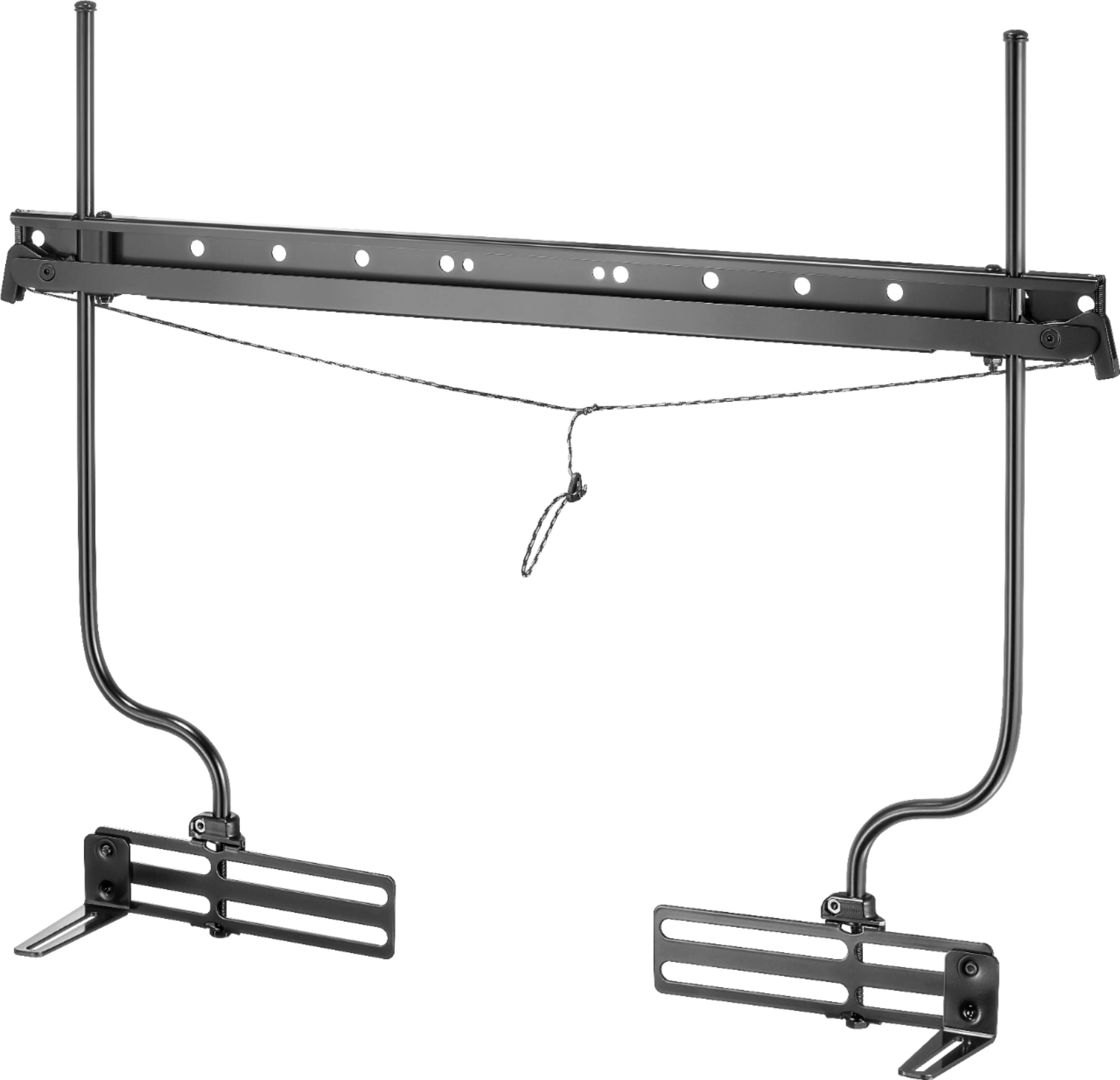 Speaker Mounts
 Surge Protectors
 Streaming Media Players
Consider the latest in display technology
Red, green and blue (RGB) LEDs create vivid color directly instead of filtering white light like traditional LED TVs.
Learn more
This is a modal window.
Samsung 75" Class R85H Series Micro RGB 4K UHD SamsungVisionAI Smart Tizen TV (2026)
Holiday Deal$1,699.99The price was $2,799.99Hisense 65" Class UR8 RGB MiniLED UHD 4K HDR Smart Google TV with Gemini and Anti-Reflection Screen (2026)
Holiday Deal$1,199.99The price was $1,999.99Samsung 55" Class R85H Series Micro RGB 4K UHD SamsungVisionAI Smart Tizen TV (2026)
$999.99The price was $1,599.99
Customers ultimately bought
LG 43” Class NU700B Series LED Nano AI 4K UHD Smart webOS TV (2026)
Holiday Deal$199.99The price was $249.99LG 43" Class 75B Series QNED AI Mini LED 4K Smart webOS TV (2026)
Holiday Deal$279.99The price was $499.99Samsung 43" Class M70H Series Mini LED 4K UHD SamsungVision AI Smart Tizen TV (2026)
$249.99The price was $349.99LG 50" Class 74B Series QNED AI Mini LED 4K Smart webOS TV (2026)
Holiday Deal$279.99The price was $349.99Samsung 43” Class U8000H Series Crystal UHD 4K Smart Tizen TV (2026)
Black Friday Deal$199.99The price was $249.99LG 55" Class 7S Series QNED AI Mini LED 4K Smart webOS TV (2026)
Holiday Deal$299.99The price was $399.99LG 48" Class B6 OLED AI 4K Smart webOS TV with Perfect Black, Vivid Color and Magic Remote (2026)
Holiday Deal$599.99The price was $1,199.99LG 55" Class 75B Series QNED AI Mini LED 4K Smart webOS TV (2026)
Holiday Deal$329.99The price was $599.99LG 50” Class NU700B Series LED Nano AI 4K UHD Smart webOS TV (2026)
Holiday Deal$229.99The price was $329.99


Elevate your entertainment Sponsored
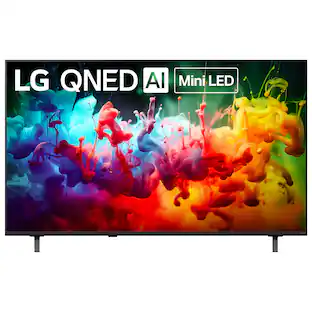
LG 43" Class 75B Series QNED AI Mini LED 4K Smart webOS TV (2026)
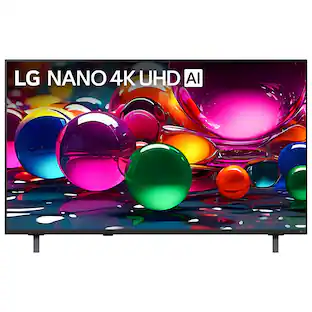
Holiday Deal$279.99The price was $499.99LG 43” Class NU700B Series LED Nano AI 4K UHD Smart webOS TV (2026)
Holiday Deal$199.99The price was $249.99LG 50" Class 74B Series QNED AI Mini LED 4K Smart webOS TV (2026)
Holiday Deal$279.99The price was $349.99LG 55" Class 75B Series QNED AI Mini LED 4K Smart webOS TV (2026)
Holiday Deal$329.99The price was $599.99LG 75" Class 7S Series QNED AI Mini LED 4K Smart webOS TV (2026)
Holiday Deal$499.99The price was $679.99LG 48" Class B6 OLED AI 4K Smart webOS TV with Perfect Black, Vivid Color and Magic Remote (2026)
Holiday Deal$599.99The price was $1,199.99LG 75" Class 84B Series QNED evo AI Mini LED 4K Smart webOS TV (2026)
Holiday Deal$849.99The price was $1,799.99
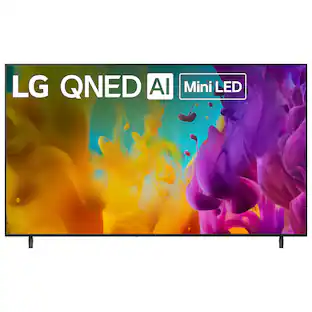
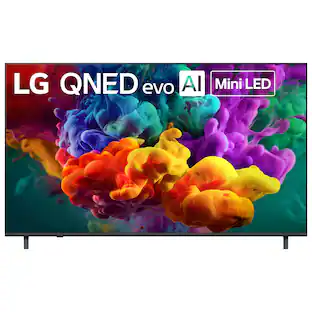
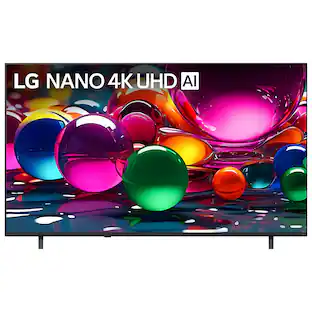
Discover related products
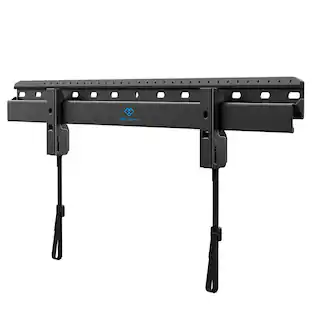
Perlesmith 32"–86" Low-Profile Fixed TV Wall Mount Bracket for Flat-Screen, Model PSLL4B-US
$21.99The price was $39.99
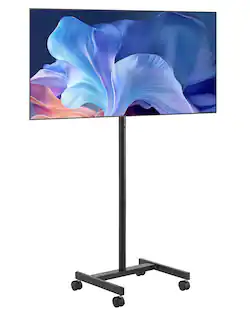

Keep exploring
Sony 77" BRAVIA XR A95L Series QD-OLED 4K HDR Smart TV (2023) with 26 Month Potection Plan Bundle w/ Movies Streaming
$3,498.00The price was $5,267.92LG 65" OLED evo AI C6 4K Smart webOS TV (2026) + 1 Year Extended Warranty Protection Package
$1,399.99The price was $1,999.99LG OLED55C6PUA 55 Inch Class OLED AI C6 4K Smart TV with 2 Year Amber Protection Plan (2026)
$999.99The price was $1,499.99LG 77 Inch OLED evo AI C6H 4K Smart webOS TV (2026) + Bose TV Speaker Bundle
$1,999.99The price was $3,299.99LG OLED42C6PUA 42 Inch Class OLED AI C6 4K Smart TV with 2 Year Amber Protection Plan (2026)
$899.99The price was $1,199.99