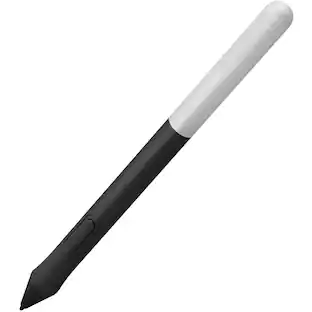
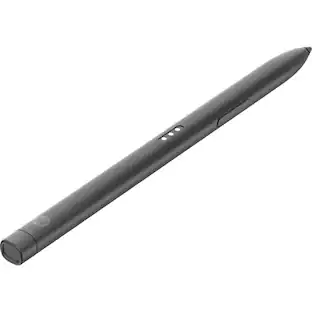
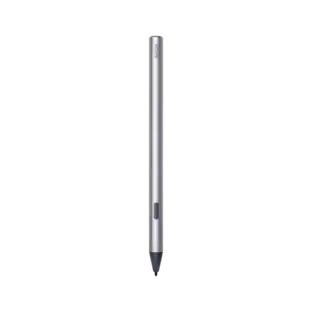
Microsoft - Surface Pen - Poppy Red
Customers are saying
Customers are delighted by the product's exceptional ease of use, strong overall performance, and good compatibility, with many also praising its long battery life, accuracy, comfortable feel, and sleek design for various tasks like drawing. However, the price is a notable concern for some, alongside issues with tip durability. Less frequent feedback mentions occasional lag and connectivity problems.
Color
Poppy RedFeatures
Think with ink
Windows and Office 365 give Surface Pen more power than it ever had with paper. Strikethrough words to delete, circle text to select it, highlight using Ink Editor - even replay the sequence of mark-ups from others.
Easy note-taking
Taking and managing notes with OneNote is easier than ever. Do homework, replay notes to better remember your thoughts, and write out math equations that solve themselves using Ink Math Assistant - all in one place.
No printing required
Streamline editing documents with digital inking. Use your Surface Pen to annotate and highlight text and the built-in digital ruler to set things straight.
Tilt support
You can tilt the tip to artistically shade your drawings - just like you would with a graphite pencil.¹
Intuitive hardware
Choose from additional tips (sold separately) to suit your creative mood - from a familiar No. 2 pencil to a low-friction tip similar to a fine-point pen.
Real-time inking
No matter how fast you write or draw, the ink flows with virtually no lag or latency.
Writes like pen on paper
Surface Pen is a natural writing and drawing tool, with precision ink on one end that now enables tilt¹, and a natural-feeling rubber eraser on the other.
Sketch, shade, and paint
Allows artistic precision and finer control with 4,096 pressure points that respond to the lightest touch.
Responds to an artist's touch
Effortlessly express the finest sketches and lines with Surface Pen. Rest your hand on the screen of your Surface*, just as you would writing on a notebook. Surface Pen brings out the details in every line so you can see the intent behind each stroke.
* Some software and accessories sold separately.
¹ Surface Pen tilt functionality is available with Surface Pro 5th Gen, Surface Pro 6, Surface Pro 7, Surface Pro X, Surface Book 2 (15"), Surface Book 2 (13") (when using updated firmware), Surface Go, Surface Studio (when using updated firmware), and Surface Studio 2.
Specifications
- Model CompatibilityMicrosoft Surface 3, Microsoft Surface Book, Microsoft Surface Book 2, Microsoft Surface Book 3, Microsoft Surface Go, Microsoft Surface Go 2, Microsoft Surface Go 3, Microsoft Surface Laptop, Microsoft Surface Laptop 2, Microsoft Surface Laptop 3, Microsoft Surface Laptop 4, Microsoft Surface Laptop 5, Microsoft Surface Pro 3, Microsoft Surface Pro 4, Microsoft Surface Pro 5, Microsoft Surface Pro 6, Microsoft Surface Pro 7, Microsoft Surface Studio, Microsoft Surface Studio 2, Microsoft Surface Studio 2+, Microsoft Surface Studio 2+Screen CompatibilityBuilt for Windows Ink (Active)Operating System CompatibilityWindows
Reviews
Rating 4.6 out of 5 stars with 8406 reviews
- Ease of use (2924)
- Overall Performance (946)
- Compatibility (446)
- Drawing (240)
- Battery Life (228)
- Price (369)
- Tip Durability (103)
- Lag (66)
- Clip (28)
- Connectivity (24)
Customer Images
The vast majority of our reviews come from verified purchases. Reviews from customers may include My Best Buy members, employees, and Tech Insider Network members (as tagged). Select reviewers may receive discounted products, promotional considerations or entries into drawings for honest, helpful reviews.
Compare similar products

Surface Pen delivers a natural writing and drawing experience, with ink that flows out in real time with virtually no lag or latency. Tilt support lets you shade your sketches just like you would with a graphite pencil.¹ Surface Pen also delivers exceptional artistic precision - with 4,096 pressure points that respond to the lightest touch.

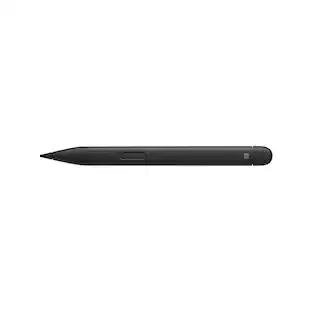
Write, sketch, navigate, and recharge. Take handwritten notes and draw with the same feeling you get with pen on paper, with exceptional accuracy and a new storable design. Surface Slim Pen (2nd Edition) also delivers incredible shading and exceptional pressure sensitivity.¹
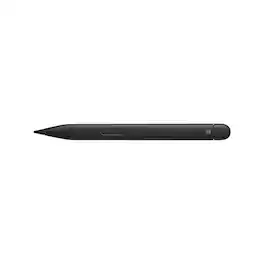
Before you settle for less, elevate your digital writing and sketching experience with the Microsoft Slim Pen 2, designed specifically for Surface Pro, Duo, Go, and Laptop Studio. This sleek, matte black pen seamlessly bridges the gap between traditional pen and paper and the digital world, offering unparalleled accuracy and a convenient, storable design. The Microsoft Slim Pen 2 is meticulously engineered to provide the most refined shading experience yet. Featuring a sharper pen tip and an enhanced design, it allows you to interact with your screen at the optimal angle for ultra-precise tilting and shading. With an impressive 4,096 points of pressure sensitivity, your digital writing and drawing will feel more natural and fluid than ever before.This innovative pen is compatible with a broad range of Surface devices for charging, which are sold separately. It securely stores and recharges when placed in the Surface Pro Signature Keyboard or when magnetically attached to the Surface Laptop Studio. Equipped with a haptic motor, the Slim Pen 2 replicates the tactile sensation of writing and drawing on paper, directly on your PC's screen. You can adjust the level of feedback you experience when selecting objects, hovering, deleting, and more, making your digital interactions more intuitive and responsive.As our best-performing pen to date, the Microsoft Slim Pen 2 offers real-time writing, pinpoint accuracy, and exceptional shading capabilities. It's ideal for note-taking, sketching, and navigating, providing a natural and intuitive user experience. Enhance your productivity with the Slim Pen 2, which is always charged and ready to use right out of the box, empowering you to unleash your creativity instantly.With built-in wireless charging and secure storage options in the Surface Pro Signature Keyboard or Surface Laptop Studio, you'll always know where your pen is. Capture your ideas instantly with the Microsoft Slim Pen 2, whether you're brainstorming and sketching with colleagues over Microsoft Teams, using Microsoft Whiteboard, editing presentations on the fly, filling out and signing documents, or taking personal handwritten notes in Microsoft Journal. Experience the future of digital writing and drawing with the Microsoft Slim Pen 2.
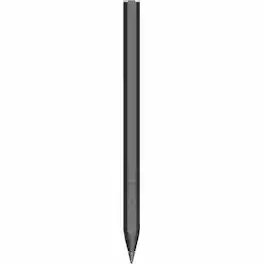
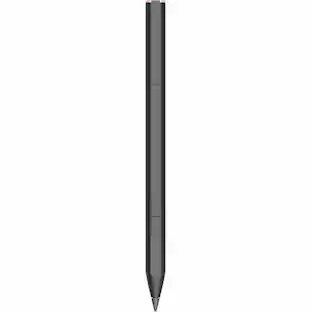
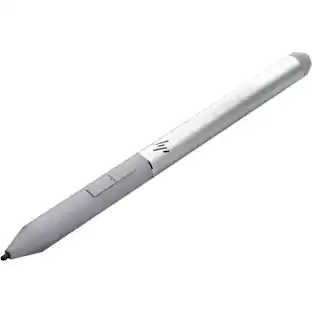
HP Rechargeable MPP 2.0 Tilt Pen - Active - Replaceable Stylus Tip - Black - Notebook Device Supported
| Pros for Microsoft - Surface Pen - Poppy Red | |||
|---|---|---|---|
| Ease of use, Overall Performance, Compatibility, Battery Life, Drawing | Ease of use, Overall Performance, Compatibility, Design, Weight | There were no pros for this product— | Overall Performance, Battery Life, Connectivity |
| Cons for Microsoft - Surface Pen - Poppy Red | |||
| Price, Lag, Connectivity, Tip Durability, Clip | Price, Lag, Connectivity, Charger, Tip | There were no cons for this product— | There were no cons for this product— |
Specs
Questions & Answers
Will this pen work with the new Surface Go? And will all the pressure sensitivity work as well?
Answered by MicrosoftOutreachTeamThe Surface Pen is a fantastic addition to the Surface Go! You will be able to use all the same features with the Surface Go as you can with the Surface Pro.

Does this pen come with different tip sizes?
Answered by MicrosoftOutreachTeamHi, This does not come with various tips, but you can differentiate your Surface tips with the Tip Set! Kindly, Victoria Surface Customer Care
Is this pen compatible to the Microsoft surface 3 ?
Answered by MicrosoftOutreachTeamSurface Pen is compatible with Surface Pro 3.
How do you re-charge pen
Answered by kayakRyderThere is a AAAA battery included with the pen, no way to recharge it in the pen. i have not had to replace the battery in 16 months.
Will this pen work with HP Pavilion 2 IN 1 ?
Answered by Kyleyes, it's bluetooth and as long as the computer supports windows ink, it'll work.
Customers often buy these together
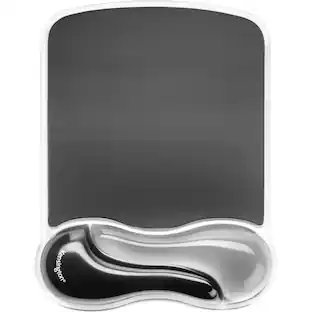 Techtober Deal$13.49The price was $20.99
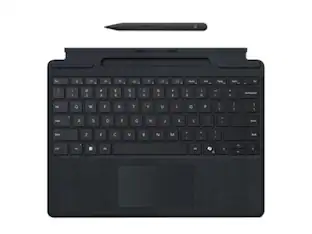 $237.50The price was $265.23
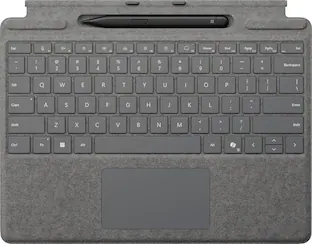 $259.99The price was $279.99

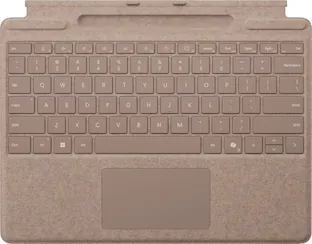

More to consider
 Techtober Deal$52.49The price was $79.99
 $32.99The price was $42.99






Discover related products
Keep exploring
 $114.00The price was $125.51
 $67.22The price was $69.47
 $32.78The price was $44.78
 $46.99The price was $68.03