NETGEAR - Powerline 2000 + Extra Outlet - White
Customers are saying
Customers enjoy the impressive speed, reliable performance, and ease of use that this product provides. Users frequently highlight how simple the setup process is and appreciate the consistent connectivity and signal strength it delivers throughout their homes. While some customers find the physical size of the device to be a bit bulky, they generally feel the overall quality justifies the investment.
Highlights
Next-generation Powerline
Extremely fast speed - up to 2000 Mbps.
Reliable network
Connect multiple adapters to expand your wired network reliably.
Latest technology
Multiple data streams (MIMO) offer improved coverage and speed.
Plug and play
Set up in minutes, no need to configure or install software.
Noise-filtered power outlet
Provides an extra outlet and improves the overall Powerline network performance.
Push and secure
Encrypts Powerline network connections with the touch of a button.
- Wi-Fi Range5000 square feetForm FactorPlug-inNumber of LAN Ports2Number of PoE (Power over Ethernet) Ports2Wireless Networking StandardWi-Fi 5
Reviews
Rating 4.4 out of 5 stars with 1818 reviews
- Speed (345)
- Ease of use (287)
- Performance (265)
- Connectivity (133)
- Setup (89)
- Size (33)
- Lag (23)
- Price (18)
Customer Images
The vast majority of our reviews come from verified purchases. Reviews from customers may include My Best Buy members, employees, and Tech Insider Network members (as tagged). Select reviewers may receive discounted products, promotional considerations or entries into drawings for honest, helpful reviews.

Compare similar products

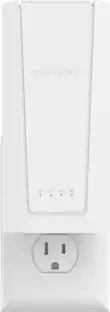
Convert your home electrical system to an internet network with this NETGEAR Powerline 2000. It plugs into any outlet and accepts a network connection, and it lets you access up to Gigabit wired speeds in any room. This NETGEAR Powerline 2000 includes a standard outlet, so it doesn't even keep you from accessing electricity.

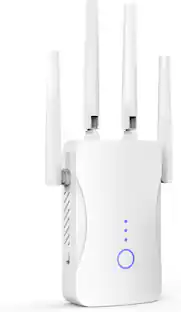
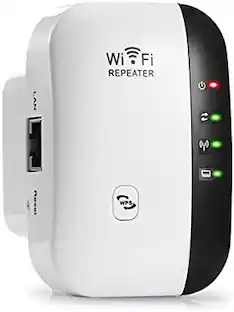
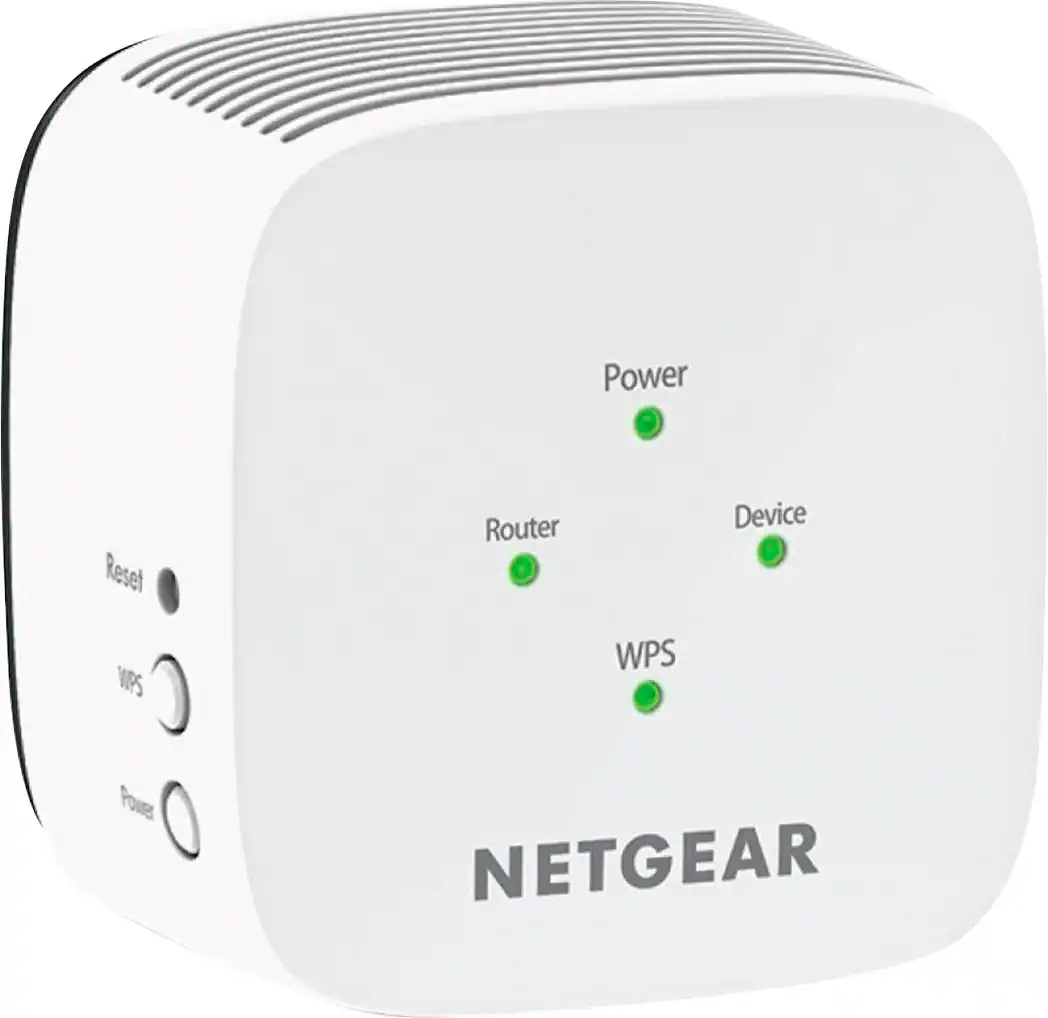
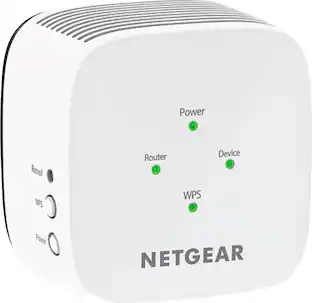
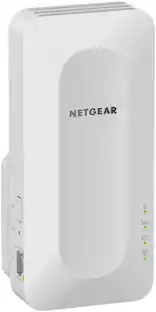
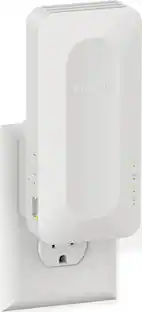
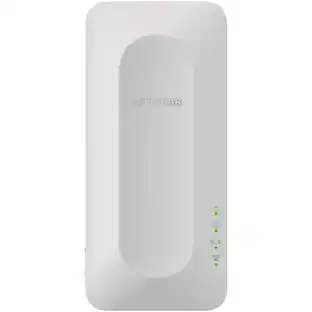
Get rid of wireless dead zones in your home or office network with this NETGEAR AC750 dual-band Wi-Fi range extender. Internet speeds of up to 750 Mbps ensure a fast connection and compatibility with any standard Wi-Fi router. Ideal for HD video streaming or gaming. Gain the connectivity you need for tablets, smartphones, laptops and more.
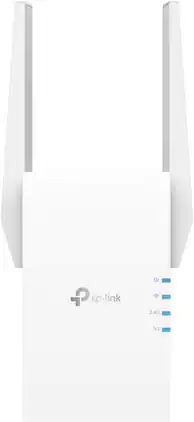
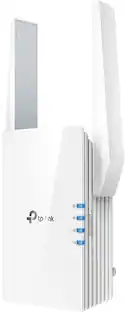
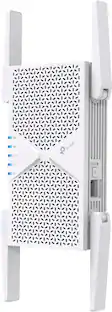
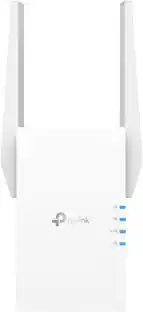
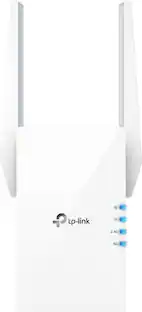
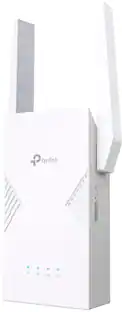
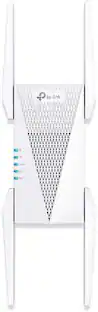
Extend high-performance Wi-Fi across your home to remove dead spots and Wi-Fi drop zones with RE705X Wi-Fi 6 range extender. High-gain antennas extend your routers’ Wi-Fi signal so you can enjoy smoother and more reliable streaming, gaming, downloading, and more with dual-band Wi-Fi speeds up to 3 Gbps (2402 Mbps on 5 GHz band and 574 Mbps on 2.4 GHz band) with the wider 160 MHz channel. Pair RE705X with a TP-Link OneMesh compatible router to create a network that only needs one name and password. Easily set up and manage RE705X with TP-Link Tether app (Android, iOS). Plus, the intelligent signal indicator will help you find the best placement for your range extender.

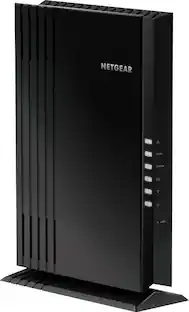
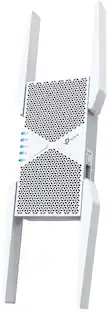
The Nighthawk WiFi 7 Range Extender is a WiFi booster for rooms your router cannot reach, with three high-performance antennas adding up to 1,500 sq ft of coverage. Dual Band WiFi 7 carries speeds up to 5 Gbps with capacity for 45 devices, so streaming and gaming stay smooth. Smart Roaming keeps your existing WiFi name, and a 2.5 Gig Ethernet port wires a PC, console or 4K TV. Works with any router and extends your network rather than replacing it, and sets up quickly in the Nighthawk app.
| Pros for NETGEAR - Powerline 2000 + Extra Outlet - White | |||
|---|---|---|---|
| Ease of use, Performance, Connectivity, Setup, Speed | Ease of use, Performance, Signal Strength, Setup, Wi-Fi Range | Ease of use, Overall Performance, Signal Strength, Setup, Range | Overall Performance, Connectivity, Signal Strength, Coverage |
| Cons for NETGEAR - Powerline 2000 + Extra Outlet - White | |||
| Size, Lag, Price | Compatibility, Connection, Instructions | Compatibility, Size, Heat | Setup Process |
Specs
Customers often buy these together
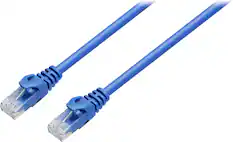
Ethernet Cables

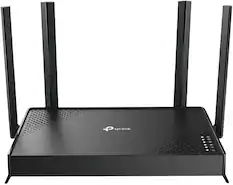
Network Routers
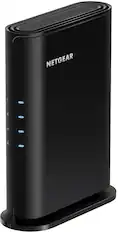
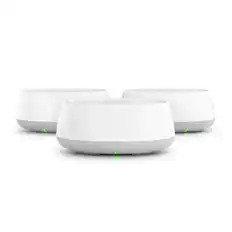
More recommended items
 Network Switches
 Network Adapters
 Network Range Extenders and Repeaters
 Surge Protectors
More to consider
 $119.99The price was $149.99
 $149.99The price was $159.99
Explore tech essentials Sponsored
 $379.99The price was $449.99

Discover related products
 $189.99The price was $197.23