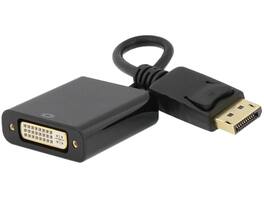
Nippon Labs - 30DP-DVI200 DP to DVI Converter, Latch, 1.2, 1920x1080@60Hz
Reviews coming soon
About this product
Nippon Labs 30DP-DVI200 DisplayPort to DVI Audio / Video Converter With Latch, DisplayPort 1.2 to DVI Converter Adapter for DP-enabled Computers - 1920 x 1080@60Hz
Connect DisplayPort to DVI with required cable
Connect a DisplayPort equipped computer to a monitor, TV or projector with DVI input. (A DVI cable is required)
Compliant with DisplayPort 1.2 specification.
Support DVI resolutions up to 1920 x 1080p@60Hz.
Gold-plated connector provides superior transmission, high reliability and durability.
Carry a digital video signal from your computer to a monitor for video streaming or gaming.
- Connector Type (End 1)DisplayPortConnector Type (End 2)DVI
Reviews
This product doesn't have any reviews yet.
Compare similar products
Nippon Labs 30DP-DVI200 DisplayPort to DVI Audio / Video Converter With Latch, DisplayPort 1.2 to DVI Converter Adapter for DP-enabled Computers - 1920 x 1080@60Hz

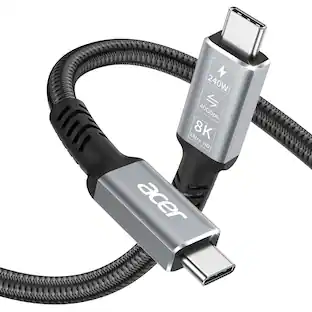
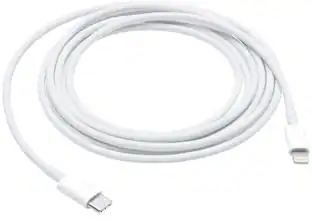
This 2-meter charge cable is made with a woven design — with USB-C connectors on both ends — and is ideal for charging, syncing, and transferring data between USB-C devices. It supports charging of up to 240 watts and transfers data at USB 2 rates. Pair the USB-C Charge Cable with a compatible USB-C power adapter to conveniently charge your devices from a wall outlet and take advantage of fast-charging capabilities. USB-C power adapters sold separately.

This 1-meter charge cable is made with a woven design with USB-C connectors on both ends, and is ideal for charging, syncing, and transferring data between USB-C devices. Pair the USB-C Woven Charge Cable with a compatible USB-C power adapter to conveniently charge your devices from a wall outlet and take advantage of fast-charging capabilities. USB-C power adapters sold separately.
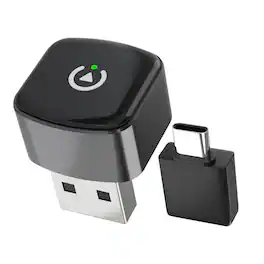
Rexing CPW-52 Wireless CarPlay & Android Auto Adapter is designed for vehicles with factory-installed wired Apple CarPlay or Android Auto. It converts your existing wired system into a wireless connection, allowing you to enjoy navigation, music, calls, and messaging without plugging in your phone every time you drive. Compatible with iPhone (iOS 10 and above) and Android devices (Android 11 and above), CPW-52 delivers a smooth and reliable wireless driving experience with added convenience.
| Pros for Nippon Labs - 30DP-DVI200 DP to DVI Converter, Latch, 1.2, 1920x1080@60Hz | |||
|---|---|---|---|
| There were no pros for this product— | Overall Performance, Compatibility, Cable Length, Flexibility | Overall Performance, Compatibility, Charging Speed, Portability, USB-C | Overall Performance, Connectivity, Size, Design |
| Cons for Nippon Labs - 30DP-DVI200 DP to DVI Converter, Latch, 1.2, 1920x1080@60Hz | |||
| There were no cons for this product— | Heat Dissipation, Data Transfer | There were no cons for this product— | Heat Dissipation, Setup |
Specs
Be the first to ask a question.
We’ll try to get your question answered within 24 hours by a Best Buy customer or brand representative.
More to consider
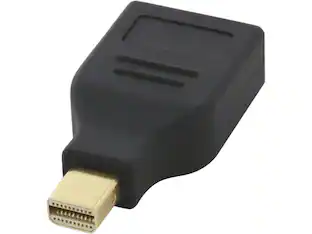 $14.99The price was $22.83


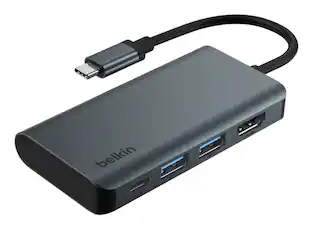
Explore tech essentials Sponsored
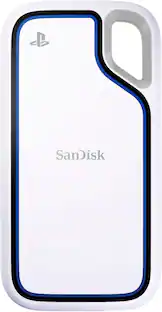 $387.99The price was $465.99
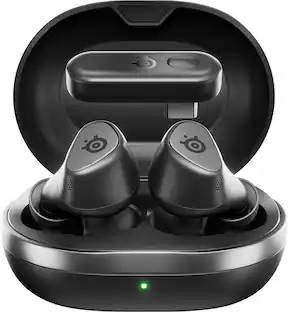 Top Deal$159.99The price was $199.99
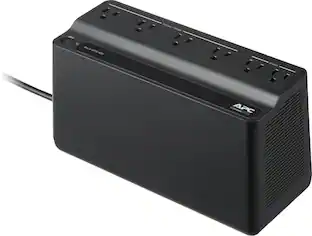 Top Deal$56.99The price was $66.99
Keep exploring
 $12.99The price was $13.99
 $10.99The price was $12.99