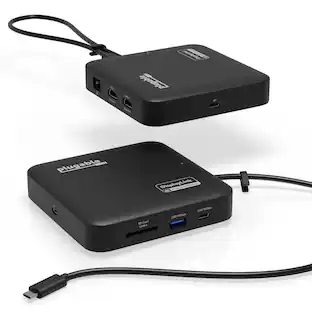
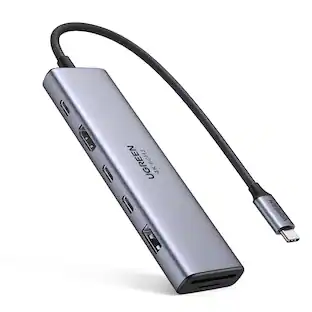
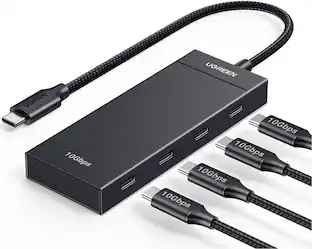
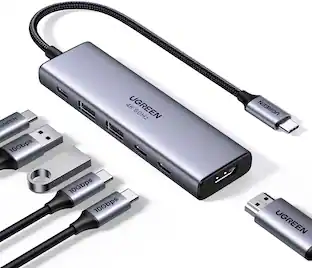
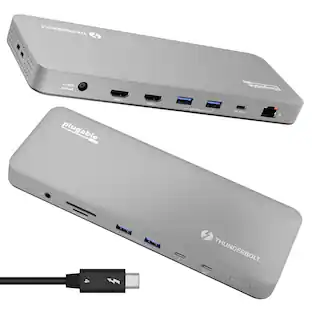
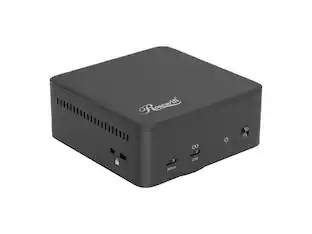
Rosewill - 14-in-1 USB-C Dock, 100W PD, 4K@60Hz, Triple Display, 10Gbps, Kensington Lock - RHUB-M14
About this product
Rosewill 14-in-1 USB C Laptop Docking Station with 100W PD Charging, 4K@60Hz Display, Triple 4K Display,10Gbps Data Transfer & Kensington Lock, Windows, Mac, Android - RHUB-M14
14-in-1 Connectivity Hub for Versatile Device Integration
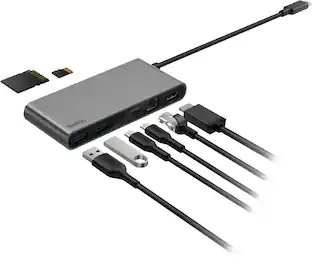
Comprehensive Expansion Hub: Delivers versatile 14-in-1 connectivity featuring 2×HDMI ports, DisplayPort, 2×USB-A Gen2, USB-C Gen2, Gigabit Ethernet, SD/TF card reader, and more for seamless device integration.
Immersive Multi-Display Experience: Enables simultaneous triple 4K@60Hz display output, creating expansive workspaces or entertainment environments to boost productivity and enjoyment.
Ultra-Fast Data Transfer: Equipped with high-bandwidth USB 3.2 Gen 2 ports for accelerated file sharing and efficient peripheral connectivity.
Robust Power Delivery: Features 100W PD charging capability to simultaneously power laptops and devices, ensuring uninterrupted operation.
Intelligent System Compatibility: Universally compatible with Mac OS, Windows 10/11, and Android systems, enhanced by a convenient display/storage management switch for streamlined control.
- Maximum Number of Displays Supported3Number of DisplayPort Outputs (Total)0
Reviews
Rating 5 out of 5 stars with 1 review
The vast majority of our reviews come from verified purchases. Reviews from customers may include My Best Buy members, employees, and Tech Insider Network members (as tagged). Select reviewers may receive discounted products, promotional considerations or entries into drawings for honest, helpful reviews.
Compare similar products
Rosewill 14-in-1 USB C Laptop Docking Station with 100W PD Charging, 4K@60Hz Display, Triple 4K Display,10Gbps Data Transfer & Kensington Lock, Windows, Mac, Android - RHUB-M14
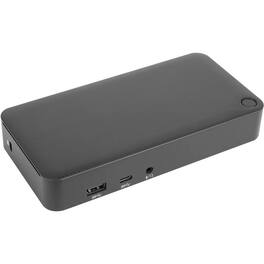
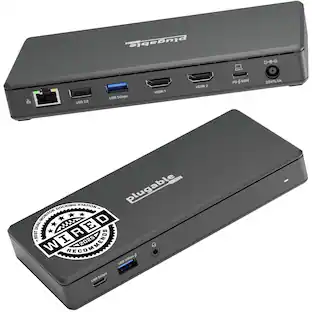
Create a convenient, productive workstation with the Universal USB-C DV4K Docking Station with 65W Power Delivery. Sleek and powerful this dock packs the necessary ports and power you need in one dock. Designed to support a wide variety of laptop brands and operating systems, including Windows, MacOS, Ubuntu, Android and Chrome. Enjoy crisp, clear 4K video while supporting a connection up to two monitors. With two HDMI 2.0 ports, you're able to support two monitors (3840x2160 p60). Plus connect all your favorite accessories with a combination of USB-A (3x USB 3.2 Gen 1 Type-A ports) and USB-C (1x 3.2 Gen 1 Type-C), plus Ethernet and audio ports. Designed for the modern workstation, the dock comes equipped with a VESA bracket mounting provision, which allows for use of the Targus VESA Mount Bracket (ACX003GLZ - sold separately) to hold your dock behind your display for even greater space savings.
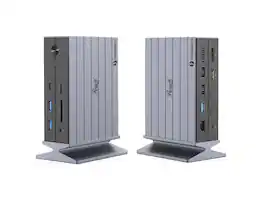
Rosewill 14-in-1 Thunderbolt 4 Certified, Laptop Docking Station with 100W Charging, 8K Display, Triple 4K Monitor Display for Windows and Mac, 135W Power Adapter & 40Gbps Data Transfer - RHUB-TB14
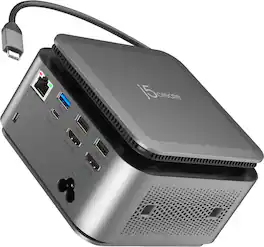
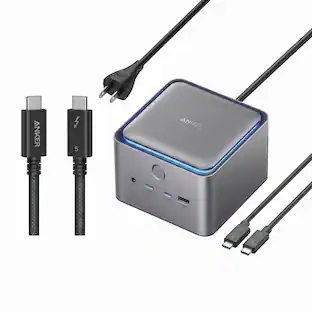
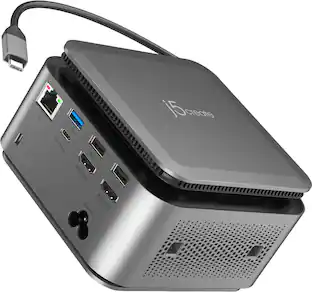
The JCDP4140 14-in-1 USB-C® Powerbase Docking Station is designed to streamline your setup, it features a built-in GaN power adapter and a smart cable storage compartment with a 69.5cm USB-C® cable, delivering up to 100W of power directly to your laptop. With two dedicated USB-C® charging ports (18W and 27W), you can easily power another laptop or fast-charge your tablets, smartphones, and other essential devices. Plus, enjoy seamless connectivity with additional USB™ Type-A, HDMI™, and Ethernet ports, making this your ultimate hub for productivity.
Specs
Find more like this
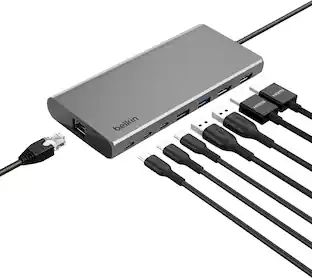 Top Deal$124.99The price was $139.99



Customers ultimately bought
 Clearance$69.99The price was $99.99

Explore tech essentials Sponsored
 Top Deal$44.99The price was $49.99


Keep exploring
 $169.99The price was $269.99