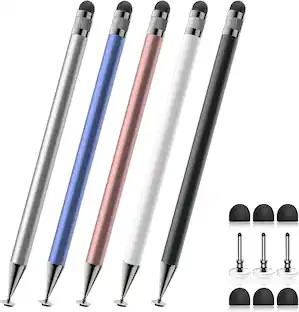
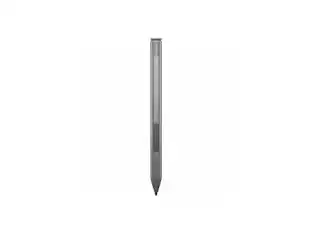
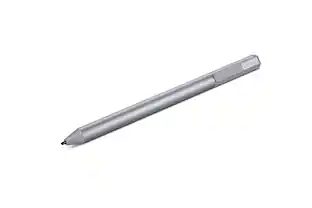
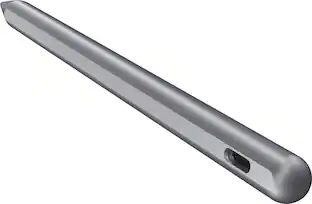
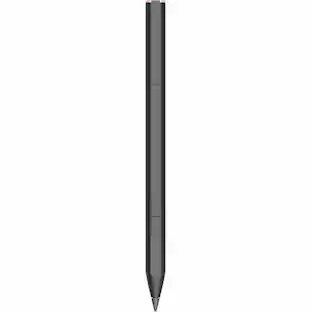
SaharaBasics - Stylus Pen - Silver
Model: SB-P-M-SP-SL
SKU: 6344834
This item is no longer available in new condition. See similar items below
- Key Specs
- Model Compatibility: Microsoft Surface 3, Microsoft Surface Book, Microsoft Surface Go, Microsoft Surface Laptop, Microsoft Surface Pro 3, Microsoft Surface Pro 4, Microsoft Surface Pro 5, Microsoft Surface Pro 6, Microsoft Surface Studio
- General
- Brand: SaharaBasics
- Model Number: SB-P-M-SP-SL
- Product Name: Stylus Pen
- Color: Silver
- Material: Aluminum
- Compatibility
- Brand Compatibility: Microsoft
- Model Compatibility: Microsoft Surface 3, Microsoft Surface Book, Microsoft Surface Go, Microsoft Surface Laptop, Microsoft Surface Pro 3, Microsoft Surface Pro 4, Microsoft Surface Pro 5, Microsoft Surface Pro 6, Microsoft Surface Studio
- Features
- Replaceable Stylus Tip: false
- Pocket Clip: true
- Dimensions
- Product Length: 2 inches (The out of box length of the item. Length is measured as the longest dimension of the item.)
- Product Diameter: 0.93 inches (The out of box diameter of the item, measured as a straight line passing from side to side of the item, through its center.)
- Product Weight: 0.2 ounces (The out of box weight of the item.)
- Warranty
- Warranty - Parts: 1 year
- Warranty - Labor: 1 year
- Other
- UPC: 817188024861
Experience modern writing with this SaharaBasics Styles silver pen for Microsoft Surface. The 1024 pressure levels sensitivity offers a precise response for natural writing and erasing. Get one-click access to OneNote and Cortana and convert notes to text instantly with this durable aluminum alloy SaharaBasics Styles silver pen for Microsoft Surface.
- Compatible with select Microsoft Surface devices: Including Microsoft Surface 3, Microsoft Surface Pro 3, 4, 5, 6, Microsoft Surface Studio, Microsoft Surface Book, Microsoft Surface Go, and Microsoft Surface Laptop.
- Aluminum alloy body and cold-forged steel pen clip: Ensure durability.
- Polyoxymethylene pen tip: Enjoy a scratch-free use with your screen.
- 1024 levels of pressure sensitivity: This pen precisely responds to the pressure of your hand.
- Multifunctional button: Allows you to open OneNote with a single click, or access Cortana with a click and hold.
Whats Included
- Charging cable
- Owner's manual
- SaharaBasics Stylus Pen
Q: Is this pen compatible with Android system tablets?
A: undefined
Q: Is this compatible with ASUS ZenBook Flip 15 Q528EH?
A: undefined
A: undefined
A: Check the Specification tab for the product. There is a list of compatible touchscreen computers listed.
People also viewed
 $47.99The price was $82.99