Samsung - Galaxy Tab S11 Ultra Pro Keyboard - Gray
About this product
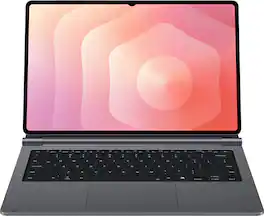
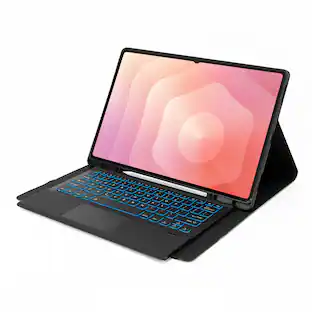
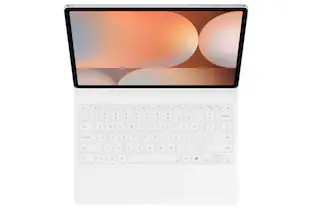
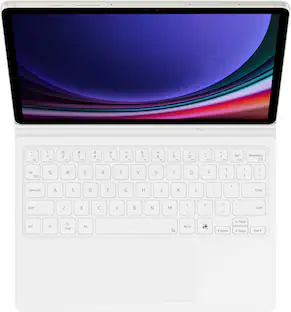
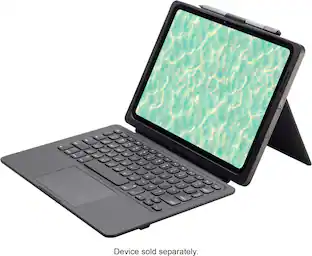
The Galaxy Tab S11 Ultra Pro Keyboard connects to a Galaxy Tab through the pogo pin that enables instant use of the keyboard when aligned. Opening your installed tablet like a laptop is all that's needed to get started right where you left off. The Pro Keyboard retains its connection to the tablet even while closed. As soon as it is reopened, the tablet boots up immediately, ready to go while offering optimal convenience.
Features
Designed to fit your tablet
The Galaxy Tab S11 Ultra Pro Keyboard provides a smooth typing and trackpad experience in its slim, portable design and aluminum body that fits your tablet perfectly.¹Its metal hinge offers upgraded durability, making the Pro Keyboard and tablet appear premium and better polished.
Simple to attach. No extra steps.
Simply align the pogo pin on the Galaxy Tab S11 Ultra Pro Keyboard, with the pin on the back of your tablet to attach them, then use the keyboard immediately. No need for extra steps like pairing through Bluetooth. ²This convenience lets you enjoy utmost efficiency.
Larger, expanded trackpad
The trackpad is enlarged by 14.6% from the previous model, yielding a smooth experience and improved productivity. It supports simple gestures like scrolling, zooming in and more for easy operation.
Laptop-like experience
Even while closed, the Galaxy Tab S11 Ultra Pro Keyboard stays connected to your Tab. When opened, you can use it directly without any extra action. Open your Pro Keyboard anywhere and anytime to enjoy the convenience of using a laptop.
Unleash first-rate productivity
Switch into Samsung DeX mode with DeX key to enjoy a seamless desktop-like experience from your Galaxy Tab S11 Ultra and Pro Keyboard. This convenience will maximize your productivity.
AI Key
With just one tap of AI Key, get instant solutions to whatever is on your mind at any given moment.³
Favorite Hot Key
Use key shortcuts to open apps of your choosing. This customizable feature lets you access apps conveniently and unlock top-grade efficiency.
Specifications
- Model CompatibilitySamsung Galaxy Tab S11 UltraIlluminatedYes
Reviews
Rating 5 out of 5 stars with 3 reviews
Customer Images
The vast majority of our reviews come from verified purchases. Reviews from customers may include My Best Buy members, employees, and Tech Insider Network members (as tagged). Select reviewers may receive discounted products, promotional considerations or entries into drawings for honest, helpful reviews.

Compare similar products
The Galaxy Tab S11 Ultra Pro Keyboard connects to a Galaxy Tab through the pogo pin that enables instant use of the keyboard when aligned. Opening your installed tablet like a laptop is all that's needed to get started right where you left off. The Pro Keyboard retains its connection to the tablet even while closed. As soon as it is reopened, the tablet boots up immediately, ready to go while offering optimal convenience.

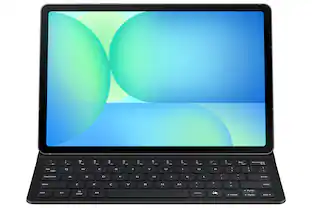
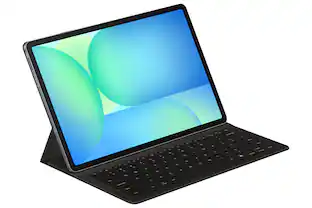
The Book Cover Keyboard Slim offers more than just protection it includes an integrated keyboard so that you can type comfortably anytime. Its slim and lightweight design keeps your tablet looking sleek while helping you stay productive on the go.

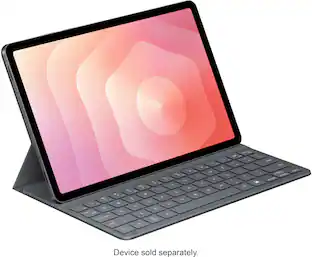
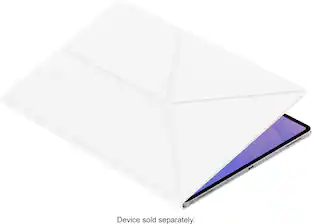
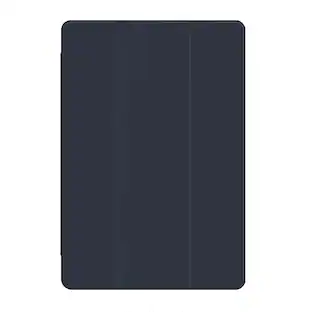
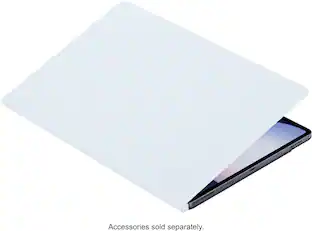
Protect your Galaxy Tab S11 Ultra with a cover that's both versatile and stylish. The Book Cover magnetically attaches to your Galaxy Tab and lets you stand it in both horizontal and vertical positions, so you can easily adjust the angle for reading, watching videos or working.

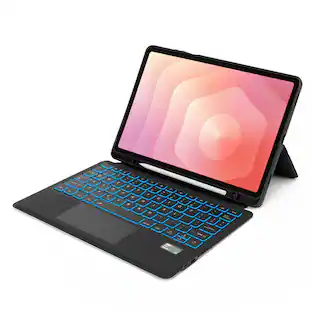
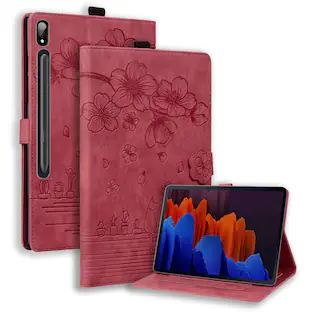
Safeguard your Samsung Galaxy Tab S11 Ultra tablet with this SaharaCase from any potential bumps and scratches by opting for the sleek folio case in starlight. Its lightweight design ensures hassle-free portability while providing comprehensive protection. Equipped with a built-in magnetic strip, it supports an automatic wake/sleep function for added convenience. The precisely crafted cutouts and open button design allow unimpeded access to all the tablet's ports, ensuring seamless functionality. Embracing a slim profile, the SaharaCase Folio case ensures a neat and unobtrusive fit. Crafted from durable materials like TPU and PU leather, this case is built to withstand yellowing and stretching, maintaining its pristine appearance over time. Moreover, it also extends its protection to the edges of the tablet, keeping potential damage at bay.
| Pros for Samsung - Galaxy Tab S11 Ultra Pro Keyboard - Gray | |||
|---|---|---|---|
| There were no pros for this product— | Portability, Keyboard Quality, Battery Life, Design, Weight | Portability, Protection, Build Quality, Stand Functionality, Fit | There were no pros for this product— |
| Cons for Samsung - Galaxy Tab S11 Ultra Pro Keyboard - Gray | |||
| There were no cons for this product— | There were no cons for this product— | Storage | There were no cons for this product— |
Specs
Questions & Answers
Is this compatible with the 10s ultra
Answered by SamsungHowdy, thank you for taking the time to ask us your question about the Samsung Galaxy Tab S11 Ultra Pro Keyboard. No, it is compatible with the Samsung Galaxy Tab S11 Ultra. If you have any other questions, please do not hesitate to contact Support. Thank you for being a valued Samsung customer. - Debra
Is there a stylus holder?
Answered by SamsungAloha Rich, thank you for asking us your question about the Samsung Galaxy Tab S11 Ultra Pro Keyboard. Please store your Galaxy S Pen magnetically on the designated charging strip along the top edge of your Galaxy Tab S11 Ultra. The advertised Galaxy Tab S11 Ultra Pro Keyboard does not feature an enclosed, protective storage compartment for the S Pen, so it remains exposed on the tablet's frame when attached. If you have any other questions, please let us know by reaching out to Support. Thank you for being a staunch Samsung customer. - Debra
can I change the language to enable Korean?
Answered by SamsungAloha, thank you for asking us your question about the Samsung Galaxy Tab S11 Ultra Pro Keyboard. Yes, you can change the language on your Samsung Galaxy Tab S11 Ultra Pro Keyboard to Korean. You do not need a dedicated Korean keyboard layout printed on the keys to type in Korean; the physical keyboard will automatically map to Hangul based on your software settings. Follow these steps to add and activate the Korean keyboard on your tablet: Step 1: Add Korean to your Samsung Keyboard Open the Settings menu on your Galaxy Tab. Scroll down the left sidebar and tap on General Management. Tap on Samsung keyboard settings. Select Languages and types. Tap on Manage input languages. Find Korean (한국어) in the list and toggle the switch to the On position. (If you don't see it, scroll down to the "Available languages" section and tap the Download icon next to Korean first). If you have any other questions for us or if you would like further assistance, please feel free to contact Support. Thank you for being a loyal Samsung customer. - Debra
Is there a trackpad on this keyboard?
Yes, the keyboard has a trackpad.
This question and answer was generated by AI based on customer and product data.Is the keyboard easy to attach to the tablet?
Yes, it is simple to attach the keyboard to the tablet.
This question and answer was generated by AI based on customer and product data.

Customers often buy these together
 $24.99The price was $29.99
 Top Deal$209.99The price was $329.99


More to consider
 $94.99The price was $139.99
Explore tech essentials Sponsored
 Clearance$79.99The price was $199.00


Discover related products
 $169.99The price was $329.99
 $799.99The price was $999.00
 $399.99The price was $479.99