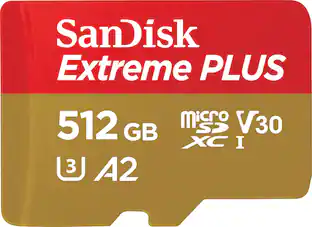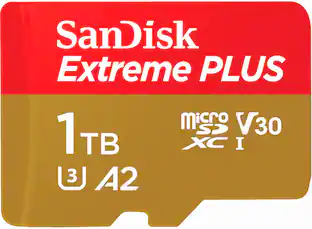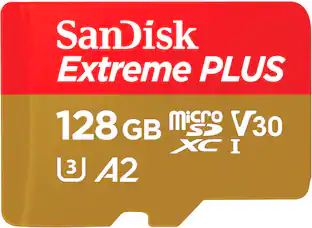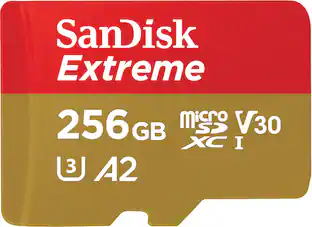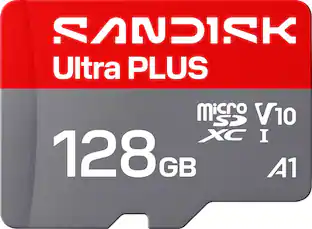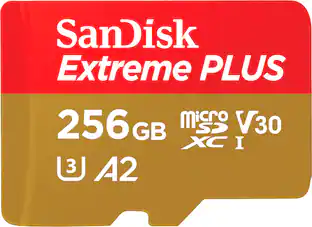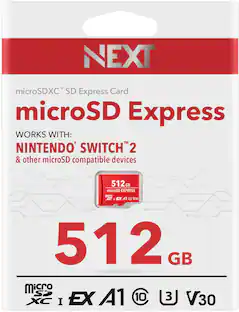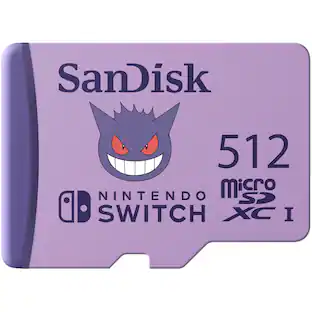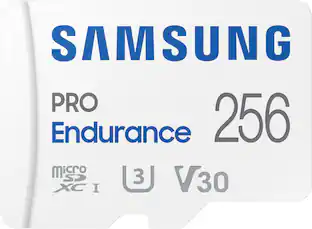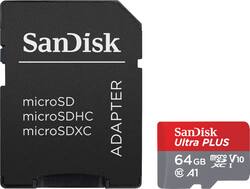
Store more photos and videos on your compatible Android device with this SanDisk Ultra Plus 64GB microSDXC memory card. Use the Memory Zone app (download required) to set up automatic offloads from your phone to the card to offer smooth performance.
A: Three things could be your issue. 1) You could have formatted the SD card with the incorrect format 2) your phone may not support that size of SD storage. 3) You may have video and photo apps pointing to the wrong 'save' directory/location. Solutions: 1) don't use your Mac or PC to format the SD card. Always use you phone or tablet's software. 2) Check your user manual to make sure your device support the size storage you are installing. 3) Which ever app you are using to take videos and photos, go to that app's setting and make sure it it saving to your SD card/external storage.
Q: will this work with a galaxy note 3 cell phone?
A: Yes, up to 128GB
Q: Will this work with go pro hero 4 silver
A: Yes. I use it on mine all the time.
Q: Will this work okay in a Galaxy Tab A (10.1") model # SM-T580NZKAXAR ?
A: Yes, this will work in a Galaxy Tab A.
A: Yes, this product works in phones.
Q: Will this work with a Go Pro CHDHB-101 Hero + LCD ?
A: Yes, it should work or one of these will work too. See links in post
Q: Does this card work on an LG cell phone. Android
A: Just gonna hazard a guess and say yes. Only reason it won't is if your speaking of a very old LG. Google expandable storage capacity for LG model (your LG model number). So long as it's not less than 64GB you're good.