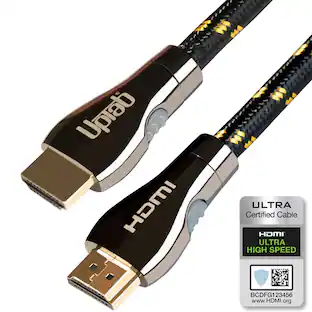
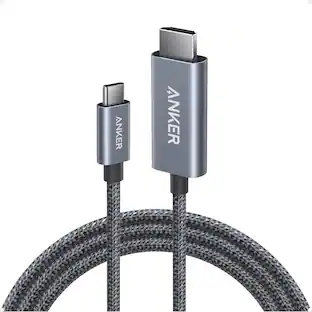
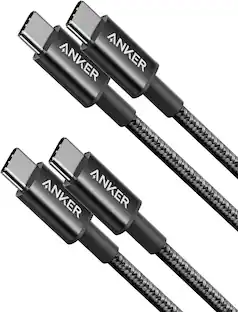
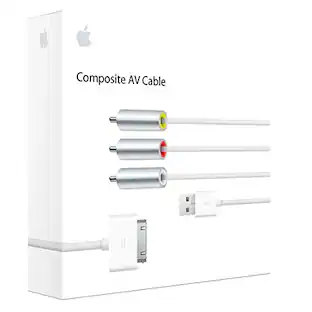
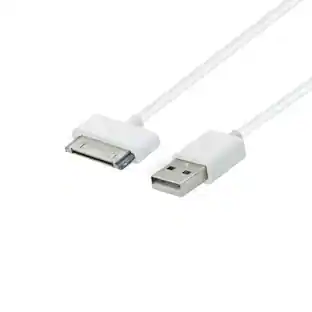
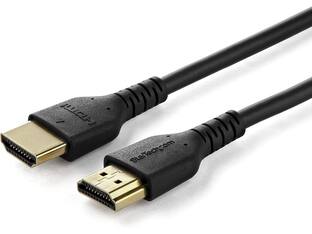
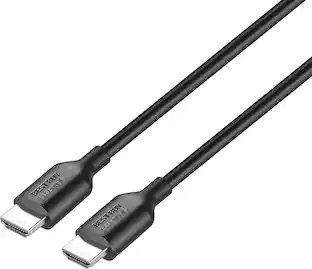
StarTech.com - 4K HDMI 2.0 Cable - 1.6ft, Premium High Speed w/ Ethernet, Short HDMI Cable
Reviews coming soon
About this product
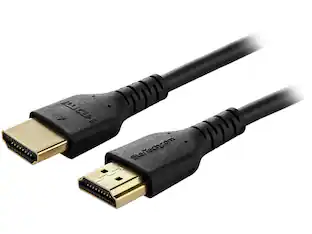
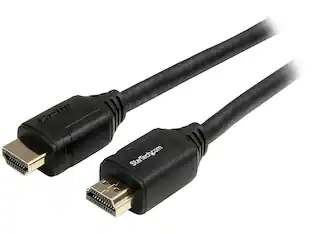
StarTech.com HDMM50CMP 4K HDMI Cable - 1.6 ft / 0.5m - Premium High Speed HDMI Cable w/ Ethernet - 4K 60Hz - HDMI 2.0 Cable - Short HDMI Cable
High-Speed HDMI Cable with Ethernet and 4K Support
HDMI Cord / Short HDMI Cable / HDMI Cable with Ethernet / HDMI Cable 2.0 / 4K HDMI Cable / HDMM50CMP
Create feature-rich HDMI connections that are certified to be error-free
Connect a Blu-Ray player or game console to your 4K Ultra HD TV or monitor
Supports Ultra HD resolutions up to 4K x 4K / Lifetime Warranty / Gold-plated connectors
Digital Audio Video Cable
- Cable Length1.6 feetConnector Type (End 1)HDMI Type AConnector Type (End 2)HDMI Type A
Reviews
This product doesn't have any reviews yet.
Compare similar products
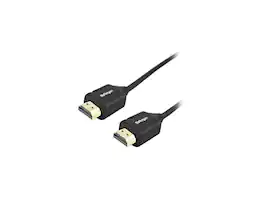
StarTech.com HDMM50CMP 4K HDMI Cable - 1.6 ft / 0.5m - Premium High Speed HDMI Cable w/ Ethernet - 4K 60Hz - HDMI 2.0 Cable - Short HDMI Cable

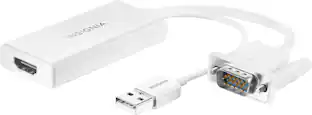
The Insignia VGA to HDMI Adapter mirrors the display from a VGA computer or laptop to any HDMI-enabled monitor, TV, Projector. Or extend your existing display to a second monitor, making it easier to organize programs and windows for day-to-day use at work or while browsing. This adapter supports resolutions up to 1920 × 1080 at 60 Hz for high-quality video, and an attached USB cable lets you hook up your audio and enables video output. Its hassle-free setup requires no additional software. This product can’t support HDMI to VGA output. To enable the adaptor correct setting up, the VGA port need to be connected your PC or laptop, a HDMI cable (not included) is required to connect the monitor, TV, projector, and the USB cable need to be connected with USB port of computer.

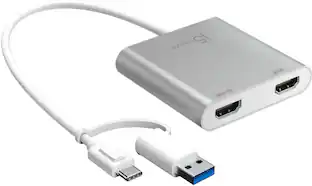
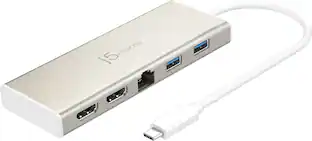
The USB-C to Dual HDMI Multi-Monitor Adapter acts as an external video card for your MacBook or Windows laptops. It allows you to add two additional displays through your USB-C port, boosting your productivity by giving you more screen space to work from. One of the HDMI ports can output resolutions up to 4K, while the other can output resolutions up to 2048 x 1152. Simply install the driver for the USB-C to Dual HDMI Multi-Monitor Adapter by plugging-in the adapter and then connect your monitors using HDMI cables for a dual-display workstation!

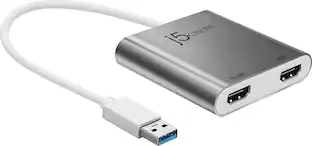
This USB 3.0 to Dual HDMI Multi-Monitor Adapter acts as an external video card for your MacBook or Windows computers. It allows you to add two additional displays through your USB 3.0 port, boosting your productivity by giving you more screen space to work from. One of the HDMI ports can output resolutions up to 4K, while the other can output resolutions up to 2048 x 1152. This is the perfect alternative to a costly video card. With this USB 3.0 Multi-Monitor Adapter, you can quickly install the driver with a simple USB plug-in. Afterwards, connect the device to your monitors using HDMI cables and then you will have a dual-display workstation!
| Pros for StarTech.com - 4K HDMI 2.0 Cable - 1.6ft, Premium High Speed w/ Ethernet, Short HDMI Cable | |||
|---|---|---|---|
| There were no pros for this product— | Overall Performance, Ease of use, Compatibility, HDMI, Price | Ease of use, Overall Performance, Connectivity, HDMI, Price | Ease of use, Overall Performance, HDMI, Compatibility, Connectivity |
| Cons for StarTech.com - 4K HDMI 2.0 Cable - 1.6ft, Premium High Speed w/ Ethernet, Short HDMI Cable | |||
| There were no cons for this product— | Resolution | Compatibility | Resolution, Price, Driver, Lag, Heat |
Specs
Be the first to ask a question.
We’ll try to get your question answered within 24 hours by a Best Buy customer or brand representative.
Customers often buy these together
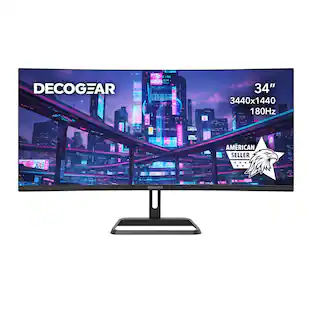 $192.99The price was $199.99

More to consider


Explore tech essentials Sponsored
 Top Deal$44.99The price was $49.99




Keep exploring
 $12.99The price was $14.99
 $12.99The price was $13.99