StarTech.com - StarTech CDP2VGAUACP USB-C to VGA Adapter with USB-A & PD
Reviews coming soon
About this product
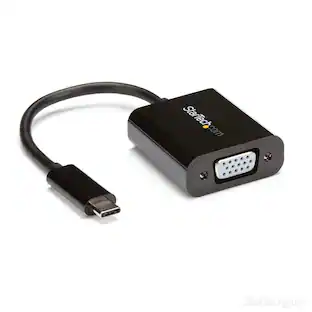
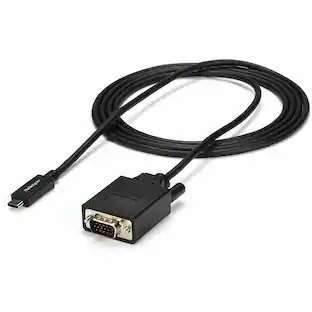
StarTech CDP2VGAUACP USB-C VGA Multiport Adapter - USB-A Port - with Power Delivery (USB PD) - USB C Adapter Converter - USB C Dongle
Features
Multi-Function USB Type-C Hub with VGA and USB-A
Connect your USB Type-C laptop to a VGA display and a USB Type-A peripheral device plus power and charge your laptop
USB-C VGA Multiport Adapter with Power Delivery and USB-A Port
USB Type C to VGA
USB C adapter supports USB PD
Compact and lightweight for portability
Specifications
- Connector Type (End 1)USB-CConnector Type (End 2)VGA
Reviews
This product doesn't have any reviews yet.
Compare similar products
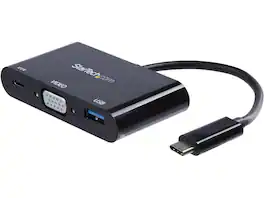
StarTech CDP2VGAUACP USB-C VGA Multiport Adapter - USB-A Port - with Power Delivery (USB PD) - USB C Adapter Converter - USB C Dongle

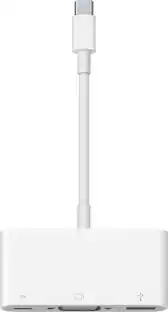
The Apple USB-C VGA Multiport Adapter lets you connect your Apple MacBook with USB-C port to a VGA display, while also connecting a USB device and a USB-C charging cable. Mirror your MacBook display to your VGA-enabled TV or other display in up to 1080p.
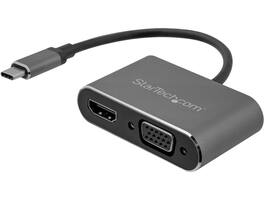
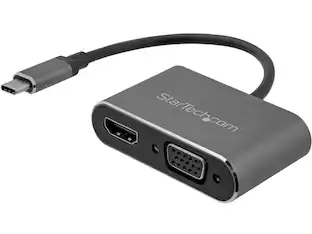
StarTech.com CDP2HDVGA USB C to VGA and HDMI Adapter - Aluminum - USB-C Multiport Adapter - 6 in / 15.24 cm Built-In Cable
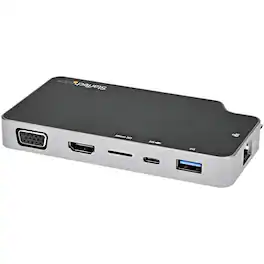
This USB-C multiport adapter enhances connectivity for your MacBook or Windows laptop through a single USB-C port. It supports 4K HDMI or 1080p VGA video output, includes a presentation mode switch to prevent interruptions during presentations, and offers 100W Power Delivery pass-through for charging. Additional features include two USB 3.2 Gen 2 ports, a microSD card reader, and Gigabit Ethernet. Its compact aluminum design ensures portability and durability.
| Pros for StarTech.com - StarTech CDP2VGAUACP USB-C to VGA Adapter with USB-A & PD | |||
|---|---|---|---|
| There were no pros for this product— | Compatibility, VGA, Overall Performance, Ease of use, Size | There were no pros for this product— | There were no pros for this product— |
| Cons for StarTech.com - StarTech CDP2VGAUACP USB-C to VGA Adapter with USB-A & PD | |||
| There were no cons for this product— | Price, Heat | There were no cons for this product— | There were no cons for this product— |
Specs
Be the first to ask a question.
We’ll try to get your question answered within 24 hours by a Best Buy customer or brand representative.
Customers often buy these together


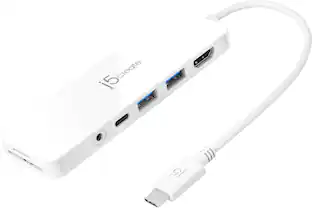
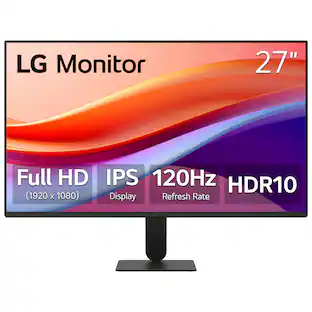
More to consider
Explore tech essentials Sponsored
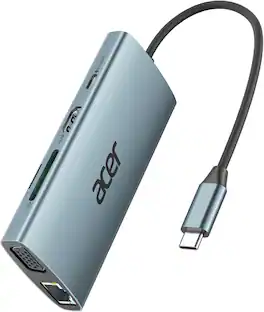
Acer 11 in 1 USB C HUB Multiport Adapter with 4K@60Hz HDMI, 1080P VGA, 2x10Gbps USB C, 2x5Gbps USB A
Holiday Deal$37.99The price was $45.99





Keep exploring
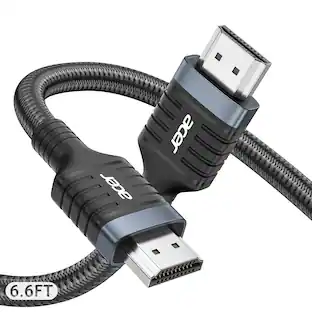
Acer 8K HDMI 2.1 Cable 6.6FT, 48Gbps Ultra High-Speed Braided Cord Supports 8K@60Hz, 4K@120Hz, HDR10+/HDCP 2.2 &ARC/eARC
Holiday Deal$11.99The price was $13.99