Targus - Thunderbolt 3 DV4K Docking Station with 85W Power Delivery - for Notebook - Thunderbolt 3 - 2 Displays Supported
Reviews coming soon
About this product
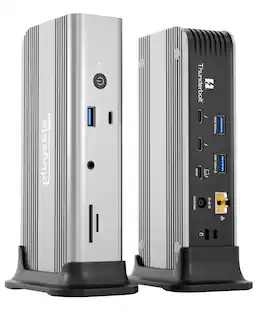
Enjoy Thunderbolt speeds and high-resolution graphics with DOCK215USZ, the ideal Thunderbolt(tm) 3 docking station. Designed for graphics departments, video-editing agencies, photography studios, animators, and frequent CAD and CAM users, DOCK215 offers compatibility with most laptop brands and connects to dual 4K UHD monitors at 60hz or a single 8K HDR monitor at 30hz. Packed with ports, this patented alternate mode Thunderbolt 3 dock comes with two USB-C 3.2 Gen 2 port and two USB-A 3.2 Gen 1 ports and one USB-A 3.2 Gen 2 port to accommodate workspace peripherals like a mouse and keyboard, external drive and more. Top that off with 85W power delivery and ease-of-use in a compact form factor, and DOCK215USZ is the perfect dock to keep creatives connected, powered, and productive. Its compact design ensures it doesn't take up precious desk real estate for working essentials. A rubber-padded bottom provides grip to ensure the dock stays in one place. The dock even comes equipped with a VESA® bracket mounting provision, which allows for use of the Targus VESA Mount Bracket (ACX003GLZ - sold separately) to hold your dock behind your display for even greater space savings. More from the Manufacturer
Features
Targus Thunderbolt 3 DV4K Docking Station with 85W Power
Enjoy Thunderbolt speeds and high-resolution graphics with DOCK215USZ, the ideal Thunderbolt(tm) 3 docking station. Designed for graphics departments, video-editing agencies, photography studios, animators, and frequent CAD and CAM users, DOCK215 offers compatibility with most laptop brands and connects to dual 4K UHD monitors at 60hz or a single 8K HDR monitor at 30hz. Packed with ports, this patented alternate mode Thunderbolt 3 dock
Specifications
- Maximum Number of Displays Supported2Number of DisplayPort Outputs (Total)2
Reviews
This product doesn't have any reviews yet.


Compare similar products

Enjoy Thunderbolt speeds and high-resolution graphics with DOCK215USZ, the ideal Thunderbolt(tm) 3 docking station. Designed for graphics departments, video-editing agencies, photography studios, animators, and frequent CAD and CAM users, DOCK215 offers compatibility with most laptop brands and connects to dual 4K UHD monitors at 60hz or a single 8K HDR monitor at 30hz. Packed with ports, this patented alternate mode Thunderbolt 3 dock comes with two USB-C 3.2 Gen 2 port and two USB-A 3.2 Gen 1 ports and one USB-A 3.2 Gen 2 port to accommodate workspace peripherals like a mouse and keyboard, external drive and more. Top that off with 85W power delivery and ease-of-use in a compact form factor, and DOCK215USZ is the perfect dock to keep creatives connected, powered, and productive. Its compact design ensures it doesn't take up precious desk real estate for working essentials. A rubber-padded bottom provides grip to ensure the dock stays in one place. The dock even comes equipped with a VESA® bracket mounting provision, which allows for use of the Targus VESA Mount Bracket (ACX003GLZ - sold separately) to hold your dock behind your display for even greater space savings. More from the Manufacturer
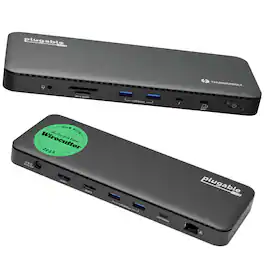
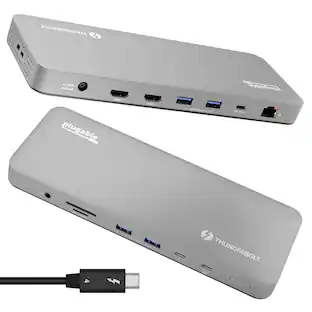
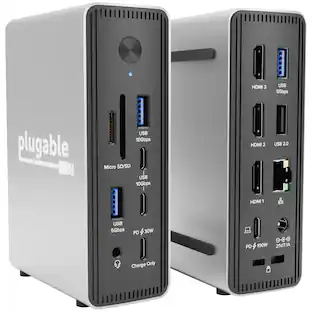
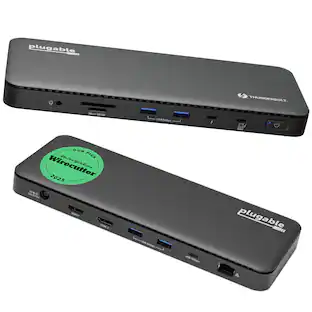
A “do-it-all” dock, the Thunderbolt Certified TBT4-UD5 Plugable Docking Station was awarded The Best Thunderbolt Docking Station by Wirecutter in 2025. It stands out as a versatile and powerful hub for modern workspaces. Its robust design includes an array of 13 ports, catering to a wide range of connectivity needs. Starting with the 40Gbps Thunderbolt 4 host port, this TB4 dock offers plenty of bandwidth to support two HDMI ports, each capable of driving dual 4K 60Hz displays. A downstream 40Gbps Thunderbolt 4 port is also included to provide high-speed connectivity for advanced Thunderbolt-based applications, such as fast storage devices. In addition to its display options, this Thunderbolt USB4 dock boasts a USB-C port with a 10Gbps transfer rate, ideal for quick file transfers and efficient data management. There are also 4x USB 3.0 ports (2x 10Gbps, 2x 5Gbps), perfect for connecting a variety of peripherals like keyboards, mice, and external drives. Throw in SD and Micro SD slots, a combo audio jack, Gigabit Ethernet, and a slot for a K lock, and this setup ensures that users can create a powerful and integrated workstation. Speaking of power, the TBT4-UD5 docking station Thunderbolt 4 packs it in with up to 100W Power Delivery (96W certified) — more than enough for most power-hungry laptops. Especially useful in business and education environments, the Plugable TBT4-UD5 Docking Station delivers exceptional functionality and convenience.
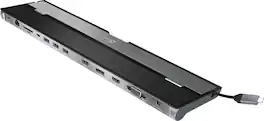
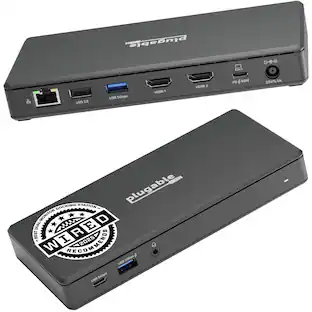
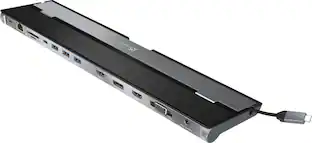
This triple display docking station turns your Mac or Windows laptop into a full workstation with a DisplayPort output, two HDMI outputs, and a VGA output, with resolution support up to 4K (3840 x 2160) on two displays and 1080p on the other one. You can also use your laptop screen for four displays in total, making it easy to access multiple applications at once. With 100W Power Delivery, three USB 3.0 ports, and a USB-C port, this docking station is perfect for your MacBook, Dell XPS, or other USB-C laptop requiring additional ports. This USB 3.0 docking station is also equipped with a RJ45 Gigabit Ethernet port, memory card reader/writer, and combo audio jack for maximum productivity. The elevated design assists with heat dissipation and, with its double-sided cable storage compartment, ensures an easy connection regardless of your USB-C port’s location. All 13 ports are combined into one slim docking station, so you’ll have all the connections you need to stay productive!

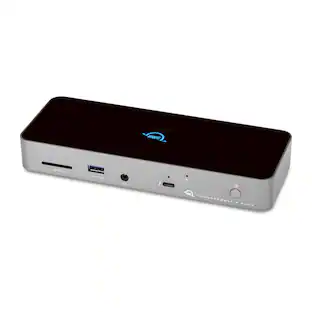
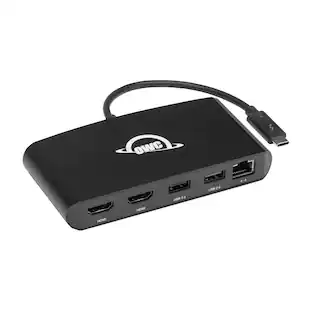
Even with its huge workflow benefits, the OWC Thunderbolt 3 mini Dock is small enough to fit discreetly on your desktop or inside a gear bag for mobile use. The lightweight, bus-powered aluminum housing and its 7.2-inch tethered Thunderbolt 3 cable eliminate the typical dock’s separate connection cable and power adapter. Nothing to lose or forget, no agonizing over which device to disconnect from your port-limited machine, no extra bulk...the OWC Thunderbolt 3 mini Dock truly lets you work at your best anywhere. The OWC Thunderbolt 3 mini Dock harnesses the full potential of your laptop’s Thunderbolt 3 port—fast data transfers, dual 4K display support, and small device charging power—creating a hub of powerful connections. Built by the world’s largest producer of Thunderbolt devices, OWC follows the highest standards in engineering and manufacturing, so you can use the Thunderbolt 3 mini Dock with full confidence in its compatibility and precision performance. The OWC Thunderbolt 3 mini Dock effectively utilizes your computer’s Thunderbolt 3 bandwidth potential (up to 40Gb/s) to support two 4K at 60Hz displays without any performance impact. Transform your notebook’s single display into a three-screen multiplex and increase your productivity with extended or mirrored modes. Experience, crystal-clear vibrant 4K video and high-fidelity audio in gaming and uncompressed video streaming in high action sports and movies. From perfect pixels to smooth streaming, the OWC Thunderbolt mini dock helps you see what you’ve been missing. Through its USB 3 and USB 2 ports, the OWC Thunderbolt 3 mini Dock opens up a world of convenience and functionality wherever you work. Control your workspace with the ease of a full-sized keyboard or mouse. Back up work to an external drive. Import files from a flash drive, card reader, or optical drive. Send files to a printer. Charge up small mobile devices. With extra connections, it’s easy to keep up with your potential.
| Pros for Targus - Thunderbolt 3 DV4K Docking Station with 85W Power Delivery - for Notebook - Thunderbolt 3 - 2 Displays Supported | |||
|---|---|---|---|
| There were no pros for this product— | Overall Performance | Overall Performance, Ease of use, USB-C, Connectivity, Ports | There were no pros for this product— |
| Cons for Targus - Thunderbolt 3 DV4K Docking Station with 85W Power Delivery - for Notebook - Thunderbolt 3 - 2 Displays Supported | |||
| There were no cons for this product— | There were no cons for this product— | Compatibility, Power Supply | There were no cons for this product— |
Specs
Be the first to ask a question.
We’ll try to get your question answered within 24 hours by a Best Buy customer or brand representative.
Customers often buy these together
GUNNAR Borderlands Moxxi Computer Glasses with Blue Light Reduction, Amber Lenses
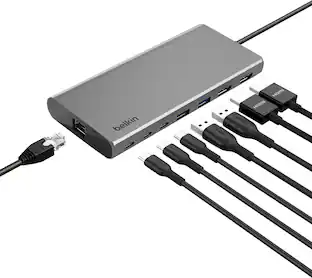
Clearance$40.99The price was $99.99Belkin 7-Port Hub w/ 4K HDMI Display with 60Hz, 100W Power Delivery, Fast Data Transfer 5Gbps, USB-C Multiport Adapter
Holiday Deal$31.49The price was $34.99






More to consider
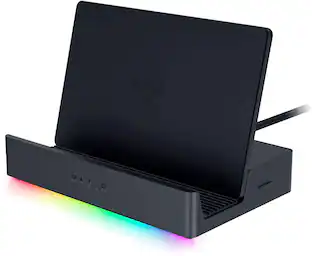
Razer Handheld Dock Chroma with 100W Power Delivery for Mobile Gaming or Tablet Devices
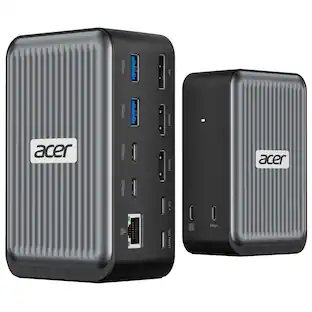
$79.99The price was $89.99Acer Docking Station, 12-in-1 USB C Docking Station 3 Monitor with 2HDMI+DP
$119.99The price was $199.99
Explore tech essentials Sponsored
Plugable USB4&Thunderbolt 4 Hub w/60W Host Charging,USB 3.0 Port,Driverless
$158.94The price was $169.99

Keep exploring
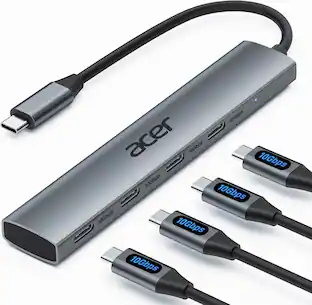
Acer USB C Hub, 10Gbps Type C Splitter with 4 USBC 3.2 Port, High Speed Type C Multiport Adapter
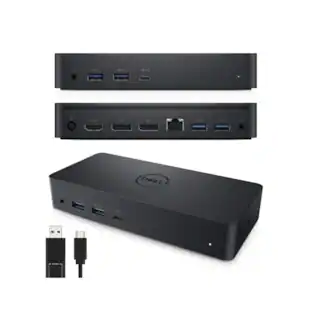
$19.99The price was $22.99Dell D6000 Universal Laptop Dock – USB-C & USB-A, 65W Power Delivery, 3 Monitors
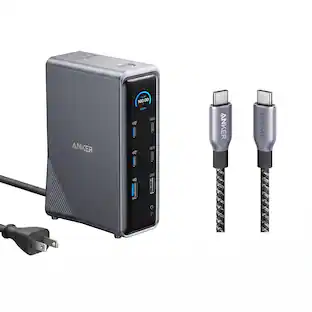
$219.89The price was $249.99Anker Prime Docking Station (14-Port, 160W Max Output) + Prime Thunderbolt 4 USB-C Cable (3.3 ft, 240W)
$192.48The price was $299.98Anker Prime TB5 Docking Station (14-Port, 8K, Thunderbolt5) + Prime Thunderbolt 5 USB-C to USB-C Cable
$357.98The price was $445.98