Teach Tech - Mech-5 Mechanical Coding Robot
About this product
Get kids interested in computer science with this Teach Tech Mech-5 mechanical coding robot. The innovative coding wheel and snap-on buttons provide an intuitive way to teach children how to program basic actions, such as movement, and complex actions, including kicking and drawing. This Teach Tech Mech-5 mechanical coding robot includes a set of easy-to-follow instructions for simple assembly.
Features
Mechanical coding robot
Designed to inspire kids to learn about mechanical engineering principles and coding basics.
Multiple ways to play
You can program basic actions, such as moving forward, backward, right, or left, and complex actions, including kicking, drawing and more, as your coding skills increase.
Innovative control
Direct your robot to perform its basic functions by snapping coding buttons onto the coding wheel.
Battery-operated
Requires two AAA alkaline batteries (not included).
Recommended minimum age
Suitable for children ages 10 and up.
Specifications
- Control TypeProgrammableRobotic Function(s)Move forward, backward, right or left, spin or pause, throwing, lifting, kicking or drawing
Reviews
Rating 4.5 out of 5 stars with 106 reviews
Customer Images
The vast majority of our reviews come from verified purchases. Reviews from customers may include My Best Buy members, employees, and Tech Insider Network members (as tagged). Select reviewers may receive discounted products, promotional considerations or entries into drawings for honest, helpful reviews.






Compare similar products
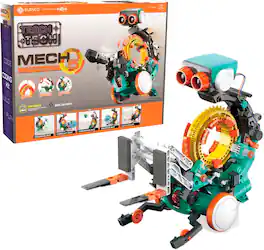
Get kids interested in computer science with this Teach Tech Mech-5 mechanical coding robot. The innovative coding wheel and snap-on buttons provide an intuitive way to teach children how to program basic actions, such as movement, and complex actions, including kicking and drawing. This Teach Tech Mech-5 mechanical coding robot includes a set of easy-to-follow instructions for simple assembly.
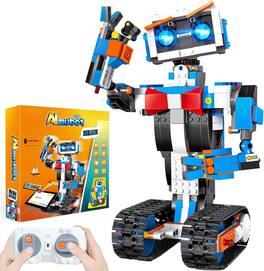
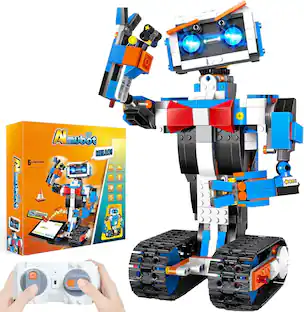
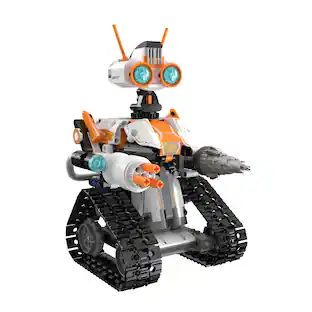
This 635-piece building set lets kids construct a highly maneuverable robot capable of 360-degree rotation, complete with a picture guide for easy assembly. This STEM-focused kit enhances hands-on creativity and introduces basic coding concepts through interactive play. The robot includes a built-in rechargeable battery and a 2.4GHz remote with a 65-foot range for responsive control. With advanced servo motors and an updated gear system, it delivers precise, dynamic movement in any direction. Ideal for children ages 8 and up, it makes an inspiring gift for sparking interest in engineering and creative building.
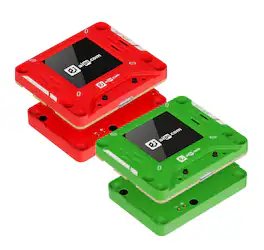
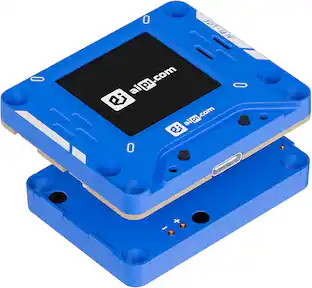
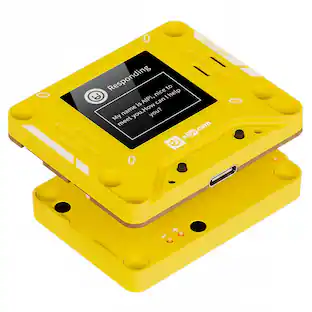
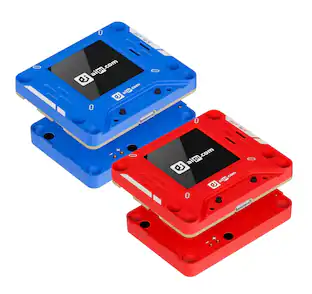
AIPI-Lite is your compact, fully customizable real-time interactive AI companion built around the ESP32-S3 chip with a crisp 128×128 onboard screen. Zero coding required—craft unique AI characters with custom personalities, backstories and dialogue styles via simple text prompts, or grab ready-made agents from the official marketplace. It delivers low-latency natural voice conversations with long-term memory; tap the function button to speak or interrupt anytime. Compatible with mainstream LLMs including GPT and Gemini, it supports optional voice cloning for lifelike custom vocal tones. Free base access unlocks 14 custom agents and unlimited daily chats, with premium tiers unlocking extended prompt limits and advanced tools. Perfect for desktop companions, roleplay buddies, personal tutors and DIY maker projects.
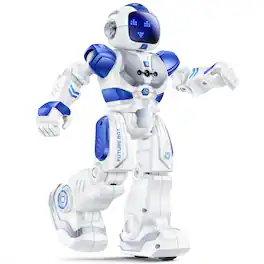
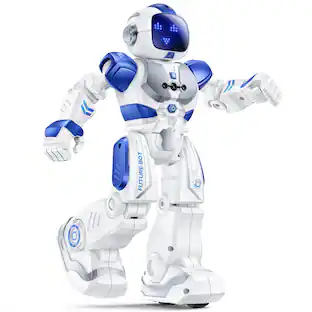
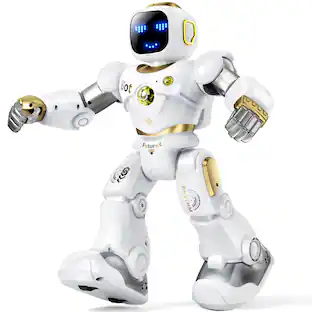
Dancing and Singing, Gesture sensing control, Interactive robot toys, Programmable robot, Rechargeable robot, Rich facial expressions, Robot gift, STEM robot, Smart robot, robot toys
Specs
Customers often buy these together
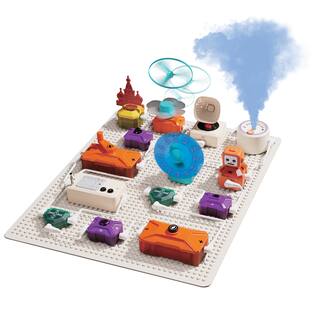
Contixo ST36 Science Circuit Block Set, STEM Electronic Building Kit, Hands-On Learning Circuit Blocks
$44.99The price was $45.99



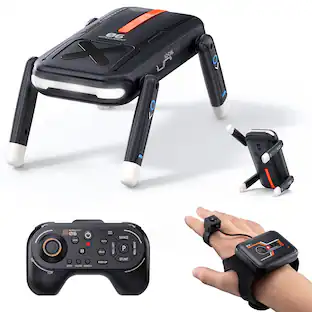




More to consider


Explore, Play, Collect Sponsored
Ruko 1088 Smart Robot for Kids toy, Large Programmable Interactive RC Robot with Voice Control, Gifts for boys and girls
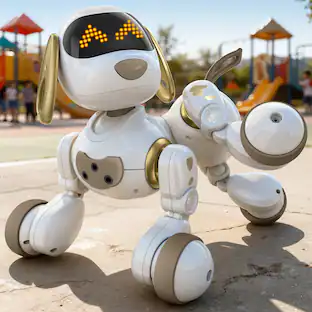
Holiday Deal$88.00The price was $119.99Ruko 18011 Smart Robot Dog Toy for Kids, Interactive Puppy with Remote & Gesture Control,Gifts for boys and girls
Holiday Deal$59.50The price was $79.99
Discover related products
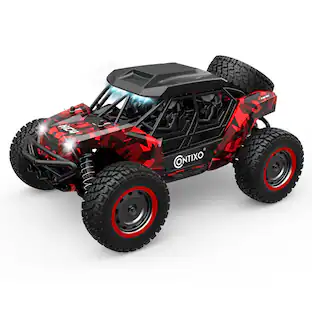
Contixo HC4 Dominator 1:16 Scale RC Off‑Road UTV – 4WD, LED Lights, 24 MPH Speed
$69.99The price was $79.99











Keep exploring
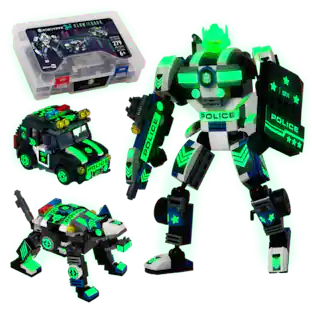
JitteryGit Robotryx Voltroid Police 3-in-1 Robot Set – 245-Piece Hero Squad Build with Shield & Missiles
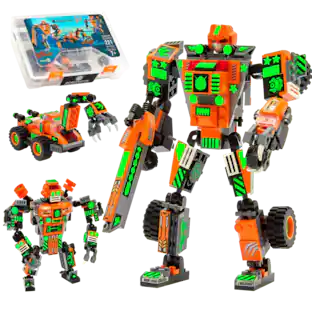
$21.99The price was $29.99JitteryGit Robotryx Tangryp 3-in-1 Robot Building Set – 221-Piece Orange Mech with Sniper Blaster & Claw
$21.99The price was $29.99