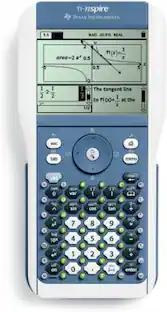
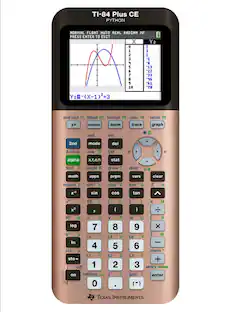
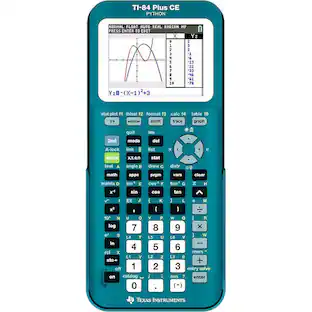
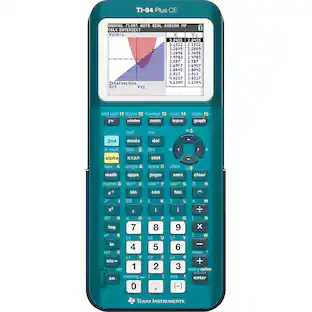
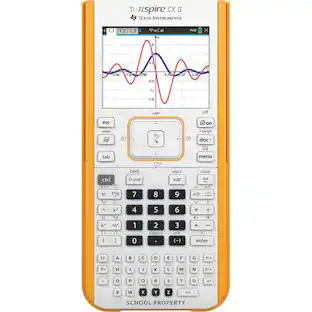
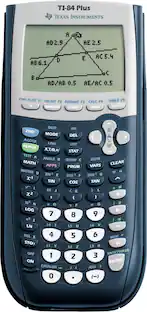
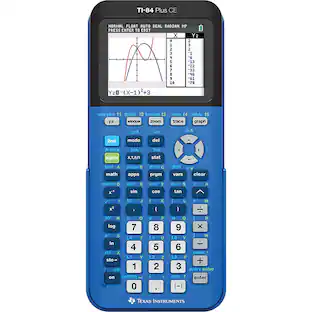
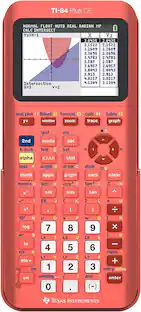
Texas Instruments - TI-84Plus graphing calculator
Reviews coming soon
About this product
The all-purpose TI-84 Plus graphing calculator features more than a dozen preloaded apps, including functionality that encourages exploration of interactive geometry, inequality graphing, and real-world data collection and analysis. It is ideal for middle school through college.
Exam Approved:
Approved for use on standardized tests including SAT, ACT, PSAT/NMSQT, AP, and the IB Diploma Programme.
Preloaded Applications:
Features over a dozen preloaded applications, enhancing exploration of interactive geometry and inequality graphing.
Real-World Data:
Supports real-world data collection and analysis capabilities through its integrated applications.
MathPrint Display:
Incorporates the MathPrint feature, allowing fractions and equations to be entered and displayed in proper notation.
Educational Suitability:
Ideal for educational levels ranging from middle school through college, specifically noted for high school use.
- BrandTexas InstrumentsModel NumberTI-84PlusProduct NameTexas Instruments TI-84Plus graphing calculatorWarranty - Parts1 yearProduct Width3.42 inchesProduct Height7.59 inches
Reviews
This product doesn't have any reviews yet.
Compare similar products

The all-purpose TI-84 Plus graphing calculator features more than a dozen preloaded apps, including functionality that encourages exploration of interactive geometry, inequality graphing, and real-world data collection and analysis. It is ideal for middle school through college.

Calculate your way to the top of the class. Ideal for advanced high-school math and science classes.

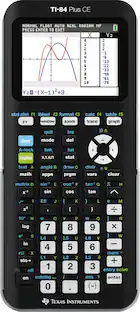
Master the ACT, SAT, PSAT/NMSQT or AP exams with the help of this Texas Instruments TI-84+ CE Graphing Calculator, which features a sequence graphing mode that shows time series plots, cobweb or stairstep plots and phase plots.

The TI-30XS MultiView scientific calculator is a powerful, four-line calculator for high school math and science exploration. The MathPrint feature displays fractions, symbols and math representations as they appear in textbooks. The TI-30XS MultiView scientific calculator is approved for use on SAT, ACT and AP exams.
| Pros for Texas Instruments - TI-84Plus graphing calculator | |||
|---|---|---|---|
| There were no pros for this product— | Ease of use, Overall Performance, Price, Calculator, Features | There were no pros for this product— | Ease of use, Price, Overall Performance, Size, Functions |
| Cons for Texas Instruments - TI-84Plus graphing calculator | |||
| There were no cons for this product— | Size, Screen Quality, Color, Complexity, Instruction Manual | There were no cons for this product— | Graphing, Instructions, Battery Life |
Specs
Be the first to ask a question.
We’ll try to get your question answered within 24 hours by a Best Buy customer or brand representative.
Customers often buy these together







Customers ultimately bought

Discover lifestyle innovations Sponsored



Keep exploring
 $138.57The price was $156.00