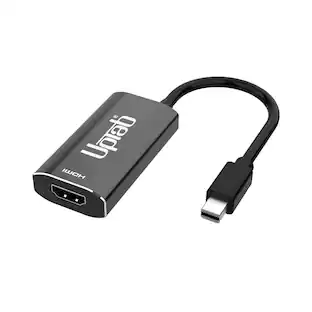
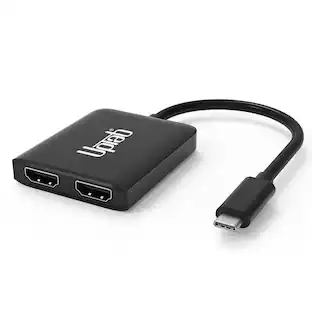
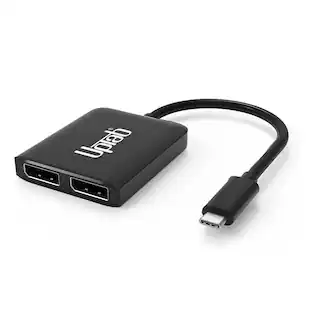
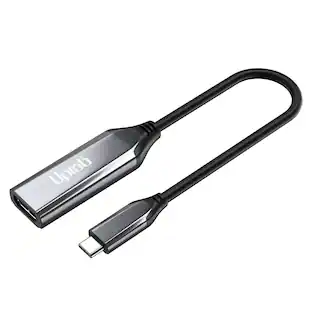
UPTab - USB-C to Mini DisplayPort Adapter 4K@60Hz
Reviews coming soon
About this product
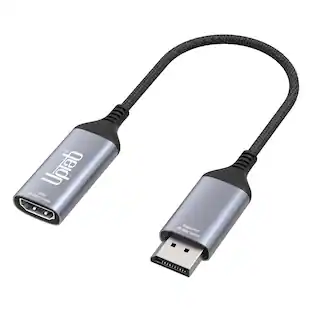
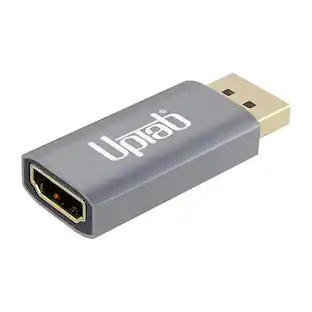
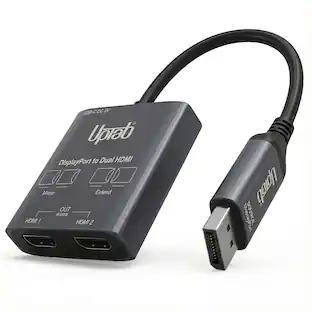
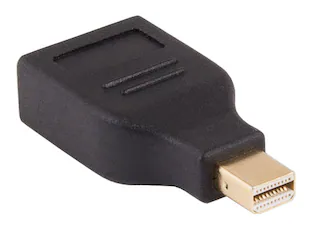
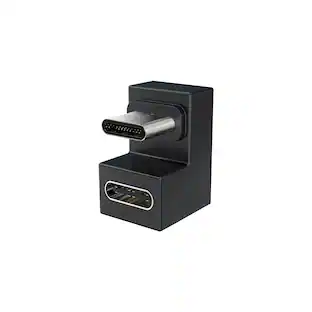
Unlock the full potential of your display with the UPTab USB-C to Mini DisplayPort Adapter 4K@60Hz. Engineered for professionals, creators, and everyday users, this compact adapter is the only Mini DisplayPort adapter on the market featuring a USB-C power pass-through port. That means you can charge your laptop while using the adapter—freeing up your other USB-C ports for drives, peripherals, or accessories. Unlike generic adapters, UPTab’s precision engineering ensures smooth Ultra HD 4K resolution at 60Hz with 8-channel audio, zero lag, and crystal-clear visuals. Housed in a durable aluminum shell for superior heat dissipation and reliability, it’s the go-to solution for connecting your MacBook, iPad Pro, Chromebook, or PC to legacy Mini DisplayPort monitors—including the classic Apple Cinema Display.
Stunning 4K@60Hz Video Output
Connect your USB-C or Thunderbolt 3/4 device to a Mini DisplayPort display and enjoy crisp Ultra HD resolution at 60Hz refresh rate.
Universal Compatibility
Works perfectly with MacBook Pro, MacBook Air, iPad Pro, Surface, Dell XPS, and other USB-C laptops and tablets supporting DisplayPort Alt Mode.
Connect to Mini DisplayPort Displays
Designed for Apple Cinema Display, (Mini DisplayPort version A1316 and the part number MC007LL/A), Dell, HP, and other Mini DP monitors.
USB-C PD Charging Support
Features a USB-C Power Delivery pass-through port so you can charge your laptop while using the Mini DisplayPort connection.
Plug-and-Play Convenience
No software or drivers needed—simply connect and enjoy smooth, reliable 4K visuals for work, design, and entertainment.
- BrandUPTabModel NumberUP-USBC1009Product NameUSB-C to Mini DisplayPort Adapter 4K@60HzInput(s)USB-COutput(s)Mini DisplayPortSignal ConversionVideo
Reviews
This product doesn't have any reviews yet.
Compare similar products
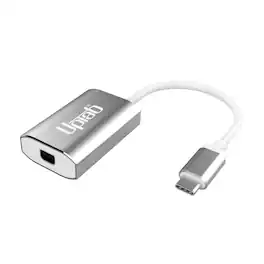
Unlock the full potential of your display with the UPTab USB-C to Mini DisplayPort Adapter 4K@60Hz. Engineered for professionals, creators, and everyday users, this compact adapter is the only Mini DisplayPort adapter on the market featuring a USB-C power pass-through port. That means you can charge your laptop while using the adapter—freeing up your other USB-C ports for drives, peripherals, or accessories. Unlike generic adapters, UPTab’s precision engineering ensures smooth Ultra HD 4K resolution at 60Hz with 8-channel audio, zero lag, and crystal-clear visuals. Housed in a durable aluminum shell for superior heat dissipation and reliability, it’s the go-to solution for connecting your MacBook, iPad Pro, Chromebook, or PC to legacy Mini DisplayPort monitors—including the classic Apple Cinema Display.

Catch all of your favorite shows with this Aluratek digital TV converter box. Its personal video recorder function supports instant and scheduled recording and saves captured content to a USB, solid-state or hard drive. View a list of upcoming shows and your recorded content via the electronic program guide of this Aluratek digital TV converter box.
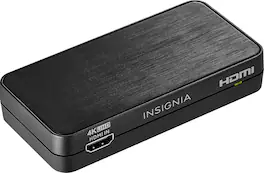
Convert the sound signals from HDMI to analog or optical output with this Insignia HDMI audio extractor. The 3.5mm jack makes connecting headphones or a speaker system as needed simple. This Insignia HDMI audio extractor lets you choose between stereo sound or 5.1 channels with the flip of a switch, providing a variety of audio options for different media.

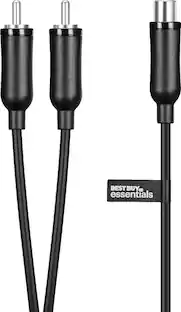
Only @ Best BuyEasily link audio devices with digital audio outputs to devices with analog audio inputs using this Insignia NS-HZ313 digital-to-analog converter, which is optical or coaxial input selectable to accommodate a wide range of audio devices.
| Pros for UPTab - USB-C to Mini DisplayPort Adapter 4K@60Hz | |||
|---|---|---|---|
| There were no pros for this product— | Ease of use, Price, DVR, Picture Quality, Recording | Ease of use, Compatibility, Price, Audio Quality, HDR Support | Ease of use, Compatibility, Price, Sound Quality, Connectivity |
| Cons for UPTab - USB-C to Mini DisplayPort Adapter 4K@60Hz | |||
| There were no cons for this product— | Reliability, Remote Control, Instructions, User Interface | Resolution | Volume Control |
Specs
Be the first to ask a question.
We’ll try to get your question answered within 24 hours by a Best Buy customer or brand representative.
Customers often buy these together

More to consider
 $9.99The price was $29.99