Acer - Nitro 27" IPS MiniLED WQHD 320Hz Up to 0.5ms AMD FreeSync Premium Gaming Monitor with HDR1000 (DisplayPort, 2 x HDMI) - Black
Customers are saying
Customers regard the overall performance of this product as excellent, with users consistently praising its effectiveness. While the refresh rate is noted for its smooth visual quality, some users have expressed a desire for more accurate color representation regarding the brightness. Overall, the feedback highlights a strong appreciation for the device's core functionality.
Highlights
Features
MiniLED Will Change You
Mini LED will ruin all other monitors for you. You’ll see dynamic levels of contrast that put reality to shame. Games and movies will take on a new hue as colors explode in up to 1000 Nits luminosity. The Nitro XV275U's 1152 local dimming zones are calling to you. Will you answer.
Quality Visuals
The XV275U 27" IPS monitor with 2560 x 1440 WQHD resolution in a 16:9 aspect ratio presents stunning, high quality images with excellent detail. The zero-frame design does away with the thick frames found on conventional monitors freeing up precious screen space so you have more to look at from edge to edge.
AMD FreeSync Premium Technology
Say “goodbye” to stuttering and tearing. With AMD FreeSync Premium, the monitor’s frames are synced with the graphics card’s frames, which eliminates screen tearing and provide the smoothest gaming experience
Native 320Hz Refresh Rate
The 320Hz refresh rate speeds up the frames per second to deliver an ultra smooth 2D motion scenes. With a rapid refresh rate of 320Hz, Acer Gaming Monitors shorten the time it takes for frame rendering, lower input lag and provide gamers an excellent in-game experience.
Responsive
Up to 0.5ms GTG (Gray to Gray) response time enhanced gamers’ in-game experience. No matter the fast-moving action or any dramatic transitions will be all rendered smoothly without the annoying effects of smearing or ghosting
Brilliant Colors
Enjoy all the picturesque environments with Acer HDR1000, a plentiful color gamut and color accuracy that’ll make you feel like you’re staring out a window. With the DCI-P3 99% and AdobeRGB 99% color gamut, colors are practically bursting out of the screen.
Ergostand with Tilt, Swivel, Pivot and Height Adjustment
Ergonomic Tilt: -5° to 25°, Height Adjustment Range: 5.9", Swivel: +/- 20° and Pivot: +/- 90°
Brightness
Native 600nits, HDR1000 mode: peak 1000nits
Mount
VESA mounting compliant (100 x 100mm)
Specifications
- Refresh Rate320HzMaximum Resolution2560 x 1440Response Time1 millisecondsPanel TypeIPSSynchronization TechnologyFreeSync Premium (AMD Adaptive Sync)
Reviews
Rating 4.7 out of 5 stars with 39 reviews
- Overall Performance (12)
- Brightness (8)
- Refresh Rate (6)
Customer Images
The vast majority of our reviews come from verified purchases. Reviews from customers may include My Best Buy members, employees, and Tech Insider Network members (as tagged). Select reviewers may receive discounted products, promotional considerations or entries into drawings for honest, helpful reviews.
Compare similar products
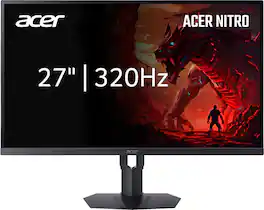
In competitive gaming, every frame matters. Introducing Acer's XV275U gaming monitor - the WQHD (2560 x 1440) resolution monitor delivering you a 1152-zone miniLED local dimming panel, Acer HDR1000 and AdobeRGB 99%. This AMD FreeSync Premium monitor takes gameplay to the next level of smooth, the game’s frame rate is determined by your graphics card, not the fixed refresh rate of the monitor, giving you a serious competitive edge.
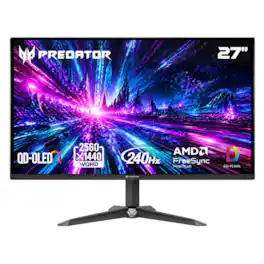
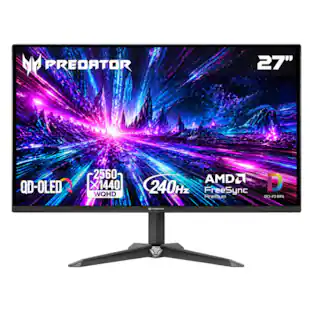
OLED In Full Force: Infused with the latest eye care technologies and a blisteringly fast 240Hz refresh and up to 0.03ms response time. The Predator XB270U delivers you a WQHD (2560 x 1440) QD-OLED. Add AMD FreeSync Premium to the mix and your gaming experience will be unbeatable! This 26.5-inch (2560 x 1440) monitor combines jaw dropping specs including an QD-OLED panel that supports blazing-fast 240Hz refresh rate. This AMD FreeSync Premium monitor takes gameplay to the next level of smooth, the game’s frame rate is determined by your graphics card, not the fixed refresh rate of the monitor, giving you a serious competitive edge.
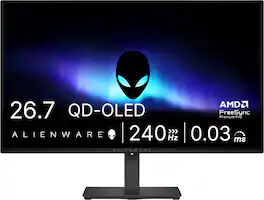
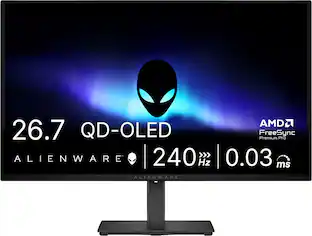
Alienware 27 240Hz QD-OLED Gaming Monitor. Take in superb QD-OLED visuals and fluid gameplay on the 27" flat panel monitor featuring a fast 240Hz refresh rate.
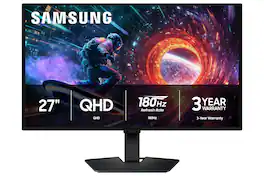
Samsung’s 27" Odyssey OLED G5 QHD Gaming Monitor delivers hyper-real visuals and lightning-fast action for exhilarating gameplay, and QD-OLED with QHD resolution provides unmatched picture quality and produces the highest levels of color accuracy and brightness. OLED Safeguard keeps the screen cool by actively helping to prevent burn-in with a Thermal Modulation System, Logo and Taskbar Detection, and Screen Saver while 3-year warranty protects the monitor for the long haul. Glare Free technology enables uninterrupted gaming as it keeps the screen clear of reflections from external light sources. The Pantone Validated screen accurately reproduces 2100+ colors for more immersive gameplay, while HDR10 provides brighter highlights and nuanced shadows for added depth. 180Hz Refresh Rate and 0.03ms (GtG) response time enables fast reactions for ultra-smooth gaming, plus G-Sync compatibility along with AMD FreeSync™ reduces choppiness, screen lag, and image tearing. Black Equalizer improves visibility in shadows, and Virtual Aim Point increases accuracy. Auto Source Switch+ allows instantaneous switching between connected devices.
| Pros for Acer - Nitro 27" IPS MiniLED WQHD 320Hz Up to 0.5ms AMD FreeSync Premium Gaming Monitor with HDR1000 (DisplayPort, 2 x HDMI) - Black | |||
|---|---|---|---|
| Overall Performance, Brightness, Refresh Rate | OLED Quality, Refresh Rate, Brightness, Build Quality, Performance | OLED Quality, Overall Performance, Refresh Rate, Stand Adjustability | OLED Quality, Overall Performance, Refresh Rate, Glare Reduction |
| Cons for Acer - Nitro 27" IPS MiniLED WQHD 320Hz Up to 0.5ms AMD FreeSync Premium Gaming Monitor with HDR1000 (DisplayPort, 2 x HDMI) - Black | |||
| There were no cons for this product— | Ergonomics, Connectivity | Brightness, Audio Output, USB Ports | Ergonomics, Connectivity, Button Layout, Stand Adjustability |
Specs
Customers often buy these together
Computer Keyboards
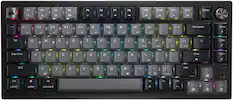
CORSAIR - K65 PLUS RGB 75% Wireless Mechanical Pre-Lubricated MLX Red Linear Switch Gaming Keyboard with Hot-Swappable Switches - Black/Gray
Black Friday Deal$99.99The price was $159.99
Razer - Huntsman V3 Pro TKL Wired Analog Optical Linear Switch Gaming Keyboard with Snap Tap - Black
Black Friday Deal$132.05The price was $219.99

Monitor Stands
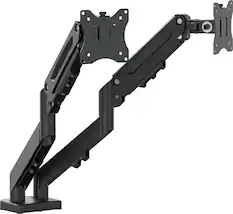
j5create - Ergonomic Dual Monitor Desk Mount for Most 17”-32” Monitors - Black
$79.99The price was $89.99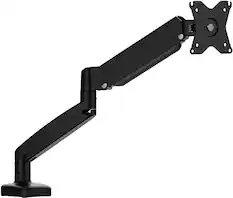
j5create - Ergonomic Monitor Desk Mount for Most 17” -32” Monitors - Black
$69.99The price was $80.92
More recommended items
 Computer Speakers
 Monitor and Video Cables
 Mice
 Cables and Adapters
 Web Cameras
 Mouse Pads
 PC Gaming Headsets
More to consider
Acer Predator 27" QD-OLED QHD 240Hz 0.03ms FreeSync Premium Gaming Monitor with HDR (DisplayPort, HDMI)
Black Friday Deal$299.99The price was $379.99Alienware AW2726DM 27" QD-OLED QHD 240Hz 0.03ms FreeSync Premium Pro Gaming Monitor with HDR (HDMI, DisplayPort)
Black Friday Deal$279.99The price was $349.99Acer Nitro KGB271U 27" WQHD IPS Up to 200Hz 0.5ms FreeSync Premium Gaming Monitor with HDR10 (DisplayPort, HDMI)
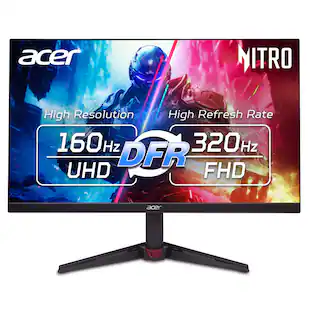
Black Friday Deal$134.99The price was $199.99Acer Nitro 27” LCD 4K UHD 320Hz 0.5ms FreeSync Premium Gaming Monitor with HDR (Display Port, HDMI)
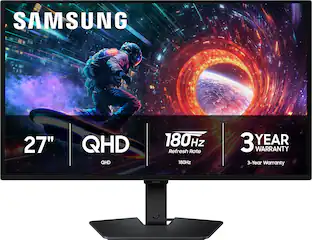
$228.37The price was $349.99Samsung 27" Odyssey OLED G5 (G50SF) QHD 180Hz 0.03ms G-Sync & FreeSync Compatible Glare Free Gaming Monitor
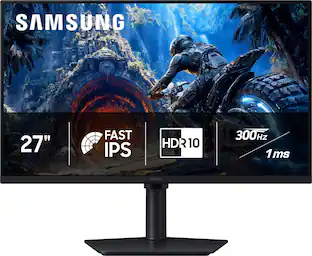
Black Friday Deal$319.99The price was $499.99Samsung 27" Odyssey G4 (G40H) Fast IPS FHD 300Hz 1ms AMD FreeSync Prem Gaming Monitor with HDR 10 (DisplayPort, HDMI)
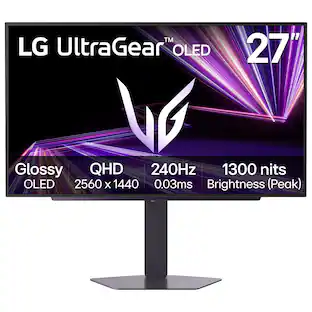
Black Friday Deal$179.99The price was $299.99LG UltraGear 27" QHD Glossy OLED 240Hz Gaming Monitor 0.03ms NVIDIA G-SYNC AMD FreeSync Premium Pro DisplayHDR TrueBlack400
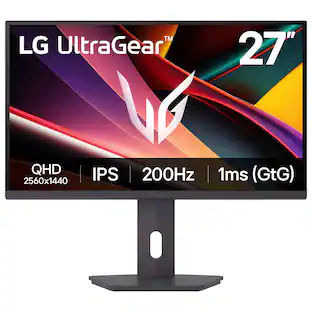
Black Friday Deal$349.99The price was $499.99LG UltraGear 27" IPS QHD 200Hz Gaming Monitor with DisplayHDR 400 (HDMI, DisplayPort)
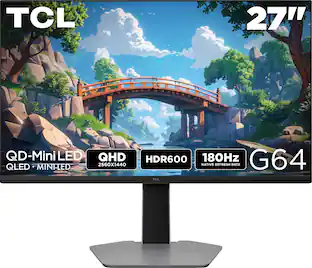
Black Friday Deal$159.99The price was $249.99TCL G64 27" QD Mini LED QHD 180Hz 1ms AMD FreeSync Premium Gaming Monitor with HDR600 (DisplayPort, HDMI)
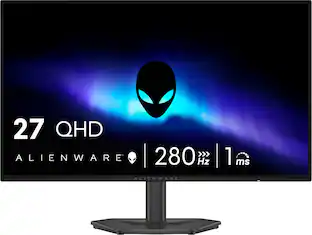
$299.99The price was $399.99Alienware 27" QHD 280Hz 1ms FreeSync Premium Gaming Monitor with HDR (HDMI, DisplayPort)
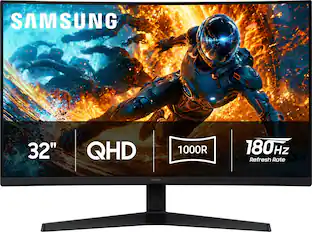
Black Friday Deal$179.99The price was $229.99Samsung 32" Odyssey G5 (G55H) QHD 180Hz 1ms AMD FreeSync 1000R Curved Gaming Monitor with HDR10 (DisplayPort, HDMI)
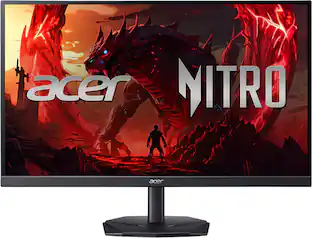
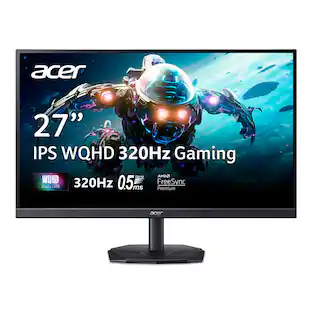
Black Friday Deal$189.99The price was $289.99Acer Nitro 27” LCD WQHD 320Hz 0.5ms FreeSync Premium IPS Gaming Monitor with HDR (Display Port, HDMI)
$249.99The price was $369.99
Explore tech essentials Sponsored
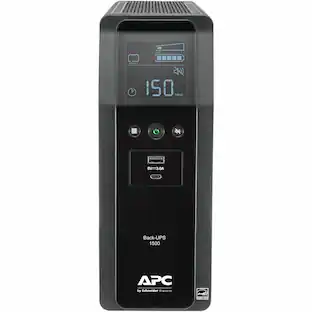
APC UPS Battery Backup Pro, 1500VA/900W, Tower, 10 Outlets, LCD Display, USB-A + USB-C ports
Black Friday Deal$179.99The price was $219.99Samsung 27" Odyssey G4 (G40H) Fast IPS FHD 300Hz 1ms AMD FreeSync Prem Gaming Monitor with HDR 10 (DisplayPort, HDMI)
Black Friday Deal$179.99The price was $299.99HP OMEN 35L Gaming Desktop - AMD Ryzen 5 8400F - 16GB DDR5 Memory - NVIDIA GeForce RTX 5060 - 1TB SSD
$1,529.99The price was $1,924.99KTC H27D9 27 Inch Gaming Monitor, 2K QHD 1440P, IPS 100Hz/120Hz, Adaptive-Sync, 99% sRGB HDR10, 2xHDMI/DP, Low Blue Light
Black Friday Deal$109.99The price was $199.99
Discover related products
Acer Wired Gaming Mouse, 12,800 DPI Optical Sensor RGB Ergonomic Mouse with 8 Programmable Buttons, 12 Backlit Modes
Black Friday Deal$17.99The price was $21.99ViprTech Ghost Gaming PC - AMD Ryzen 7 (4.1Ghz), AMD RX 580 8GB, 16GB DDR4, 500GB SSD, Desktop Computer
$594.99The price was $714.99Skytech Gaming Skytech AZURE3 - AMD Ryzen 7 5700, 7600, 32GB 3200 MHz DDR4 SDRAM, 650W GOLD PSU
$1,379.99The price was $1,649.99Apple MacBook Pro 13.3" Laptop - Apple M1 chip - 8GB Memory - 256GB SSD
$789.99The price was $1,299.99ViprTech Ghost 3.0 Liquid-Cooled PC - AMD Ryzen 7 (4.4Ghz), RTX 4060 8GB, 16GB DDR4, 1TB SSD, Gaming Computer
$1,169.99The price was $1,299.99


Keep exploring
KTC H24T7 24" Gaming Monitor QHD 180Hz/Up to 185Hz, Fast IPS 1440p Computer Monitor, 1ms, G-Sync/FreeSync, HDR400, HDMI/DP
Black Friday Deal$139.99The price was $219.99ASUS TUF Gaming 24" 1080p 240Hz Fast IPS Monitor, 0.3ms, FreeSync Premium & G-Sync Compatible (VG249QM5A)
$107.99The price was $177.99ASUS ROG Strix OLED XG32UCWMG 32" 4K 240Hz 0.03ms OLED FreeSync/G-Sync
$852.99The price was $1,053.88ASUS ROG 32" 4K 240Hz OLED Gaming Monitor (PG32UCDM) - 480Hz Dual Mode, 0.03ms, G-SYNC, DP2.1
$1,511.99The price was $1,670.63ASUS ROG Strix 32" 4K OLED Gaming Monitor - 4K@165Hz, 0.03ms, G-SYNC, USB-C, HDMI 2.1
$648.99The price was $979.32ASUS ROG Strix 34" OLED Gaming Monitor - 3440x1440, 175Hz, 0.03ms, G-SYNC, True 10-bit
$907.32The price was $1,019.00Acer PM161Q 15.6" Portable Monitor Full HD 1920x1080 IPS USB-C HDMI Refurbished
$44.99The price was $48.99Samsung 49 inch Odyssey G9 Dual QD-OLED Curved Ultrawide Gaming Monitor LS49DG910SNXZA
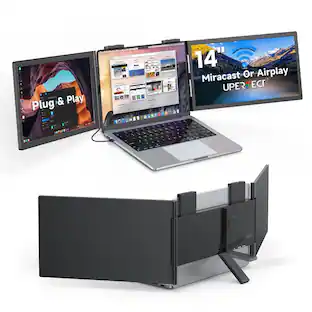
$899.99The price was $1,299.99UPERFECT 14" Dual Laptop Screen Extender - 1080P FHD IPS Triple Portable Monitor, USB-C/HDMI/Miracast
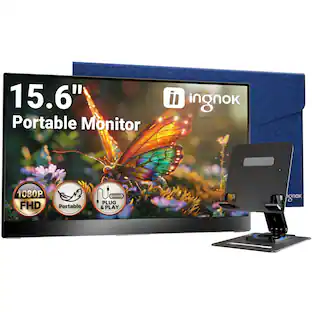
$245.99The price was $249.99Ingnok 15.6" Portable Monitor for Laptop - FHD 1080p USB-C with Adjustable Stand, Mini HDMI and VESA
$84.99The price was $95.99