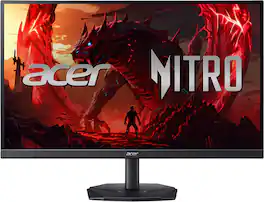
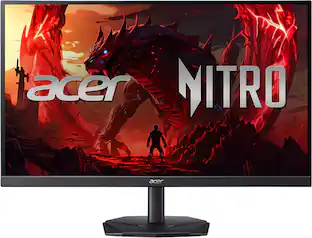
Acer - Nitro 27" IPS MiniLED WQHD 320Hz Up to 0.5ms AMD FreeSync Premium Gaming Monitor with HDR1000 (DisplayPort, 2 x HDMI) - Black
About this product
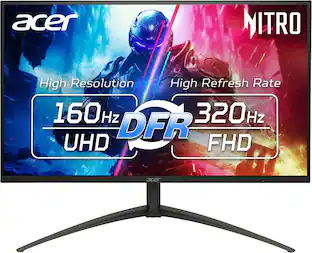
In competitive gaming, every frame matters. Introducing Acer's XV275U gaming monitor - the WQHD (2560 x 1440) resolution monitor delivering you a 1152-zone miniLED local dimming panel, Acer HDR1000 and AdobeRGB 99%. This AMD FreeSync Premium monitor takes gameplay to the next level of smooth, the game’s frame rate is determined by your graphics card, not the fixed refresh rate of the monitor, giving you a serious competitive edge.
Highlights
MiniLED Will Change You
Mini LED will ruin all other monitors for you. You’ll see dynamic levels of contrast that put reality to shame. Games and movies will take on a new hue as colors explode in up to 1000 Nits luminosity. The Nitro XV275U's 1152 local dimming zones are calling to you. Will you answer.
Quality Visuals
The XV275U 27" IPS monitor with 2560 x 1440 WQHD resolution in a 16:9 aspect ratio presents stunning, high quality images with excellent detail. The zero-frame design does away with the thick frames found on conventional monitors freeing up precious screen space so you have more to look at from edge to edge.
AMD FreeSync Premium Technology
Say “goodbye” to stuttering and tearing. With AMD FreeSync Premium, the monitor’s frames are synced with the graphics card’s frames, which eliminates screen tearing and provide the smoothest gaming experience
Native 320Hz Refresh Rate
The 320Hz refresh rate speeds up the frames per second to deliver an ultra smooth 2D motion scenes. With a rapid refresh rate of 320Hz, Acer Gaming Monitors shorten the time it takes for frame rendering, lower input lag and provide gamers an excellent in-game experience.
Responsive
Up to 0.5ms GTG (Gray to Gray) response time enhanced gamers’ in-game experience. No matter the fast-moving action or any dramatic transitions will be all rendered smoothly without the annoying effects of smearing or ghosting
Brilliant Colors
Enjoy all the picturesque environments with Acer HDR1000, a plentiful color gamut and color accuracy that’ll make you feel like you’re staring out a window. With the DCI-P3 99% and AdobeRGB 99% color gamut, colors are practically bursting out of the screen.
Ergostand with Tilt, Swivel, Pivot and Height Adjustment
Ergonomic Tilt: -5° to 25°, Height Adjustment Range: 5.9", Swivel: +/- 20° and Pivot: +/- 90°
Brightness
Native 600nits, HDR1000 mode: peak 1000nits
Mount
VESA mounting compliant (100 x 100mm)
- Refresh Rate320HzMaximum Resolution2560 x 1440Response Time1 millisecondsPanel TypeIPSSynchronization TechnologyFreeSync Premium (AMD Adaptive Sync)
Reviews
Rating 4.8 out of 5 stars with 5 reviews
The vast majority of our reviews come from verified purchases. Reviews from customers may include My Best Buy members, employees, and Tech Insider Network members (as tagged). Select reviewers may receive discounted products, promotional considerations or entries into drawings for honest, helpful reviews.
Compare similar products
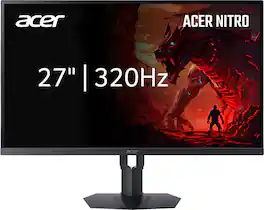
In competitive gaming, every frame matters. Introducing Acer's XV275U gaming monitor - the WQHD (2560 x 1440) resolution monitor delivering you a 1152-zone miniLED local dimming panel, Acer HDR1000 and AdobeRGB 99%. This AMD FreeSync Premium monitor takes gameplay to the next level of smooth, the game’s frame rate is determined by your graphics card, not the fixed refresh rate of the monitor, giving you a serious competitive edge.
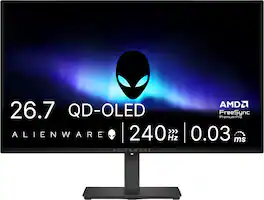
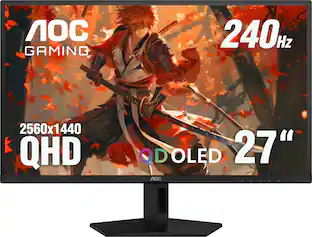
Alienware 27 240Hz QD-OLED Gaming Monitor. Take in superb QD-OLED visuals and fluid gameplay on the 27" flat panel monitor featuring a fast 240Hz refresh rate.
In competitive gaming, every frame matters. Introducing Acer's KGB271U gaming monitor - the WQHD (2560 x 1440) resolution monitor that can keep up with your game play. This AMD FreeSync Premium monitor takes gameplay to the next level of smooth, the game’s frame rate is determined by your graphics card, not the fixed refresh rate of the monitor, giving you a serious competitive edge. Plus, users can enjoy comfortable viewing experience while gaming via flicker-less, low dimming and ComfyView display. The design saves space on your desk and lets you place multiple monitors side by side to build a seamless big-screen display

The Q27G41ZDF delivers lightning-fast 240Hz refresh rates, 0.03ms GtG pixel response, and low input lag for ultra-responsive gameplay. The ultra-responsive QD-OLED panel and 10-bit color space provides sharp visuals with unbelievable contrast and vibrant colors, while the NVIDIA G-SYNCA Compatible AdaptiveSync and HDR ready panel enhances clarity and fluidity. Built for eSports, its stable base ensures a solid setup for intense matches.
| Pros for Acer - Nitro 27" IPS MiniLED WQHD 320Hz Up to 0.5ms AMD FreeSync Premium Gaming Monitor with HDR1000 (DisplayPort, 2 x HDMI) - Black | |||
|---|---|---|---|
| There were no pros for this product— | OLED Quality, Refresh Rate, Overall Performance, Stand Adjustability | Overall Performance, Refresh Rate, Resolution | OLED Quality, Overall Performance, Refresh Rate, Black Levels |
| Cons for Acer - Nitro 27" IPS MiniLED WQHD 320Hz Up to 0.5ms AMD FreeSync Premium Gaming Monitor with HDR1000 (DisplayPort, 2 x HDMI) - Black | |||
| There were no cons for this product— | Brightness, Built-in Speakers, USB Ports | Brightness, Stand, Adjustability | Brightness, Connectivity, Size |
Specs
What makes this monitor different from the XV275U (F3biipprx) model sold on Amazon? Also does this monitor deal with blooming well?
Answered by TeamAcerThe Acer Nitro XV275U F5biipprx and XV275U F3biipprx (often written as F5 and F3) are essentially the exact same monitor. The "5" and "3" simply denote different regional distribution channels or slight variations in retailer-specific packaging. This monitor's handling of blooming is generally decent but not perfect. As an IPS Mini-LED monitor, it can be affected with expected backlight haloing in dark scenes, though this is minimized by its local dimming zones.
Is screen glossy or matte
Answered by TeamAcerThis monitor has a matte screen.
Does this monitor have Adaptive Sync? Can it work with an Nvidia card?
Answered by TeamAcerYes, the Acer Nitro XV275U F5biipprx supports Adaptive Sync and it will work with an Nvidia graphics card.. Specifically, it features AMD FreeSync Premium, which handles variable refresh rates to eliminate screen tearing. It also will work with an Nvidia graphics card. While it uses FreeSync/Adaptive Sync (AMD’s variable refresh rate tech), Nvidia GPUs support this standard through their "G-SYNC Compatible" framework.
Can I mount this monitor to a wall?
Yes, this monitor is wall mountable.
This question and answer was generated by AI based on customer and product data.What is the native refresh rate of this monitor?
The native refresh rate of this monitor is 320Hz.
This question and answer was generated by AI based on customer and product data.

Customers often buy these together
Computer Keyboards
![esc F1 F2 F3 F4 F5 F6 prts SC F7 scrlk FB F9 F10 F11 F12 1 1 | 2 @ 3 # 4 $ 5 % 6 A 7 & 8 9 I 0 I - ee I + ins home pg up 5 tab Q W E R T Y U I 0 P [ { ] } / | del 2 end a pg dn 4 caps A S D F G H I L : - enter 5 shift Z X V B N M < > / ? shift ctrl alt fn ctrl C](https://pisces.bbystatic.com/image2/BestBuy_US/images/products/97c3efd0-824e-43aa-bed2-9dc76c040024.jpg;maxHeight=232;maxWidth=233?format=webp)
Razer - Huntsman V3 Pro TKL Wired Analog Optical Linear Switch Gaming Keyboard with Snap Tap - Black
$124.99The price was $219.99
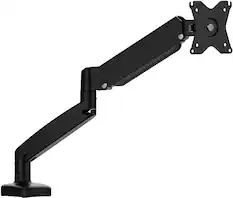
Monitor Stands
More recommended items
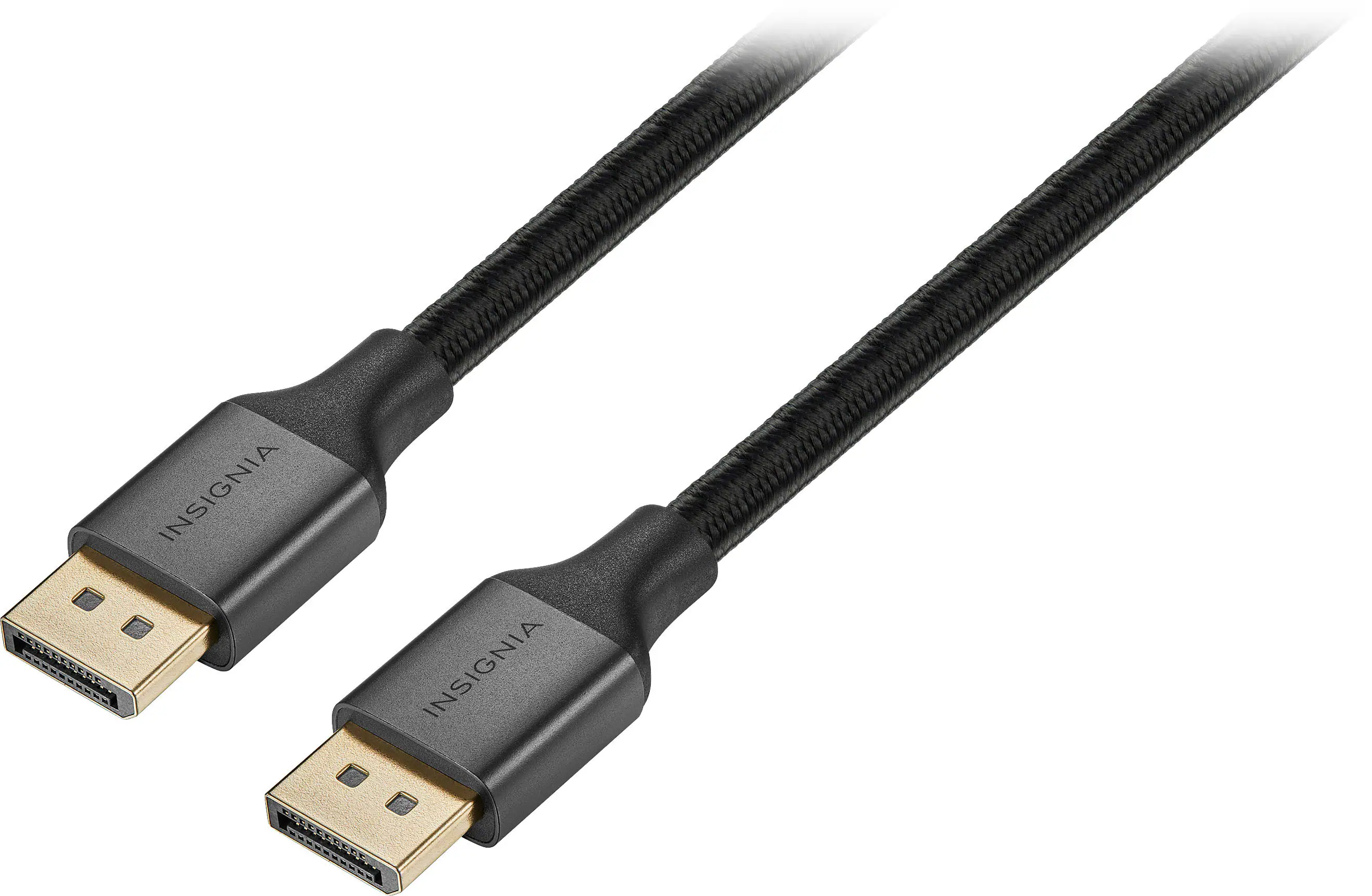 Monitor and Video Cables
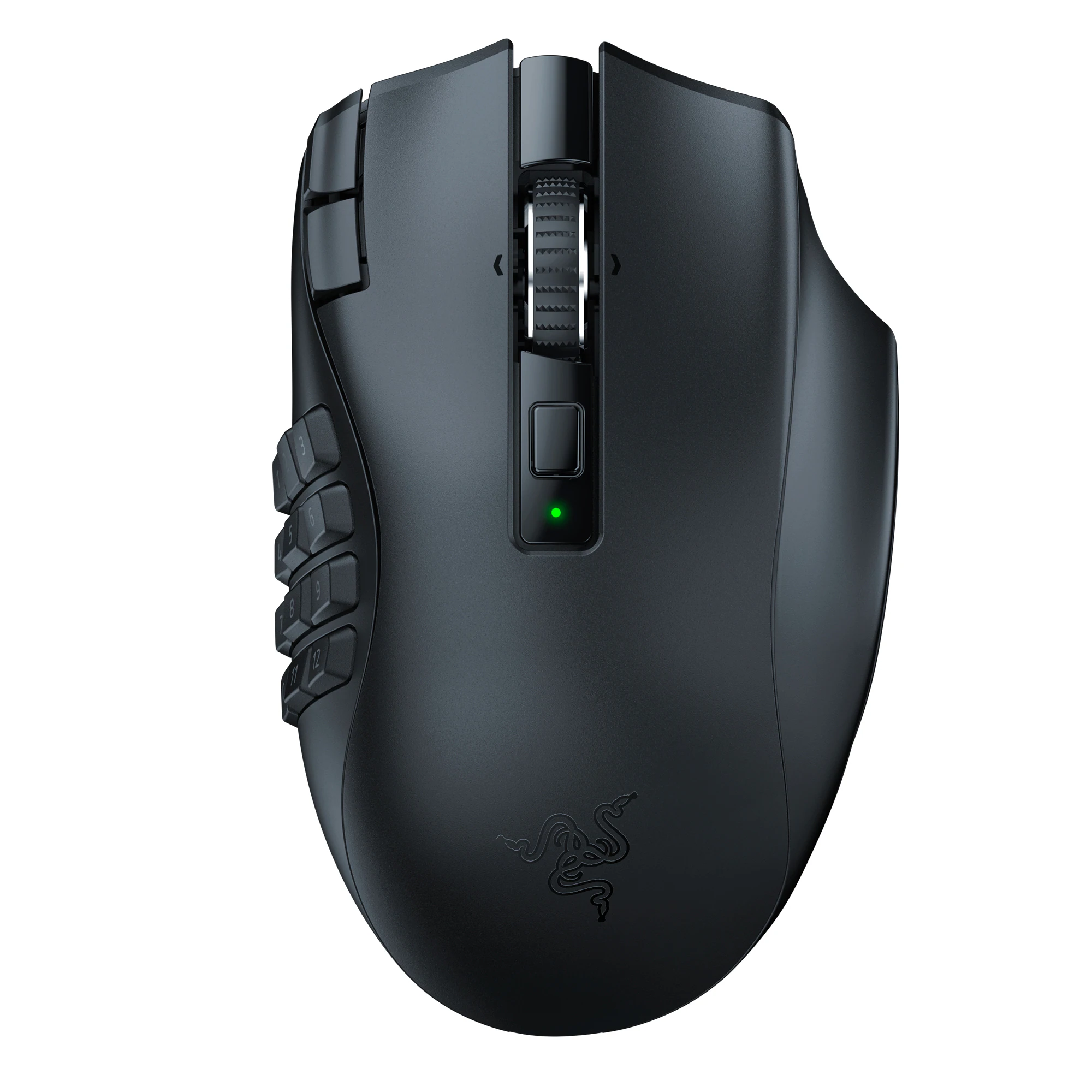 Mice
Mice
More to consider
 $269.99The price was $349.99
 Top Deal$199.99The price was $299.99
 $299.99The price was $369.99
 Top Deal$349.54The price was $499.99
 $421.99The price was $449.99
 Clearance$319.99The price was $499.99
 Top Deal$269.99The price was $349.99
 Top Deal$179.99The price was $329.99
 $179.99The price was $249.99

Explore tech essentials Sponsored
 $2,724.99The price was $3,144.99
- Top Deal$269.99The price was $349.99
 $1,919.99The price was $2,079.99
- Top Deal$179.99The price was $329.99
- $421.99The price was $449.99
- Top Deal$349.54The price was $499.99
Discover related products
 $40.68The price was $53.99
 $649.99The price was $669.99
 $388.00The price was $398.00
 $158.99The price was $245.18
 $649.99The price was $669.99

Keep exploring
 $649.99The price was $659.99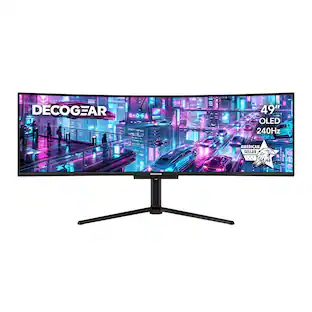
Deco Gear - 49" QD-OLED 240Hz Curved Super Ultrawide Gaming Monitor 5K DQHD 0.03 ms HDR400 90W USB-C
$799.99The price was $959.99 $599.99The price was $699.99
 $161.99The price was $172.99
 $377.99The price was $399.99
 $439.40The price was $485.99
 $109.99The price was $129.99
 $999.00The price was $1,058.49