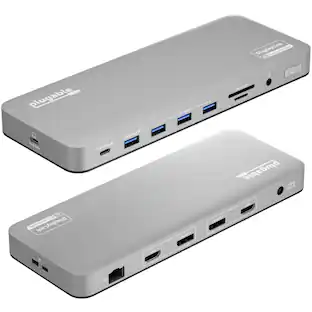
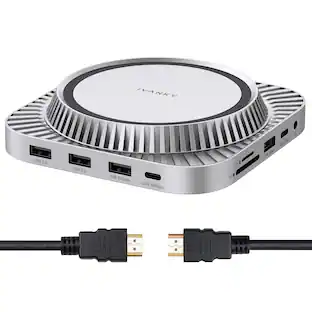
j5create - USB-C Powerbase Docking Station - Space Gray
About this product
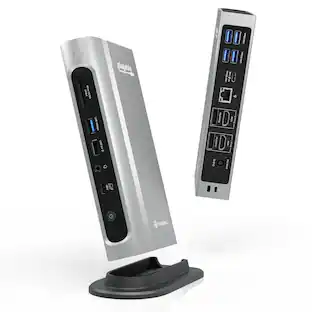
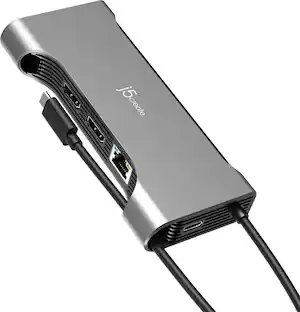
The JCDP4140 14-in-1 USB-C® Powerbase Docking Station is designed to streamline your setup, it features a built-in GaN power adapter and a smart cable storage compartment with a 69.5cm USB-C® cable, delivering up to 100W of power directly to your laptop. With two dedicated USB-C® charging ports (18W and 27W), you can easily power another laptop or fast-charge your tablets, smartphones, and other essential devices. Plus, enjoy seamless connectivity with additional USB™ Type-A, HDMI™, and Ethernet ports, making this your ultimate hub for productivity.
Features
Dual 4K HDMI™ outputs
Supports dual 4K HDMI™ (4K@60Hz + 4K@30Hz)
Built-in Power
Built-in 163W power adapter supports AC 100-240V, 50/60Hz
Reliable network connectivity
Reliable network connectivity via the Gigabit Ethernet port
Multiple Connections
Three USB™ 10Gbps, one USB™ 5Gbps ports and two USB™ 2.0 ports for connecting peripherals. Two USB-C® PD charging ports (27W & 18W) for tablets and smartphones
Media Storage and Transfer
SD™/microSD™ card reader
Specifications
- Maximum Number of Displays Supported2Maximum Supported Resolution4K (2160p), 4K (2160p)Number of DisplayPort Outputs (Total)0Passthrough PowerYes
Reviews
Rating 3.7 out of 5 stars with 11 reviews
The vast majority of our reviews come from verified purchases. Reviews from customers may include My Best Buy members, employees, and Tech Insider Network members (as tagged). Select reviewers may receive discounted products, promotional considerations or entries into drawings for honest, helpful reviews.




Compare similar products
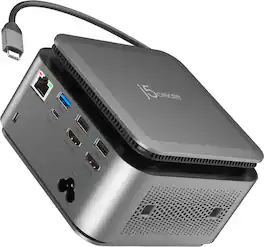
The JCDP4140 14-in-1 USB-C® Powerbase Docking Station is designed to streamline your setup, it features a built-in GaN power adapter and a smart cable storage compartment with a 69.5cm USB-C® cable, delivering up to 100W of power directly to your laptop. With two dedicated USB-C® charging ports (18W and 27W), you can easily power another laptop or fast-charge your tablets, smartphones, and other essential devices. Plus, enjoy seamless connectivity with additional USB™ Type-A, HDMI™, and Ethernet ports, making this your ultimate hub for productivity.
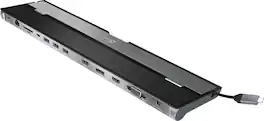
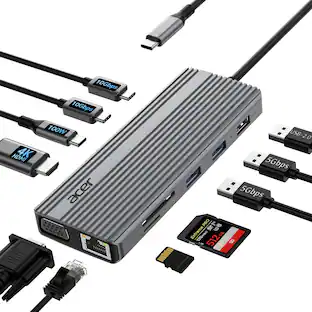
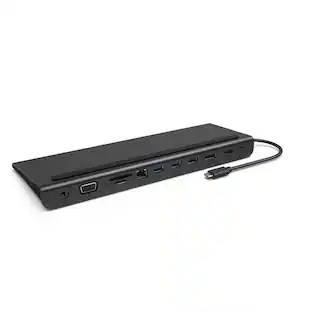
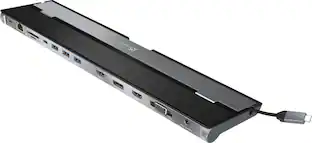
This triple display docking station turns your Mac or Windows laptop into a full workstation with a DisplayPort output, two HDMI outputs, and a VGA output, with resolution support up to 4K (3840 x 2160) on two displays and 1080p on the other one. You can also use your laptop screen for four displays in total, making it easy to access multiple applications at once. With 100W Power Delivery, three USB 3.0 ports, and a USB-C port, this docking station is perfect for your MacBook, Dell XPS, or other USB-C laptop requiring additional ports. This USB 3.0 docking station is also equipped with a RJ45 Gigabit Ethernet port, memory card reader/writer, and combo audio jack for maximum productivity. The elevated design assists with heat dissipation and, with its double-sided cable storage compartment, ensures an easy connection regardless of your USB-C port’s location. All 13 ports are combined into one slim docking station, so you’ll have all the connections you need to stay productive!
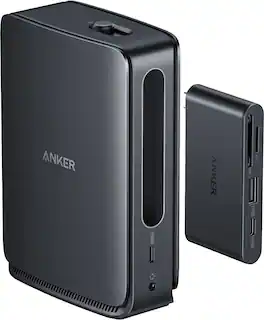
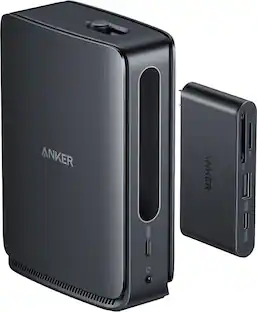
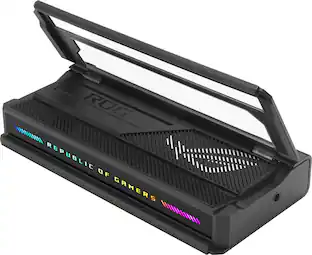
Switch effortlessly between full desktop setups and mobile work with a 13-in-1 dock for every connection plus a removable 6-in-1 hub for quick, on-the-go access.

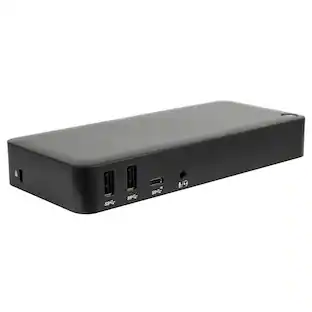
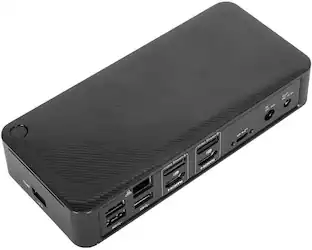
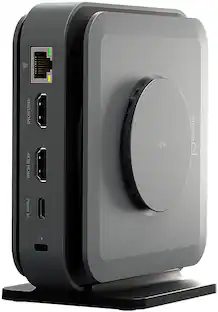
This compact multi-port dock is ideal for office application, featuring everything from the essential two HDMI outputs, USB ports, Gigabit Ethernet, SD/microSD card reader, Audio Jack and an upgraded Power Delivery 3.1 specification. It comes with a mount for saving-space vertical placement and gives you the ability to connect your MacBook or other USB-C compatible laptops to a 4K monitor or TV. With USB Power Delivery 3.1 it’ll take you to a new flexible power application, you'll be able to charge your laptop and power your peripherals with a single USB-C power adapter even if your laptop only has one USB-C port. The top of the dock functions as a wireless charging pad that supports up to 15W fast charging. Access a wired network through the Gigabit Ethernet port for a fast and stable network connection. It is also equipped with a cable storage compartment which ensures an easy connection regardless of your USB-C port’s location. Power Adapter to support Wireless Charging Sold Separately.
| Pros for j5create - USB-C Powerbase Docking Station - Space Gray | |||
|---|---|---|---|
| There were no pros for this product— | Ease of use, Overall Performance, Ports, USB-C, Connectivity | There were no pros for this product— | Overall Performance, Ease of use, Ports, Wireless Charging, HDMI |
| Cons for j5create - USB-C Powerbase Docking Station - Space Gray | |||
| There were no cons for this product— | Compatibility, Power Supply | There were no cons for this product— | Compatibility, Power Supply, Noise Level, Price |
Specs
Customers often buy these together
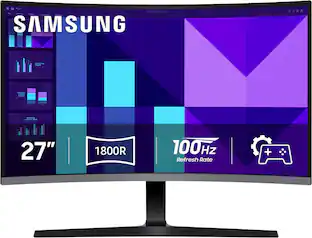
Samsung 27" S39GD Series Curved FHD 100Hz Monitor with Built-in Speakers
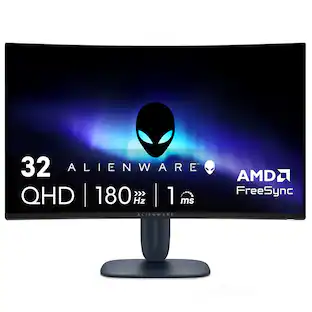
Black Friday Deal$129.99The price was $199.99Alienware AW3225DM 32" VA LED Curved QHD 180Hz 1ms FreeSync Gaming Monitor with HDR (HDMI, DisplayPort, USB)
Clearance$287.99The price was $319.99






More to consider


Explore tech essentials Sponsored

Discover related products
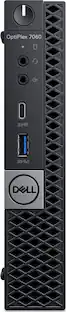
Dell OptiPlex 7060 Micro Desktop - Intel Core i5-8500T - 8GB Memory - 256GB SSD
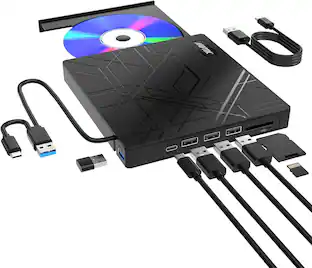
$229.99The price was $351.99AGPtek 8 in 1 External CD/DVD Drive for Laptop, USB 3.0 Ultra Slim Portable CD Burner with 4 USB Ports
$31.99The price was $32.99


Keep exploring
ACEMAGIC 8-in-1 USB C Hub Multiport Adapter Type C Docking Station Adaptor USB Hub
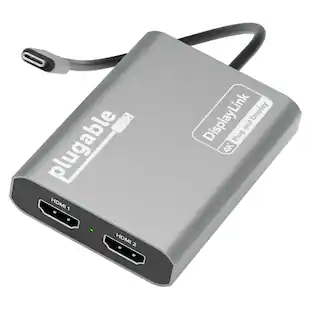
$8.99The price was $9.99Plugable USB 3.0 and USB-C Universal Laptop Docking Station for Windows, Mac, ChromeOS | Dual HDMI
$99.84The price was $143.99Acer Docking Station, 12-in-1 USB C Docking Station 3 Monitor with 2HDMI+DP
$99.99The price was $199.99