xTool - M2 3W Laser Module
About this product
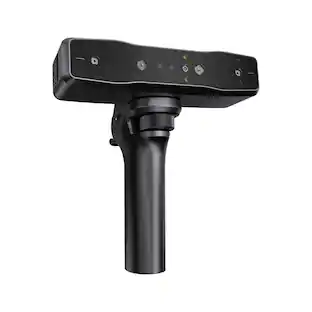
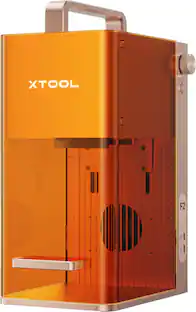
Expand the capabilities of your xTool M2 with the 3W Infrared Laser Module. Designed for high-precision engraving on all metals, plastics, and acrylics, it delivers ultra-fine detail for your specialized jewelry and craft projects.
Features
Metal & Plastic Engraving
The infrared laser perfectly engraves on all metals, including gold, silver, and copper, as well as various plastics.
Ultra-Fine Precision
Delivers a microscopic laser spot for intricate, high-resolution results on your custom designs.
Easy Swapping
Modular design allows you to switch laser heads quickly without specialized tools.
Specifications
- BrandxToolModel NumberM2-3W-LaserProduct NamexTool M2 3W Laser ModuleProduct TypeBlades and toolsProduct Weight0.487 poundsWarranty - Parts1 year
Reviews
Rating 5 out of 5 stars with 1 review
Customer Images
The vast majority of our reviews come from verified purchases. Reviews from customers may include My Best Buy members, employees, and Tech Insider Network members (as tagged). Select reviewers may receive discounted products, promotional considerations or entries into drawings for honest, helpful reviews.
Compare similar products

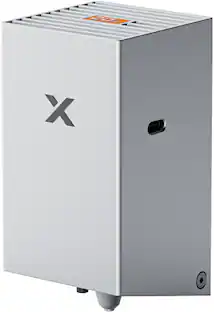
Expand the capabilities of your xTool M2 with the 3W Infrared Laser Module. Designed for high-precision engraving on all metals, plastics, and acrylics, it delivers ultra-fine detail for your specialized jewelry and craft projects.
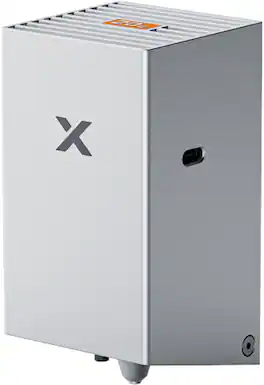
Maximize your cutting power with the 20W laser module for xTool M2. Easily and quickly cut through thicker materials like solid wood and acrylic with ultimate precision.
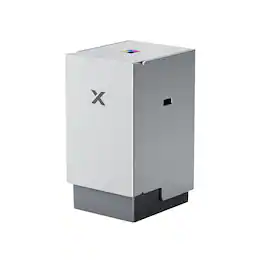
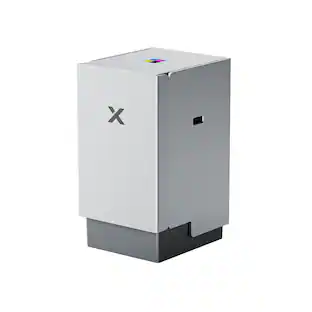
Upgrade your xTool M2 to a full-color screen printing machine. This innovative module allows you to print vibrant, multi-color designs on t-shirts, tote bags, and more.

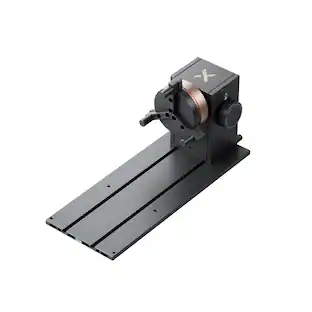
Expand your xTool M2 capabilities with the RA3 Lite Rotary Attachment. Perfect for precision engraving on cylindrical objects like tumblers, mugs, and rings.
Specs
Customers often buy these together
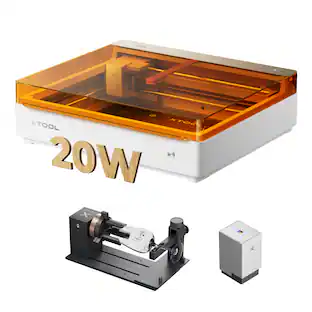
xTool M2 20W Color Craft Laser Engraver, with CMYK Inkjet Printer, RA3 Lite Rotary
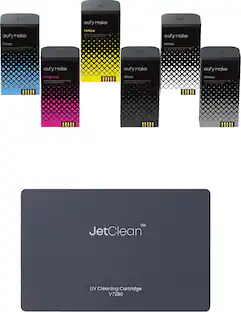
$1,179.00The price was $1,739.00eufy eufyMake UV Ink Set for E1 Printer — CMYK + White + Gloss + Cleaning Cartridge - V7240010
$200.99The price was $209.99xTool M2 20W Color Craft Laser Engraver, with Full-Color CMYK Inkjet Printer
$949.00The price was $1,149.00




More to consider
xTool M2 20W Color Craft Laser Engraver, with CMYK Inkjet Printer, RA3 Lite Rotary
$1,179.00The price was $1,739.00xTool M2 20W Color Craft Laser Engraver, with Full-Color CMYK Inkjet Printer
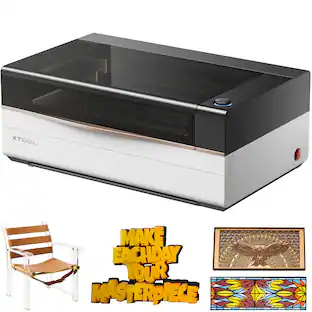
$949.00The price was $1,149.00xTool P3 Laser Engraver and Cutter, Class I Laser Engraver 80W Laser Output
$5,999.00The price was $6,499.00


Explore, Play, Collect Sponsored
xTool M2 20W Color Craft Laser Engraver, with Full-Color CMYK Inkjet Printer
$949.00The price was $1,149.00xTool M2 20W Color Craft Laser Engraver, with CMYK Inkjet Printer, RA3 Lite Rotary
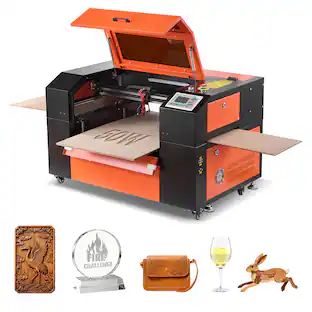
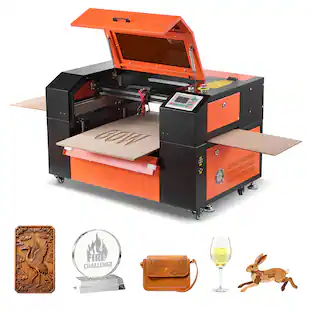
$1,179.00The price was $1,739.00VEVOR 50W CO2 Laser Engraver, 20x12in, CO2 Laser Engraver Cutter Machine with 4 Way Pass Air Assist, Engraving Cutting Machine
$1,799.90The price was $2,374.99VEVOR 60W CO2 Laser Engraver, 24x16in, CO2 Laser Engraver Cutter Machine with 4 Way Pass Air Assist, Engraving Cutting Machine
$2,199.90The price was $2,749.99VEVOR 55W CO2 Laser Engraver, 20 x 12 in, Desktop CO2 Laser Engraver and Cutter Machine with 16MP Camera, Water Pump
$2,259.90The price was $2,824.99

Discover related products
Best Choice Products Pretend Play Kids Electric Guitar, Toy Guitar with Interactive Microphone, Amp
$49.99The price was $59.99