Canon IVY Printers

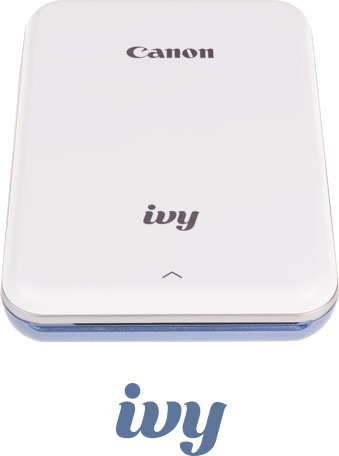
Meet the Canon IVY mini photo printer.
The pocket-friendly printer that travels with you, wherever you go.


Social Media
If it's Instagram-worthy, it's print-worthy.
Keep the good times rolling and print your favorite Instagram and Facebook snapshots directly from your smartphone.*
The Canon Mini Print app is required to access and print photos from Facebook, Instagram, Dropbox, Google Drive and iCloud. (iCloud from iOS only.)
Have fun with your photos in the app.

Effects.
Enhance the look of your images with stickers, frames, text and emojis — plus, use the drawing tool to add your own doodles and sketches.

Image filters.
Apply special filters to change the mood of your photo.

AR live filters.
Shake things up with fun filters and transform facial features using augmented reality and face-tracking technology.

Collage prints.
Have a few photos with your besties? Add them to a single print by creating a personalized collage.

Tile Prints.
Craft a larger version of your image by printing up to nine tiled sections.
Paper
Print and stick your photos anywhere.
From birthdays and special occasions to nights on the town, print
2" x 3" photos that are smudgeproof, tear-free and water-resistant, with a peel-and-stick backing that adheres to many surfaces.
IVY sets up quickly so you can start printing quickly.
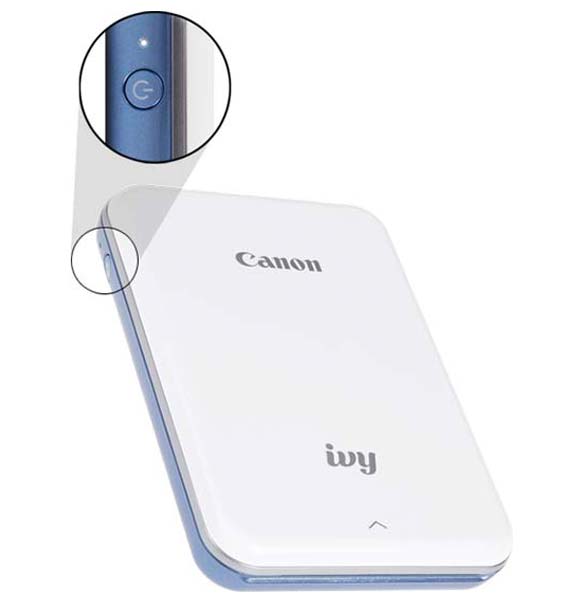
1. Power up.
Connect your IVY mini photo printer to the USB cable, and hang tight until the light changes from red to green. Once fully charged, power up by holding the power button and wait for the white light to turn on.

2. Load paper.
Open the printer's lid by gently pressing down and pushing back on the ^ symbol. Place the blue ZINK Smart Sheet in the tray first, followed by the ZINK photo paper, making sure all barcodes and logos are facing down.

3. Connect.
Sync your IVY printer with your smartphone via Bluetooth.* With your phone's Bluetooth setting on, open the Canon Mini Print app and tap "Add Printer." (You'll only need to do this once per device.)
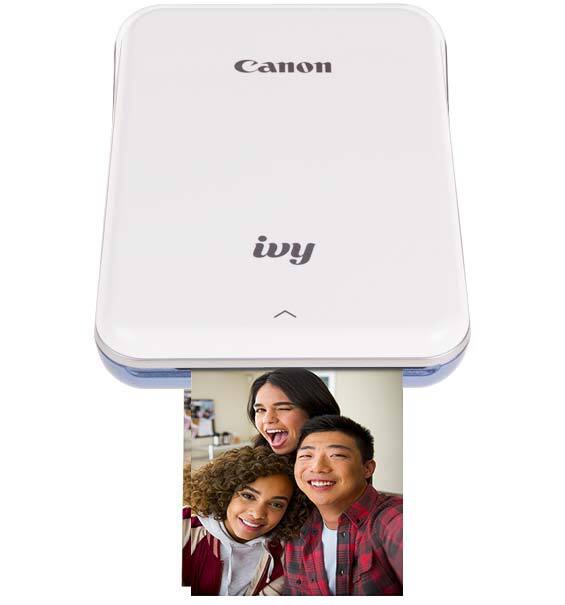
4. Print.
That's it! Time to start creating and printing.
Print from your smartphone.
*Requires mobile device, connected to the Canon IVY mini photo printer via Bluetooth, and the Canon Mini Print app, available for free on the App store and at Google Play. Compatible with mobile devices running iOS 9.0 or later, and Android devices running Android 4.4 or later.