- PC requirements
- PC Processor Type: Intel® Pentium® 4 processor or equivalent, AMD processor
- PC Processor Speed: 1.6GHz
- PC Operating System: Windows XP, Windows Vista, Windows 7
- PC System Memory: 512MB RAM
- PC Hard Drive Space: 3GB
- PC Video: DirectX 9.0c-compatible 16-bit video card
- PC Drive Type and Speed: DVD-ROM
- PC Additional Requirements: Internet service required to access online features; Windows Media Player version 10, 11 or 12; Internet Explorer 7 or 8; QuickTime version 7.6; iTunes version 8
- Other
- Platform: Windows
- UPC: 687967131048
- Learn more about this software.
Burn, copy and create using the effective tools of Roxio Creator 2010 Pro. Loaded with advanced new features, this software also has built-in step-by-step tutorials so even beginners can learn to transform and copy music files, videos and digital photos. These and many other options make all your multimedia projects intuitive and fun.
Roxio Creator 2010 Pro features drag-and-drop ease to add simplicity to your burning and copying projects. The new AVCHD Archive makes it simple to back up an entire camera of HD video to disc. Burn and copy discs directly on your desktop with the new Roxio Burn desktop widget. Convert videos, photos and music mixes for playback on popular portable devices. SmartSound Sonicfire Pro lets you pair videos and slideshows with sophisticated music tracks via automatic Mood Mapping or with chosen tracks from the music library. Use the LightZone tool to enhance photos and make them part of slideshows, greeting cards and other projects.
Today's top picks
 $39.99The price was $49.99
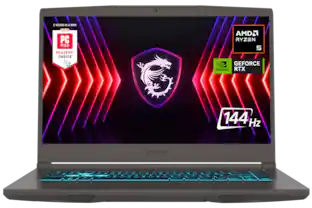 $729.99The price was $999.99
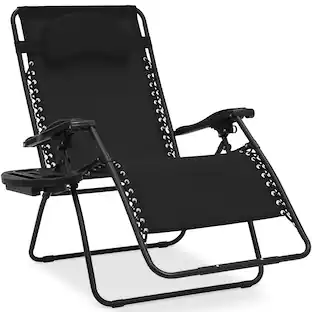 $64.99The price was $89.99
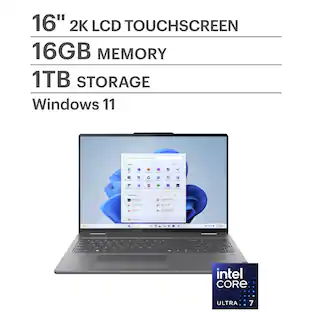 $749.99The price was $1,049.99
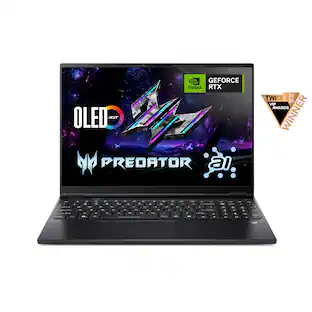 $1,249.99The price was $1,599.99