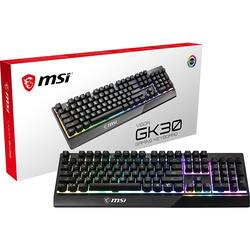
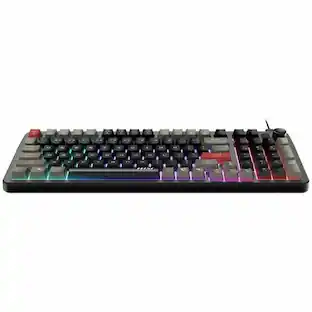
MSI - Vigor GK30 Wired Plunger Keyswitch RGB Gaming Keyboard 104 Keys - Black
Model: VIGOR GK30
SKU: 6482768
This item is no longer available in new condition. See similar items below
- Key Specs
- Lighting Type: RGB
- Form Factor: Full-size (The size, arrangement, and physical configuration of the product.)
- Connection Type: Wired
- General
- Brand: MSI
- Model Number: VIGOR GK30
- Product Name: Vigor GK30 Wired Plunger Keyswitch RGB Gaming Keyboard 104 Keys
- Color: Black
- Features
- Lighting Type: RGB
- Touchpad: false
- Keyboard Type: Gaming
- Keyboard Features: RGB Lighting, Water Resistant, Anti-ghosting, Key Rollover, Gold Plated USB
- Functions
- Form Factor: Full-size (The size, arrangement, and physical configuration of the product.)
- Number Of Keys: 104
- Connectivity
- Connection Type: Wired
- Wired Connectivity: USB Type A
- Compatibility
- Operating System Compatibility: Windows
- Dimensions
- Product Weight: 36.8 ounces (The out of box weight of the item.)
- Other
- UPC: 824142186275
Customize your GK30 with millions of colors and up to 10 lighting effects in 6 lighting areas via Dragon Center. Convenient lighting hotkeys allow you to change speed, direction or mode without installing software.
- Plunger Keyswitch: The Plunger key switch technology offers comfortable and silent typing with durability, cost-effectiveness, and better lifespan guaranteed
- Cable Connectivity: USB 2.0 connectivity for a easy connection
- Windows compatible: For use with your existing computer
Whats Included
- MSI Vigor GK30 Gaming Keyboard
- Owner's manual
Product Manuals
Q: how do you turn the lighted background on and off on the keyboard?
A: To turn the lighted background on and off, hold the Dragon key and tap the down arrow to decrease the brightness to 0.
Q: Can it connect to an Xbox series x?
A: Please note that the Vigor GK30 Wired is intended to work with a PC but will function with compatible USB capable devices.
A: The specifications of the Vigor GK30 keyboard can be found on the link provided. https://us.msi.com/Gaming-Gear/VIGOR-GK30/Specification
A: no
People also viewed
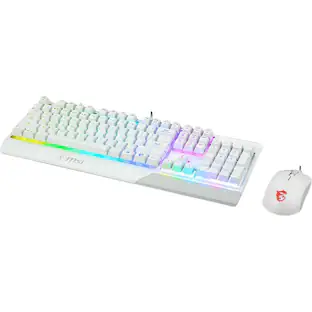
MSI - Vigor GK30 Gaming Keyboard - USB Plunger Cable Keyboard - USB Cable Mouse - Optical - 5000 dpi
$59.49The price was $75.89 $36.99The price was $54.99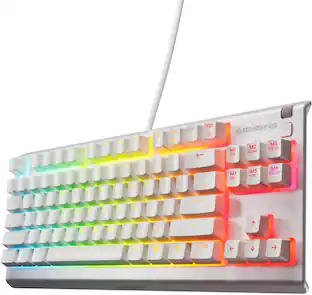
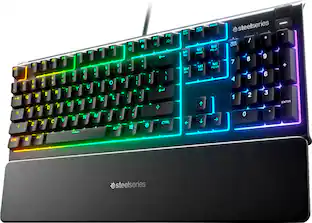
SteelSeries - Apex 3 TKL Wired Membrane Whisper Quiet Switch Gaming Keyboard 8 zone RGB Backlighting
$37.99The price was $49.99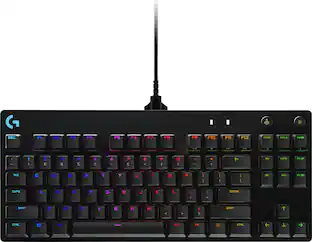 $99.99The price was $119.99
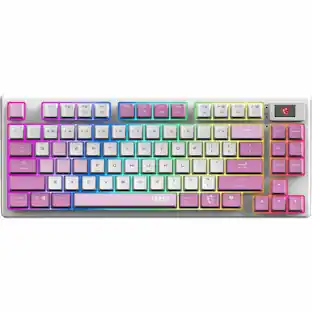

Today's top picks
- $36.99The price was $54.99
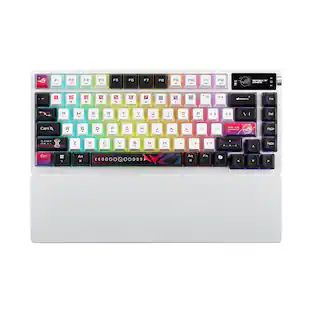 $224.99The price was $269.99
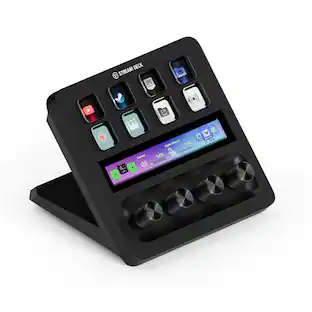 $179.99The price was $199.99
 $79.99The price was $119.99
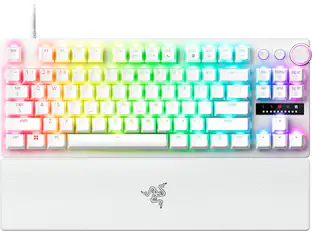 $179.99The price was $219.99