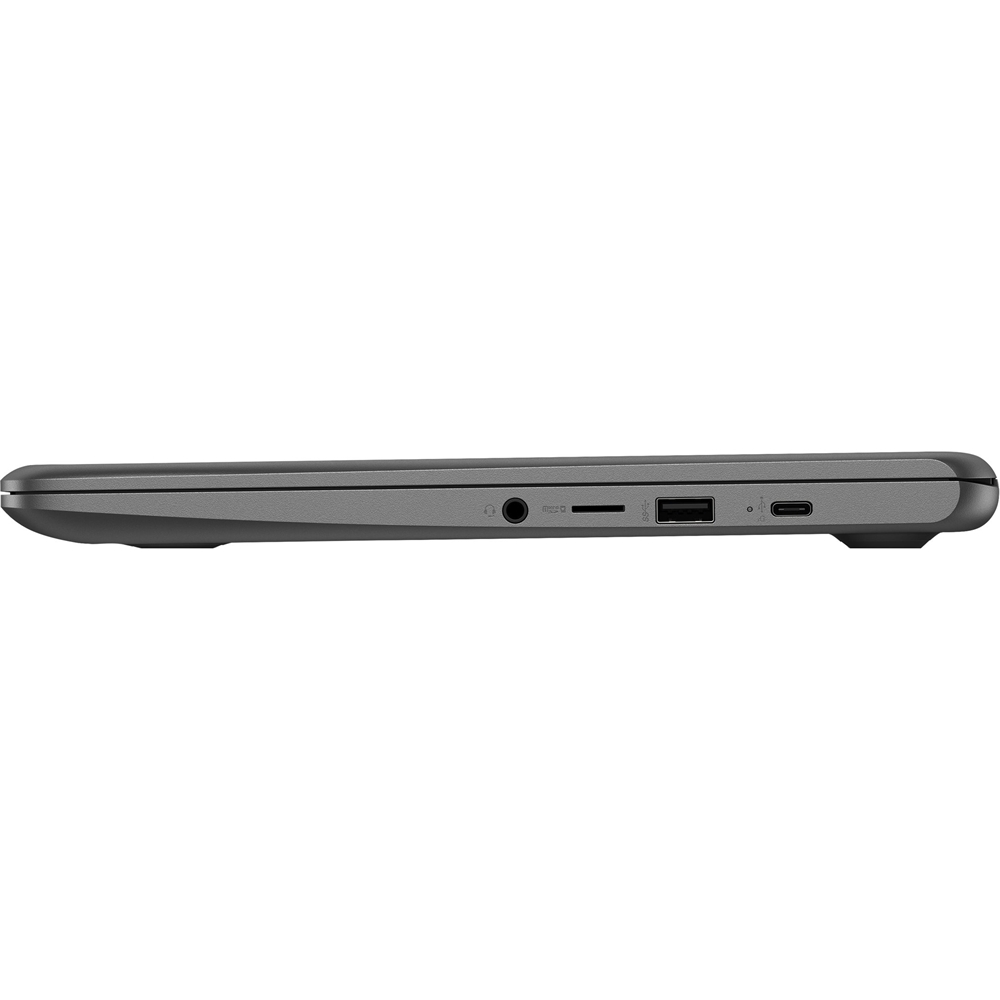
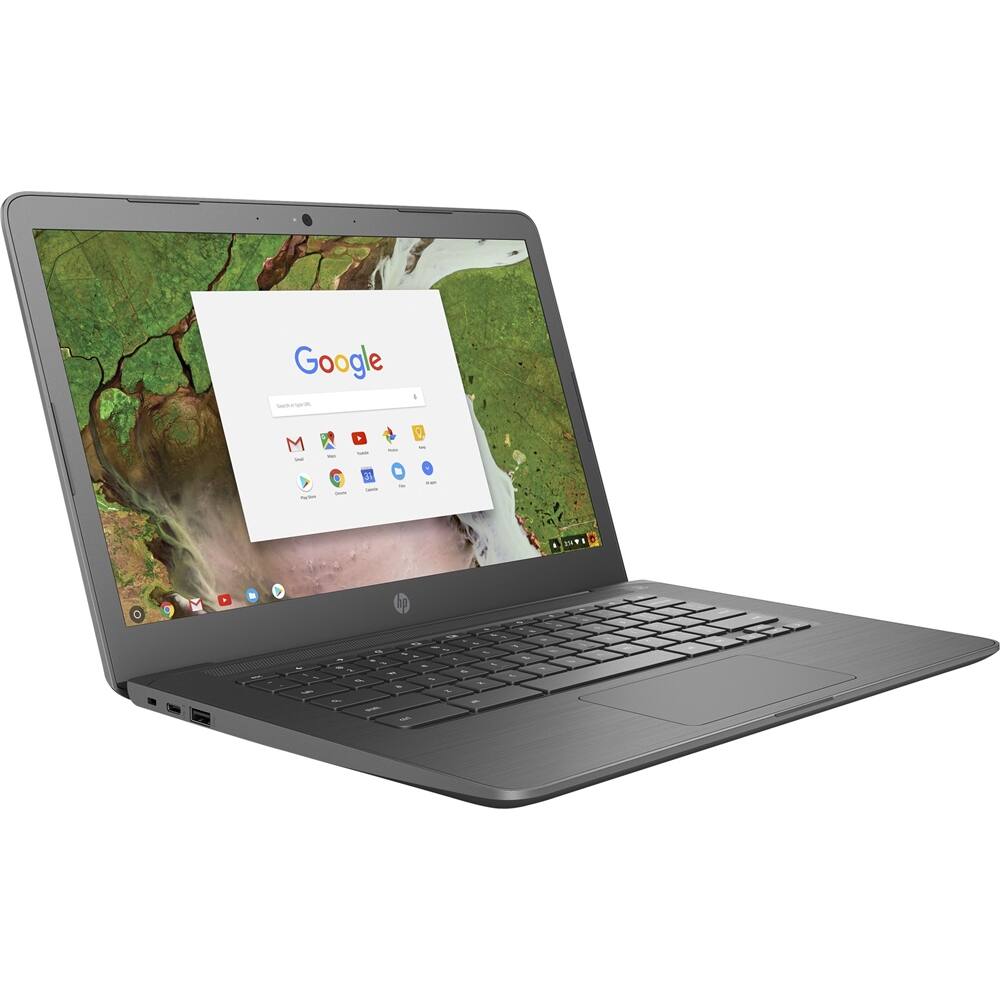
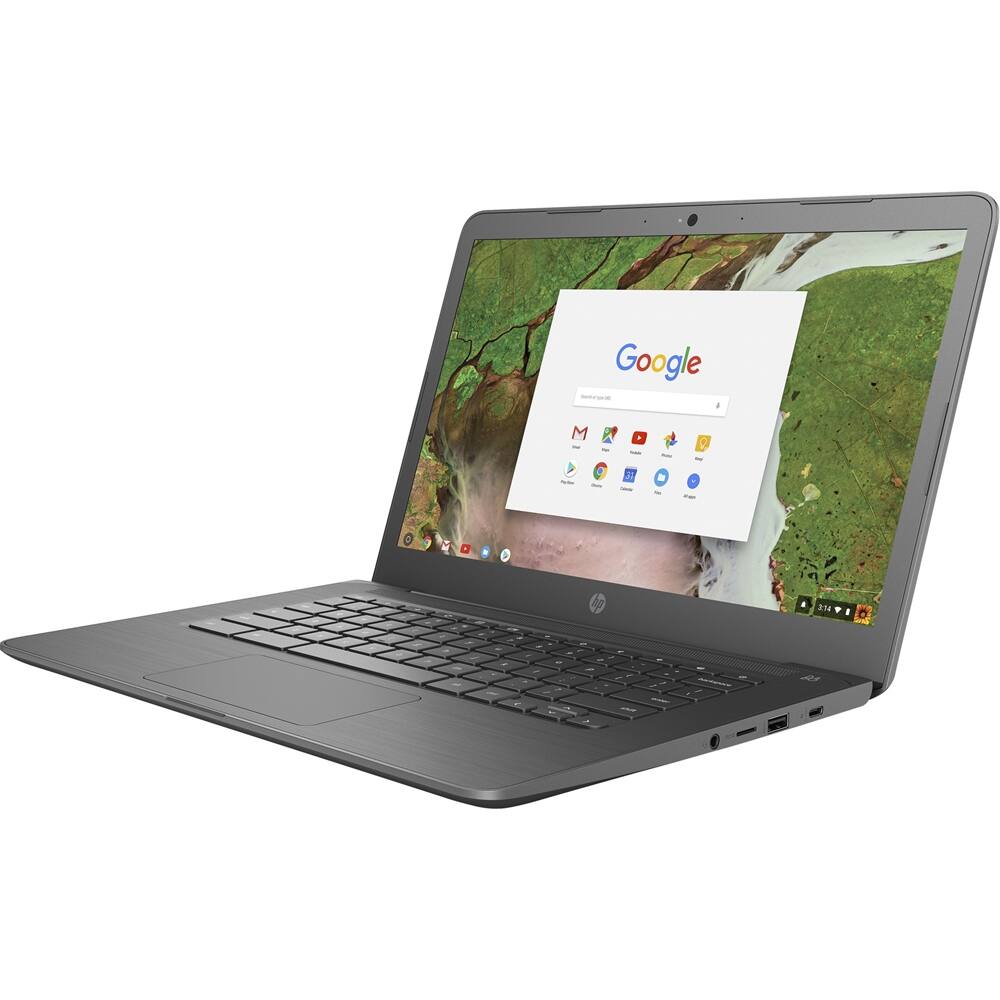
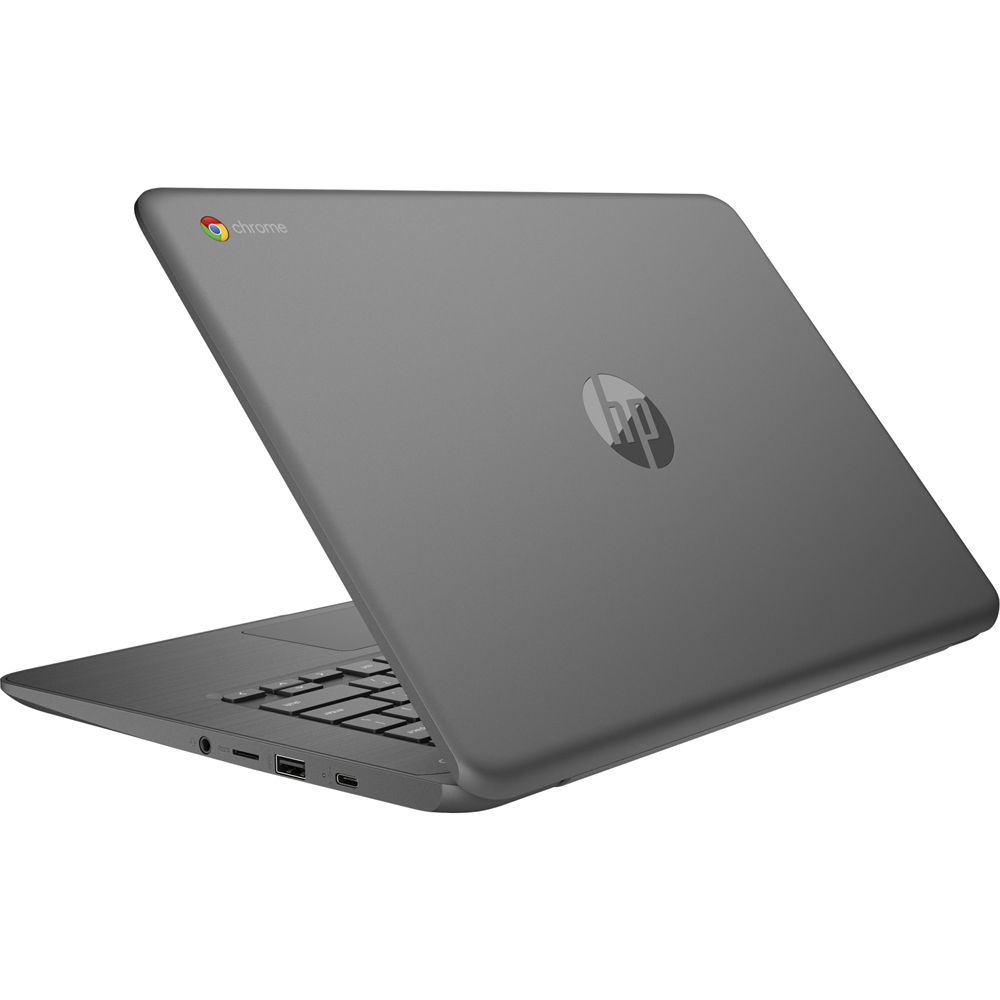
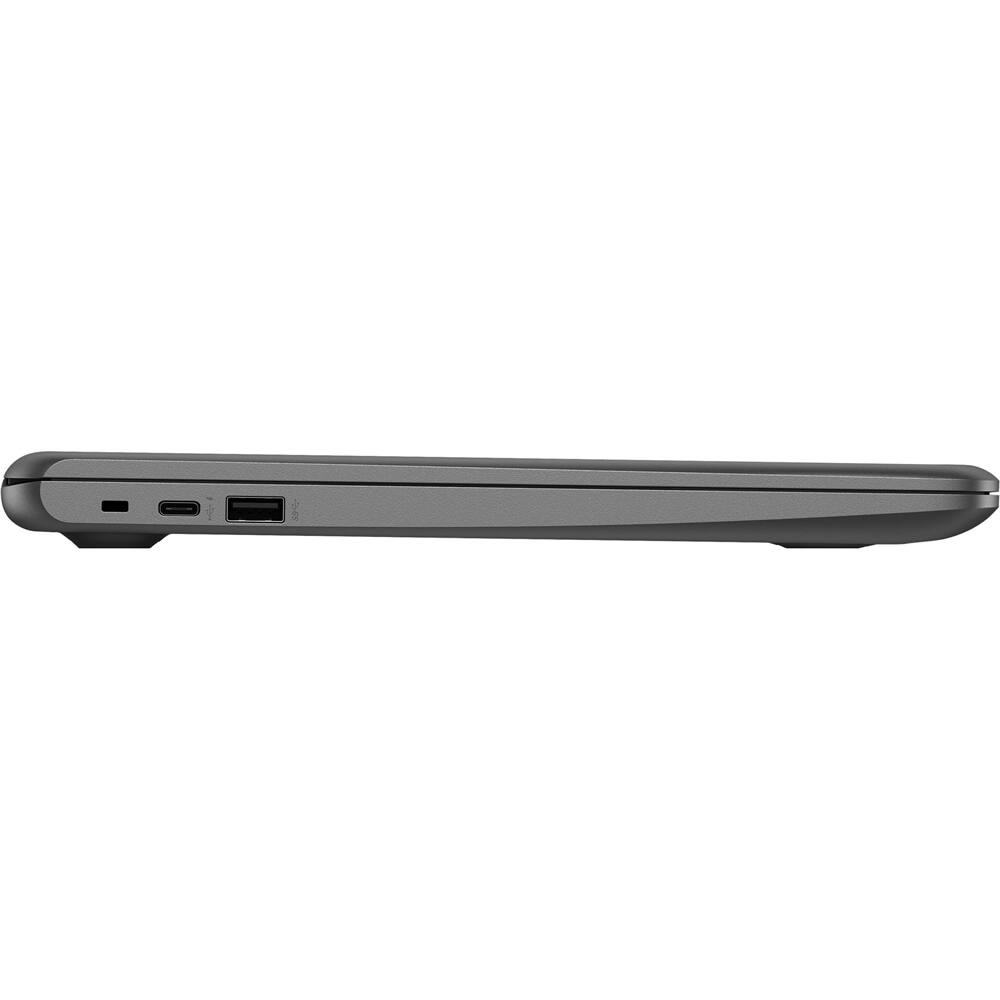
A:AnswerThe same as with MacBook Air, MacBook Pro, Microsoft Surface, and so many other slim and light laptops today---no, because the laptops have eliminated the DVD player, it makes the computer too heavy. You can buy an external DVD player that plugs into (and disconnects from) the Chromebook, whenever you want to watch a DVD movie. This is how most laptops work today. Or, you can buy the movies online as digital and they are yours forever, at a cheap price. Your other option is to just buy a big, heavy laptop with the DVD player inside, but then you will be lugging extra pounds with you wherever you go.
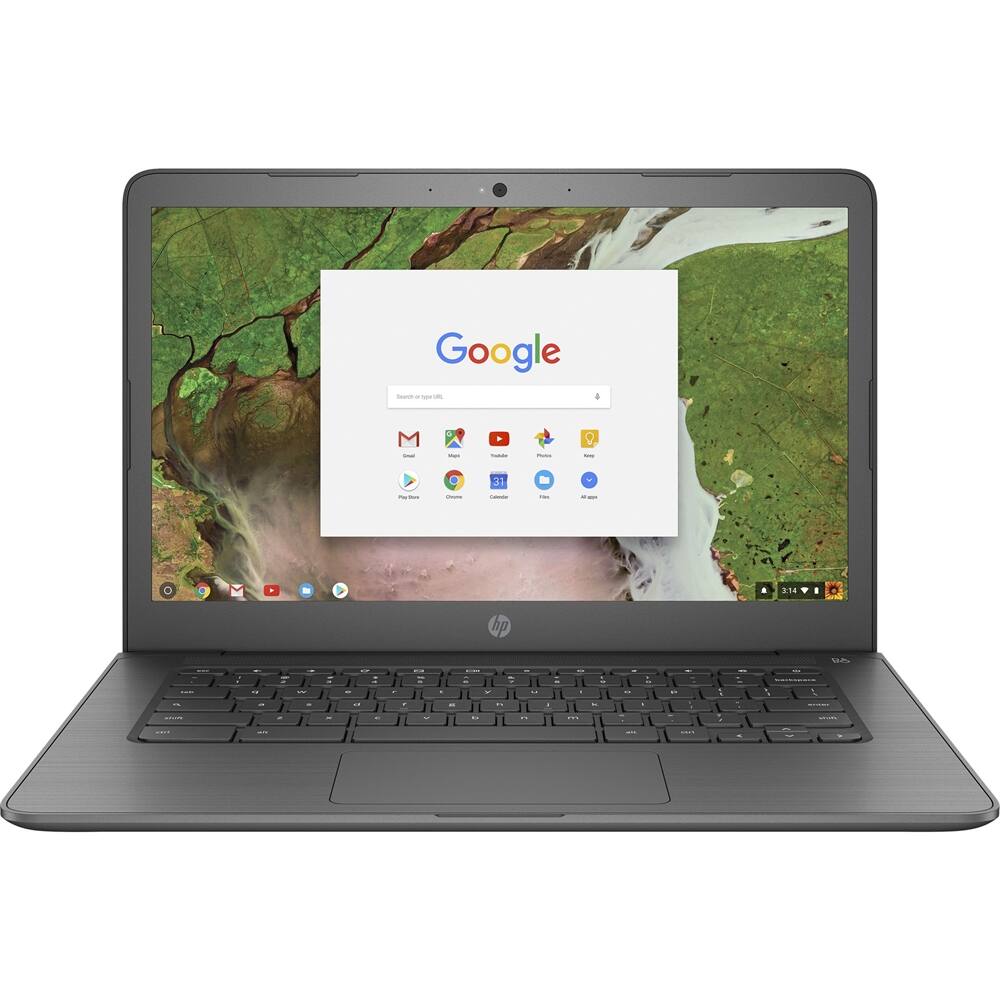
A:AnswerHello, Susan. The HP Chromebook has the Chrome operating system with built in virus protection. You do not need any additional virus protection with this Chromebook.
A:AnswerGoogle supports Chromebooks for at least 5 years from release date but sometimes longer. Check here regularly for updated info: https://support.google.com/chrome/a/answer/6220366?hl=en
You can find information on your models moniker in your Settings>About Chrome OS>Detailed build information.
A:AnswerAll HP Products come with a one year limited hardware manufacturer's warranty and 90-day tech support. We often recommend having additional warranty coverage as a "just in case" precaution, and Geek Squad provides excellent service!
A:AnswerThis is a tough question. Typically any program you would do on a computer at a similar price to the Chromebook there would be an alternative to on this. Typically the issues with the programs come when you need a specific program to complete a task. For instance the Microsoft Office Apps just are not quite the same as the full PC Office 365 suite. Photo editing on Photoshop would not happen, nor would installing any programs you happen to typically use on the computer unless they have an app version of it. Overall, Chromebooks are excellent PCs and there is not much that separates them from the Windows machines.