A:AnswerBatteries these days are designed to stop receiving power once they are fully charged, so you won't have to worry about ruining the battery by leaving it plugged in.
A:AnswerYour question is slightly ambiguous, but either way, unfortunately the answer is no. If you are referring to 5G as in the mobile data network, no, this laptop is not capable of operating on mobile data. If you meant to say 5.0 GHz WiFi, we're sorry, but this laptop only has 802.11b/g/n (1x1) Wi-Fi® meaning it can operate on the 2.4 GHz network only.
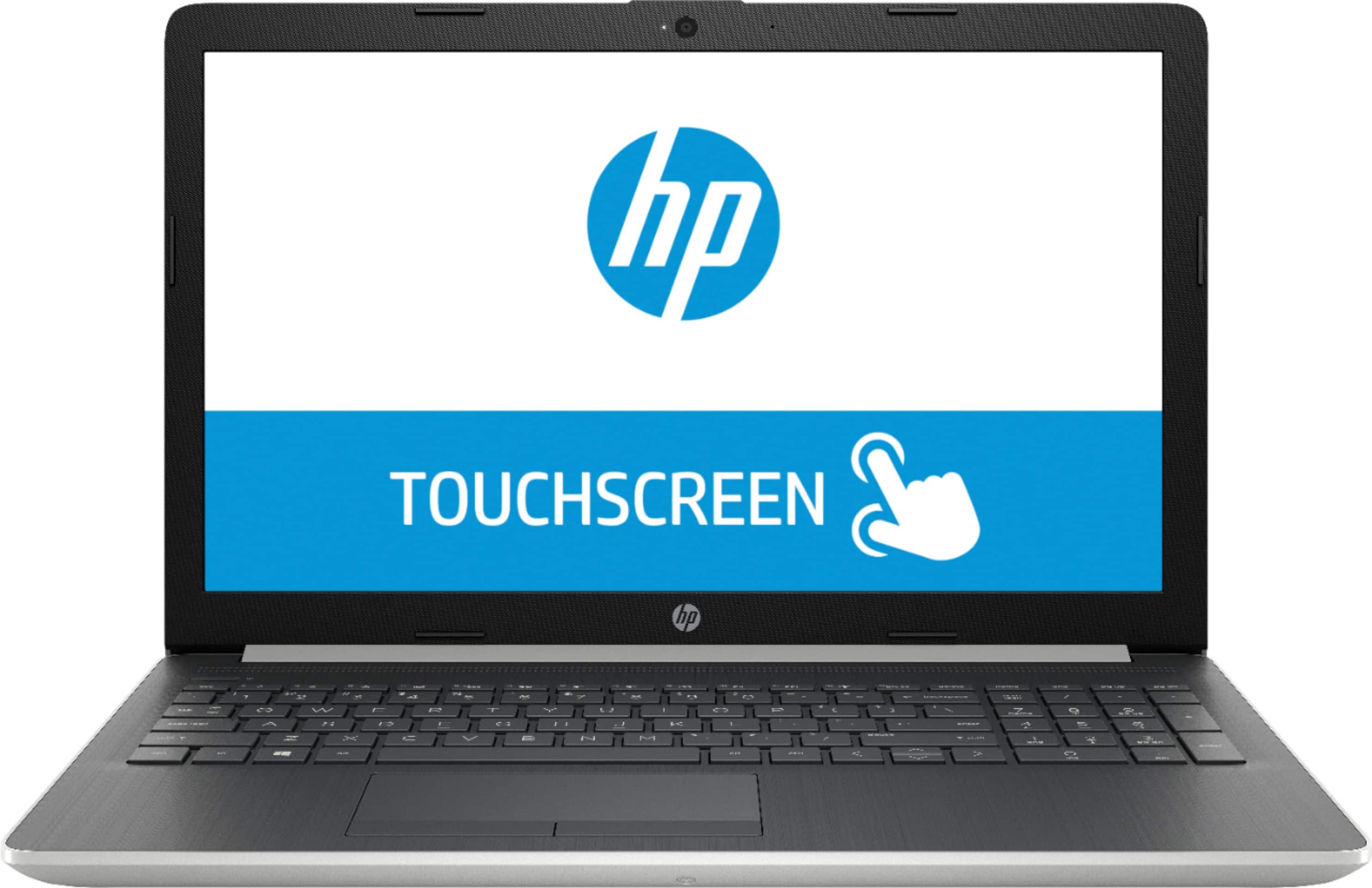
A:AnswerIf a model does not come configured with a backlit keyboard it likely could not be added later. The connector for a backlight may not be present on the motherboard.
A:AnswerIt's under warranty, so please contact HP Support at https://support.hp.com/us-en. However, if you got Geek Squad Protection on it, you can just take it in to Best Buy.
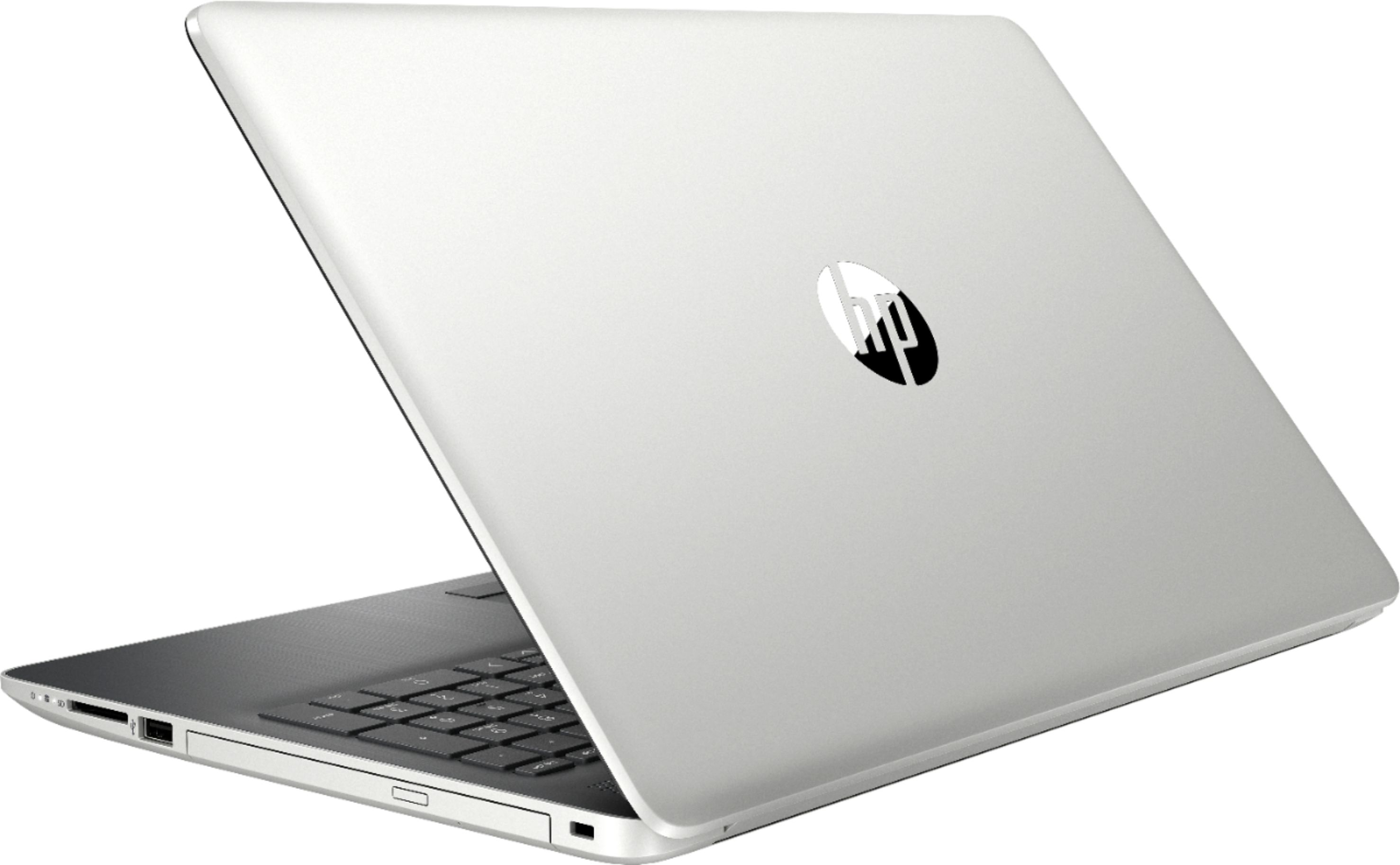
A:AnswerA DVD/RW drive means that the drive can both read and write DVDs. So the drive in this computer can read CD’s and DVDs, write CD’s and DVDs, and work with rewritable disc‘s.
A:AnswerUnfortunately no, there is no stylus intended for this laptop. Any passive stylus would have the same feel and function as a fingertip. For artistic individuals, or for those who prefer to hand write their notes and save them to a laptop, we often recommend x360 models that are Windows Ink enabled, as these are much more versatile and have compatible pens for notes, art creation, and more.
A:AnswerAccording to Intel, this 2-core 4-thread 8th-gen i3 processor performs as follows: Processor Base Frequency 2.20 GHz, Max Turbo Frequency 3.40 GHz.