A:AnswerIt’s available now, but if you see a sold out notice just keep trying. The yellow add to cart button finally popped up for me and I was able to purchase one.
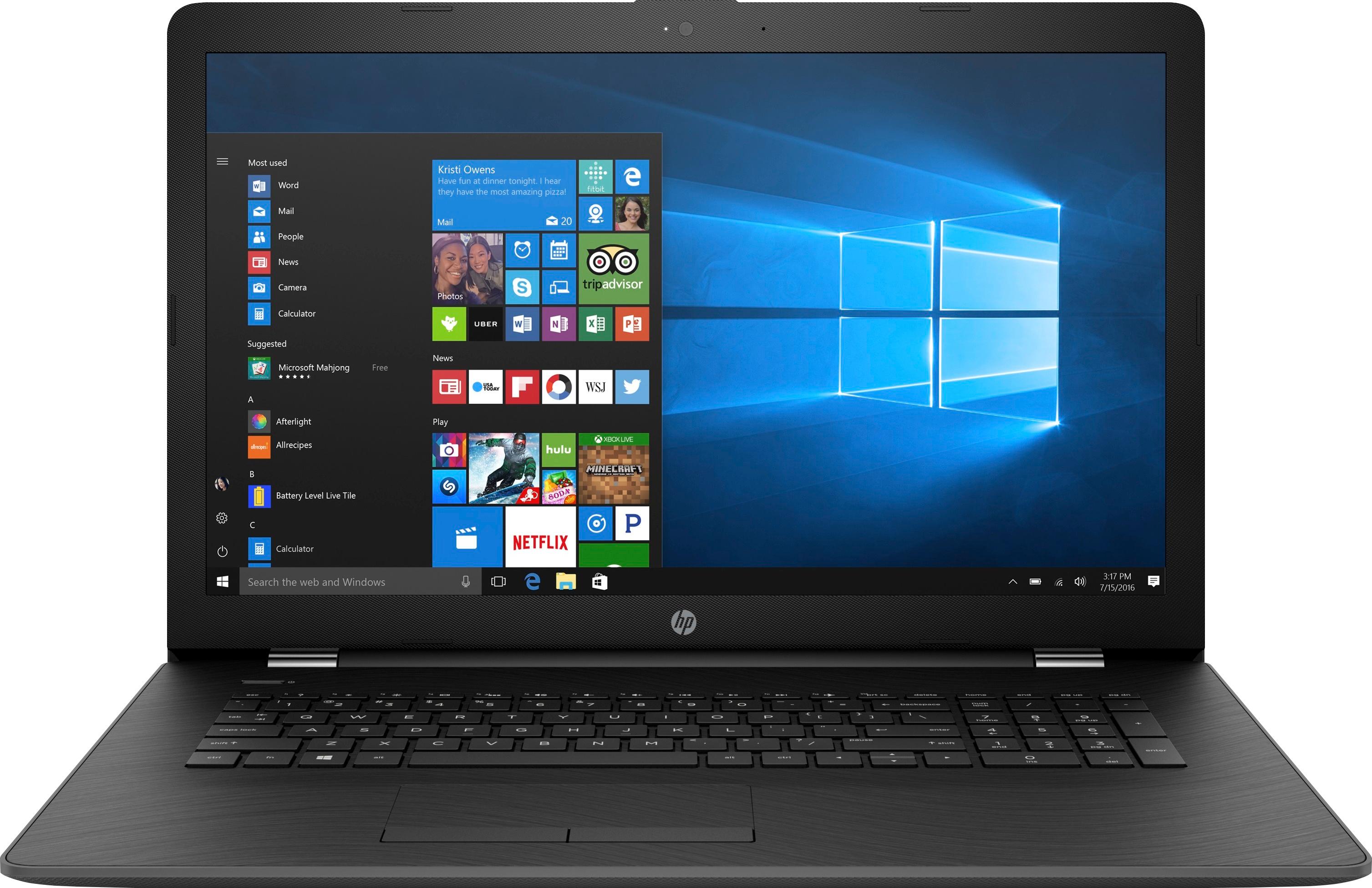
A:AnswerHello, I see that you are interested in knowing if the HP 17.3 laptop is a 64bit system. The answer is yes, the HP 17.3 is a 64bit system. I hope that answered your question. Feel free to visit us again if you have any concerns!
A:AnswerIt is not hard to do. But you have to be gently careful in taking off the base cover.
There are 14 philips head screws to undo. Remove the battery to reveal 2 of the 14.
4 are hidden. 2 are under the center strip on the back. The strip has 2 screw hole markings (circle with cross hatch) that you need to pop out.
There is one each beneath the back rubber foot pads. Only peel back the pads a little from center side edge.
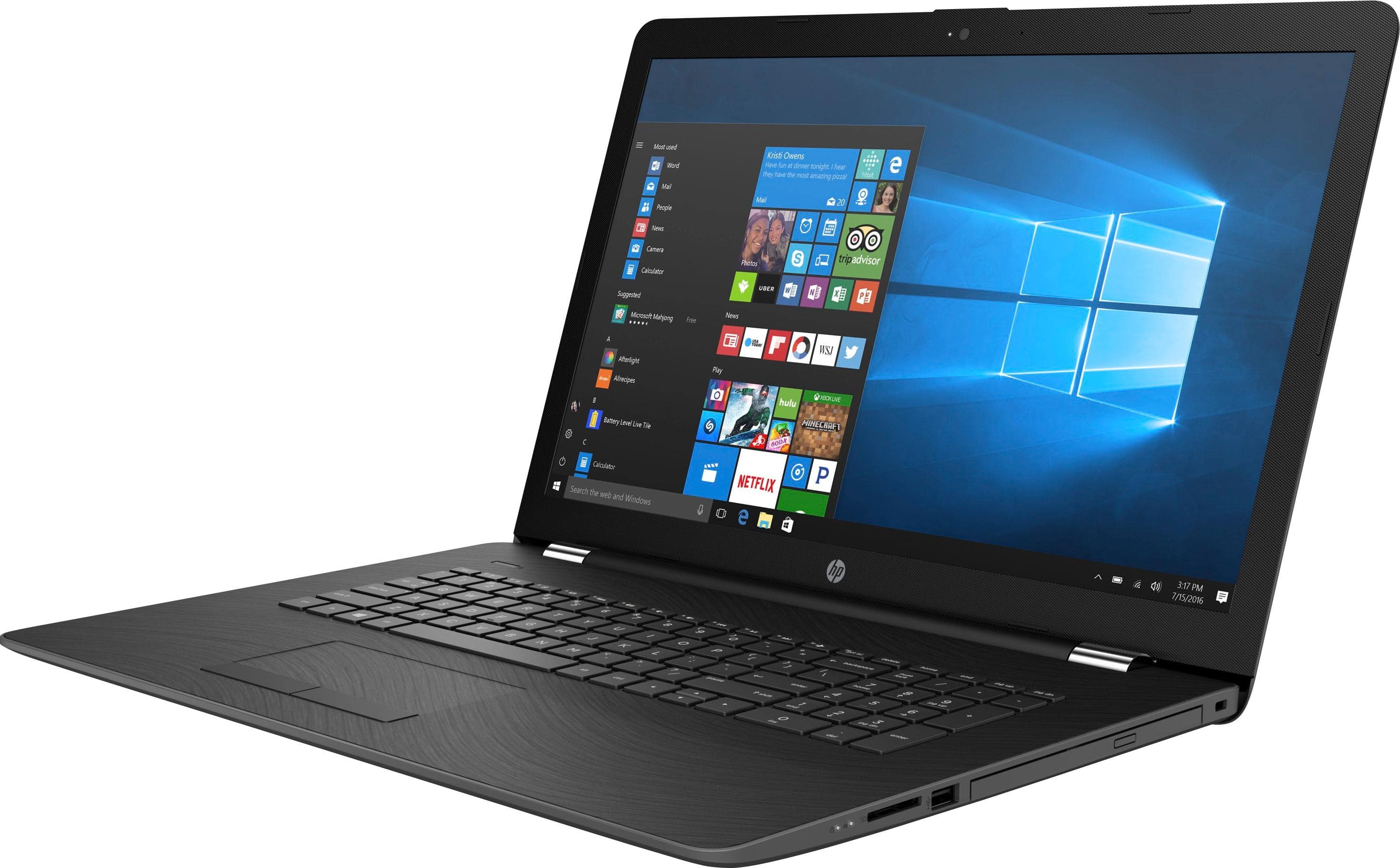
The center screw anchors the DVD. Gently slide the DVD tray out to avoid damaging it while loosening the back off the laptop.
Use a plastic prying edge to slowly and gently work the back cover off the laptop.
The rest is on YouTubes. Look up HP 17 bs049dx HDD to SSD
A:AnswerI chose this laptop because it is not a touchscreen. I've discovered that the touchscreens are extremely sensitive. I prefer not to deal with these problems.
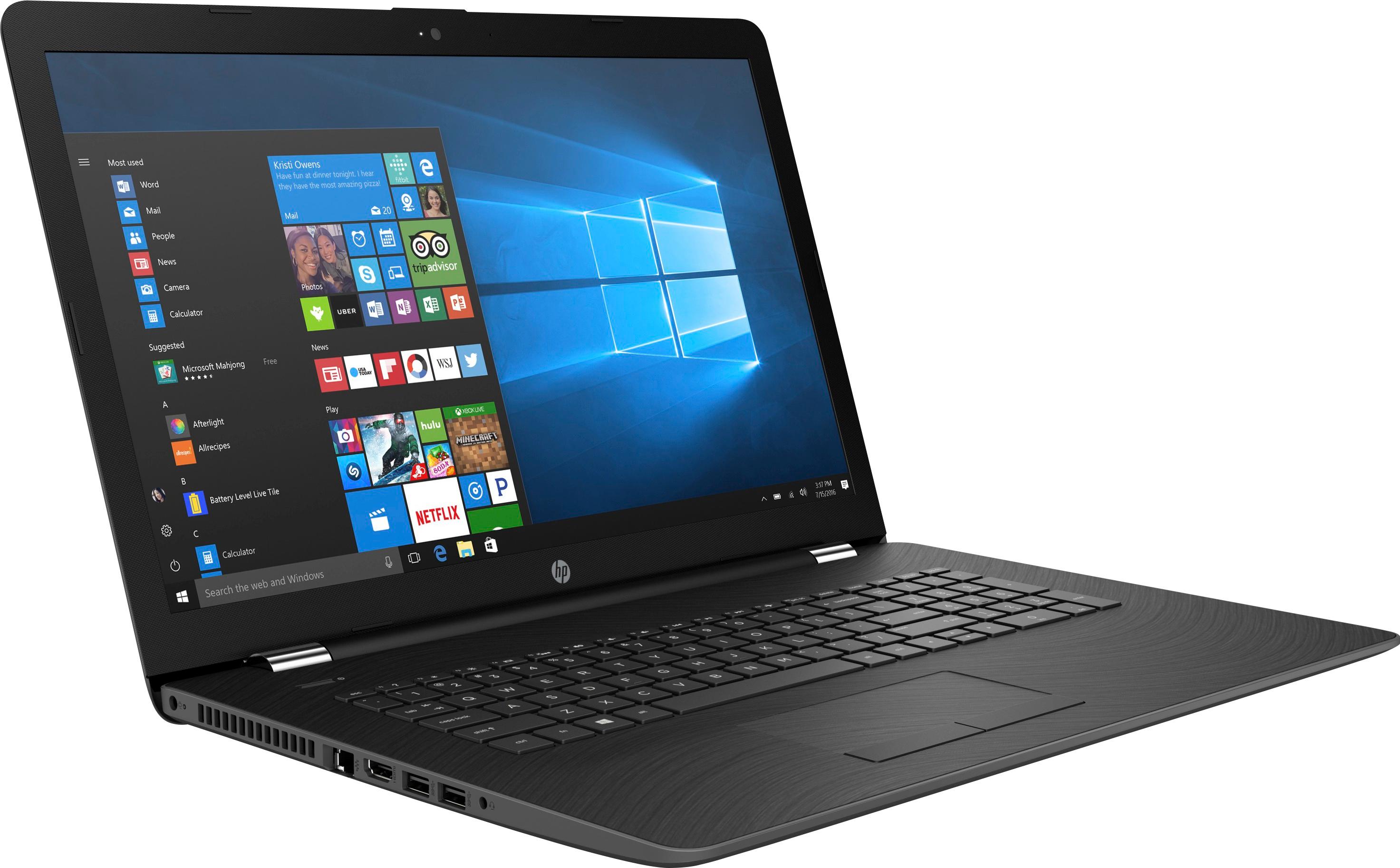
A:AnswerThe port to insert the power plug is on the left side of the laptop as you as sitting in front of it to use it. It is near the hinge where the monitor side and the keyboard side meet.