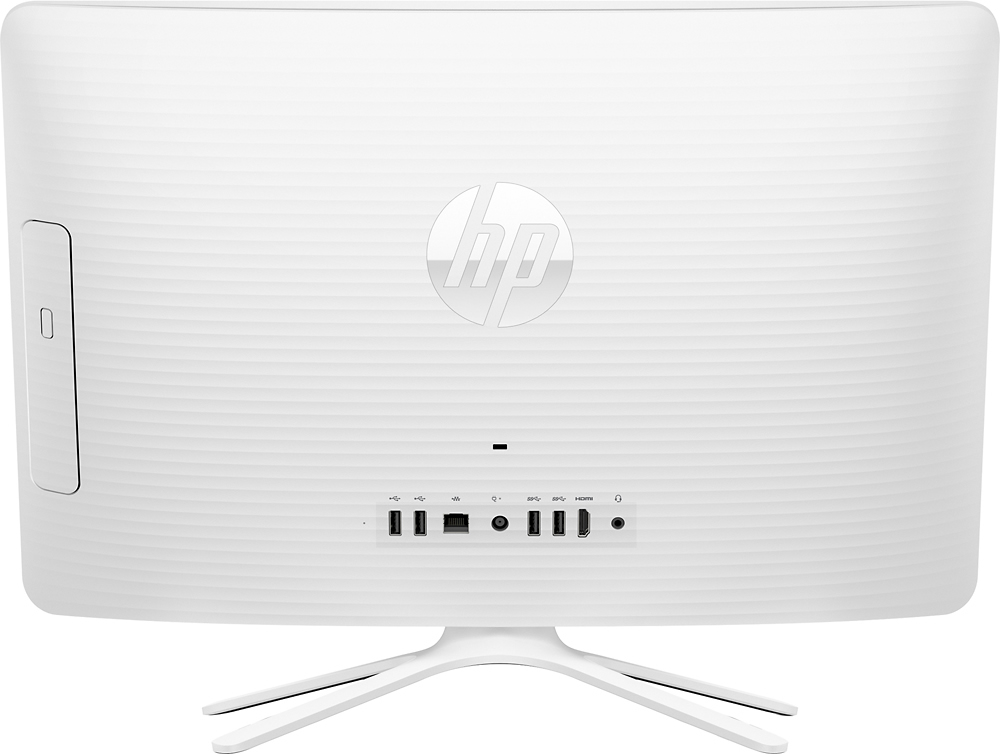
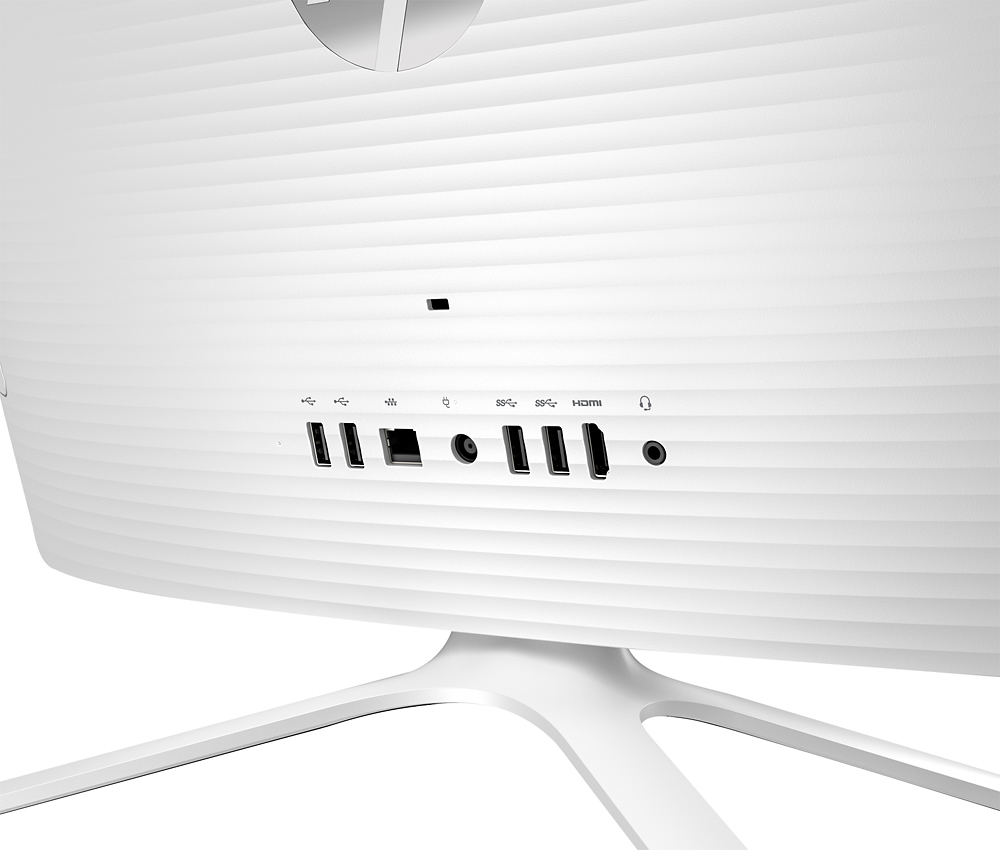
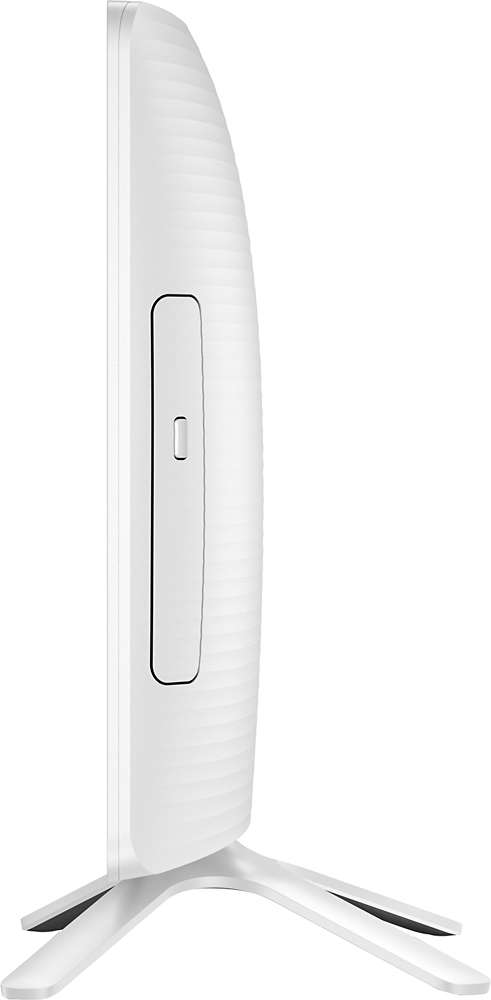
A:AnswerIf you are in the photography business I would either find one with a faster processor or add RAM to this one. Have not used it to do this kind of work, but the system might be slower than you need. Also the USB ports are on the backside and I have to turn the screen around to see what I am doing. Sounds petty, but if you have to do this a lot you would appreciate adding an extendable USB port to this machine.
A:AnswerThat will depend on the requirements of the family tree maker and ancestry applications. It is recommended to check with the software publisher web site for their compatibility with Windows 10 operating system and the minimum/recommended hardware requirements (Is a Graphics card required, the processor speed and the minimum required system RAM and the minimum available hard drive space) to run their program, then compare those requirements to this system's configuration.
A:AnswerNo, it definitely will not. It's slow and my own photo editing software now takes an unreasonable amount of time to load and edits lag... Get something else.
A:AnswerThe homework, email Netflix will be fine but the Steam might be a bit slow. My daughter plays a few games on Steam with it, but as I said it's not super speedy.
A:AnswerIt is a good little unit. I have it connected to a wireless printer. Just took a little time to get set up since my printer is 7yrs old. Runs a bit slow but once it "warms ups" its nice and smooth. I use mine for work.