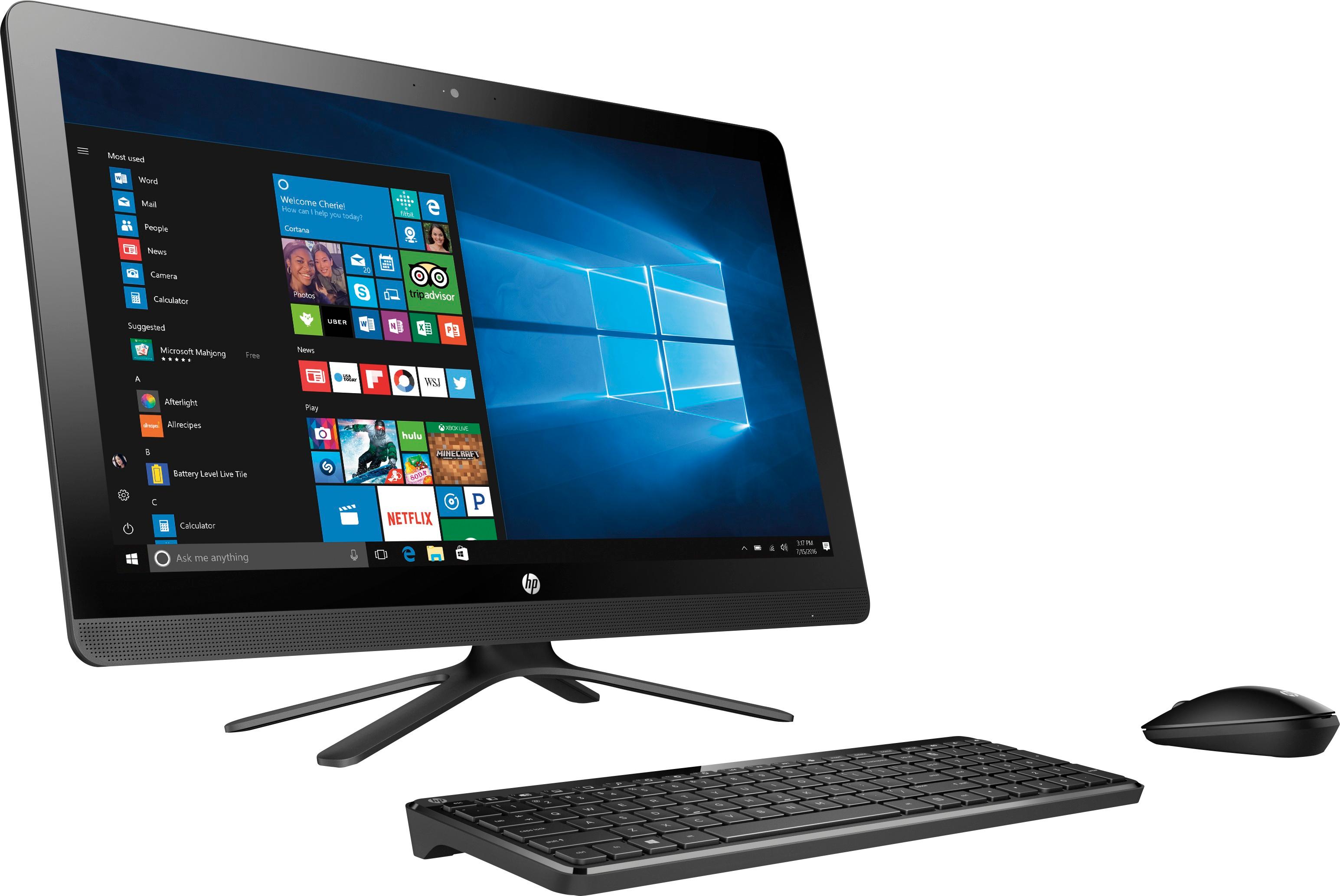
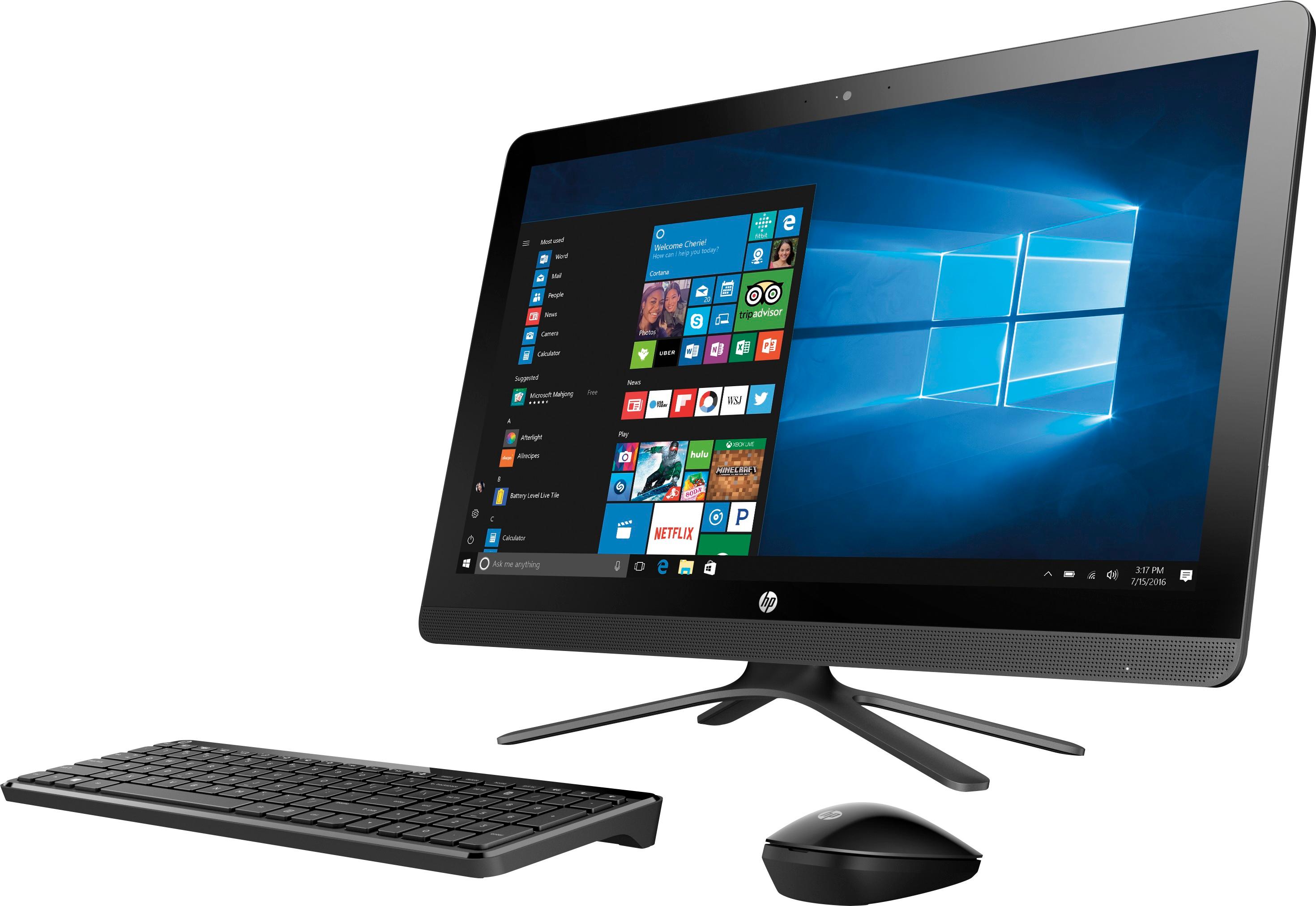
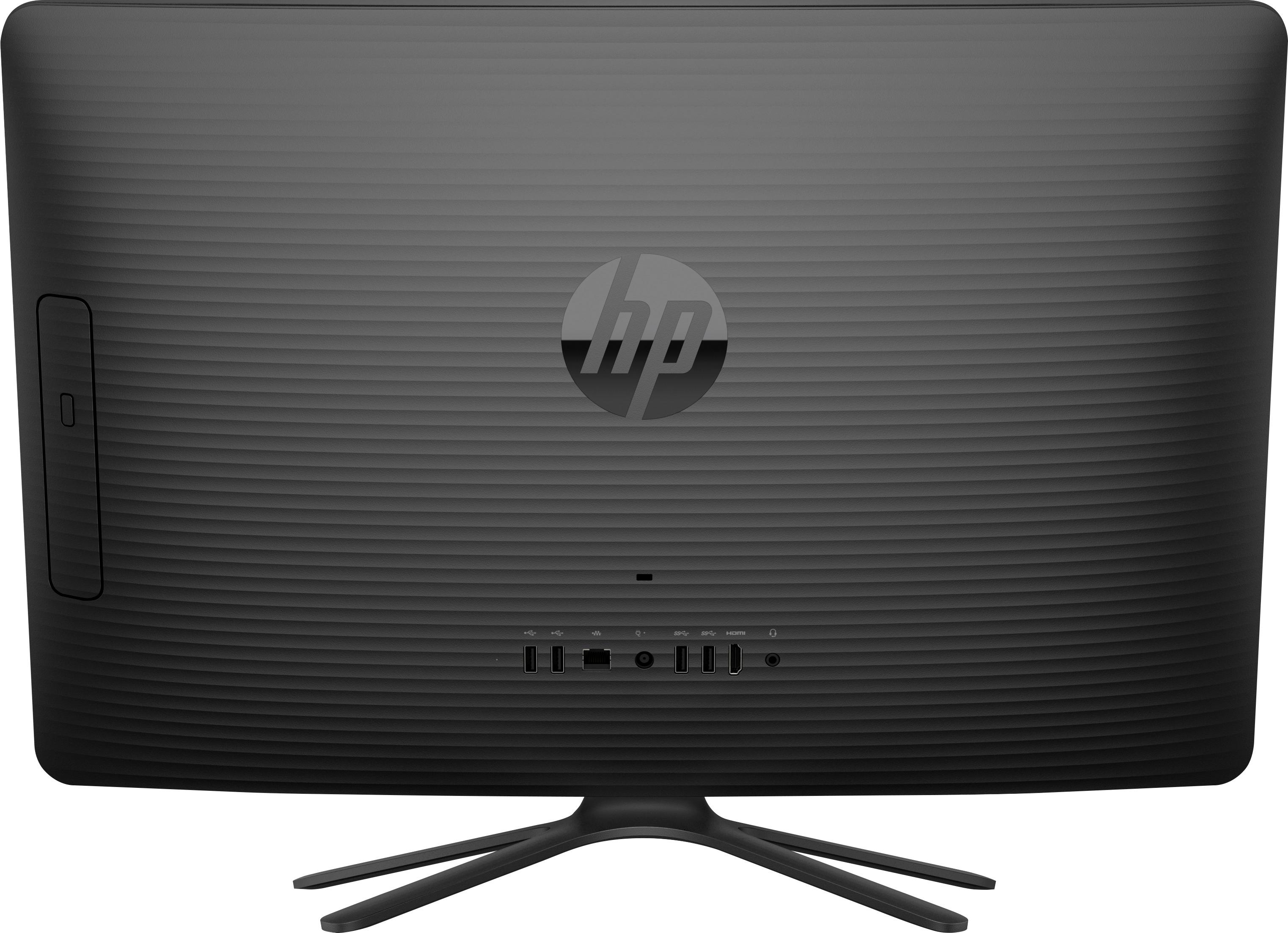
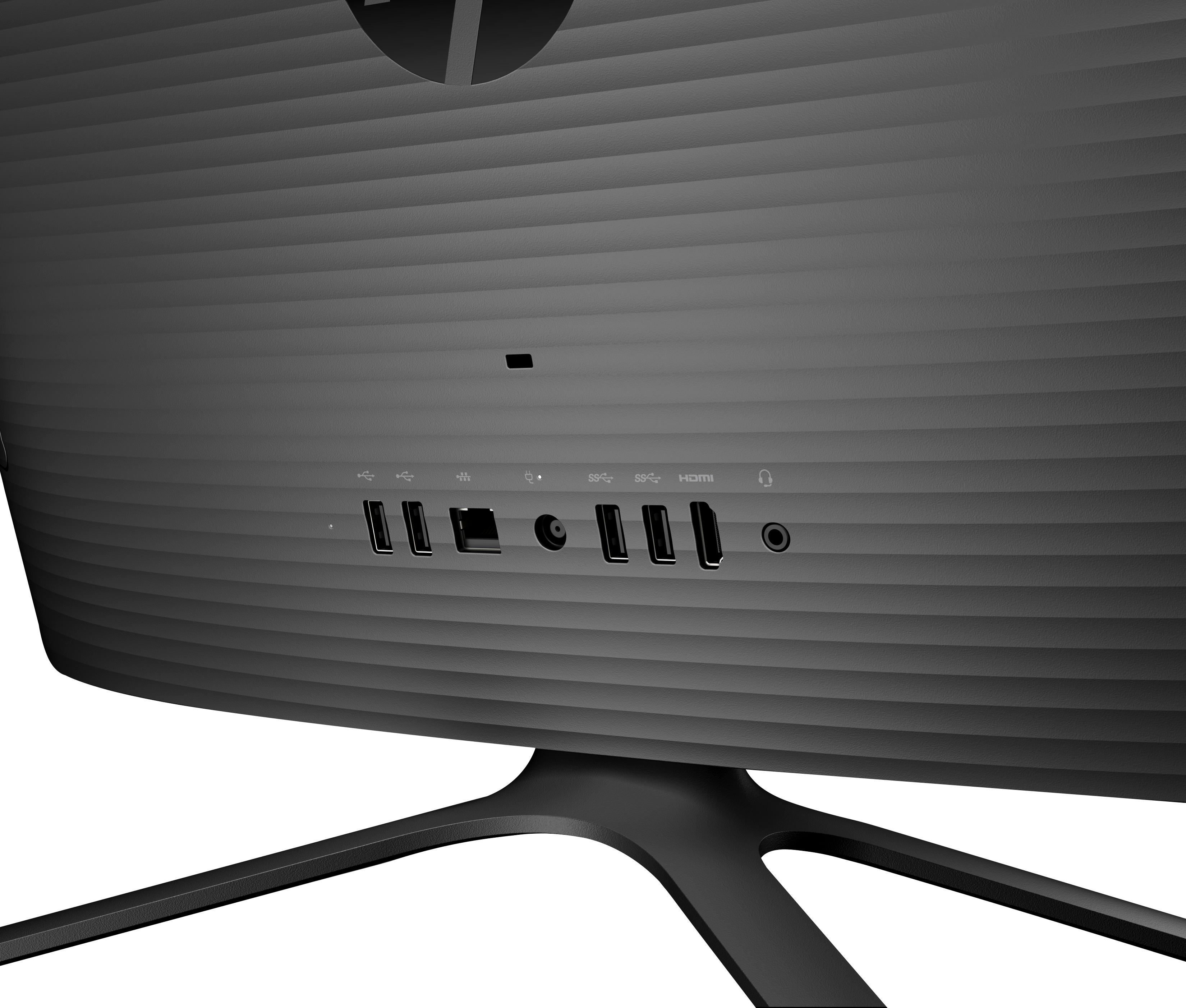
A:AnswerIt has 4 usb slots, 2 high speed and 2 regular. Unfortunately they are in back, but I bought short usb extensions and can get easy access. The SD slot is underneath next to the power button.
A:AnswerIf the fan is loud have a technician look at it, should be barely audible.
Does not need to be powered up all the time, check the power settings in the control panel. it may be in sleep mode, and you may have a virus or Trojan running in the background, Get KASPERSKY Internet Security!
A:AnswerYes, can move wherever you would like as long as there is wifi. Can take it along but it is rather large to be carrying around unless you are very careful with it.
A:AnswerMine does the same thing. Keep in mind this is an "All-In-One" computer therefore the monitor also contains the hard drive, motherboard, memory, fans, etc... I believe that humming we hear is the hard drive as it spins at 5,400 revolutions per minute.
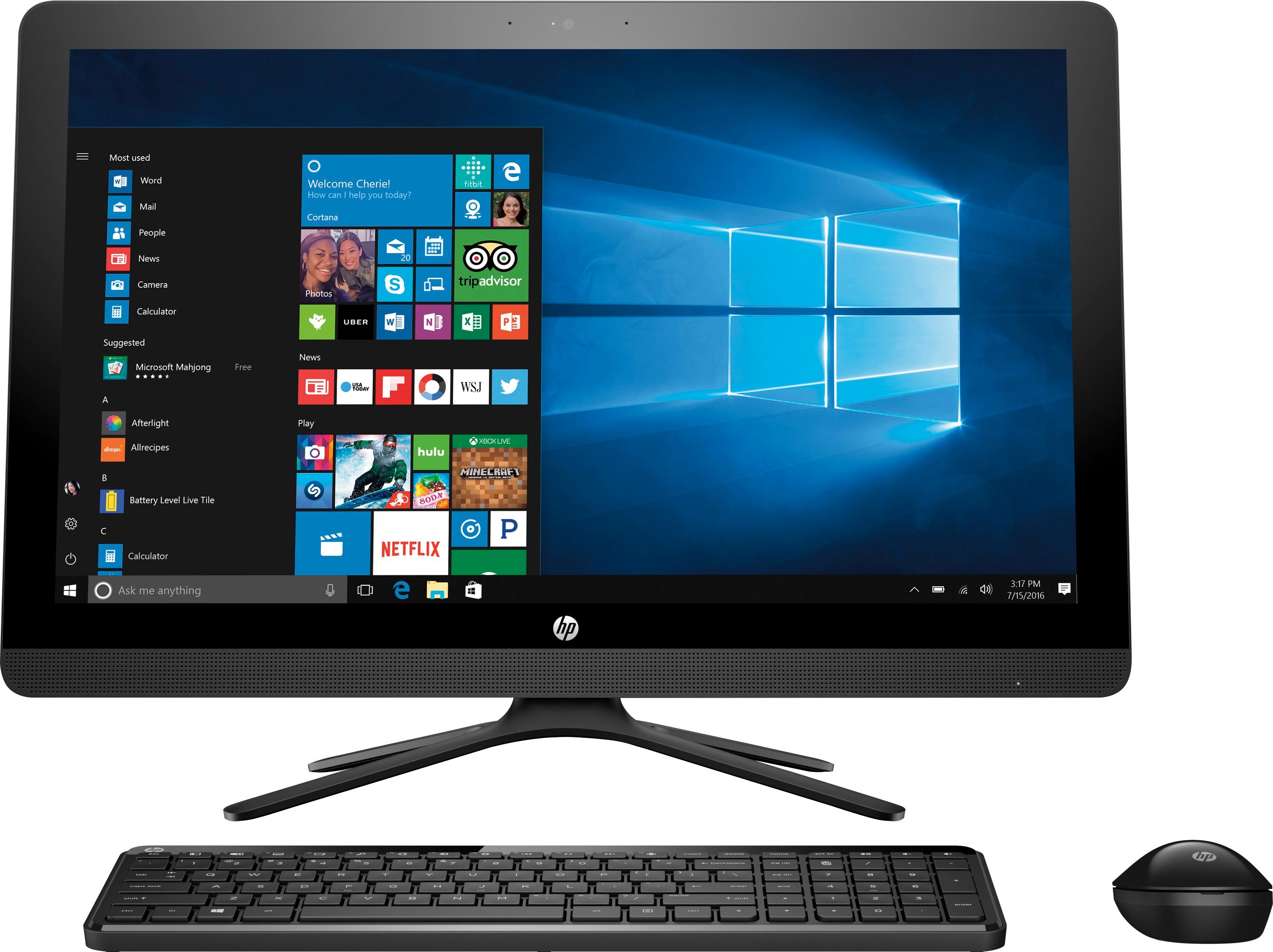
A:AnswerI believe it to be an excellent computer for general school activities, however I do not believe it a good unit for gaming. Though perhaps simple gaming activities would be okay, this unit is not really designed for such.
A:AnswerYou may use any wireless keyboard/ mouse unit you wish! Simply remove the USB receiver for the wireless keyboard/ mouse that came standard with the (computer) unit, and plug the USB receiver associated with the wireless keyboard/ mouse that you wish to use into the USB port on back of the (computer) unit. Once the unit has been recycled it will recognize the "new" wireless keyboard/ mouse ...
A:AnswerThere is no battery in this model.
Suggest you consult the Intel i3 processor documentation regarding performance specifications ... while this unit is quite capable for general useage (web-surfing, word processing, emails, etc.), it is not designed for higher performance applications ...
A:AnswerThere is a Bluetooth Dongle that uses 1 of the USB 2.0 ports that connects both the keyboard and mouse wireless - NO CABLES, this comes with the keyboard and mouse already. . I have 2 - 7 port USB 3.0 hubs connected to both 3.0 USB ports for further expansion/
A:AnswerThe Specs say it is expandable to 16 GB, so why do you say it can't? Also, it says there are three expansion slots, so three must be a way to access the inside.
A:AnswerDid not test it with that printer. This machine comes with windows 10 which is almost compatible with all computer peripheral. Anyway the drivers can be found on Epson website and is easy to download and install.