A:AnswerBluetooth headphones do not work, 1 I have tried, and 2 the bluetooth option is for input only not output. As I have found there is no way to connect headphones to there system.
A:AnswerHello, we understand your concerns with the Blu-ray home theater. Please fill out the form on http://smsn.us/SamsungSupportUSA and our Social Media team will be happy to look into this. ^Britt
A:AnswerHey!
You need to connect TV and Blueray Player with HDMI cable first. After that choose source as HDMI 1 and 2 etc untill you see your BlurayPlayer setup.
Thnaks.
A:AnswerI am wondering the same thing. Did you ever get this fixed? Our system was working perfectly for about a week and then all of a sudden we can no longer hear the voices, only the music and background noise. Let me know what you did to fix this. Thank you!
A:AnswerThe vast majority of TV shows do not broadcast in surround sound. It is best to check the show's official websites and see what audio formats it supports. All DVD's and Bluray movies will support surround sound.
A:AnswerOnce you press the home button.look for the apps on left hand bottom corner you select the opera store, from there you should be able to access the apps and make sure you have wifi access and the system is connected to it.
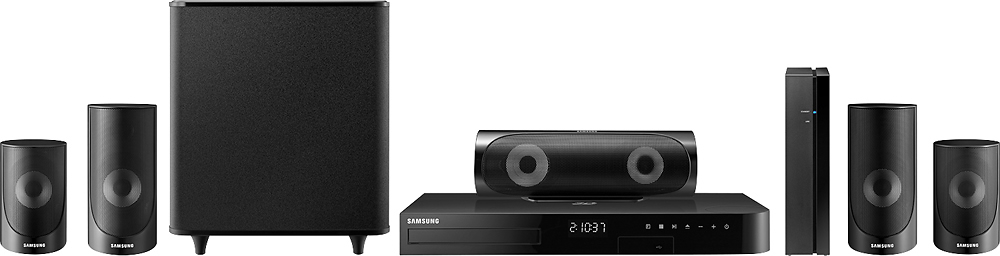
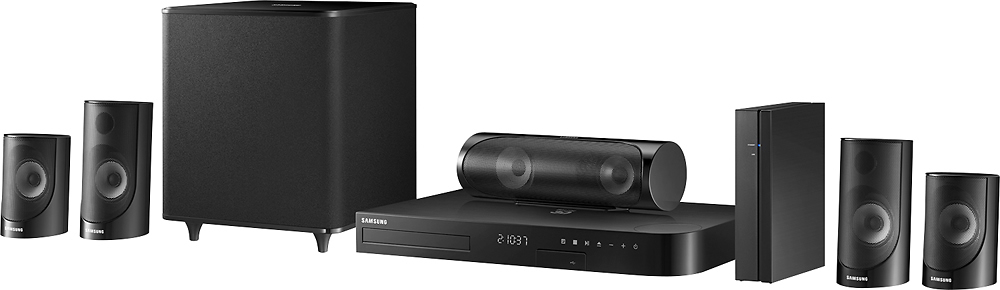
A:Answeryes, this does have surround sound. There a separate box for the surround speakers, which also allows for wireless surround speakers which I would recommend as the surround speaker wire are not long at all.
A:AnswerHi DLF, we understand your concerns with the Home theater system. Please fill out the form below and one of our social media specialists would be happy to assist you. http://smsn.us/SamsungSupportUSA and we will respond accordingly. ^Britt
A:AnswerHi JUSTGOT1, we understand your concerns with the Home Theater System. Please fill out the form below and one of our social media specialists would be happy to assist you. http://smsn.us/SamsungSupportUSA and we will respond accordingly. ^Britt