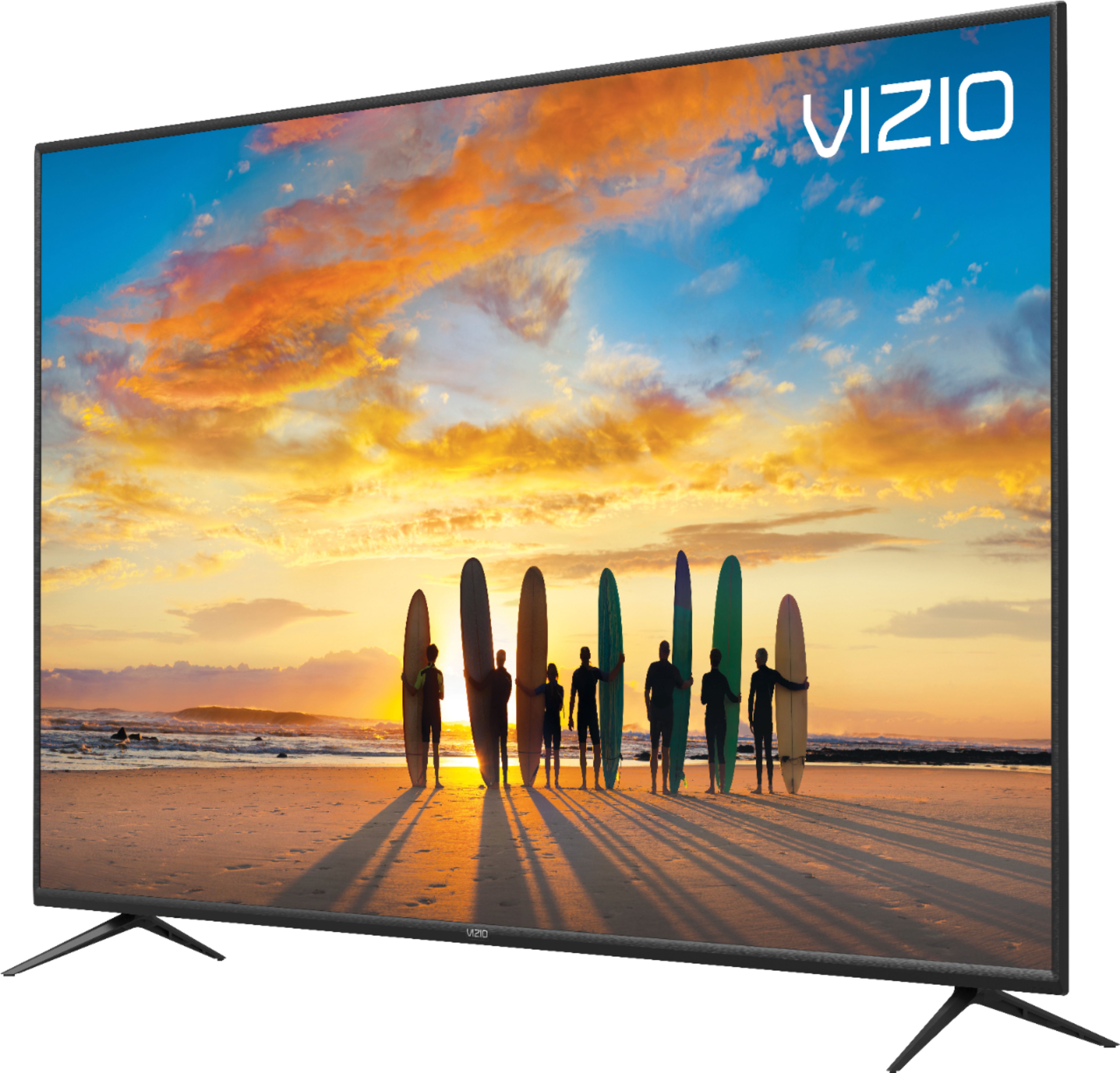
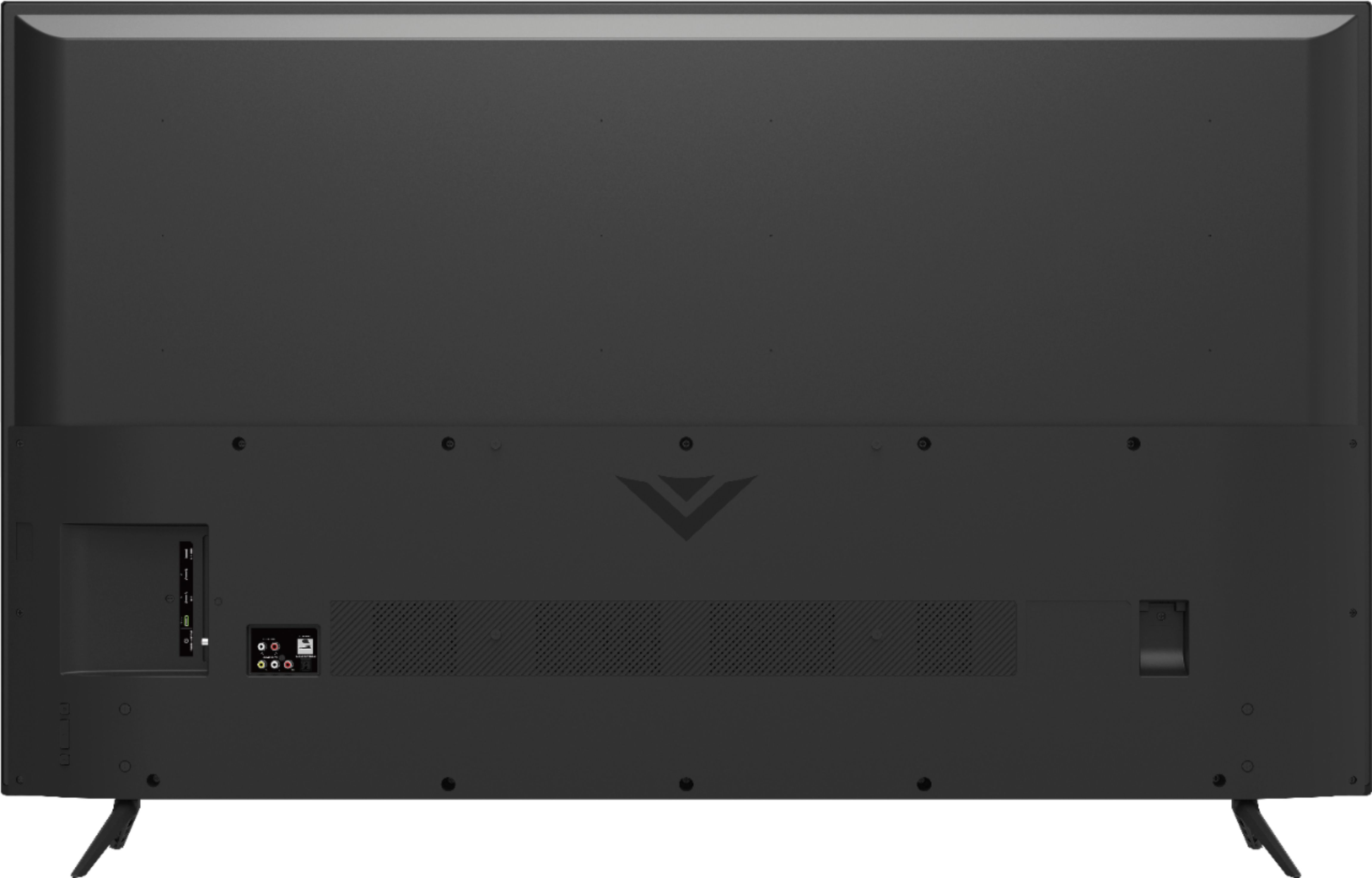
A:AnswerHello Des, The holes for wall mounting are located in the middle of the TV that makes a square around the Vizio logo. There may already be screws in the holes that will want to remove and use the correct screw size that comes with the wall mount.
A:AnswerIt can! It has a mount pattern of 300x200mm and you'll need an M6x14mm screw. Make sure your mount can hold the 32.41 pounds of the TV without it's stand attached.
A:AnswerHigh Dynamic Range, or HDR, increases the Contrast (brightness & darkness of an image) and the color range. Bright parts of the image can get much brighter, so the image seems to have more depth.
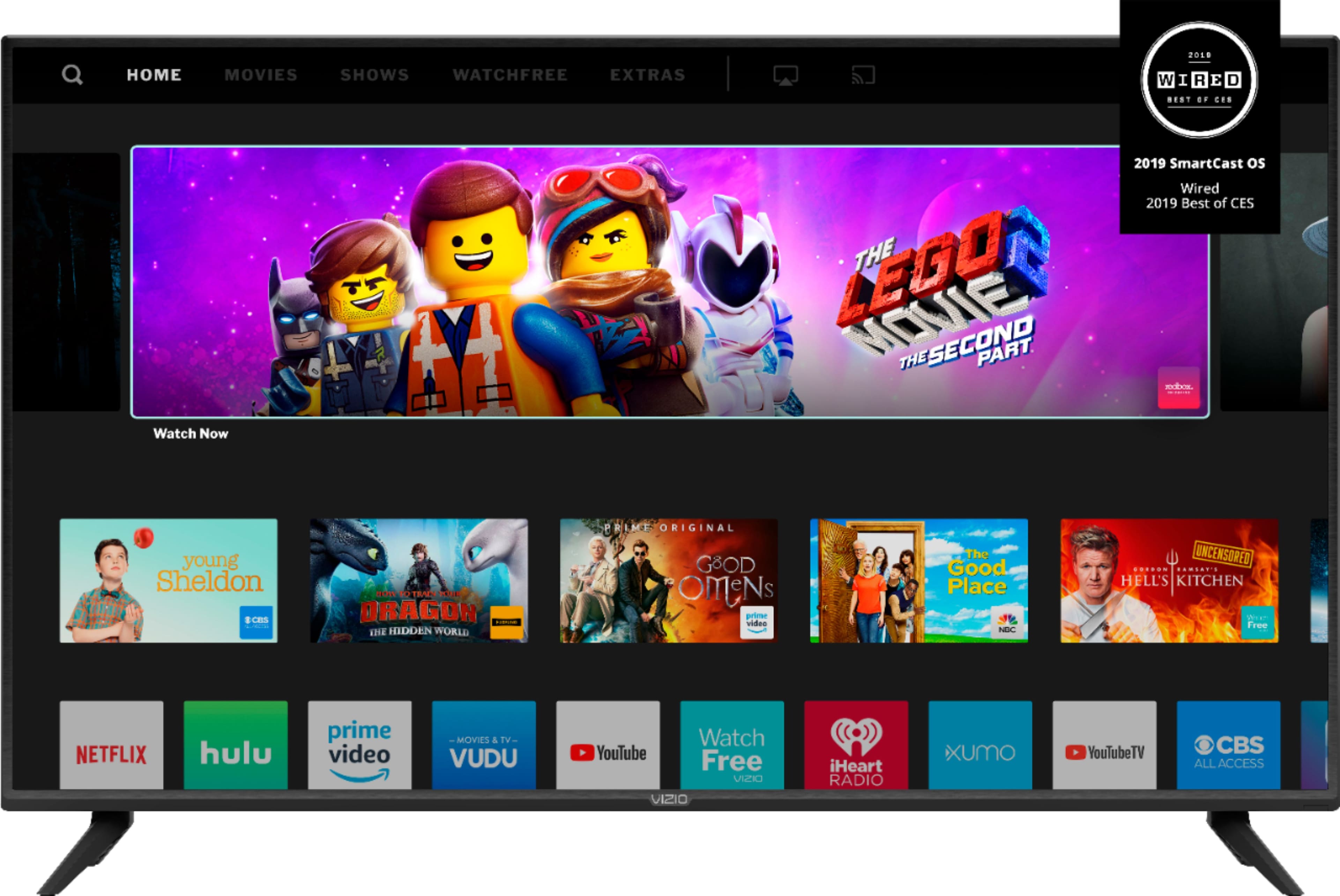
A:AnswerIn today’s market with so many apps it can be difficult to find the content you’re looking for. VIZIO is committed to giving consumers access to as much streaming content as possible. SmartCast televisions deliver today’s most popular apps like Netflix, Amazon, Hulu, and others on the SmartCast TV home screen. The TVs also come with Watchfree, a no cost service that provides hundreds of channels with no additional purchase or registration requirements. SmartCast televisions also support Google Chromecast and Apple AirPlay 2 so that you can share content from the latest applications on your phone, tablet, or computer directly to the TV.
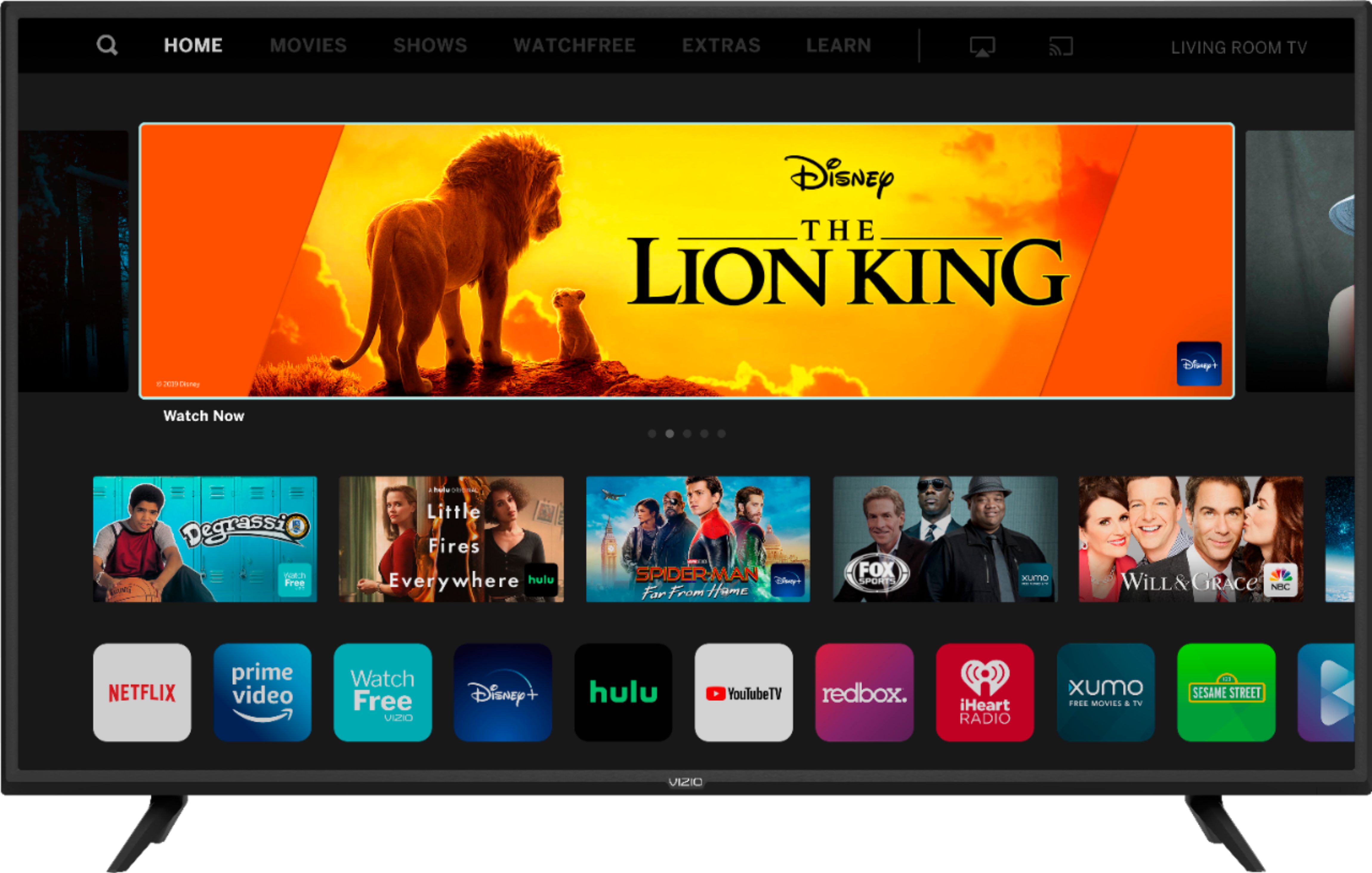
A:AnswerThis television does not have a AT&T NOW application at this time. We are continually evaluating new applications for addition to the SmartCast screen. In the meantime, you can cast any of the thousands of Chromecast enabled applications (AT&T Now being one of them) or Airplay content to the television from your mobile device.
A:AnswerThis may be related to the format of the file being displayed. Please reach out to our customer support at 877-878-4946 for assistance with your television display.
A:AnswerYou can view Disney+ on this VIZIO SmartCast TV by 'Casting' the content from the Disney+ app on a compatible device. You can also use the AirPlay feature of your VIZIO TV with an iOS device running iOS12.3 or later or a Mac device running 10.14.5 or later.
A:AnswerThis televisoin does not have a web browser for streaming service. SmartCast televisions deliver today’s most popular apps like Netflix, Amazon, Hulu, and others on the SmartCast TV home screen. The TVs also come with Watchfree, a no cost service that provides hundreds of channels with no additional purchase or registration requirements. SmartCast televisions also support Google Chromecast and Apple AirPlay 2 so that you can share content from the latest applications on your phone, tablet, or computer directly to the TV.