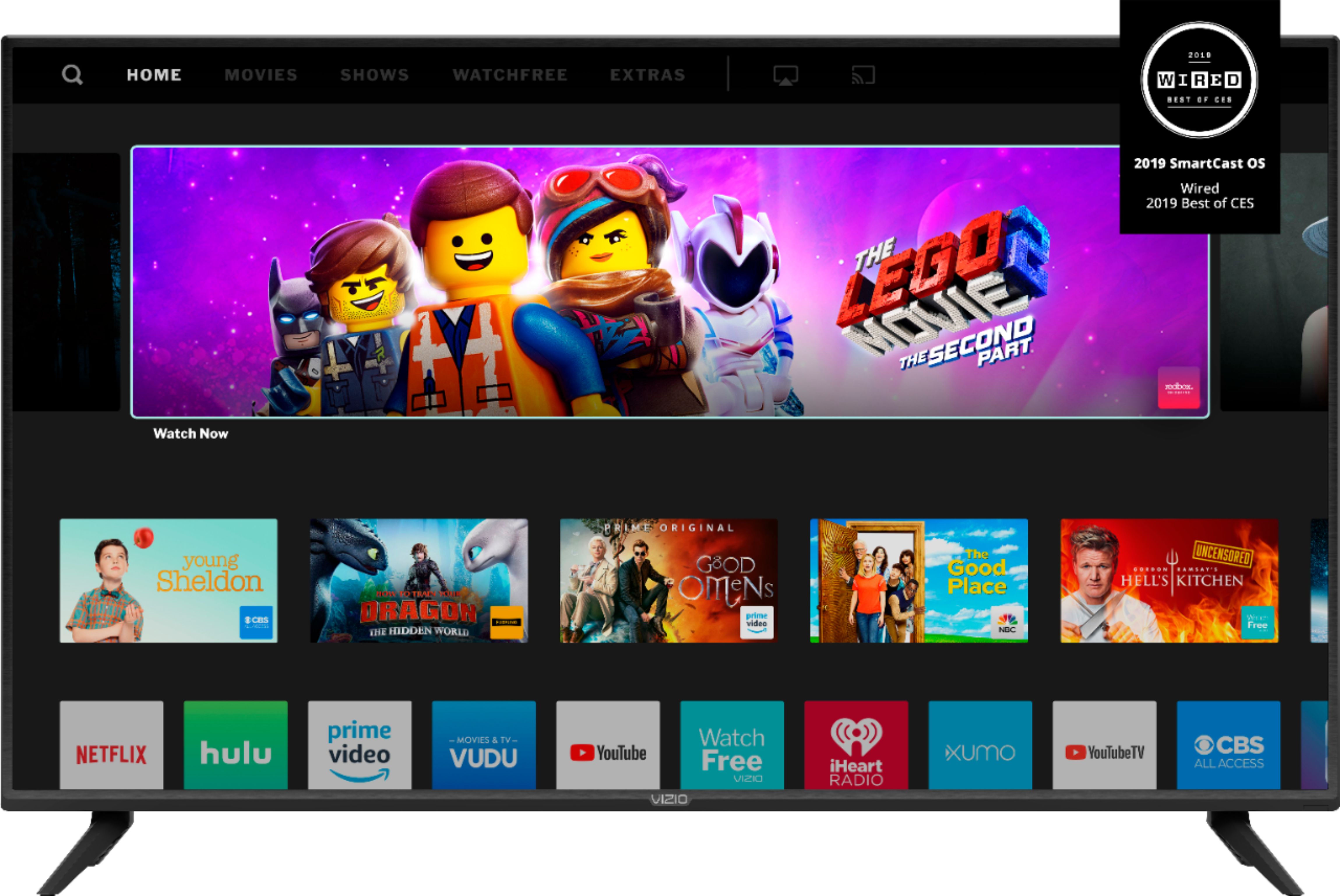
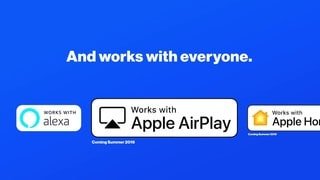
A:AnswerYou can view Disney+ on this VIZIO SmartCast TVs by 'Casting' the content from the Disney+ app on a compatible device. You can also use the AirPlay feature of your VIZIO TV with an iOS device running iOS12.3 or later or a Mac device running 10.14.5 or later.
A:AnswerThis television does not have an app store for downloading new apps. We are continually evaluating new applications for addition to the SmartCast screen. You can view Disney+ on some VIZIO SmartCast TVs by 'Casting' the content from the Disney+ app on a compatible device. You can also use the AirPlay feature of your VIZIO TV with an iOS device running iOS12.3 or later or a Mac device running 10.14.5 or later.
A:AnswerNo, I never thought about getting off the couch to change the tv. I usually use the remote. The awesome thing I like is, the ability to connect to alexa and google voice. With that you don't need a remote to cut it on or go to the app you wish to use. You just use your voice. Oh and it has smart cast, so you don't need a fire stick etc to stream content.
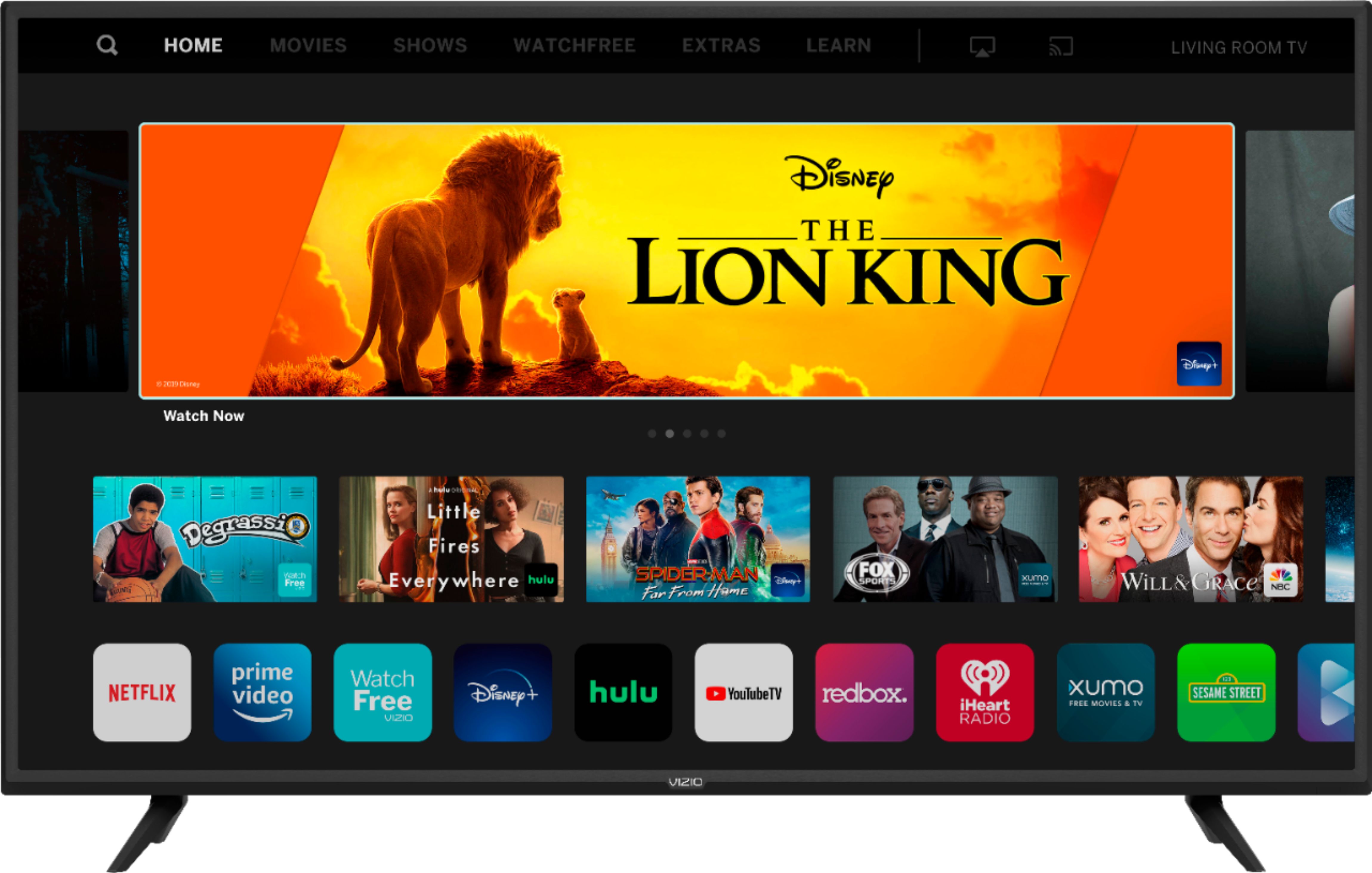
A:AnswerThis television comes with a DAZN app built into the SmartCast input. We are continually evaluating new applications for addition to the SmartCast screen. In the meantime, you can cast any of the thousands of Chromecast enabled applications or Airplay content to the television from your mobile device.
A:AnswerThis television has a maximum resolution of 2160P. The television will display the resolution being provided from your devices. To make sure you’re getting the most out of you VIZIO TV, we’d recommend making sure your devices are connected with an HDMI cable, and are set to broadcast in 4K (2160p) or Full HD (1080p).