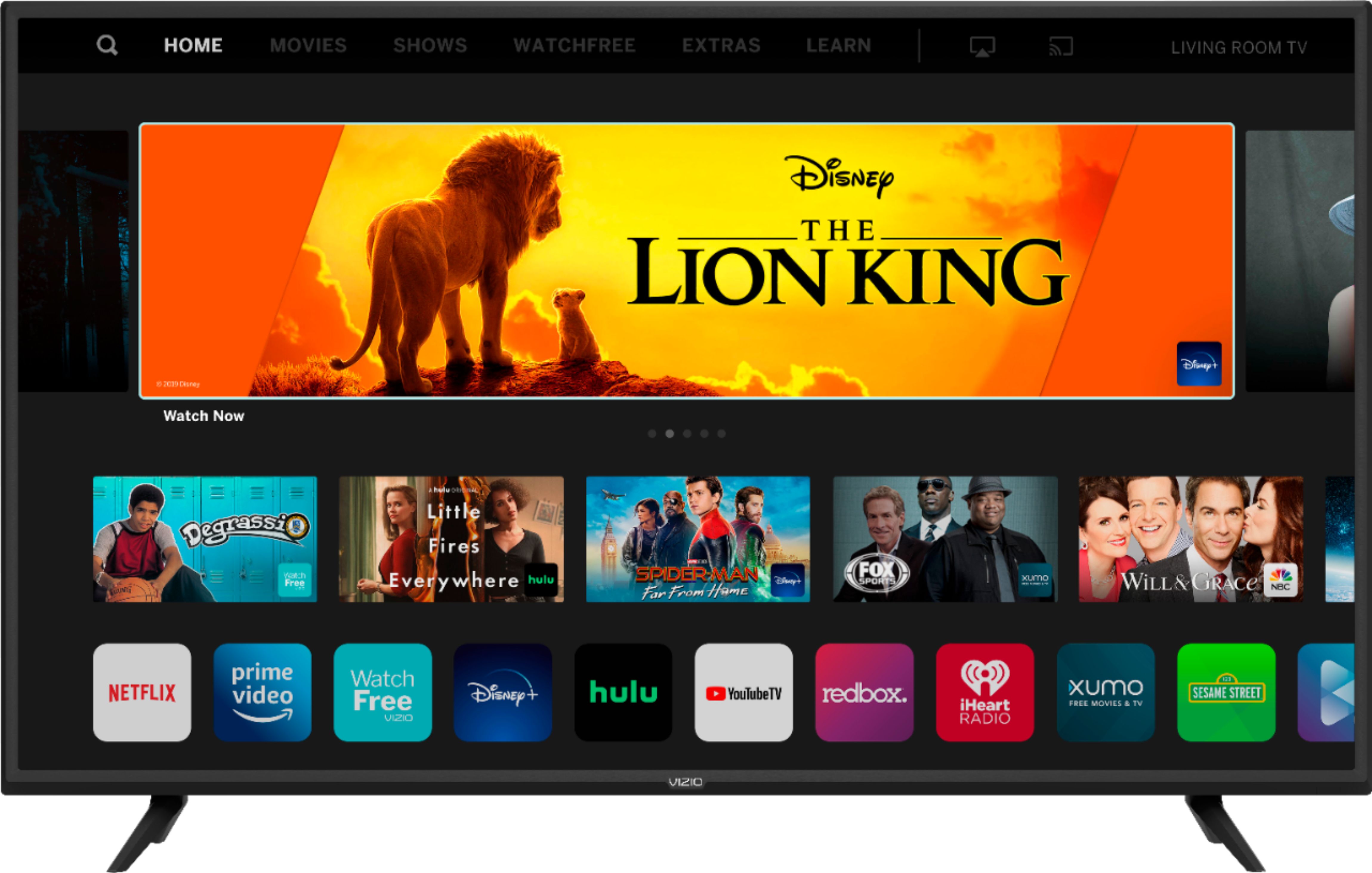
A:AnswerYou can view Disney+ on some VIZIO SmartCast TVs by 'Casting' the content from the Disney+ app on a compatible device. You can also use the AirPlay feature of your VIZIO TV with an iOS device running iOS12.3 or later or a Mac device running 10.14.5 or later.
A:AnswerThe television will take your image and fill the screen however the television will only display it is provided. If the source content is not in 4K the television will not display it.
A:AnswerYes, this TV comes with a remote. For a complete list of accessories included with this (or any TV) go to support.VIZIO.com and type in your model name.
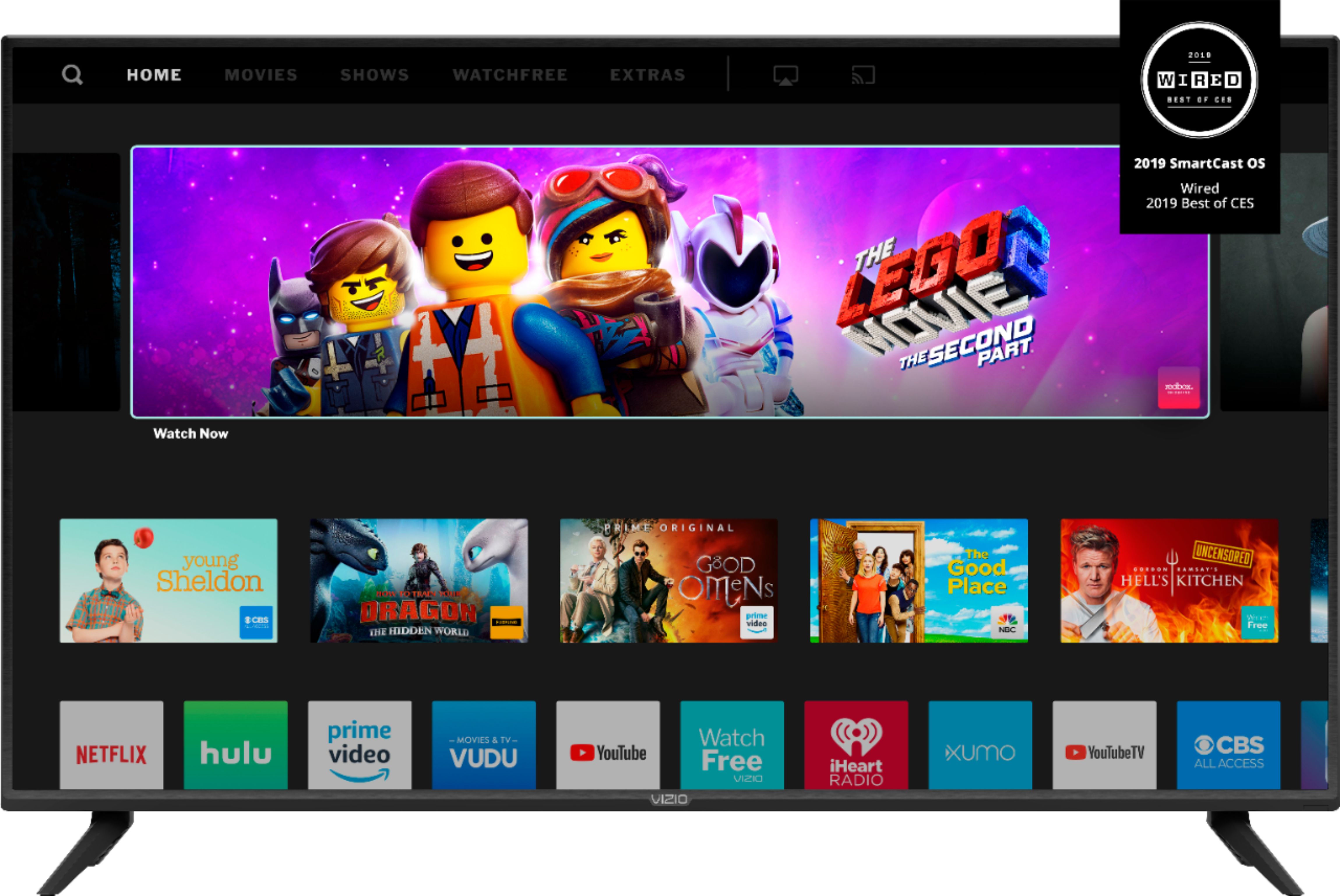
A:AnswerThe VIZIO Watchfree service has hundreds of channels with free content. To learn more you can check out VIZIO.com/watchfree. This TV can also be connected to an antenna, which will give you free access to any locally broadcast channels.
A:AnswerYou can view Disney+ on some VIZIO SmartCast TVs by 'Casting' the content from the Disney+ app on a compatible device. You can also use the AirPlay feature of your VIZIO TV with an iOS device running iOS12.3 or later or a Mac device running 10.14.5 or later.
A:AnswerYou can view Disney+ on some VIZIO SmartCast TVs by 'Casting' the content from the Disney+ app on a compatible device. You can also use the AirPlay feature of your VIZIO TV with an iOS device running iOS12.3 or later or a Mac device running 10.14.5 or later.
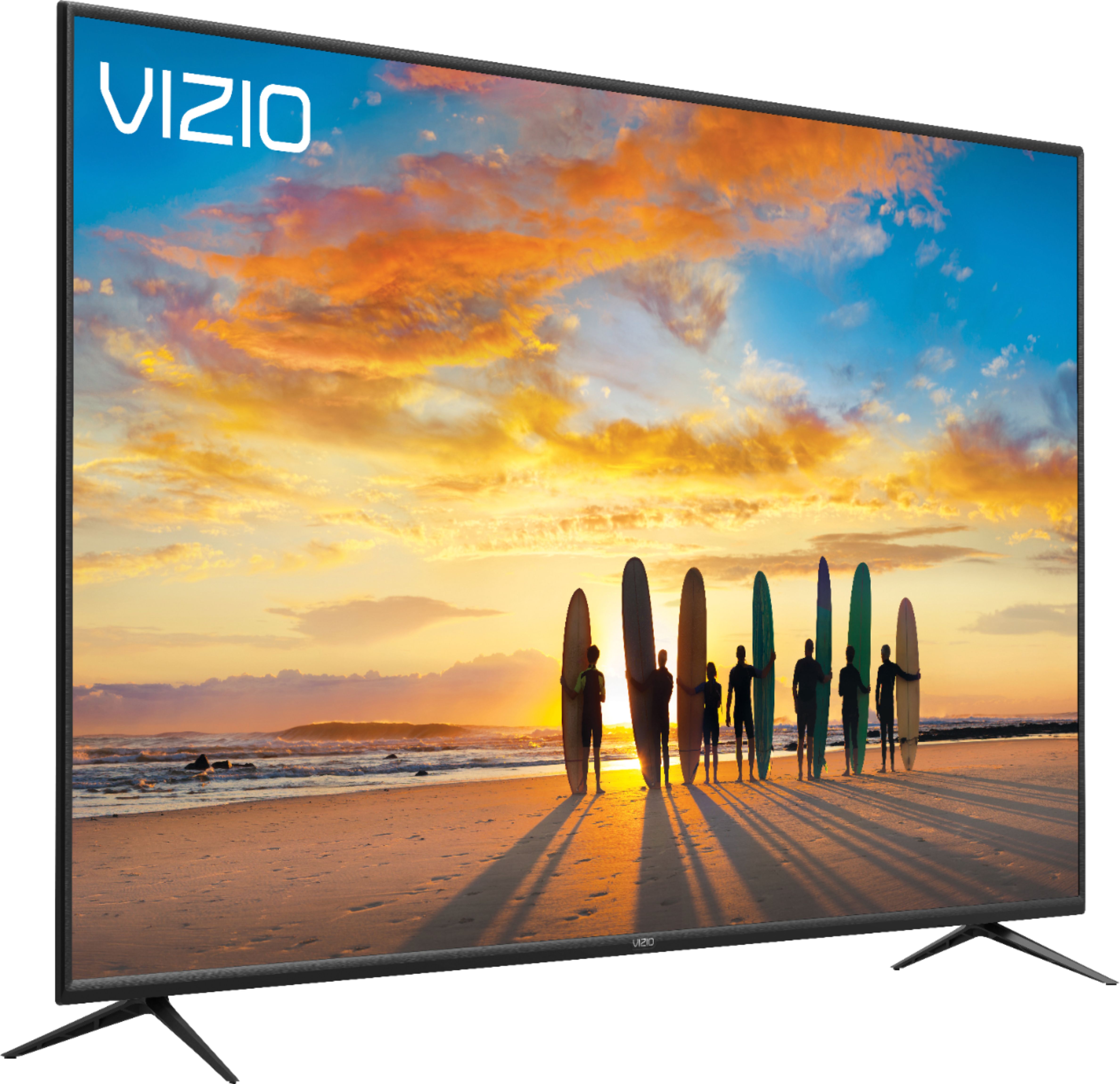
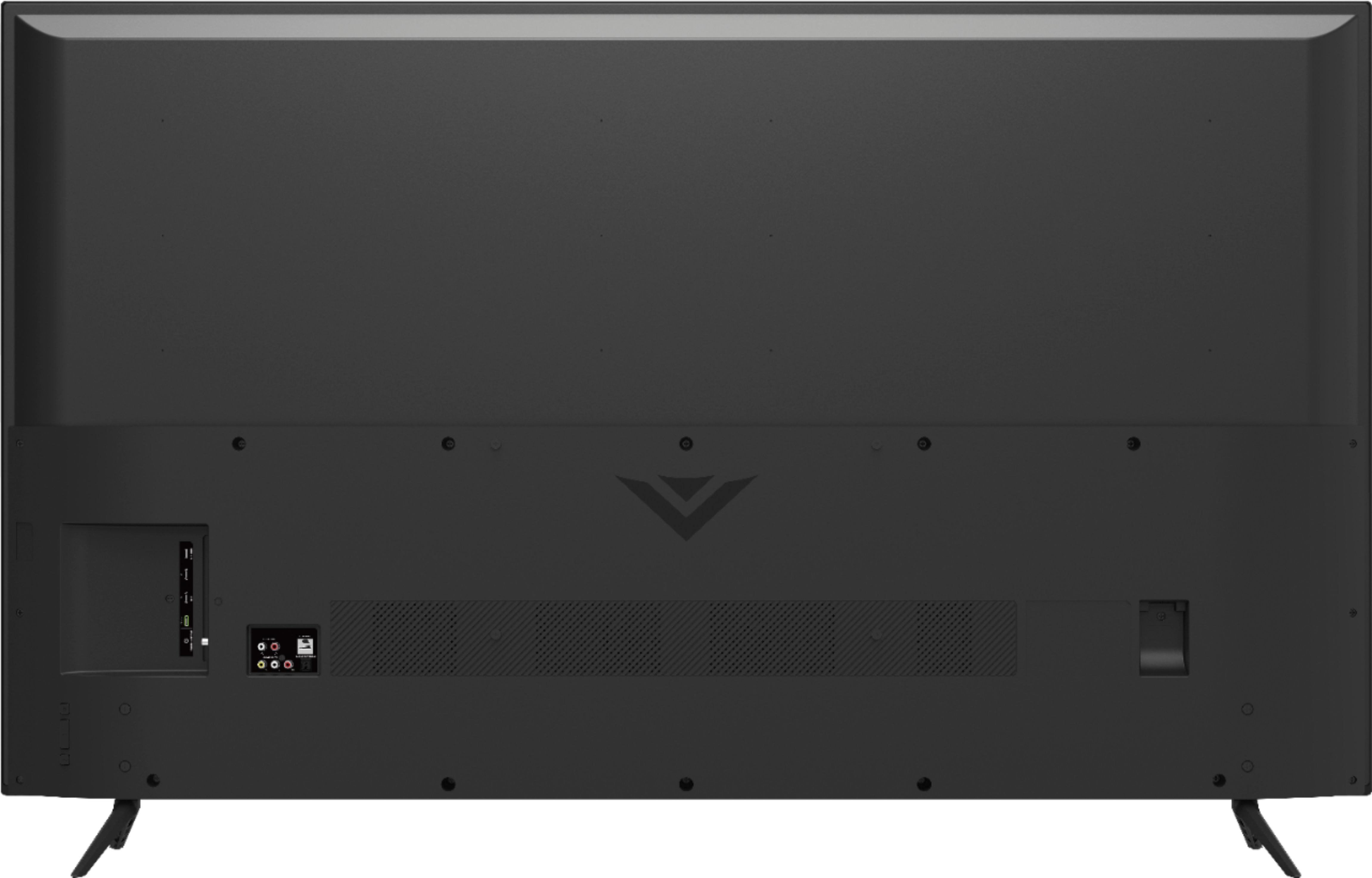
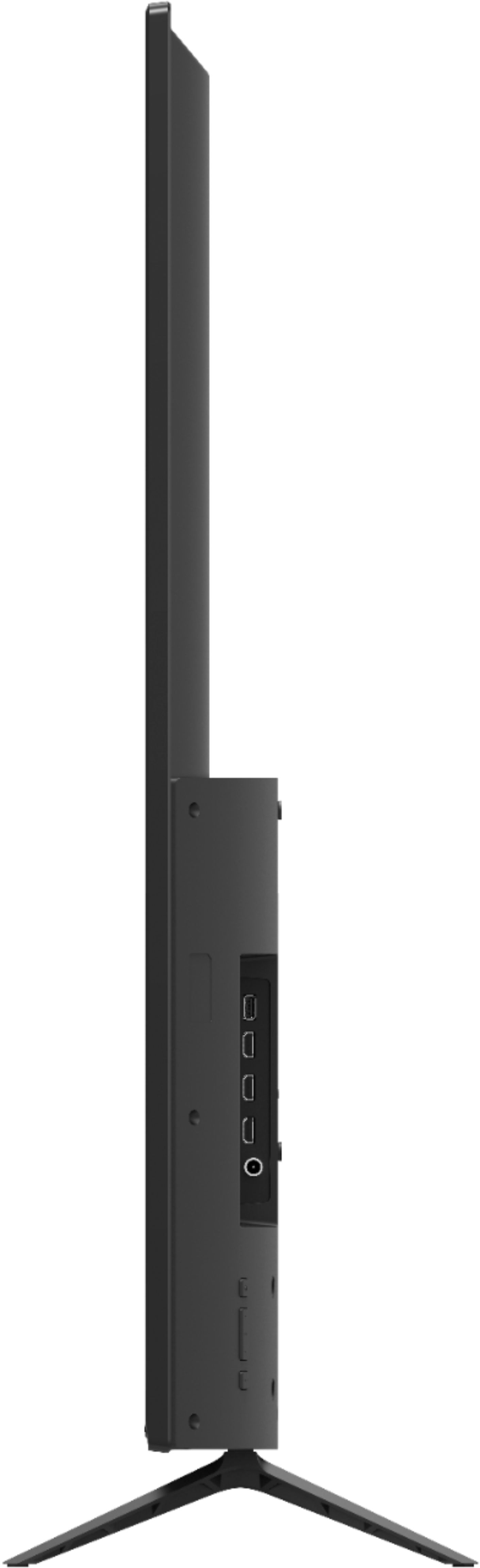
A:AnswerThe legs of the TV need at least 50" but better to get 55" because the legs will just fit right on both edges of a 50" stand. The width of the TV itself is at 55" so if you are using a cabinet, better get a 60" cabinet or a stand of at least 50".