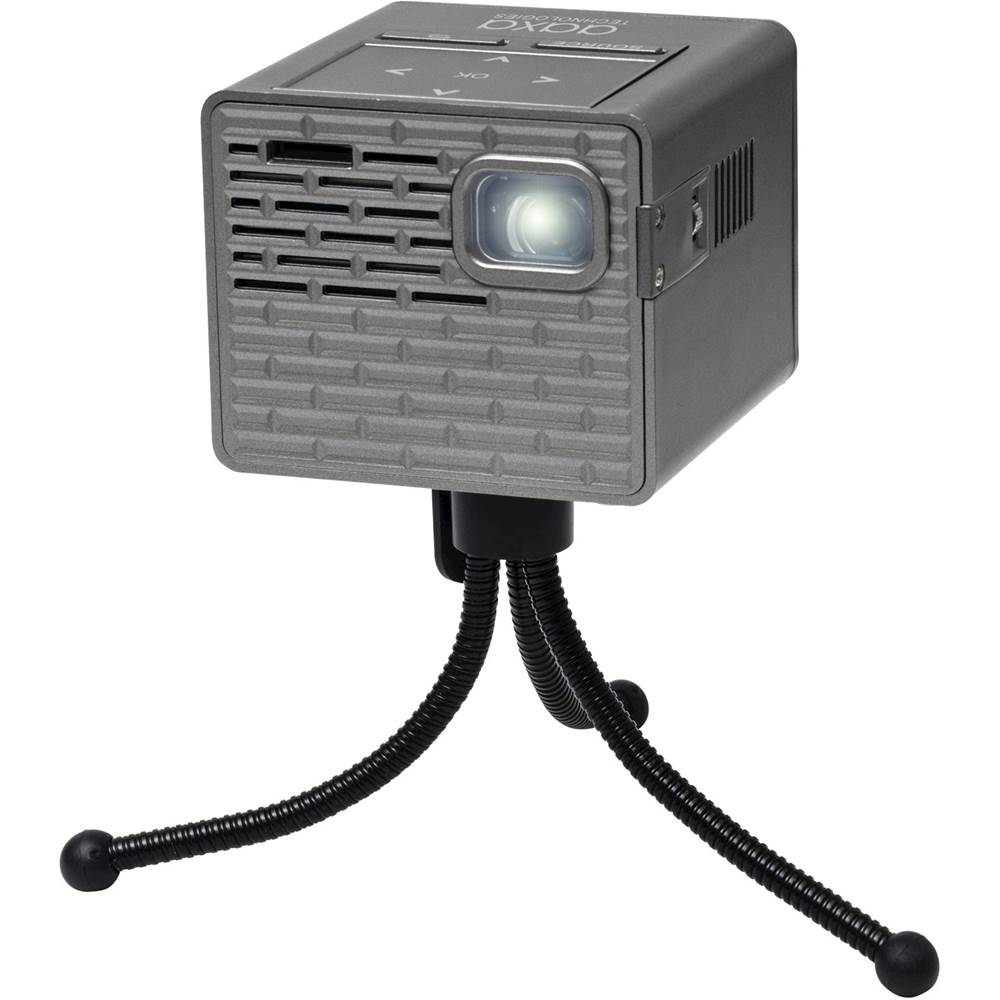
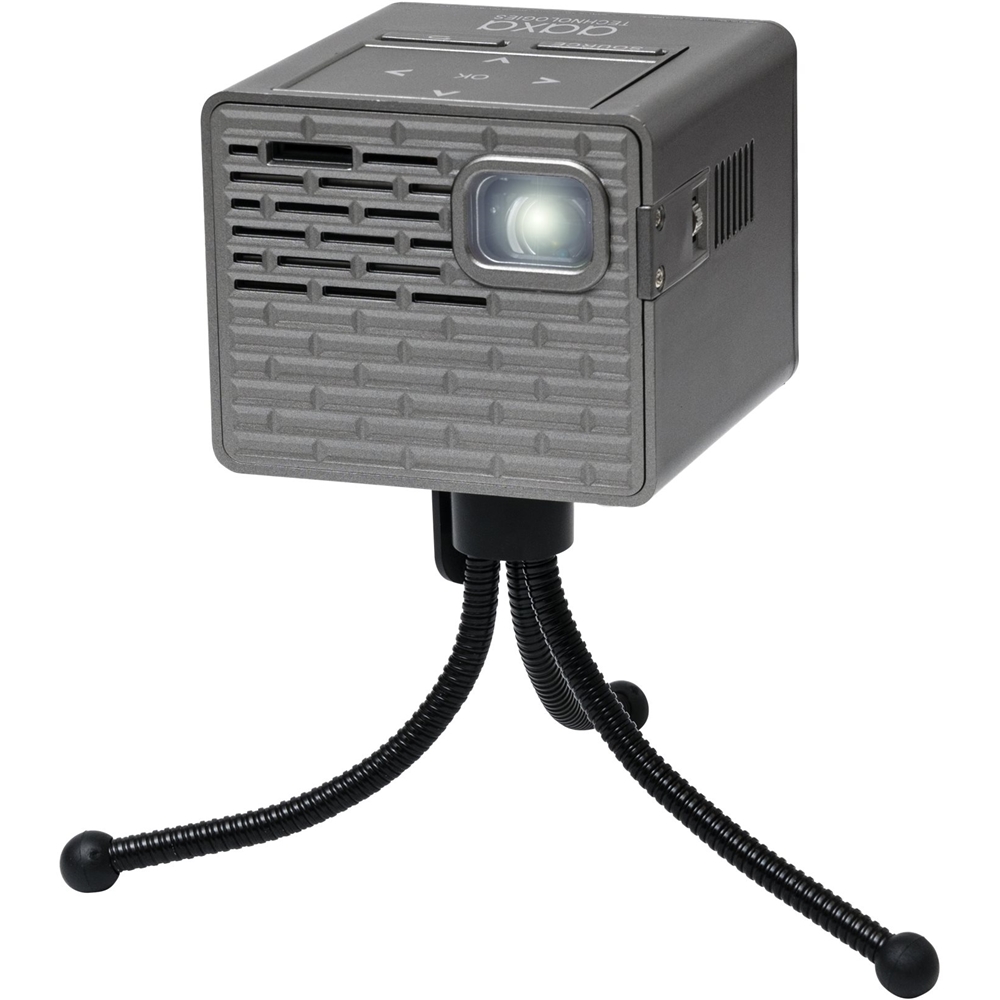
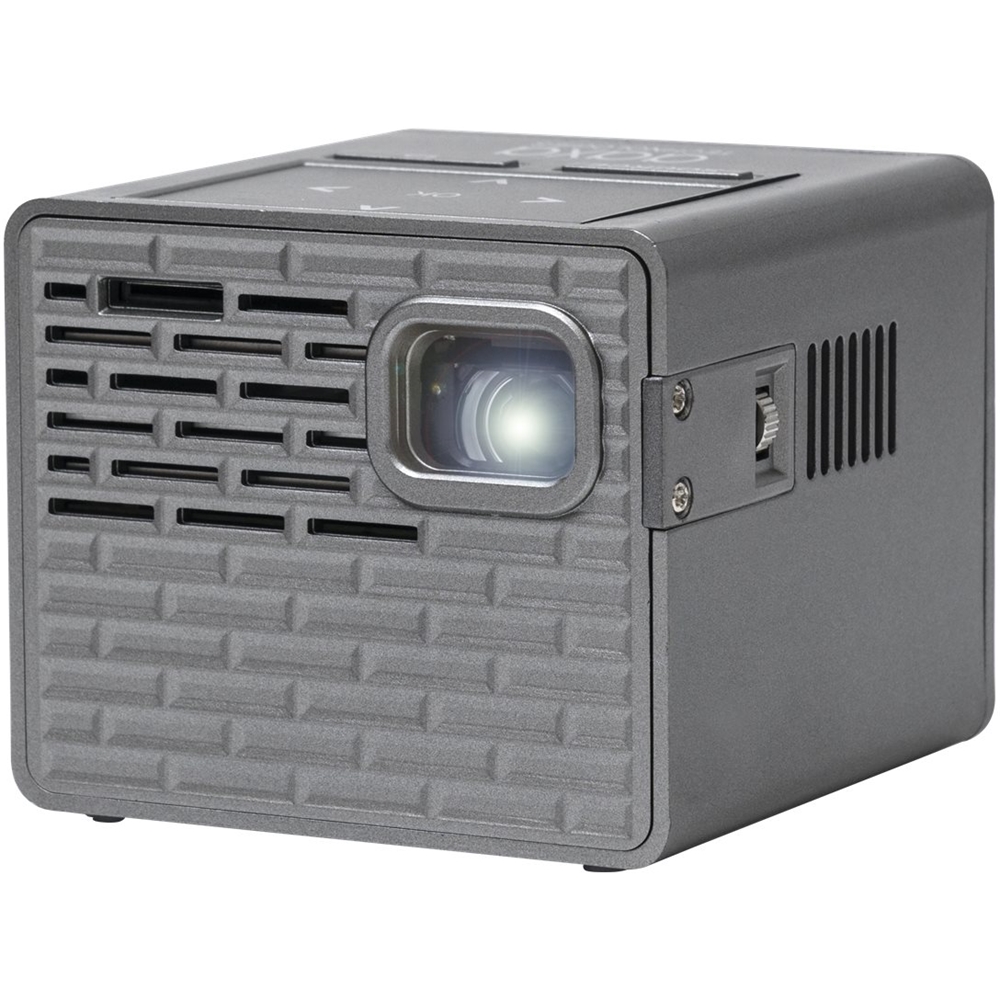
A:AnswerThe answer from the person is correct. Also I recommend any of our projectors that is 400 lumens or higher and have at least a 720p native resolution for the best results for displaying power points that will be text based. It may work with the P2B but you will need it to be in a dimly lit room for it to be clearly seen.
A:AnswerYes it does! The projector is just a display device just like a TV or computer monitor. For smaller projectors like this model, you will need a HDMI to mini-HDMI converter to make the connection. The newer chromecast require higher amperage for the USB power so you will need an external power source, I believe the 4k chromecast comes with a USB wall adapter supplied since no USB port on TVs or projectors will provide more than 0.50 amps.
A:AnswerHi, I am sorry to hear about your issue, we recommend contacting AAXA Technologies directly as they have a 1-year warranty on their projectors.
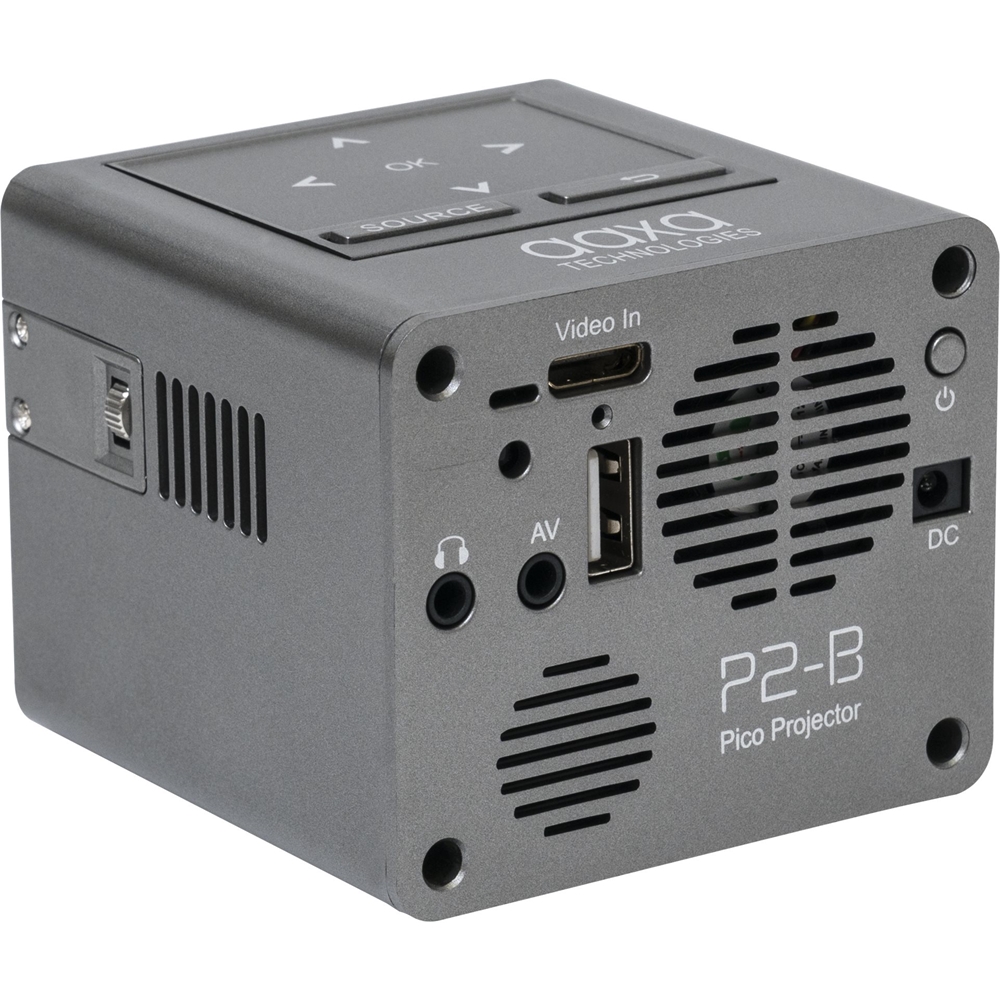
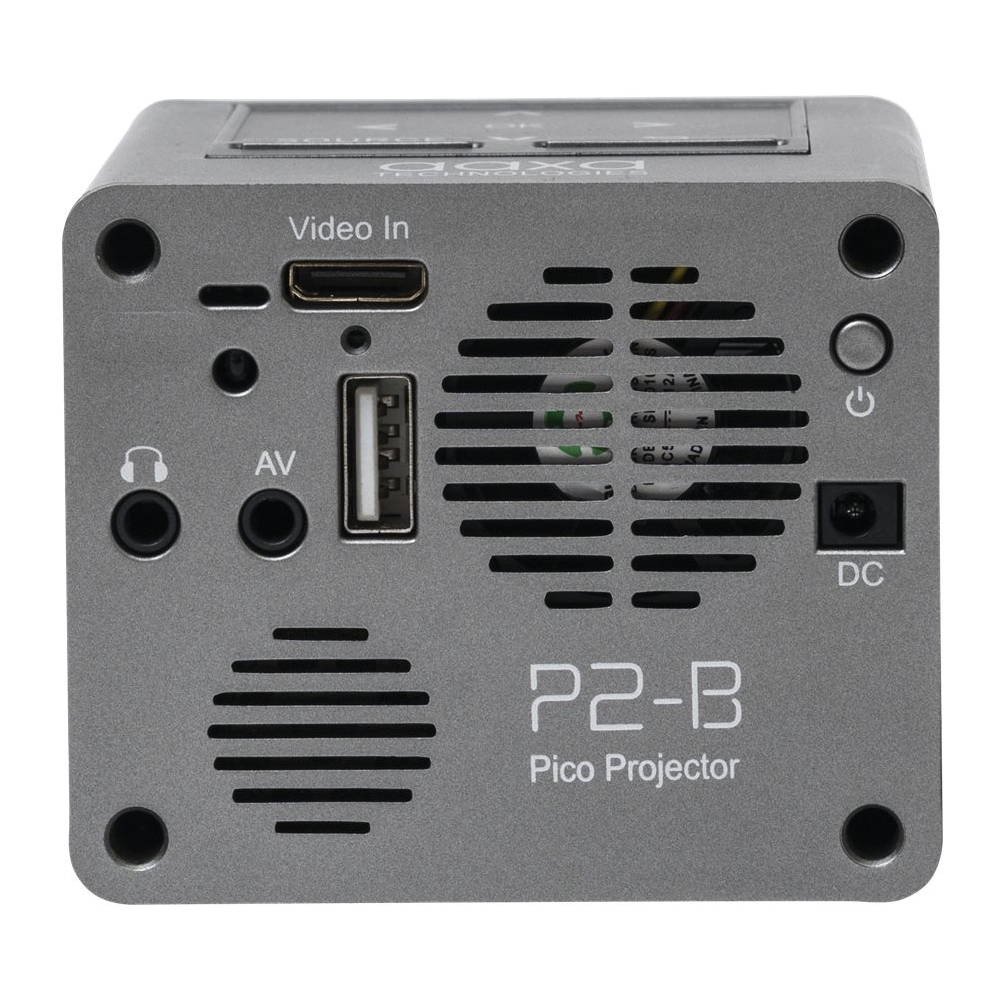
A:AnswerYes you will be able to purchase one through AAXA Technologies web-store. You will also be able to use any third party power adapter. You will need to match the power specs of 12V and 1.5A exactly for it to work properly with the projector.
A:AnswerIt will need to be though the HDMI connection for any video connection. Normally with laptops they will have a HDMI port so you can connect them with a mini-HDMI cable. For Android phones you will need to see if they will have a video out capability first and then you will be able to get the adapter for them.
A:AnswerThe DC charging barrel size for the P2B will be 3.5mm outer, 1.3mm inner, and 7mm length. Yes you can and you can also get a portable battery that has a DC output of at least 12V and that will work as well.
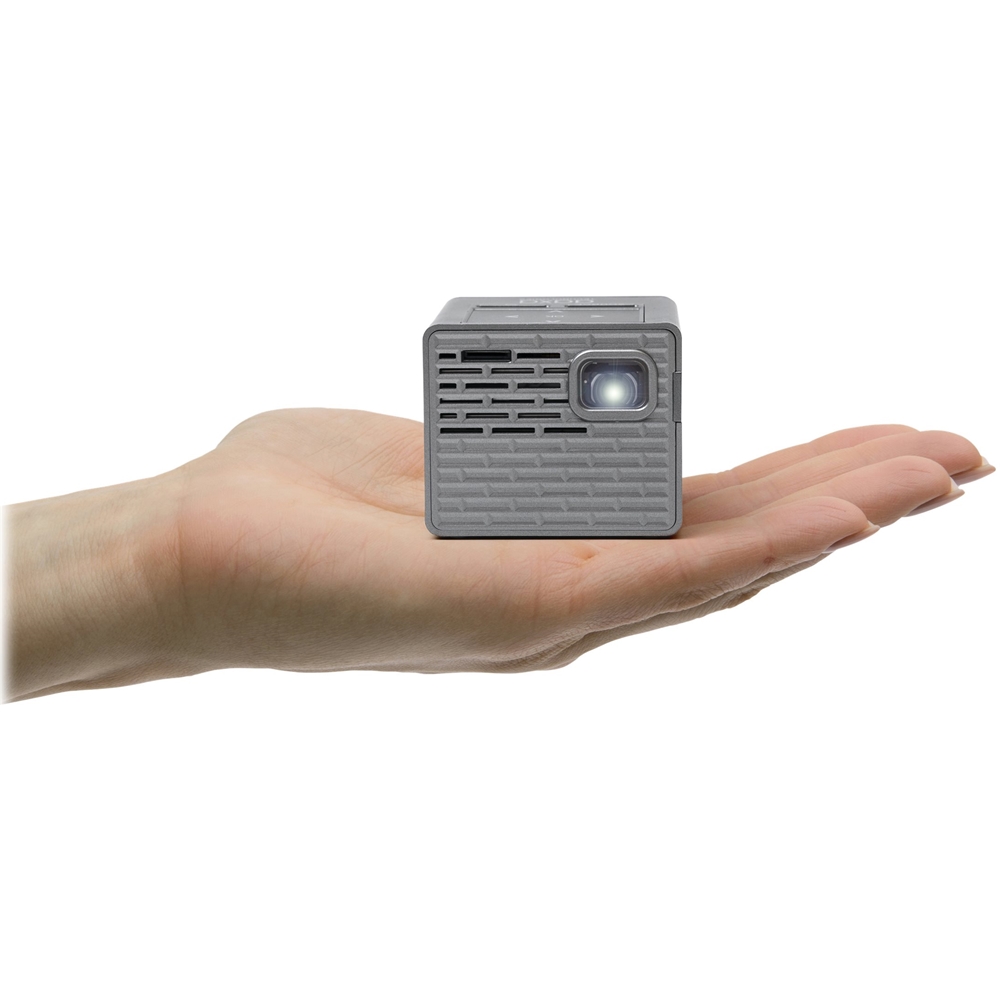
A:AnswerThe P2-B will be able to display up to a projection size of 100" diagonally. (Dark areas only) You will be able to adjust it from there depending on how close you have the projector to the wall.