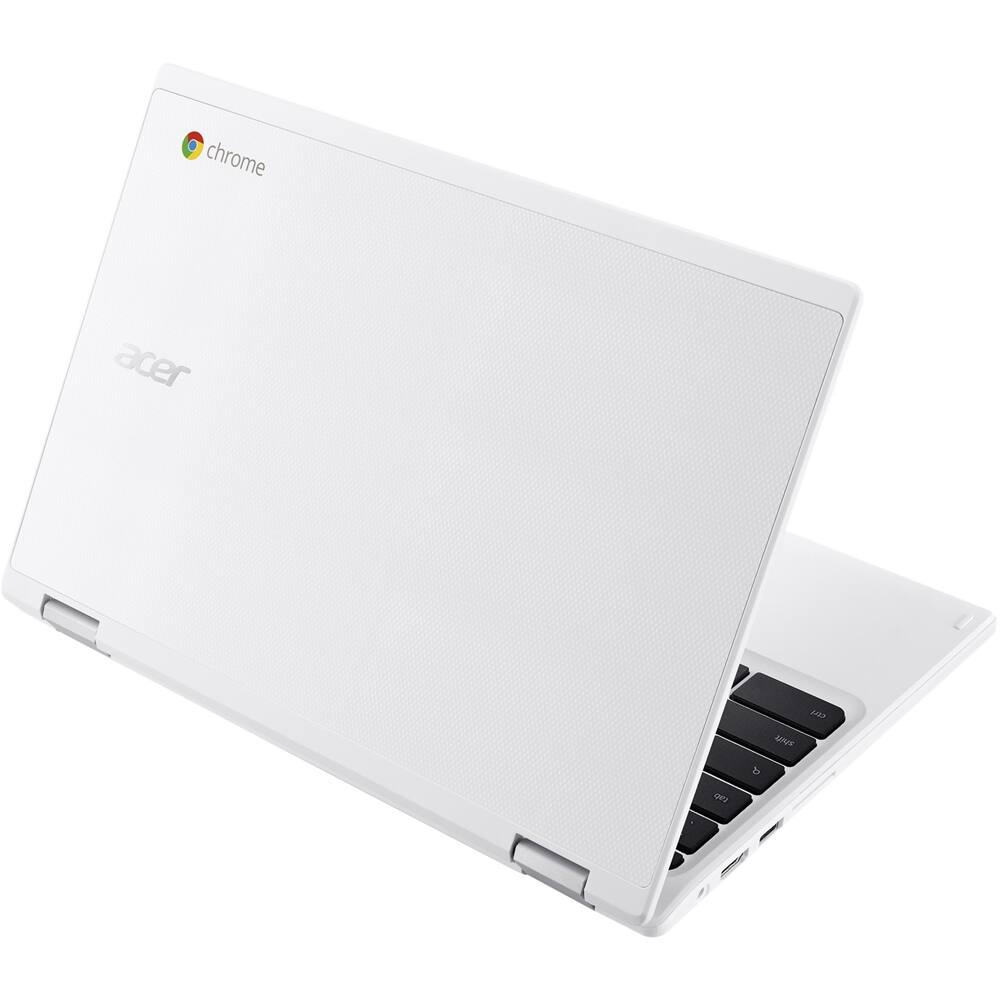
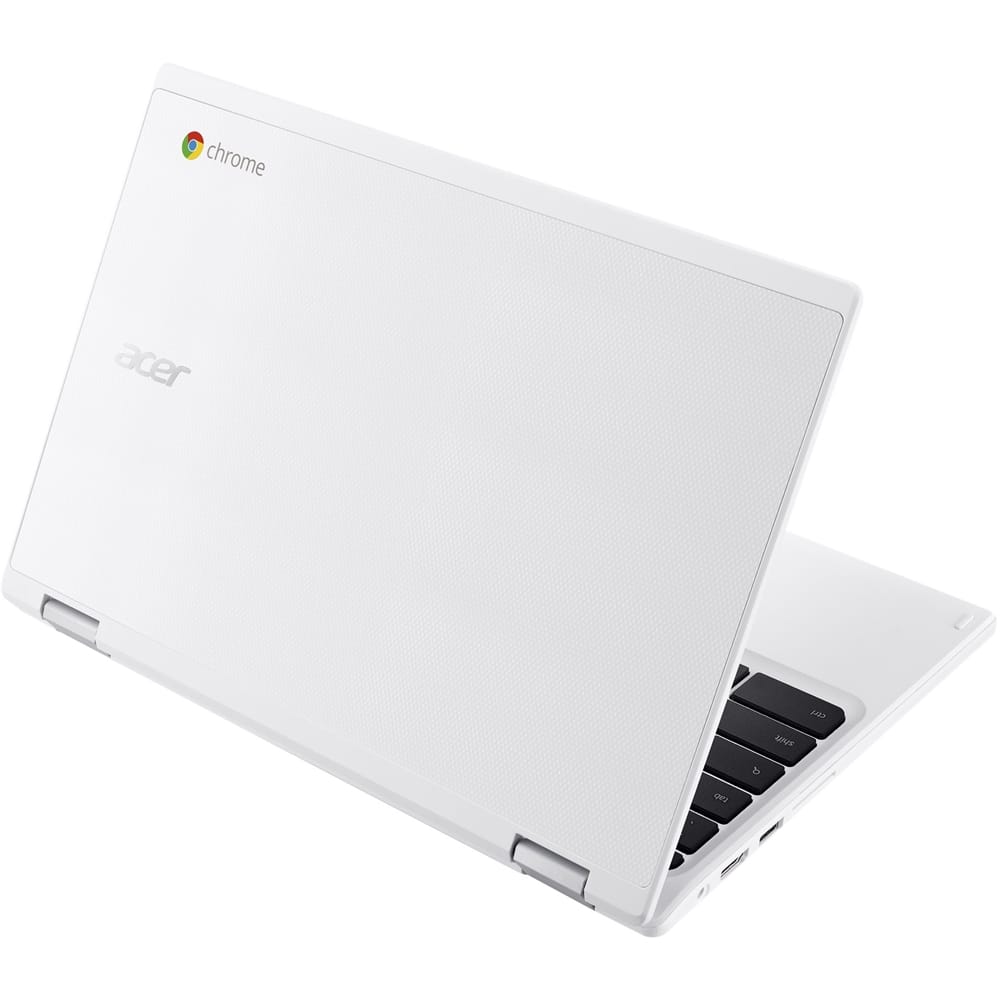
A:AnswerIt depends on the serial number. If the system is under warranty you can call the support line at 800-816-2237. This number is available 24/7 to assist you.
A:AnswerYes, here is a link for more information on Adobe on a Chromebook: http://acer.custhelp.com/app/answers/detail/a_id/10725/~/does-adobe-flash-player-come-preloaded-on-my-acer-chromebook%3F
A:AnswerThis is a Chromebook which runs the Google Chrome operating system. You might check with the gaming manufacturer for compatibility information but if it is a Windows based game or app, it likely will not work with a Chromebook.
A:AnswerIt depends on the application. You might check with the vendor of the software to see if it is compatible with the Google Chrome operating system.
A:AnswerYou can view the available Chromebook models at http://www.acer.com/ac/en/US/content/models/laptops/acerchromebook14. When you click the Buy Now button under a model you like, it will give you the reseller and price they are offering for that product.
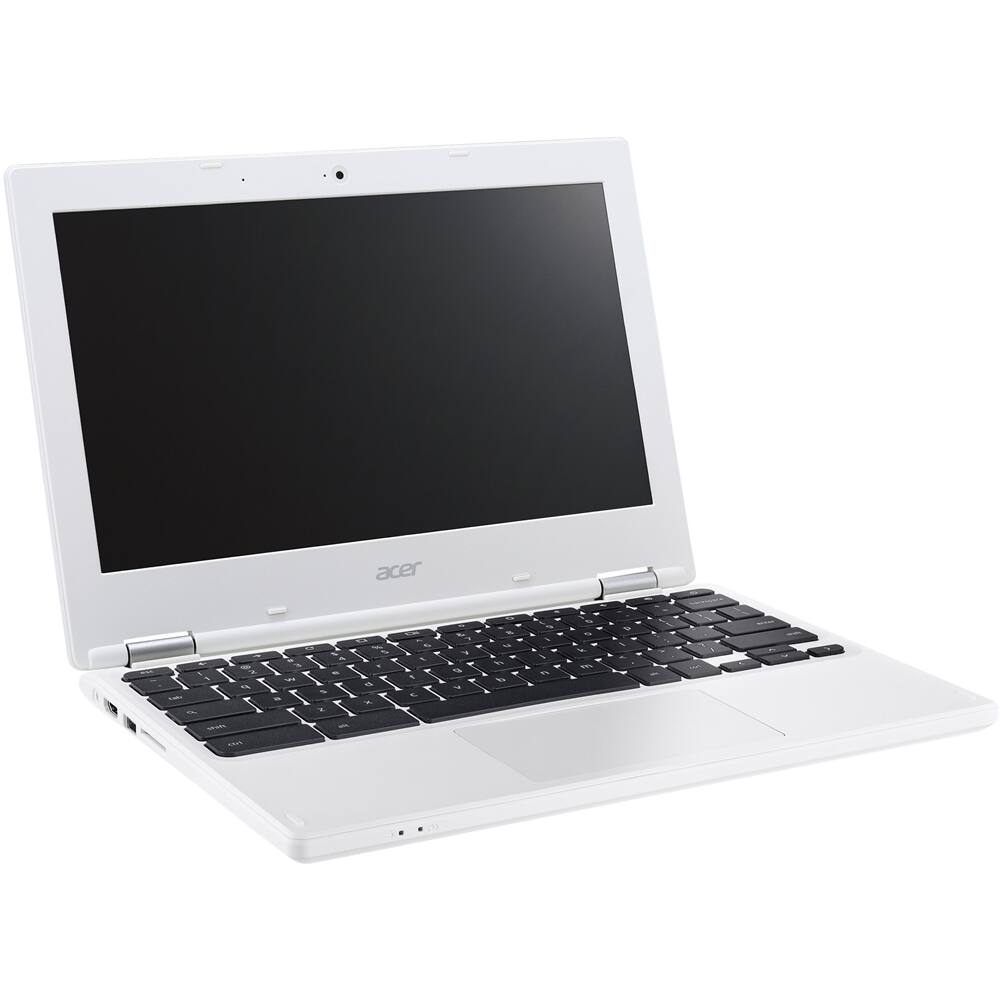
A:AnswerYes, the Chromebook does have speakers and it does have a 3.5mm headphone port. The amount of pictures it can hold depending on the quality and resolution of the picture.
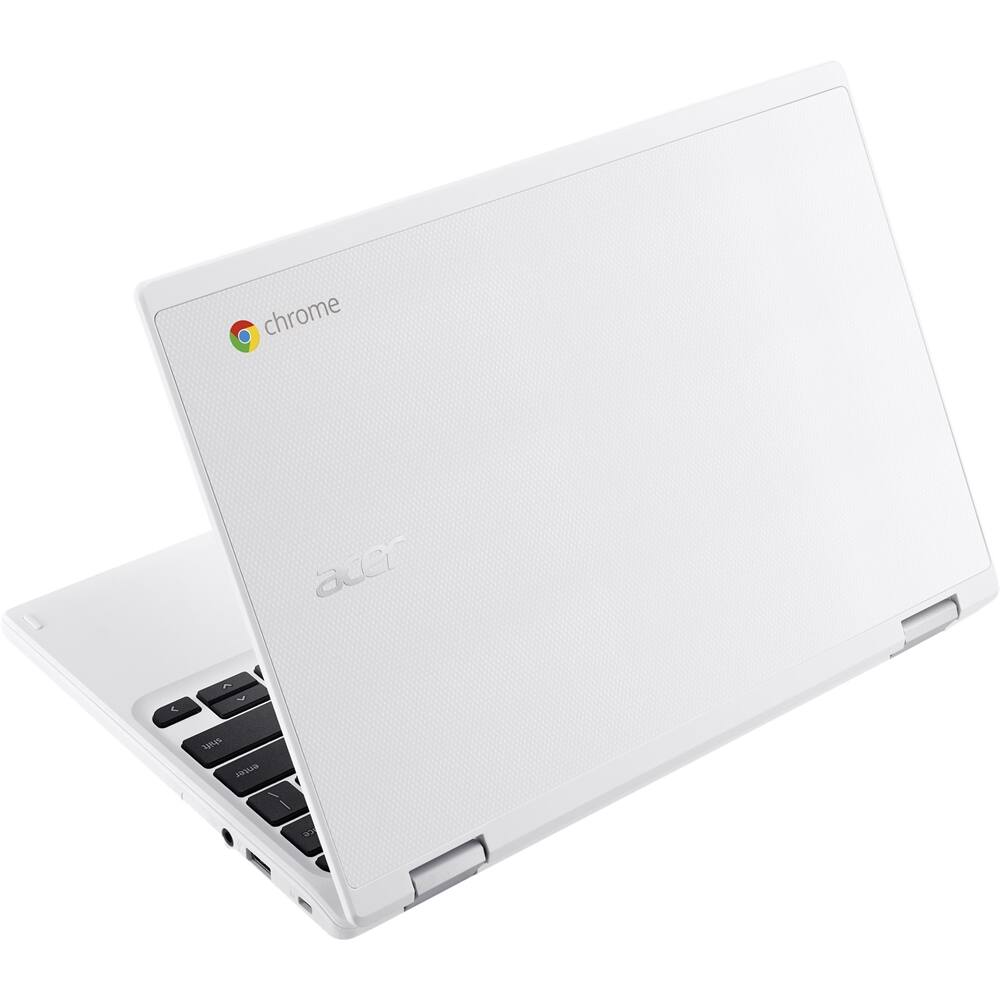
A:AnswerNope, sorry. Seems have a strong Wifi connection though. There is a USB 3.0 and a USB 2.0 jack. Don't know if there's adapters or something you could use. Maybe not.