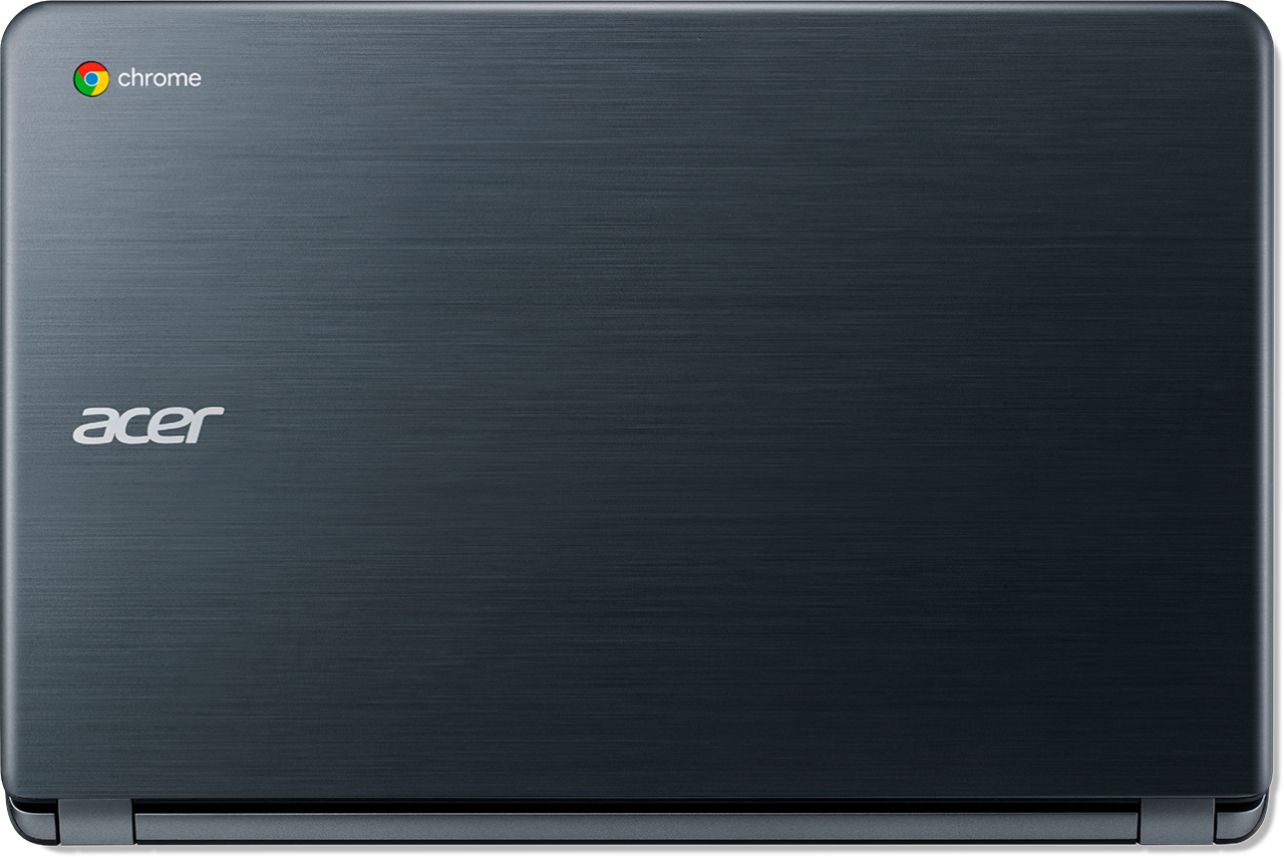
A:AnswerI have tried to find something to edit videos, but there really isn't one out there (Google PlayStore apps don't work). It doesn't have Microsoft office and it has Google Docs. If I were you, I would buy your student a PC laptop. This Chromebook is great for surfing the web, and that's about it.
A:AnswerChromebooks run off the Chrome operating system and are designed to be used with most applications in the cloud. Windows laptops run the Windows operating system which is what you are likely to be more familiar with. Here is a link that has information you might find helpful: https://www.lifewire.com/chromebooks-vs-laptops-4163797
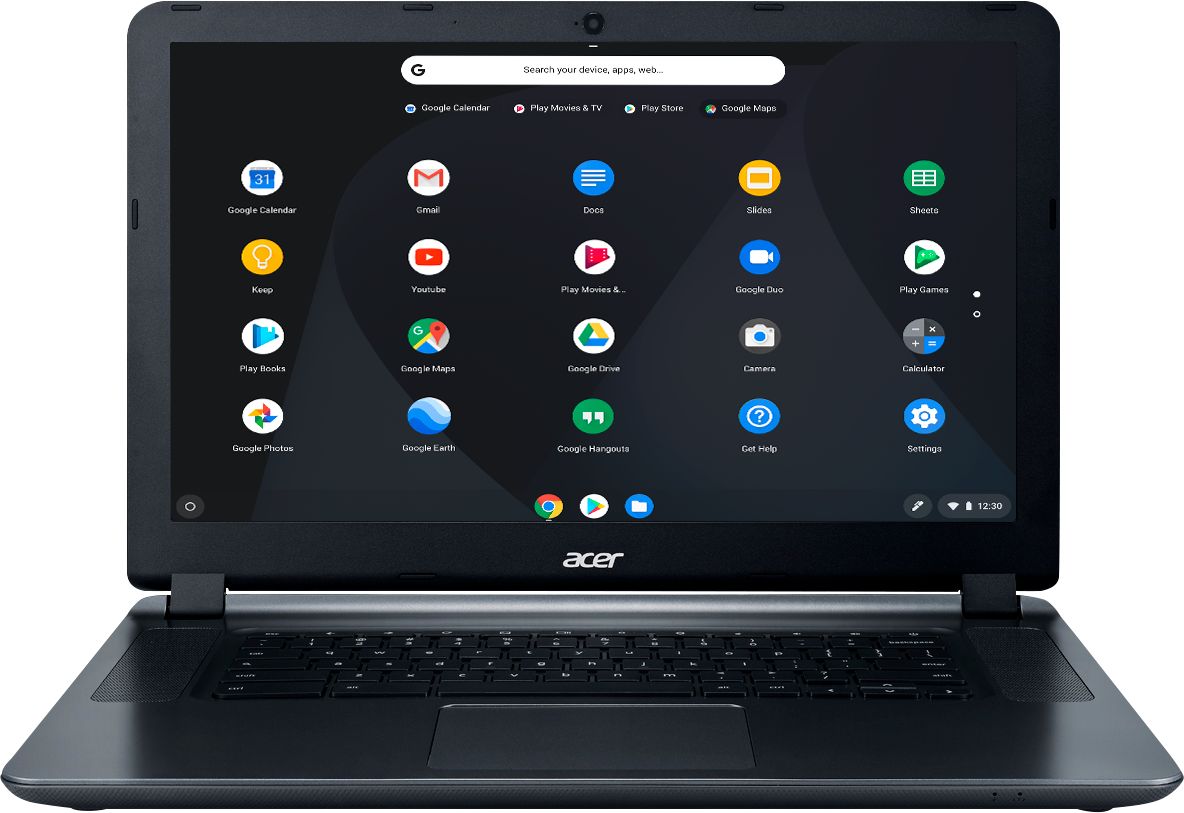
A:AnswerMost laptops these days will come with a camera, as this Chromebook does. Chromebooks are different from standard Windows laptop products in that they are designed to be used primarily while connected to the Internet, with most applications and documents living in the cloud. Because of this they don’t have much for on board storage but they also are not expensive either. Chromebooks run off the Google Chrome operating system and uses apps like an Android phone or tablet so you cannot download and install applications or .exe files. If you need to use third party software applications that must be installed on the computer, a Chromebook is likely not for you, where a Windows laptop would suit you better.
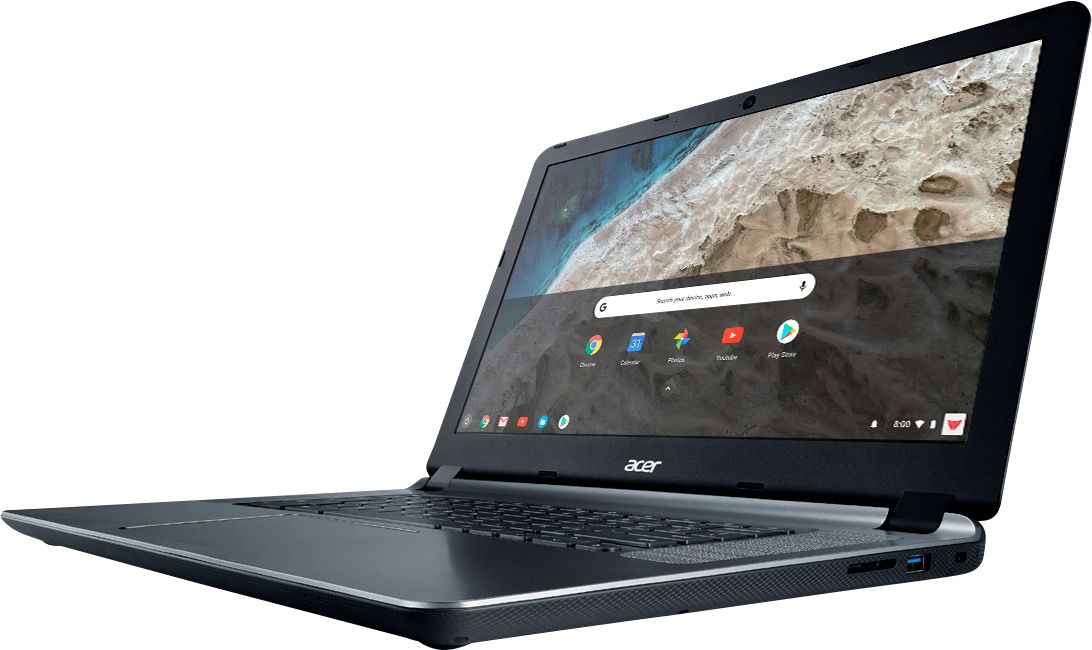
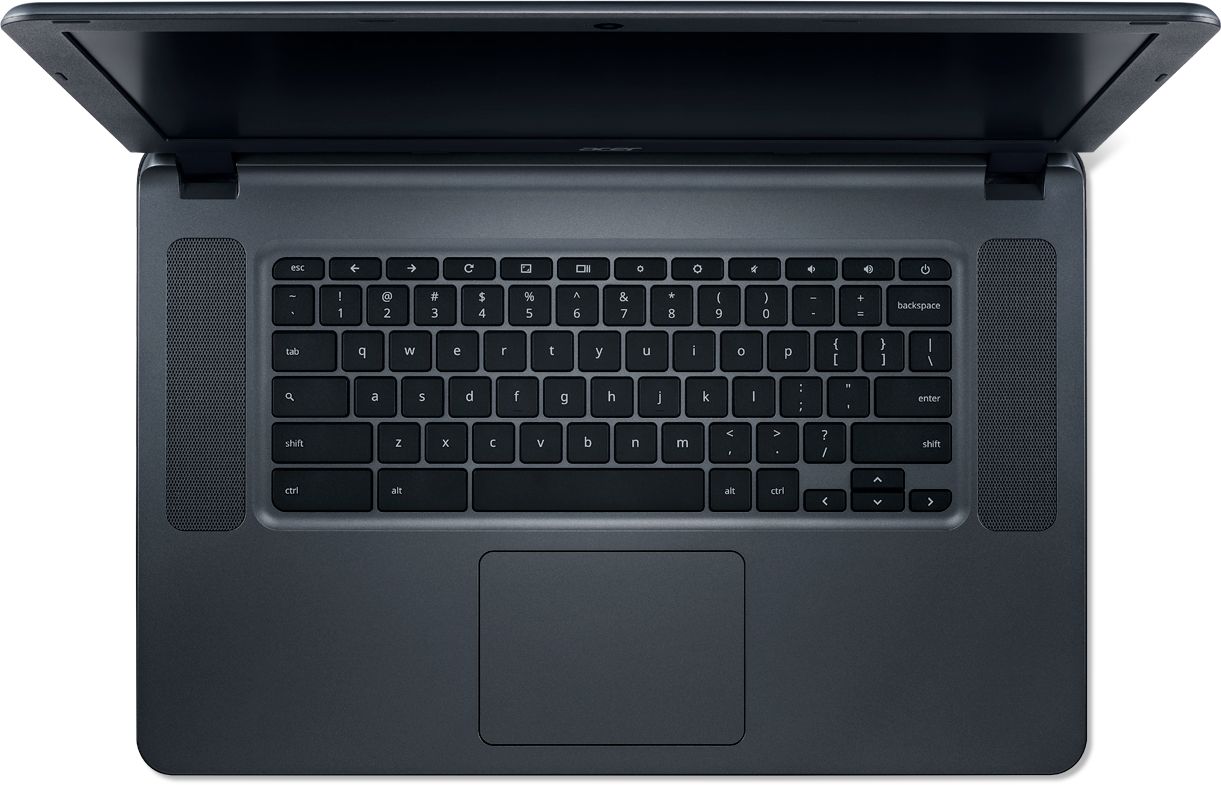
A:AnswerNot a touchscreen, but so many 1 finger, two finger, or 3 finger gestures on the touch pad means I don't ever use a mouse and don't ever accidently touch the screen and mistakenly do something. Plus no fingerprints
A:AnswerWell, that depends? Do they use Chromebooks or Chromeboxes at her school? Some schools use only PC or Apple's. I would recommend you do a Google search online or hit YouTube to see how well a Chromebooks will work for education purposes. It greatly depends on the courses your school teaches and the software they use? Some schools need PC or Mac or iOS iPads to use the software in their courses. Ask the school IT director if they think it's a good choice? The more you know the better choice you'll make. it would take too long to explain the all the caveats or pros & cons to various computer platforms. Best of Luck!
A:AnswerNOT a touchscreen. That's why its so inexpensive. I didn't see the need for touchscreen, that's why I bought this one. Hard to find one that's not these days.
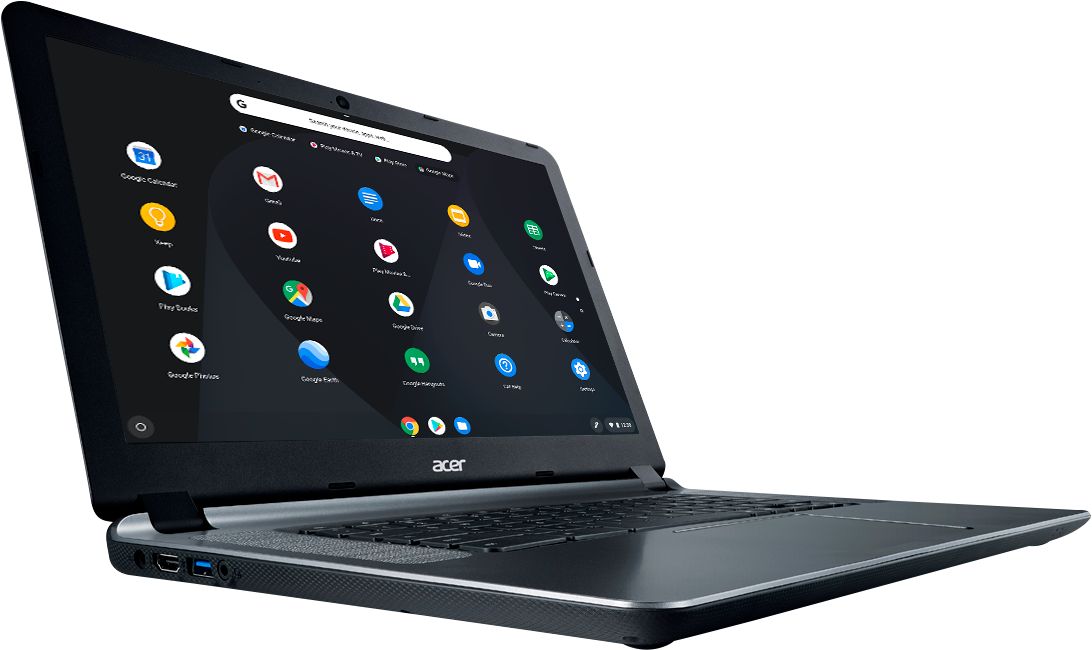
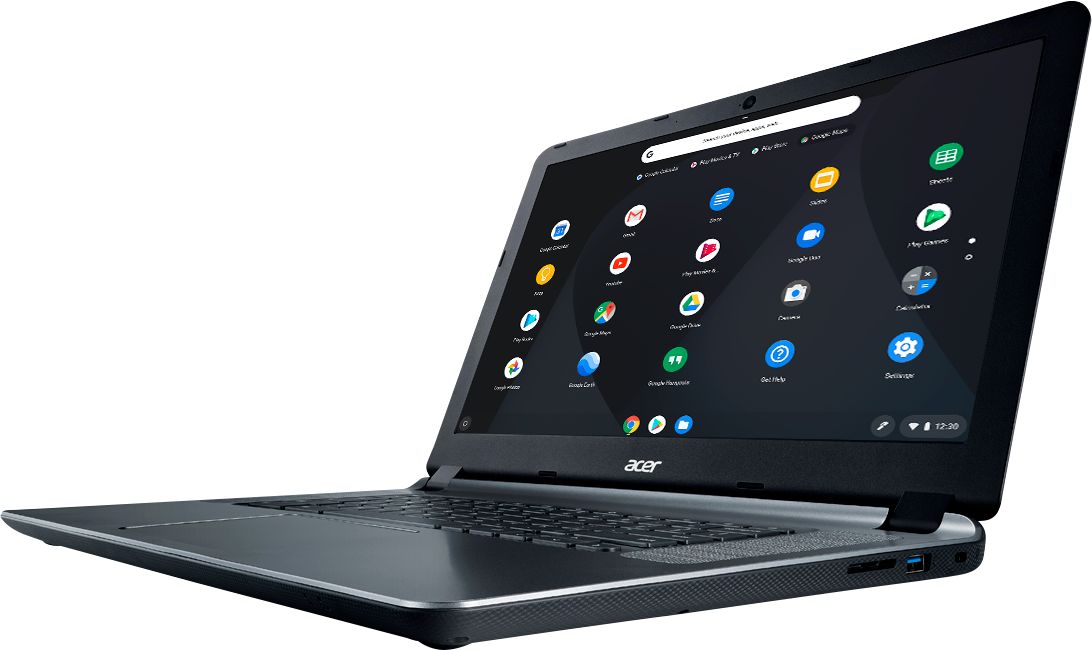
A:AnswerYes, this model has an HDMI port. Chromebooks are different from standard laptop products in that they are designed to be used primarily while connected to the Internet, with most applications and documents living in the cloud. Because of this they don’t have much for on board storage but they also are not expensive either. If you need to use third party software applications that must be installed on the computer, a Chromebook is likely not for you, where a Windows laptop would suit you better.
A:AnswerIf you are using Windows soft wear it will not work on a Chromebook. I am a photographer but do not do videos. I have a Nikon D3400 and download my photos onto an Asus computer using Nikon's Windows based soft wear, then I send the photos to myself and download them onto my Chromebook. With a 16Gb storage you can download thousands of files in the 10Mb size. I save the emails as a way of having them in the cloud so to speak and I can also upload them to Google Drive. The thing I love about the Chromebooks is the reliability, my first one just died and it was 6 years old. No hard drive to wear out, no soft wear to buy and buy again, no spy and mal wear to buy ever, Google takes care of all of that. Everything you do online goes through Google. It a great device if you want a cheap way to access the 'Net and not expose your real computer to the dangers of hackers online and wear out your expensive hard drive just watching videos.