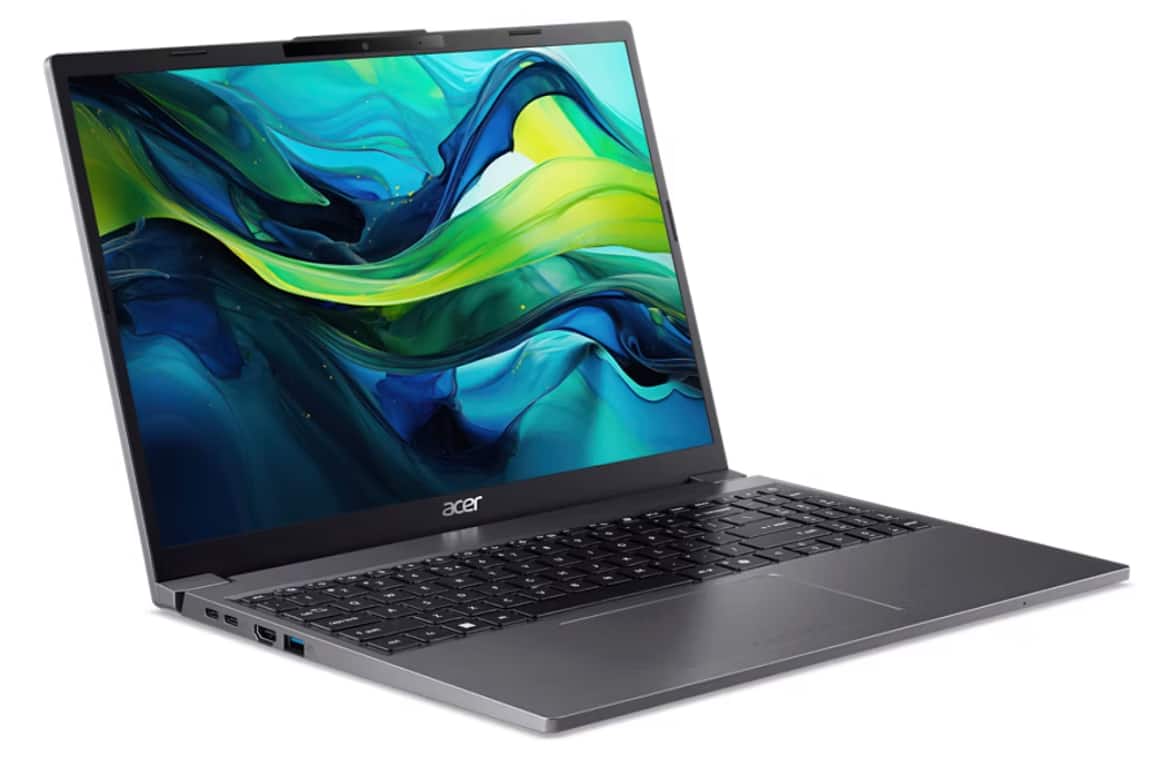
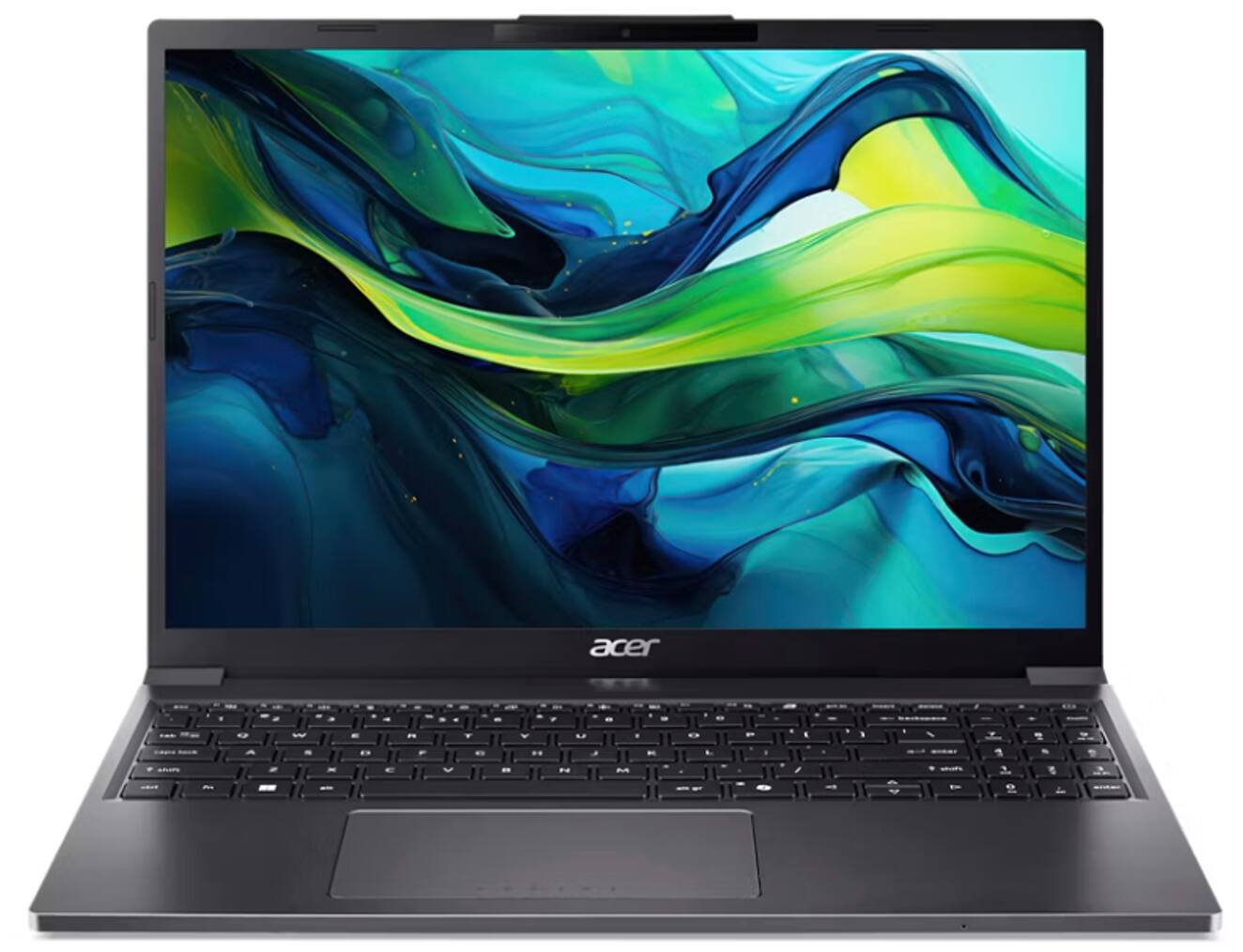
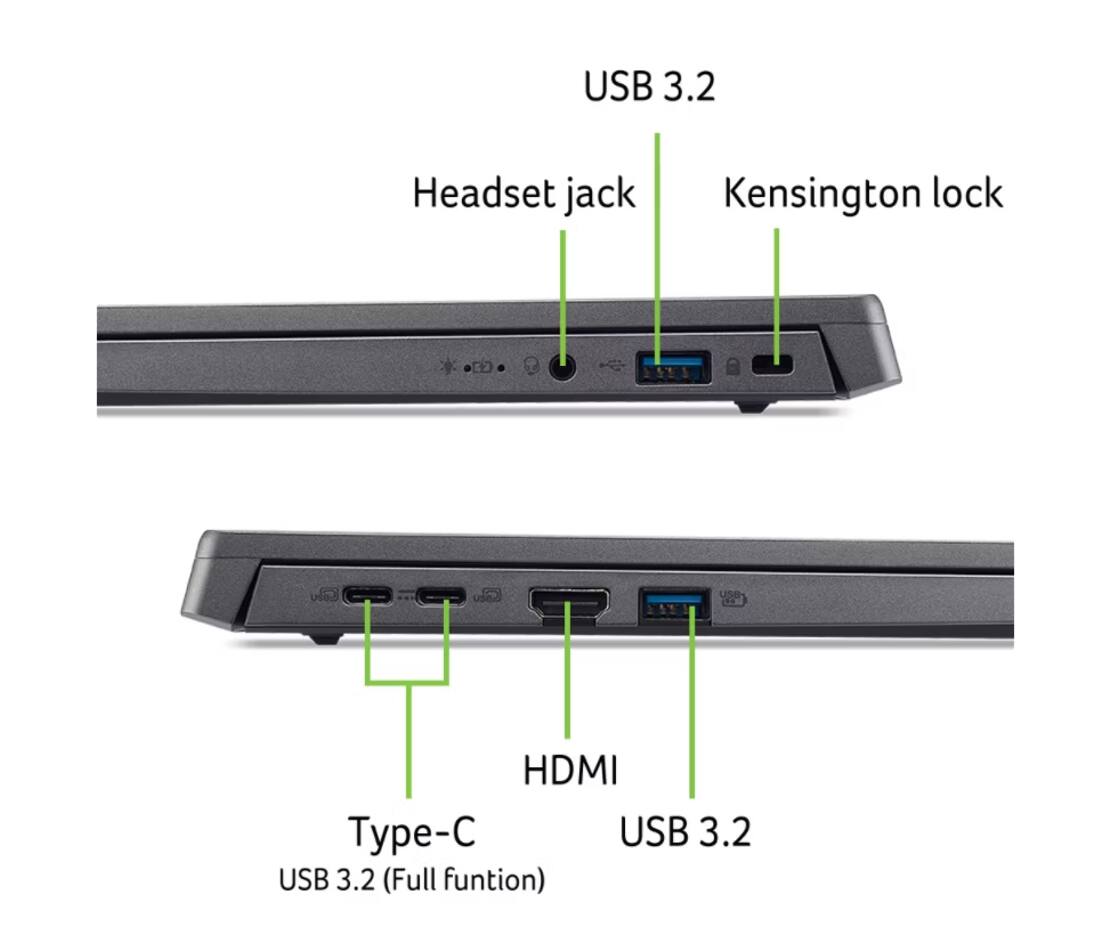
A:Answer To enable your Acer touchpad without a mouse, use the keyboard shortcut Fn +F10, to toggle it on/off. If that fails, use Windows key + I to open Settings, navigate to Bluetooth & devices > Touchpad, and flip the switch to On using the Tab/Arrow keys for navigation. If you need more help with this please contact our support team at 866-695-2237; they are available to assist 24/7 for in-warranty products.
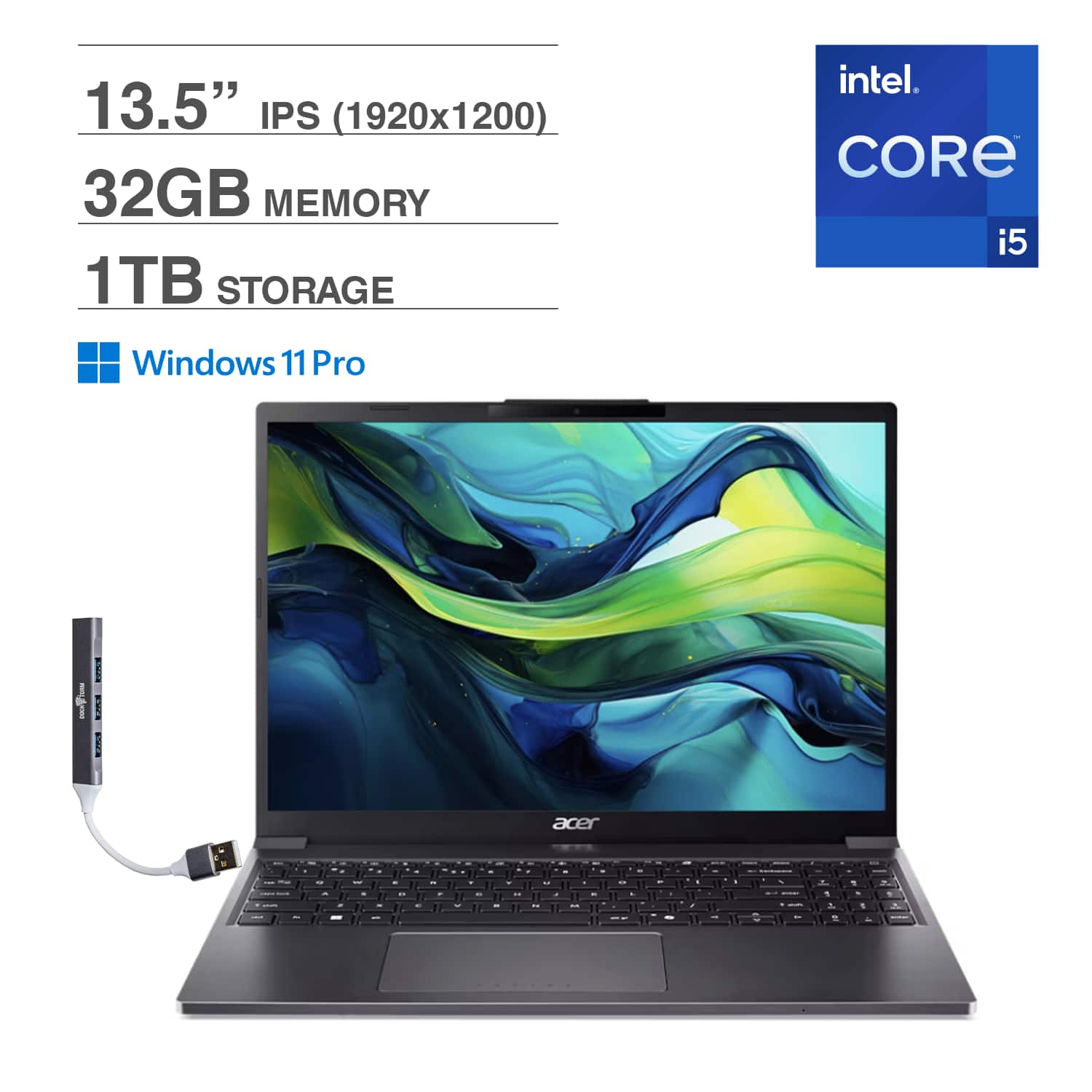
![ASPIRE
esc 1 2 3 4 5 6 7 8 9 0 - = backspace tab Q W E R T Y U I O P [ ] \ caps lock A S D F G H J K L ; ' enter shift Z X C V B N M , . / shift 1 2 3 4 5 6 7 8 9 0 - = insert delete / - + num 7 8 9 - 4 5 6 . 1 2 3 . ctrl fn alt alt gr D A D 0 - enter](https://pisces.bbystatic.com/image2/BestBuy_US/images/products/b891cb2f-f40c-4e7c-945c-8052b004ad55.png)