A:AnswerAcer has not tested this app so you might want to check with Dish to see what the system requirements are for their app, and compare that with specifications of the laptop you need.
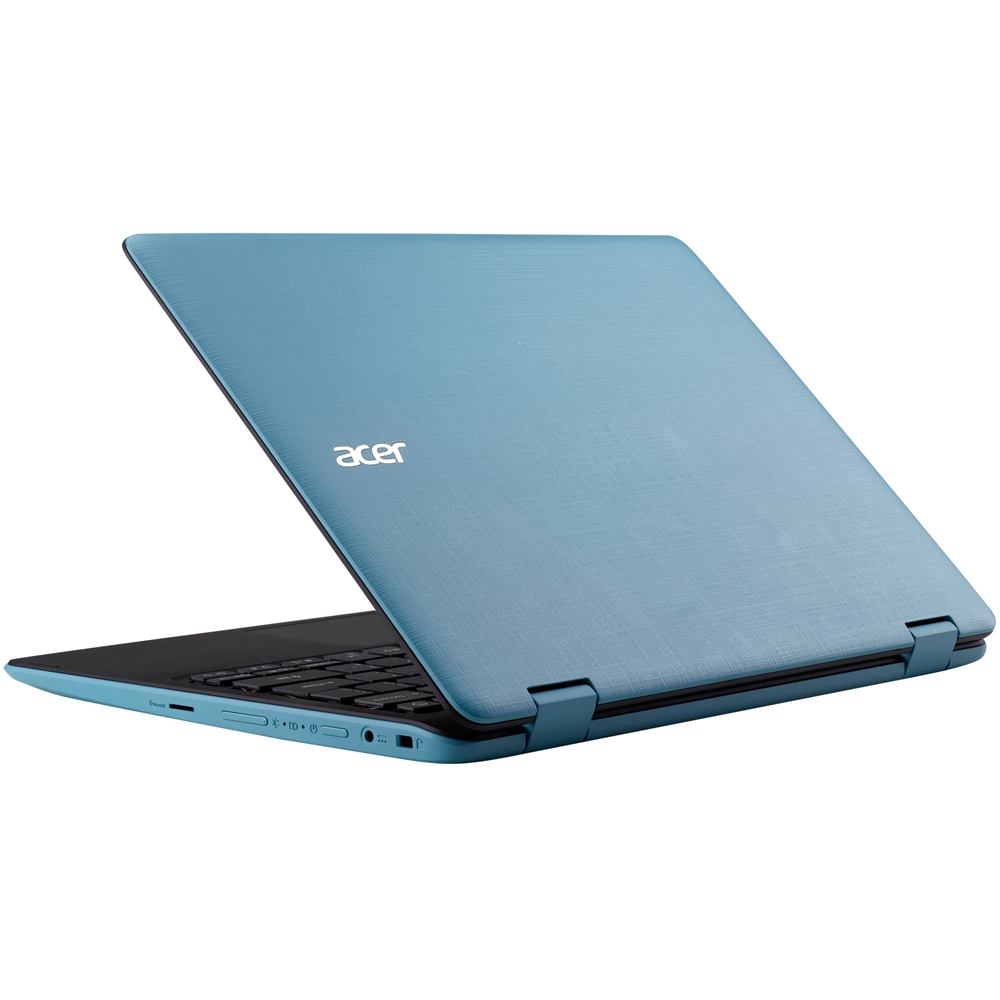
A:AnswerI don't think the main"disk" can be upgraded, but it does have a microSD slot. I put a 32GB card in as the"D" drive. Slower than the main drive but adequate for the $10 it cost.
A:AnswerThis the spec for the AC adapter that comes with the SP111-31 laptop:
Input rating 45 W
Input AC current (max) 100-240 V, 2.37 A, 50-60 Hz
Output 19 V, 3-pin
A:AnswerWhile Acer does not test many gaming applications we would recommend you check that the computer meets the system requirements of the application/game to determine if it will work. You can also contact the software vendor to see if they can provide information on compatibility with their software. You might also post your question on the Acer Community where there are many users that post questions and offer help and advice on Acer products. The link is: https://community.acer.com/
A:AnswerThis is a Windows 10 laptop so yes, it is compatible with Microsoft Word. Please note that this has a 32GB eMMC drive so keep this in mind when installing high capacity applications to use.
A:AnswerThese products have a 90-day warranty against hardware defects. If you are within your warranty period please contact PlanetROI who provides warranty service and support for the recertified products. Contact information should be included in box with the computer. They will be happy to provide assistance with your recertified Acer and offer repair if it is needed. Here is their contact information in case you need:
844.433.8476
Service@AcerRecertified.com