Questions & Answers
- Model:
- B226HQL YMDPR
- |
- SKU:
- 6408466
Highly rated by customers for: Ease of use, Picture Quality, Price
Page Showing 21-31 of 31 questions
Q: QuestionCan this be for pc gaming
Asked by User.
- A:Answer it can be used for pc gaming, but not recommended if you have a mid-high tier pc. the refresh rate is only 60hz which means that if your computer runs games at 60fps+, this monitor would be pretty useless.
Answered by user
Q: QuestionWhat are the dimensions of the stand/base of the monitor?
Asked by Katie.
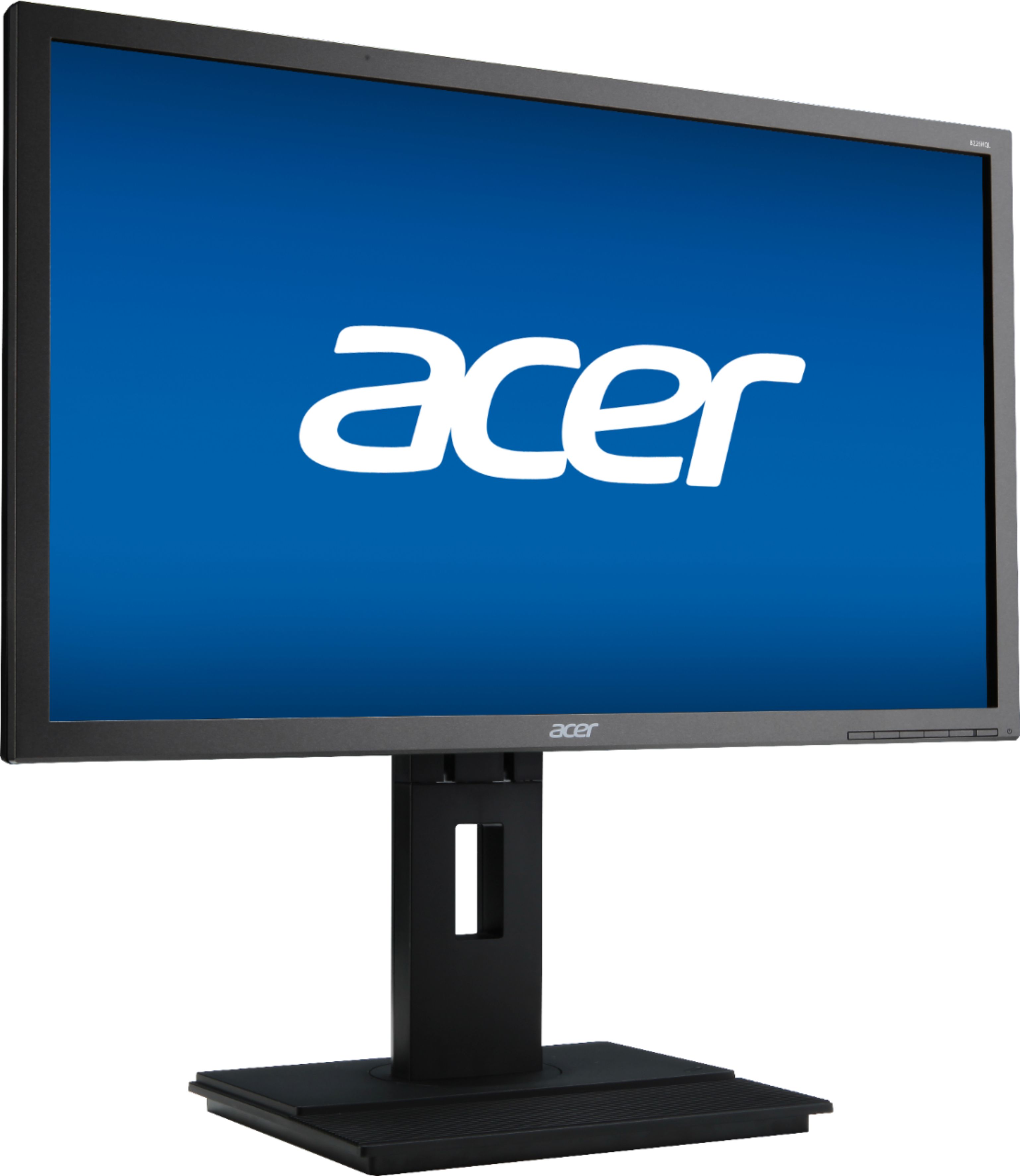
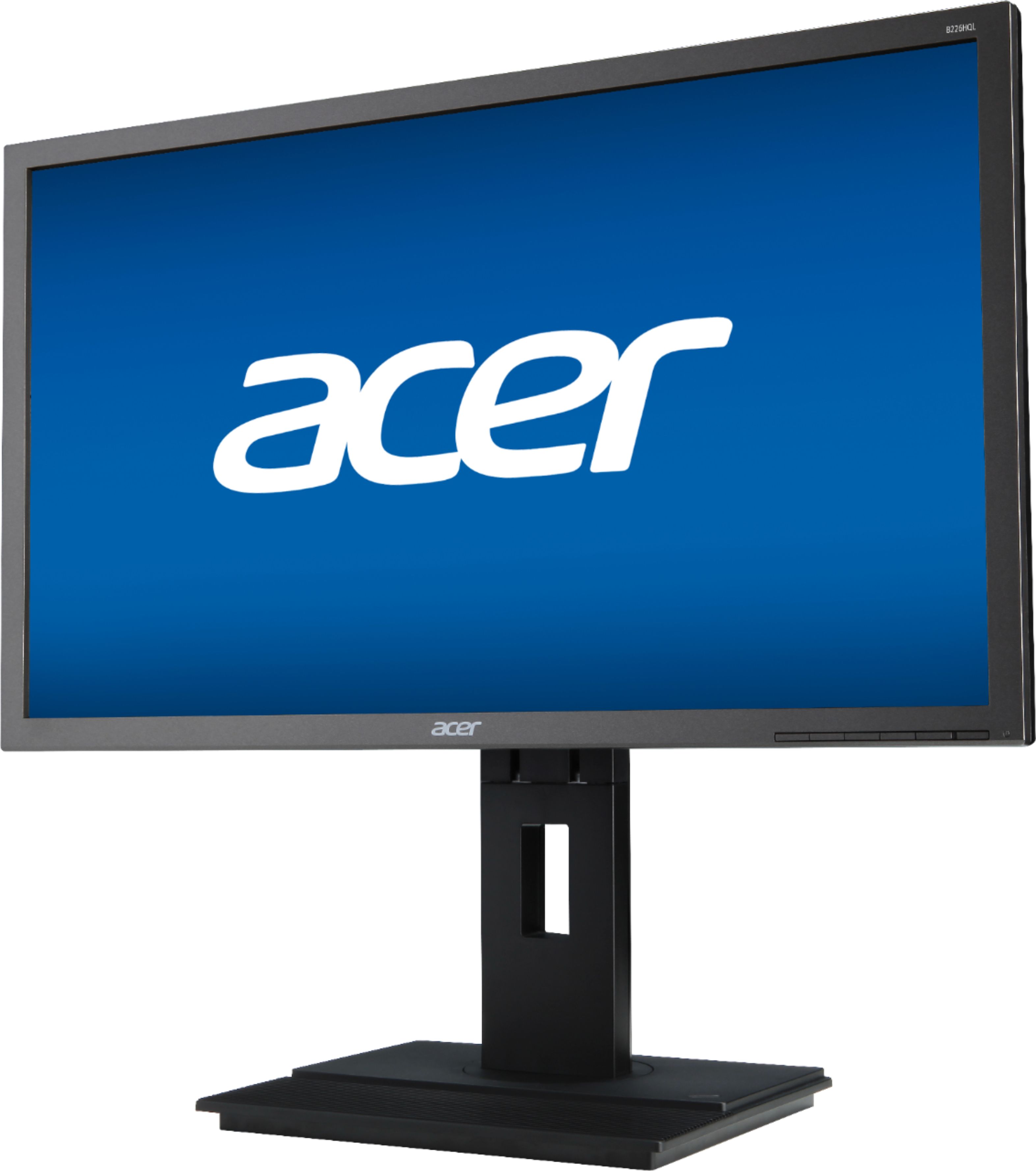
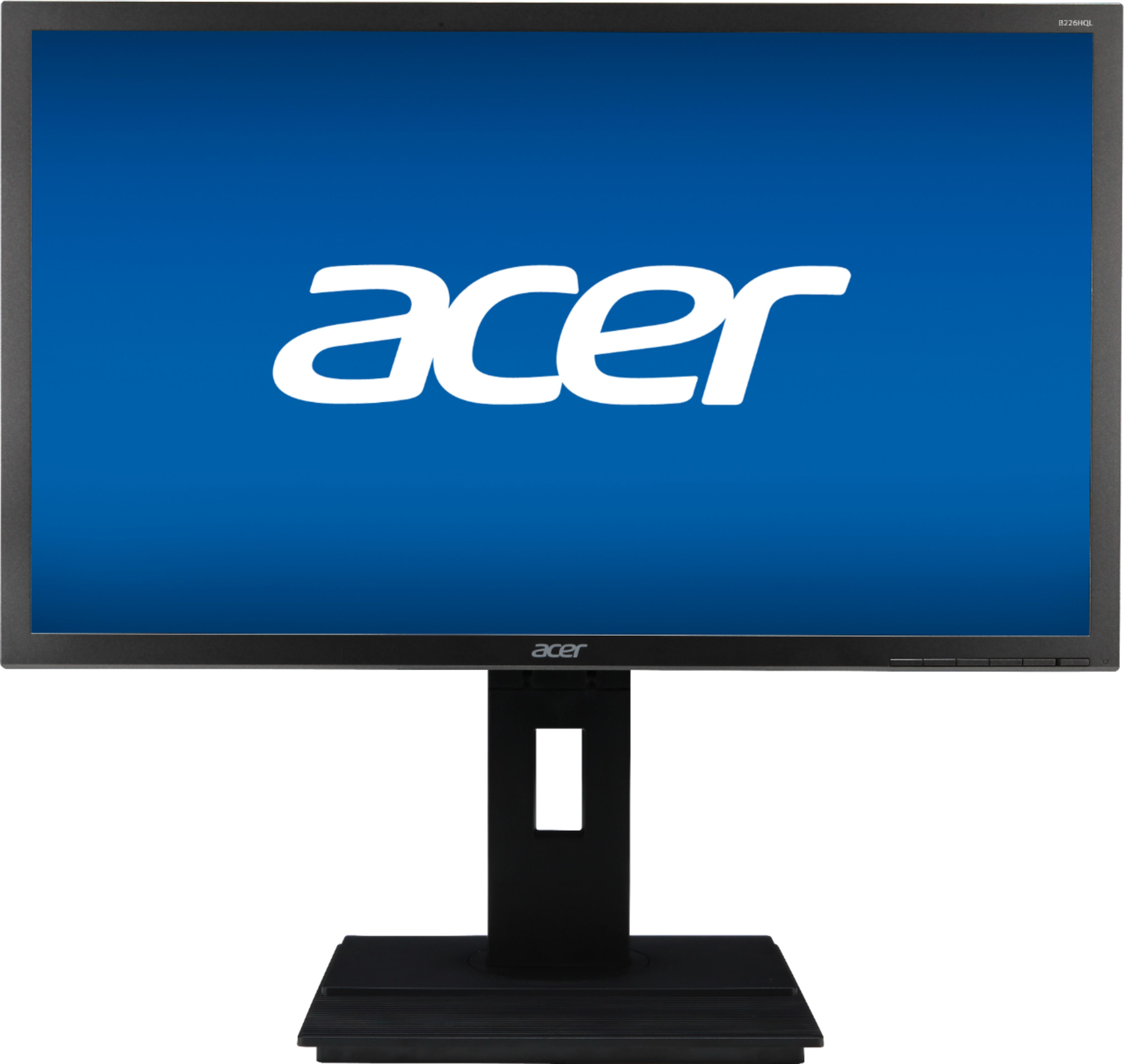
- A:Answer The stand is approximately 10" wide by 8.7" deep.
Answered by TeamAcer

Q: QuestionWhat are the minimum and maximum heights of the monitor top when on the stand?
Asked by tomhickory.
- A:Answer The monitor dimensions with the stand are: 20.0 x 14.56~20.46 x 8.71", WxHxD.
Answered by TeamAcer

Q: QuestionDoes it have an HDMI port?
Asked by Alex.
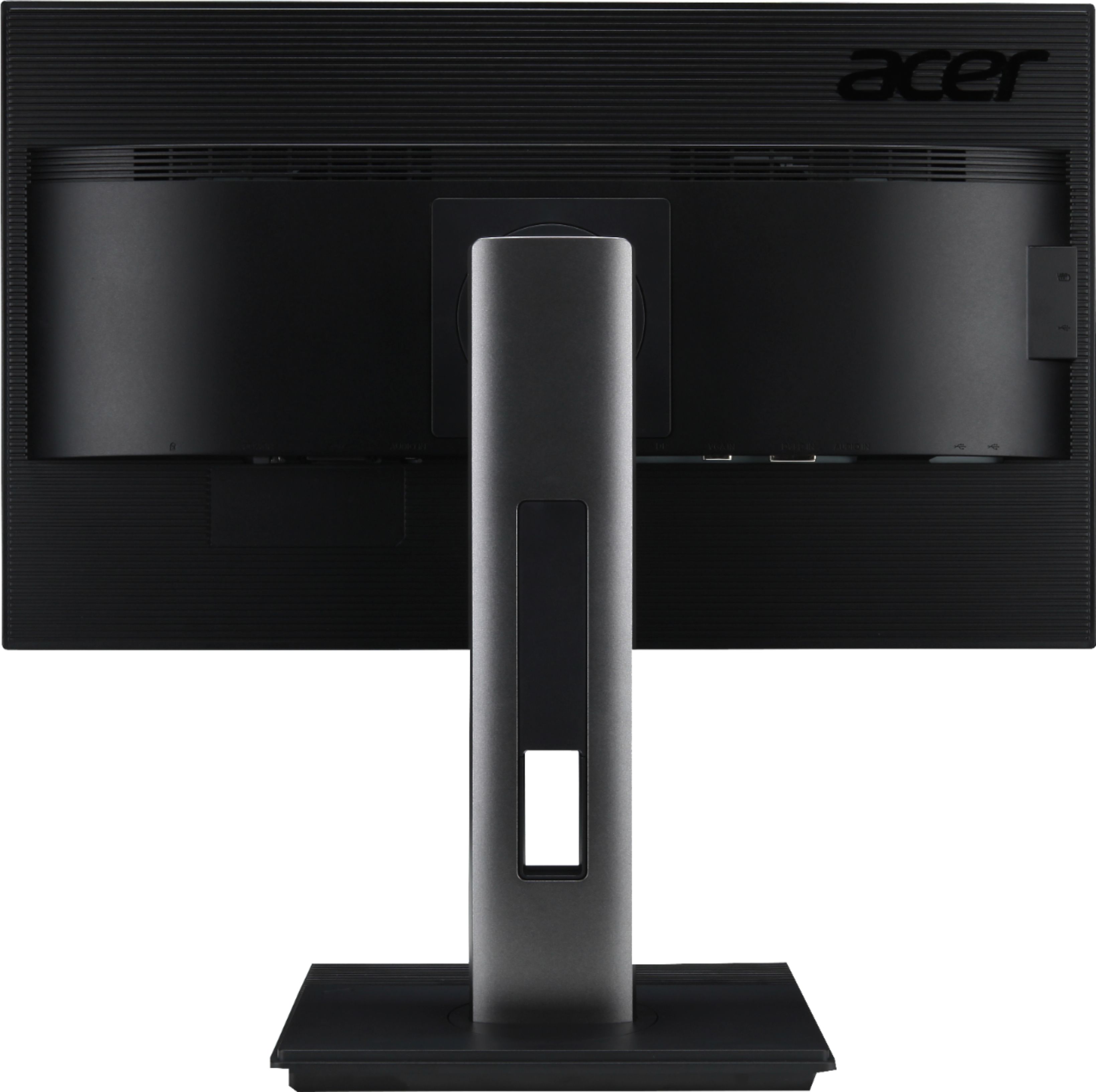
- A:Answer No, this monitor has DVI, VGA and DisplayPort inputs.
Answered by TeamAcer

Q: QuestionDo you need to connect both the included VGA cable and DisplayPort cable for the monitor to work, or will one of these be enough to plug into a laptop?
Asked by Anonymous.
- A:Answer No, just one or the other. It all depends what the laptop supports
Answered by bwesterman
Q: QuestionWould this monitor be good for gaming
Asked by Pstar7.
- A:Answer Depending on what games you play, this monitor should work fine.
Answered by TeamAcer

Q: QuestionCan you rotate this monitor vertically?
Asked by Goomba.
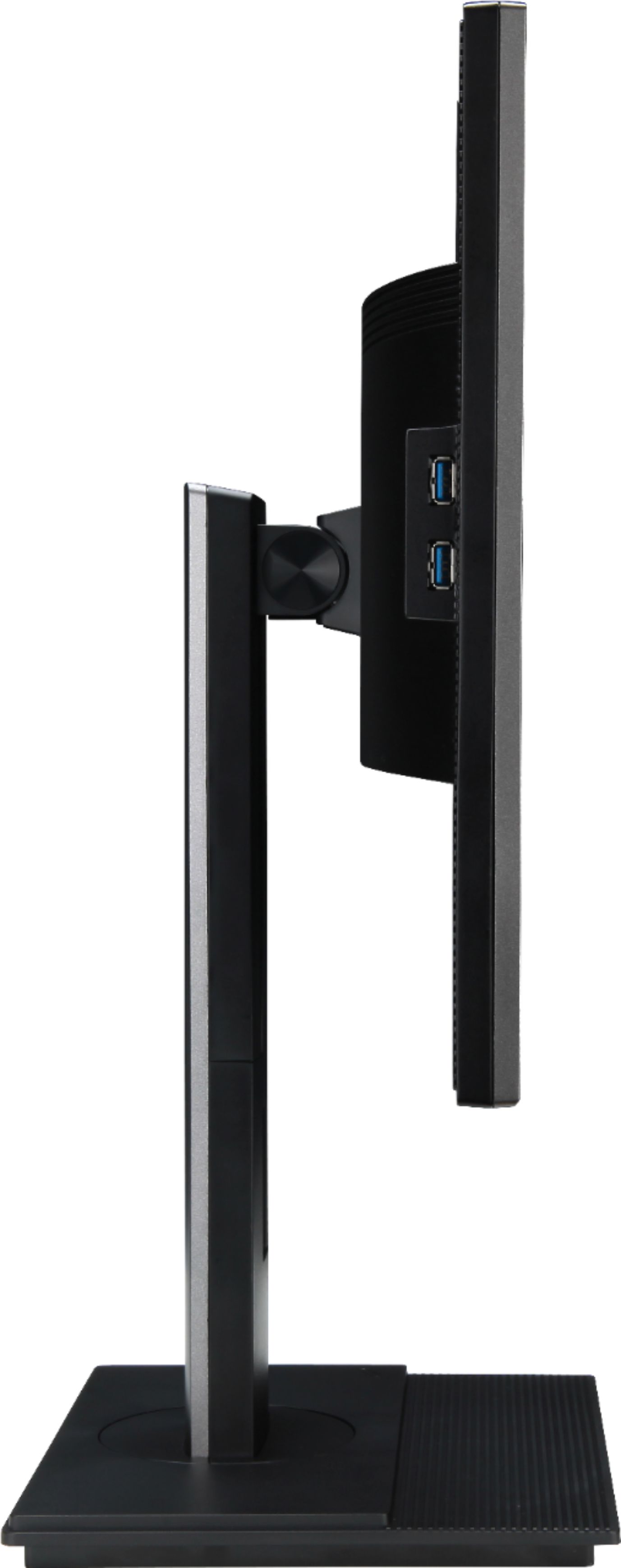
- A:Answer Yes, this monitor supports pivoting from landscape to portrait mode.
Answered by TeamAcer

Q: QuestionHow do I dim the brightness of the screen? It is too bright, and the only dimming setting I can find is the "eco" setting, which isn't nearly enough.
Asked by MM.
- A:Answer There should be a brightness setting in the On Screen Display settings using the menu buttons on the monitor. Please refer to your user guide or you can contact Acer support at 866-695-2237 for assistance.
Answered by TeamAcer

Q: QuestionCan the monitor rotate vertically?
Asked by DJP7.
- A:Answer Wrong. This monitor will rotate 90 degrees from landscape to portrait.
Answered by dude
Q: QuestionWould this be able to hook up to an Xbox yo play
Asked by Zack.
- A:Answer This monitor has DVI, VGA and DisplayPort inputs, so if your Xbox connects via HDMI you can try an adapter but please understand Acer can guarantee best performance using a direct connection.
Answered by TeamAcer

Q: QuestionDoes this monitor have built in speakers so I can hear stuff when I play games
Asked by Adrian.
- A:Answer No, this monitor does not have built in speakers.
Answered by TeamAcer

Page 2, Showing 21-31 of 31 questions
Top Rated
- Tech Fest Deal$99.99