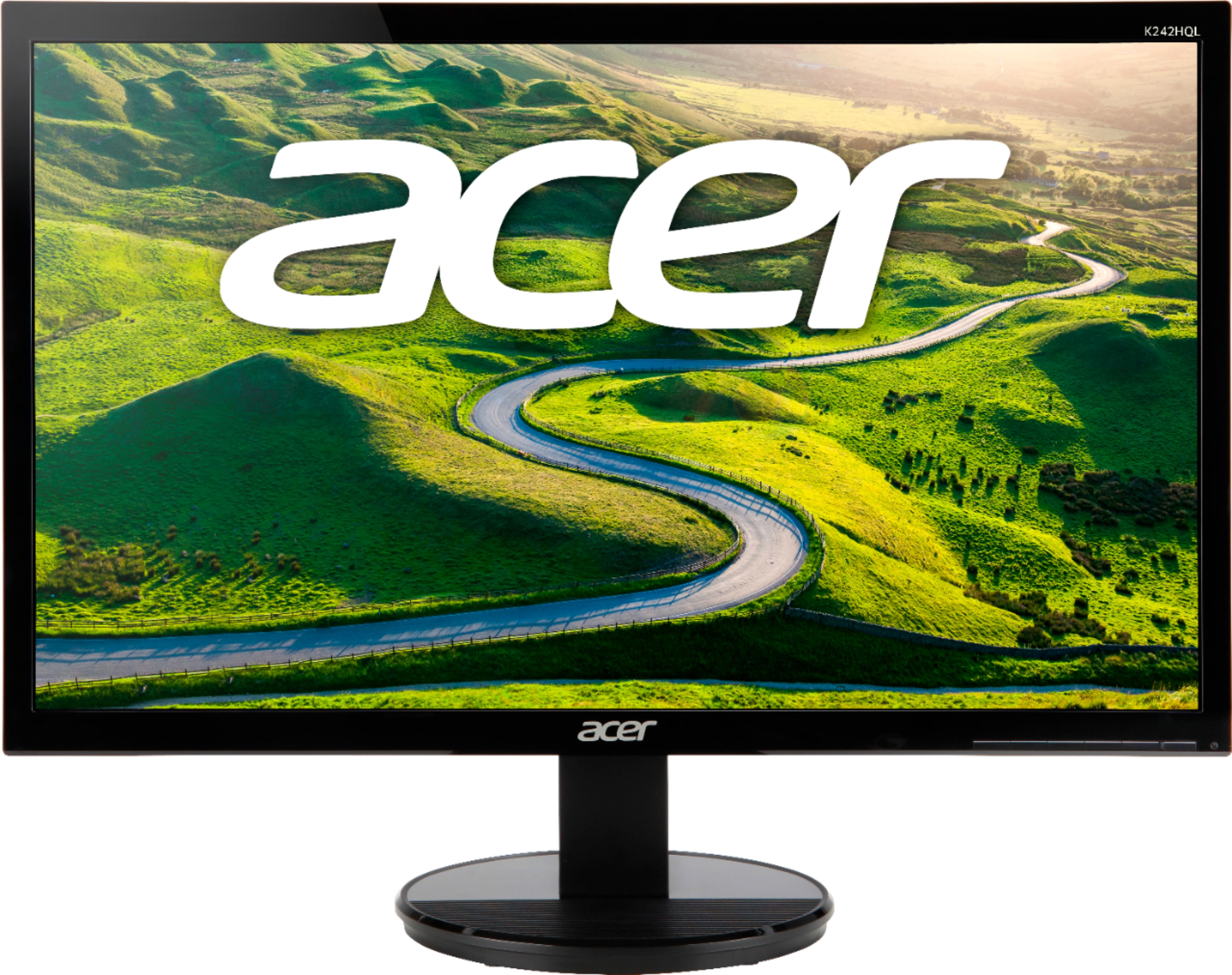
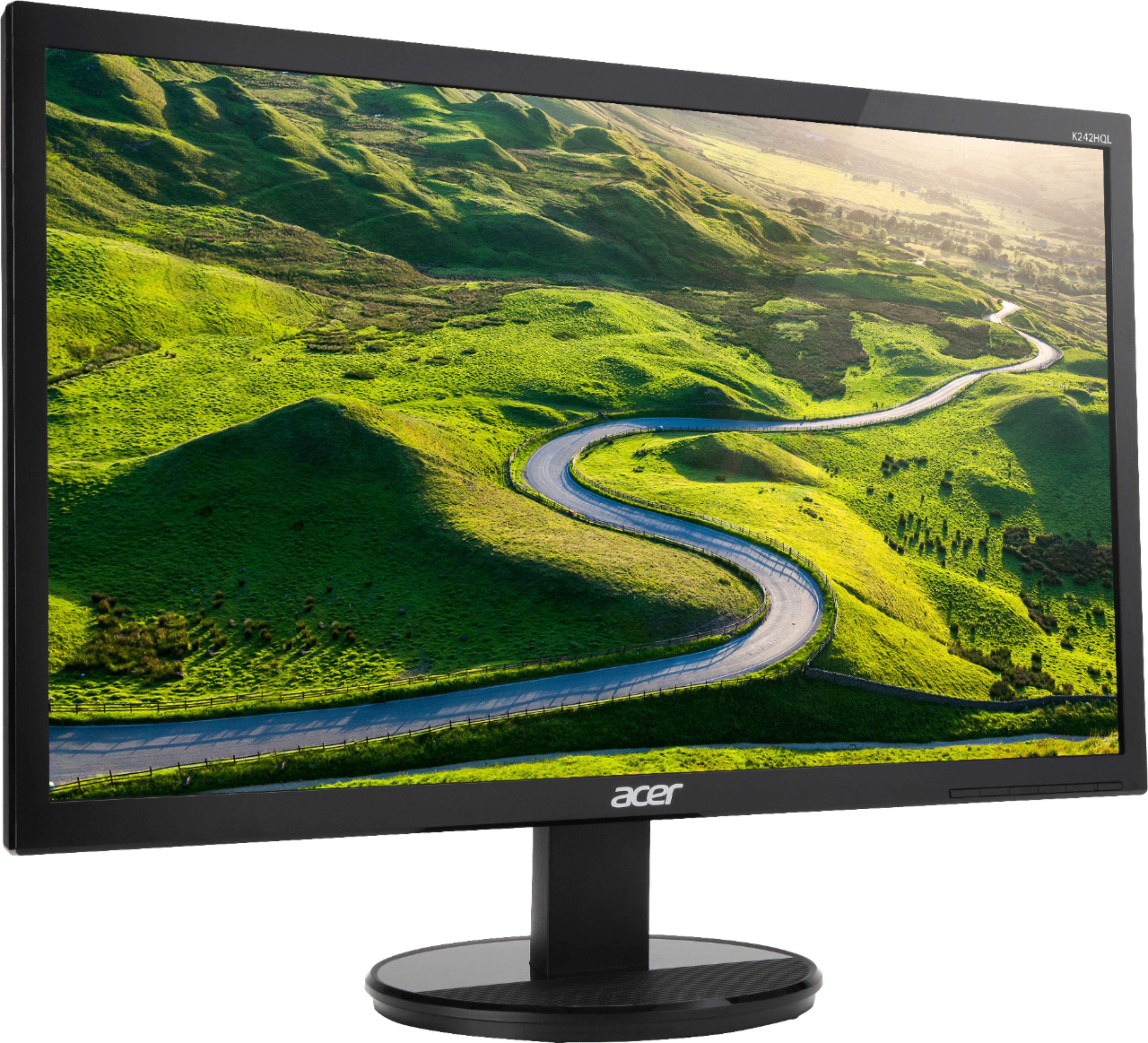
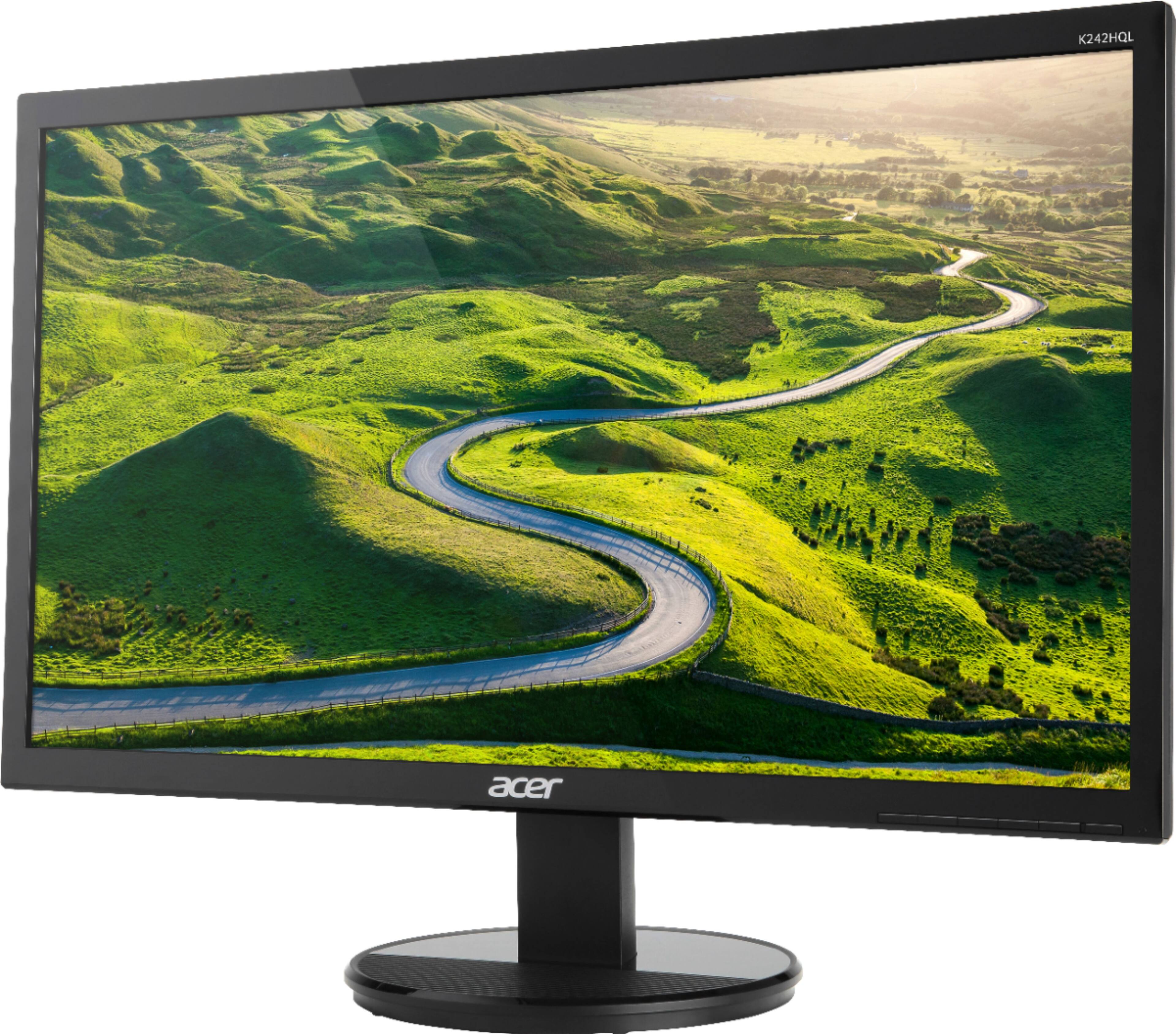
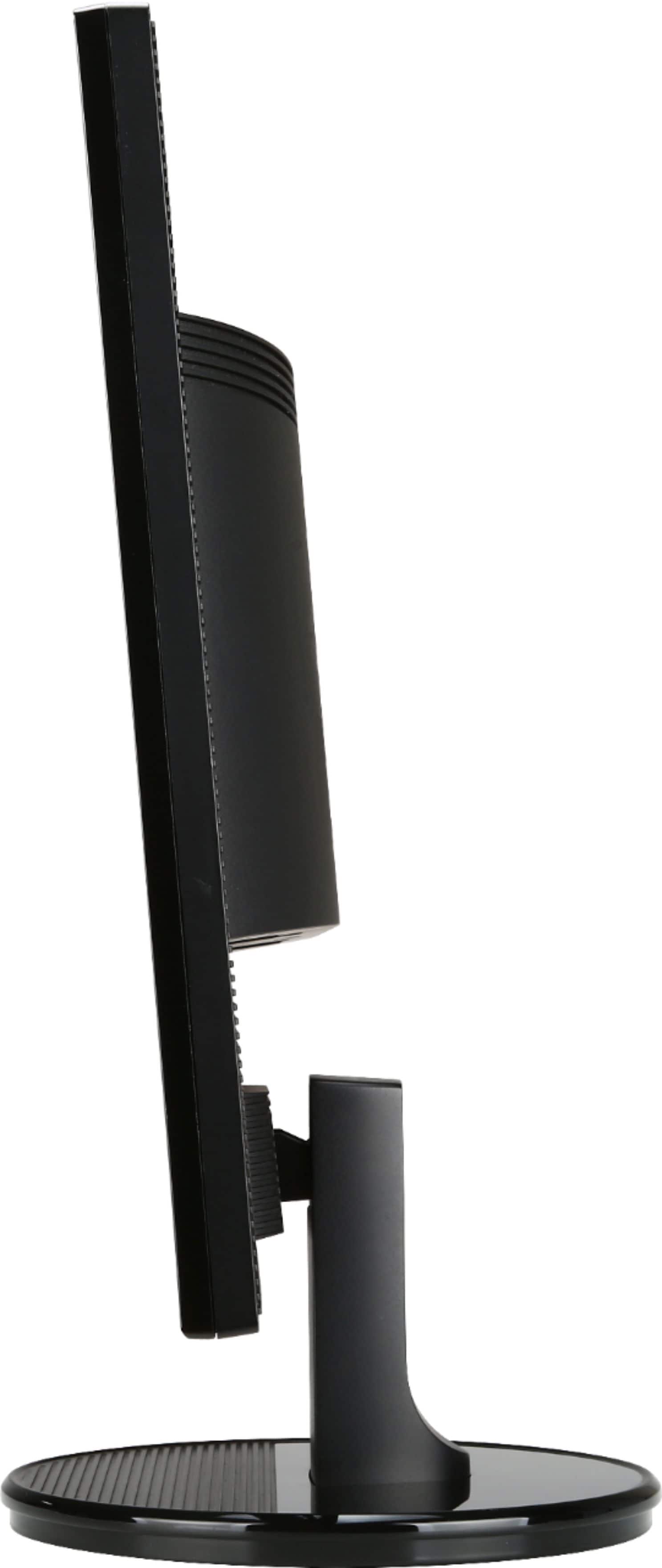
A:AnswerYou would have to get a Mini DisplayPort to HDMI cable to connect it to an older MacBook. If you want to connect the monitor to a new MacBook, you would need a USB-C to HDMI Cable. So yeah. It works.
A:AnswerThis monitor has HDMI, DVI and VGA connections. You will need to check your desktop connections for any one of these ports, to connect a monitor.
A:AnswerThis monitor should work with most any laptop that has an HDMI, DVI or VGA connection. You need to see what type of video connection(s) your HP laptop has, and purchase the corresponding cable for the connection you want to use.